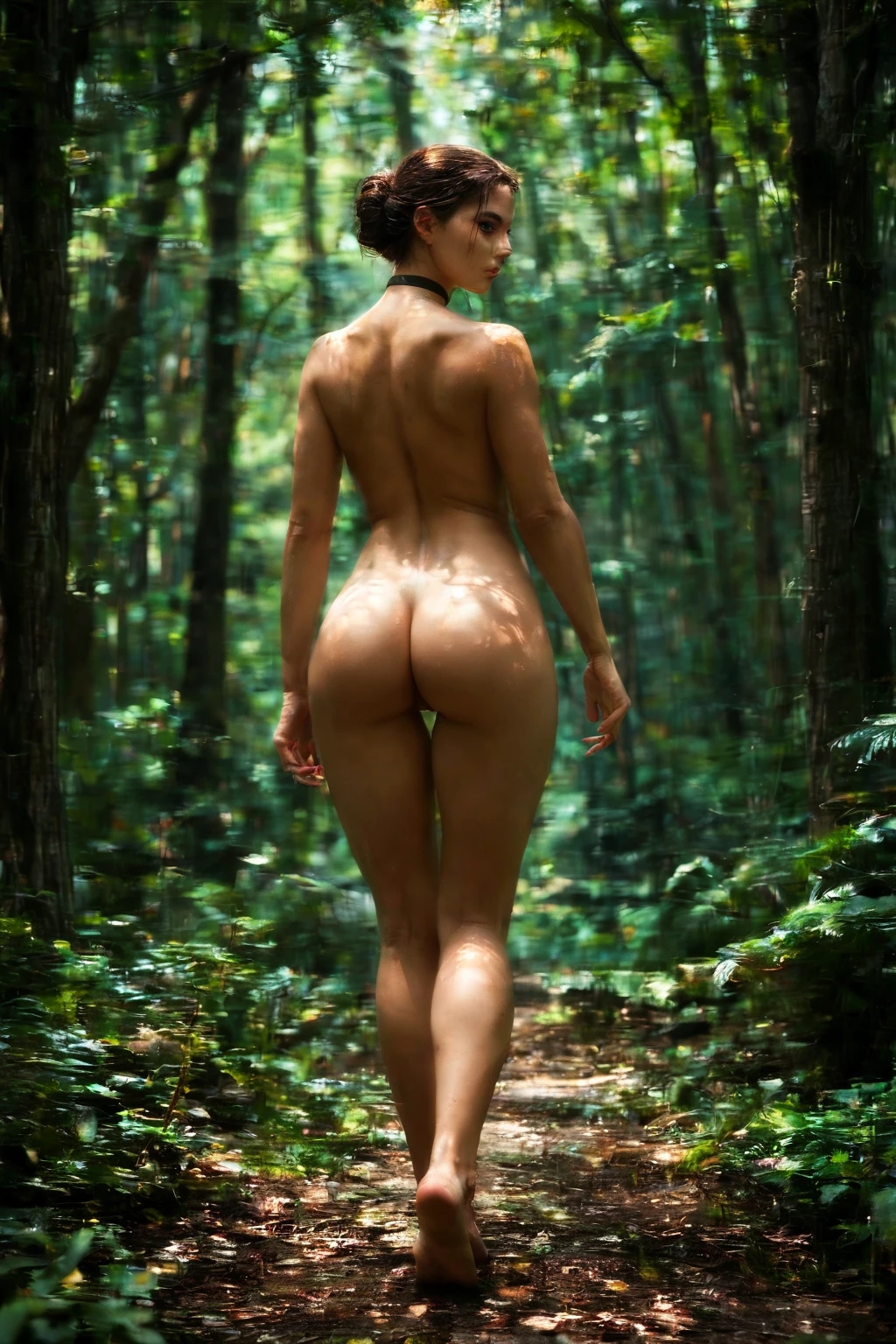

How to Generate Choker AI Images — Complete Guide
Few accessories work as hard as a single band at the throat. It frames the face, draws the eye down the neckline, and gives a scene that intimate, slightly bold edge that the rest of the styling then plays against. On AINudeGirls you get that look without touching a prompt: pick the choker category and the platform assembles the image for you.
For background on the subject itself, see Choker on Wikipedia.
The workflow is deliberately short. Choose the category, let the system build the shot, and review what comes back. You can start from the choker category page or jump straight into the generator — either route lands in the same place.
What the Choker Category Captures
Here is the one definition worth memorising: this category means a tight black choker worn around the neck. It sits snug against the throat, with no visible gaps between the band and the skin. Black is the rule — a non-black band does not qualify. So does the form: a loose necklace, a draped chain, or a scarf all fall outside the category, and no other jewelry stands in for it. The band itself is the whole requirement. Everything else in the frame is yours to vary.
Real Outputs First: Choker Examples
choker example 1
choker example 2
choker example 3
choker example 4
choker example 5
choker example 6
choker example 7
choker example 8
choker example 9
choker example 10
choker example 11
choker example 12
choker example 13
choker example 14
choker example 15
choker example 16
The full set runs to 30 shots in the choker gallery, and if you want the photoreal cut only, switch to the realistic choker style.
Generating a Choker Image, Step by Step
1. Open the Generate page, choose the choker category, and kick off the run.
2. The platform writes the prompt from your pick and renders WebP images at 1312x1968.
3. Review the results in your gallery. Want a second figure in the frame? Flip the male-partner toggle on and one will be added to the scene — it stays off unless you switch it.
Example Prompts to Try
Prefer to see the wording the system leans on? Here is the modifier clause behind this category, if you want to experiment with it yourself.
Modifier clause:
```text
wearing a tight black choker around her neck
```
Framing and Styling Notes
The band lives at the throat, so the frame stays on the neck and upper chest — that keeps the choker clearly in view as the piece the whole image is built around. It is the primary subject, and the crop is there to hold it there.
The mood carries through unchanged: intimate and bold, the same note across every shot in the category. Lighting is where the variation lives, playing across the texture of the black band against the skin. The one fixed point is the accessory itself.
Combining Choker With Other Picks
Choker sits in the jewelry family, and it plays nicely with picks from other groups. Where two selections would clash, the choker is the one that holds — so if a combination can't show both, expect the band to be what survives in the frame.
Practical Choker Tips
- Name the piece however feels natural: choker, choker necklace, or neck band all point to the same accessory.
- Layer in style, quality, and subject details to sharpen the result.
- Pick the same AI model if you want the AI to hold a consistent face.
- Batch a handful of variations in one go, then keep the frame you like best.
Where Results Go Wrong
Most rejected shots fail for the same reason: the band isn't reading as the trait described above. A choker that sits loose, drifts off the neck, or goes missing entirely won't clear review — the platform is checking for that snug black band and nothing looser. The other trap is wording: call out necklaces, bracelets, or other jewelry and you risk the system reaching for the wrong piece. Keep the reference clean and let the choker be the accessory on the neck.
Your Choker Questions Answered
Q: The band came back loose or sitting low — why?
Review is looking for a snug fit right at the throat. A band that drapes, slips down the chest, or leaves a gap reads as a different piece and won't pass, so lean the styling toward tight and high on the neck.
Q: Can the choker be a colour other than black?
No. This category is specifically the black band; a coloured or metallic version falls outside it. For a different treatment of the same look, the realistic choker style is the photoreal cut.
Q: Does mentioning a necklace or pendant help?
It tends to work against you. Naming other neckwear can pull the render toward that instead of the choker, so keep the description centred on the band alone.
Q: What format and size do the images come in?
Every choker render lands as a WebP file at 1312x1968.
Ready to Run
Pick the category and let the platform handle the rest — start a run in the AI Choker Generator or the generator. You can also browse the full Choker gallery, the realistic choker style, or the rest of the blog overview.