
How to Generate Curly Hair AI Images — Complete Guide
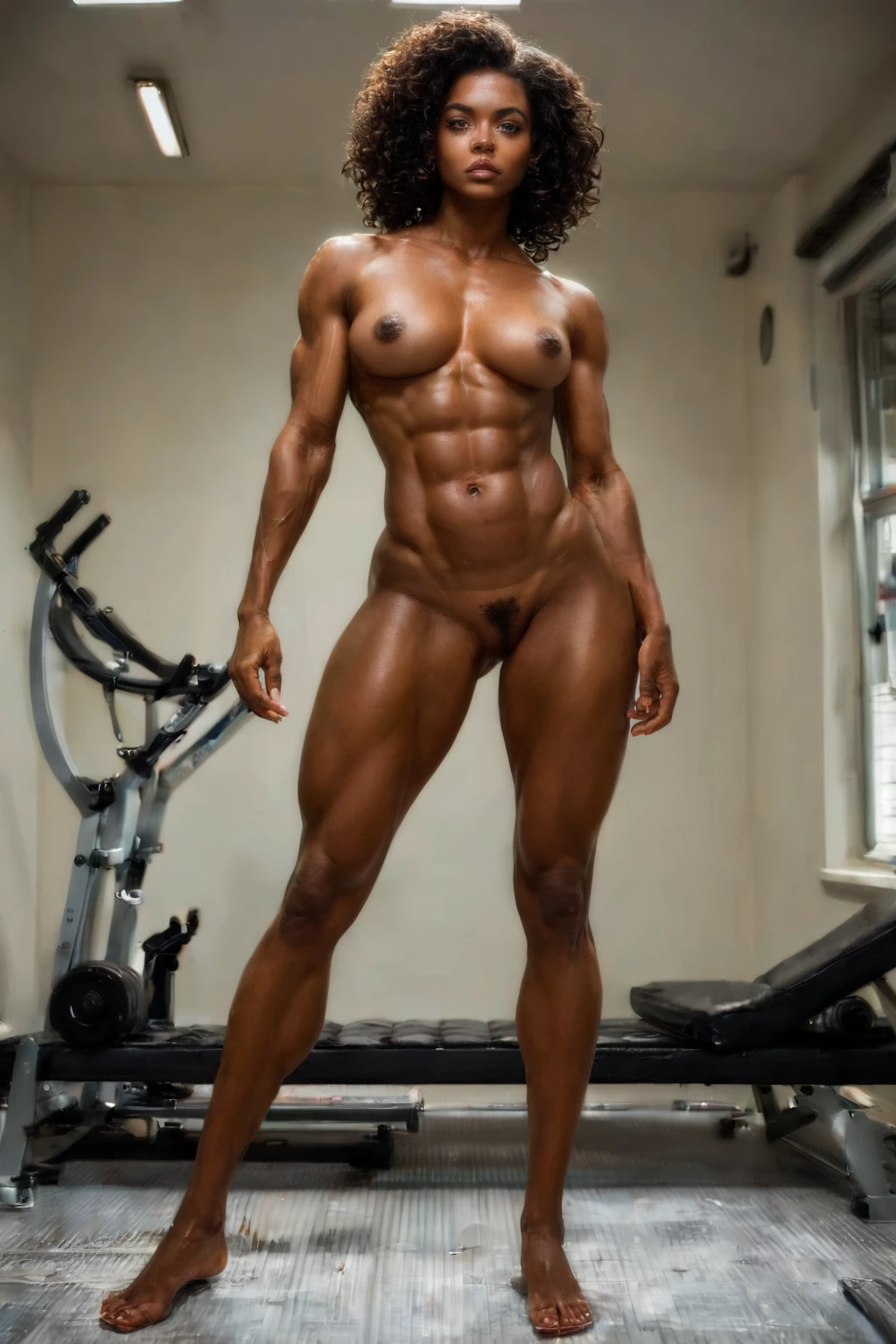
Notice the outline before anything else: a wide, buoyant halo of hair that pushes past the shoulders and gives the whole figure a rounder, softer footprint on the canvas. It reads as movement even when the pose is still. On AINudeGirls you reach for that shape by choosing the curly hair category — the platform assembles the prompt from your picks, so you never type descriptors by hand and every render stays true to what the category promises.
Everything here applies on the curly hair category page and on the generator.
What the Curly Hair Category Captures
Under this category, "curly hair" means voluminous curly hair — hair with clear curl texture and body, worn full rather than sleek. That is the single trait the platform builds toward and checks for, and it's the reason the category sits on its own rather than blurring into the other hair styles.
See It First: Curly Hair Examples
curly hair example 1
curly hair example 2
curly hair example 3
curly hair example 4
curly hair example 5
curly hair example 6
curly hair example 7
curly hair example 8
curly hair example 9
curly hair example 10
curly hair example 11
curly hair example 12
curly hair example 13
curly hair example 14
curly hair example 15
curly hair example 16
There are 30 in the full curly hair gallery, and if you want the photoreal cut of the same look, jump to the realistic curly hair style.
Generating It, Step by Step
1. Open the Generate page, select curly hair alongside any other categories you like, and start the run.
2. The platform writes the prompt for you and returns a WebP image at 1312x1968, delivered straight to your gallery.
3. The scene is solo unless you say otherwise. To place a male partner in the frame, flip the male-partner toggle on — he won't appear on his own.
The Prompt Fragment the Category Adds
Curly hair contributes the voluminous modifier to the prompt the platform builds:
```text
voluminous curly hair
```
The Range You Can Work Within
Even locked to that one defining trait, there's plenty of room to move. Curl scale runs from tight coils to loose, open ringlets, and the mass can sit thick and cascading over the shoulders or draw in closer to frame the face. The hair fills the frame in different ways depending on how it falls.
Around that, the usual dials are yours to turn. Lighting can run bright or shadowed to suit the mood. Necklines open or high both sit comfortably against a full head of curls. The overall tone can lean playful and loose or moody and composed — background and composition carry that, while the curls stay the anchor. One constant across all of it: the render leans on curls as its cue, so the output stays curly rather than straight.
Combining Curly Hair with Other Picks
Curly hair belongs to the hair-style group, and that group is one-at-a-time: braids, long-hair, pigtails, ponytail, short-hair, and curly hair all live there, but only a single hairstyle from that group can land in one image. So if you want two of them together, that won't happen — pair curly hair with picks outside the hair-style group if you want everything to show. Outside of hair, curly hair layers cleanly with the rest of the catalog, so combine away.
How Curly Hair Differs from Its Neighbors
The styles below are the ones people tend to line up next to curly hair, so here's what each actually delivers:
Category What it actually is
--- ---
curly hair (this guide) voluminous curly hair
pigtails playful twin pigtails
ponytail high tight ponytail
long hair very long flowing hair down to her waist
Getting Sharper Results
- Lean on a batch: generate several at once, then keep the strongest frames.
- Regenerate and keep the frames whose curls match what you have in mind.
- When you're stacking categories, make sure the hair-style slot is the curly hair variant and not another style competing for that one spot.
Where Renders Fall Short
The one thing to protect is that defining trait above. Treat "full and voluminous" as the bar the gallery sets, and lean on the batch-and-pick habit — generate several and keep the frames that hit it.
Curly Hair Questions, Answered
Q: My curls keep coming out loose and barely-there — how do I get real body?
The category is built for voluminous curls, so full body is the intended result. Generate a batch and keep the ones with the fullness the gallery shows.
Q: Can I control how tight or loose the curls are?
The category commits to voluminous curly hair and the platform handles the phrasing; you don't dial curl tightness by hand. Across a batch you'll see the natural spread from tighter coils to looser ringlets.
Q: Will picking curly hair and another hairstyle together give me a blend?
No — only one hairstyle from that group shows up in a single image, so two styles like curly hair and a ponytail can't share one frame. If you want another look alongside the curls, pair curly hair with picks from outside the hair-style group.
Q: Is a male partner in the scene by default?
No. The scene is solo until you enable the male-partner control.
Keep Reading
The nearest neighbors each have their own walkthrough:
- How to generate pigtails AI images
- How to generate ponytail AI images
- How to generate long hair AI images
You'll find the rest indexed on the blog.
Ready to build your own? Start in the AI Curly Hair Generator.