
How to Generate Freckles AI Images — Complete Guide
Freckles are a surface texture, not an accessory. They live on the skin itself, they scatter rather than sit in a pattern, and they change how light breaks across a cheekbone or a collarbone. That makes them one of the few looks you cannot fake with wardrobe or framing alone. On AINudeGirls you pick the freckles category and the platform writes the wording into every image of the run for you. Nothing to type, nothing to tune.
Ready to try it? Open the AI freckles generator. For background on the subject itself, see Freckle on Wikipedia.
Freckles at a Glance
One detail defines the category: freckled skin, scattered across the cheeks and chest. That is the entire requirement and the entire promise. No other skin feature stands in for it, and an image that doesn't show it isn't a freckles image, however good the rest of the frame looks.
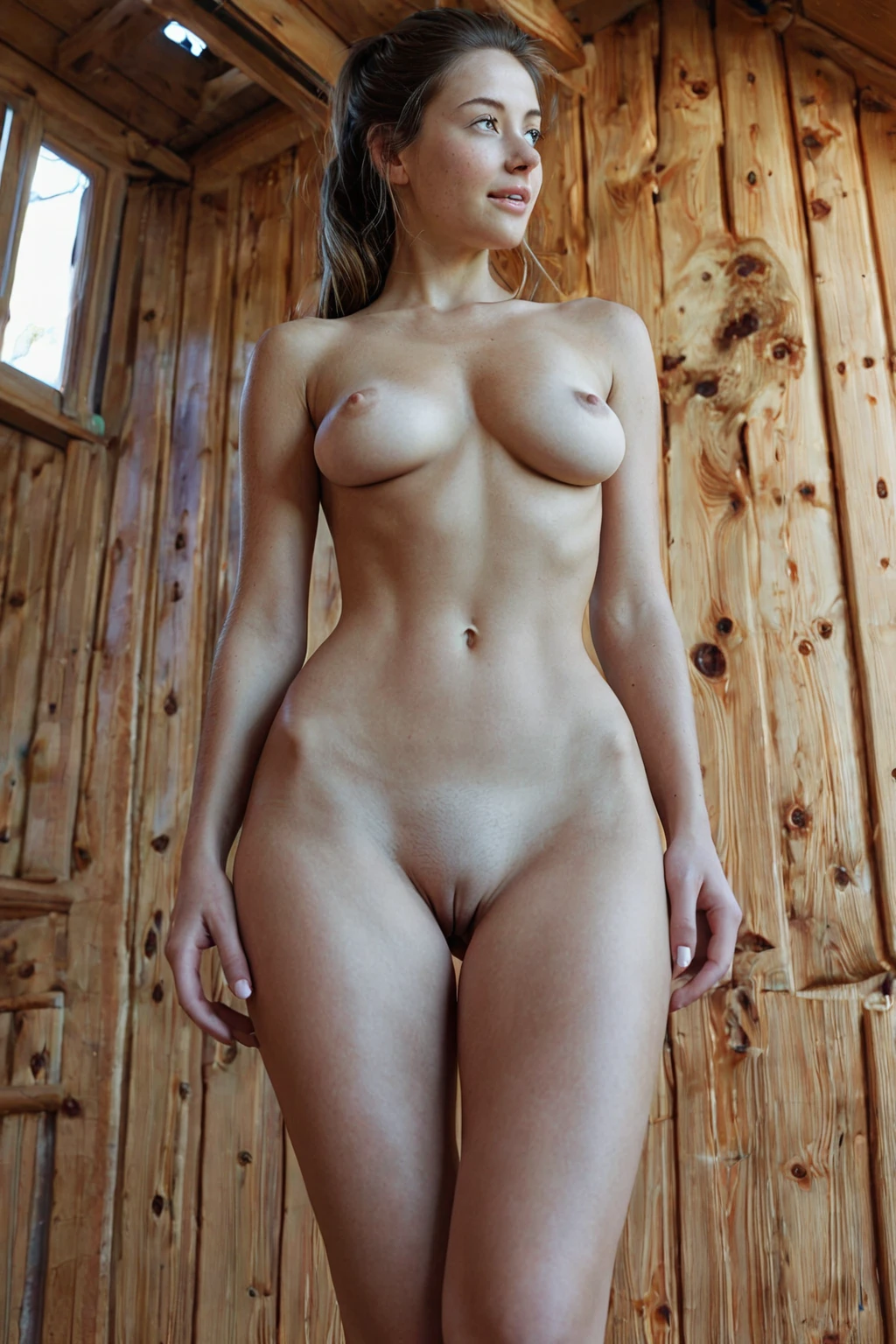
freckles example 1
freckles example 2
freckles example 3
freckles example 4
freckles example 5
freckles example 6
freckles example 7
freckles example 8
freckles example 9
freckles example 10
freckles example 11
freckles example 12
freckles example 13
freckles example 14
freckles example 15
freckles example 16
There are 29 examples in the freckles gallery if you want the full spread, and a tighter photoreal-only cut if you only care about the ones that read as photographs.
Getting a Freckles Image Out
1. Open the Generate page and select freckles. You can select more than one category in the same run.
2. Start the generation. Finished frames land in your gallery.
3. Open the result. Every image comes back as WebP at 1312x1968.
4. Optional: switch on the male-partner control if you want a second figure in the frame. It stays off unless you turn it on.
A single image costs 15 credits. Sets are cheaper per frame: 68 credits for five, 120 for ten.
Failure Modes
The category has one way to fail, and it has several disguises.
Harsh, contrasty light is the most common. Deep shadow across the cheek swallows the speckling; blown highlights on the chest do the same thing from the other direction. Even, generous light keeps the texture legible.
Coverage is the second. Clothing that closes off the chest removes half the surface the look depends on, and the image ends up carrying the texture on the face alone.
The third is attention drift — building a frame around a pose, a setting, a piece of styling, and letting the skin become background. When the freckles stop being the thing your eye lands on, you have made a nice image in a different category.
Prompt Anatomy
You never write a prompt on this platform. What the freckles category actually contributes to a generation is one clause, added to whatever scene you have chosen:
Modifier clause:
```text
with cute freckles scattered across her cheeks and chest
```
Read it in three parts. *Freckles* names the texture. *Scattered* is doing real work — it asks for irregular distribution rather than an even wash, which is the difference between skin and a stencil. *Across her cheeks and chest* fixes the placement on two areas that stay visible in both a face-forward portrait and a wider torso framing, so the look survives a change of shot.
That clause is only half a picture, though. The platform composes categories, so you pair freckles with a scene category and the two are merged into one instruction. Pick freckles alongside against-wall, for instance, and the scene half reads:
```text
POV first-person view of a young woman alone, pressed against a textured wall, her back arched as she looks over her shoulder at the camera, hands flat against the wall above her head, hungry expression, full body visible, bright soft lighting casting soft even light, female alone in frame, no other people
```
Note what that scene already brings: bright, soft, even light and a full-body framing. Both of those happen to be exactly what the texture needs. Pair freckles with ahegao instead and you get a close, warmly lit bedroom shot where the speckling reads across a flushed face at close range. Same clause, different job.
Building a Bigger Scene
Freckles is a light pick. It says nothing about pose, setting, wardrobe or camera position, which means it rides along with almost any scene category without fighting it — you are adding a surface quality to a frame someone else has already composed.
That makes it a good candidate for a set rather than a single image. Order five or ten in one run and you get the same texture interpreted across different lighting and angles, and you keep the ones where it reads best. Judging that defining look is easier with a spread in front of you than with one frame.
Where Freckles Ends and Others Begin
Freckles shares a group with the other skin-texture picks, Smooth Skin and Pale Skin, and they pull against each other for obvious reasons. Choose freckles and smooth skin in the same run and only the first one you picked shows up in the finished image. If you find yourself getting bare, even skin back, check whether a second skin option is still selected.
Outside that group there is no conflict to manage. Tone, age range, setting, act — none of it competes with the texture, because none of it is trying to describe the same surface.
Reader Questions
What has to be visible for an image to count as freckles?
Freckles on the skin, across the cheeks and chest. That is the whole test.
Can I combine freckles with another skin texture?
You can select both, but you won't get both. The first skin-texture pick is the one that lands in the image.
What do I actually download?
A WebP file at 1312x1968.
Does choosing freckles restrict anything else?
No. The category carries no special restrictions, and it leaves the rest of the scene entirely to your other picks.
Continue Exploring
The freckles gallery holds the full set of examples, the realistic selection narrows it to the photoreal frames, and the generator is where you start your own run. Every category guide is indexed on the blog overview.