
How to Generate Gloves AI Images — Complete Guide
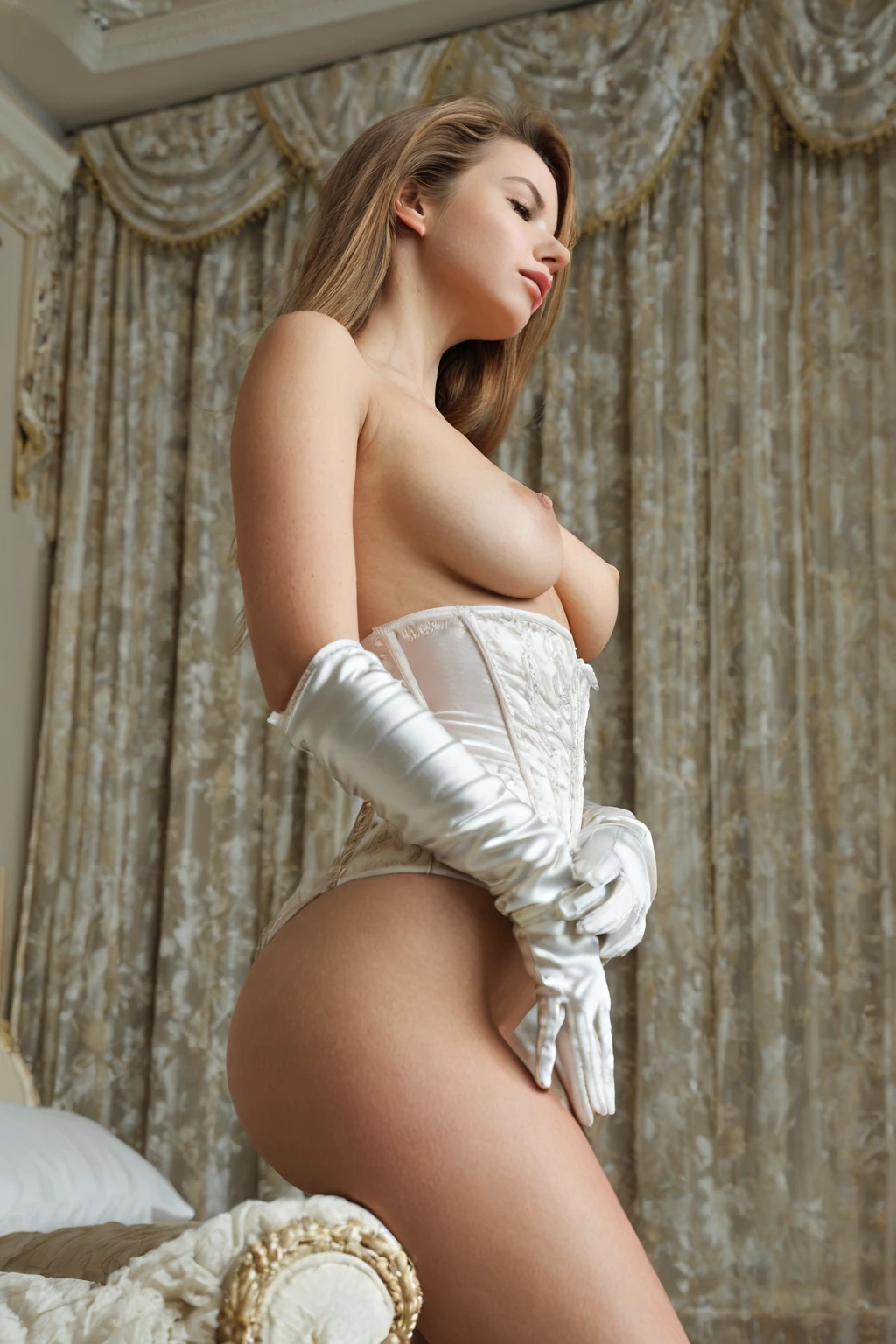
Satin catches light in a way skin never does. That contrast is the whole reason this category exists: a long glove draws one clean line from fingertip to elbow, and the eye follows it every time. On AINudeGirls, gloves is something you pick, not something you describe. Select it and the wardrobe detail is written into the prompt for you — there is no box where you type the garment out by hand.
Everything below maps to what you'll find on the gloves category page and inside the generator.
Gloves at a Glance
The rule is short. A person wears long gloves, the gloves cover the hands fully, and they read clearly in the finished frame. Opera length, elbow length — that is the target silhouette. Bare hands don't qualify. Neither do short gloves, and mittens only pass if they carry the same long line up the forearm. No visible gloves, no gloves image.
Material is where the variation lives. Satin throws a bright, moving highlight along the forearm, so scenes built around it lean on stronger light to make that sheen show up. Other fabrics sit flatter and read more as texture than as shine. Framing follows the same logic: the composition keeps hands and forearms inside the shot, because a glove cropped at the edge of the frame is a glove that may as well not be there. Mood is open. Formal, casual, bright, dim — the category doesn't dictate a setting. It dictates one garment, and everything else is yours.
gloves example 1
gloves example 2
gloves example 3
gloves example 4
gloves example 5
gloves example 6
gloves example 7
gloves example 8
gloves example 9
gloves example 10
gloves example 11
gloves example 12
gloves example 13
gloves example 14
gloves example 15
gloves example 16
Thirty examples sit in the full gloves gallery, and the realistic gloves feed narrows the same idea down to photoreal frames only.
Generating Your First Gloves Image
1. Open the Generate page and pick gloves. You can add other categories in the same pass, or run it alone.
2. Start the generation. The prompt is assembled from your picks; nothing needs to be written out by you.
3. Finished frames land in your gallery as WebP files at 1312x1968.
One image costs 15 credits. Sets are cheaper per frame — five images run 68 credits, ten run 120 — which is the sensible way to work through glove materials and framings in one sitting.
Failure Modes
Most disappointing results come down to one thing: the gloves ended up hard to see. Hands drift out of frame, or an arm is turned so only a sliver of satin is visible, and what should be the anchor of the shot becomes a detail. When that happens, generate again rather than squinting at it — the category is only satisfied when the gloves are unmistakable.
The other trap is expecting the garment to be something else. This category is fixed on the long elbow-length satin look; it is not a general glove menu. Wrist-length, leather, fingerless — none of those are what gets requested on your behalf. If a shorter or heavier glove is what you're picturing, this is not the pick that will produce it.
What Gets Fed In
Gloves is a modifier category. It doesn't bring a scene, a pose or a camera angle with it — it brings one wardrobe clause, and that clause is the category's entire contribution to the prompt:
```text
wearing long satin opera gloves up to her elbows
```
Read it in three parts. *Long satin opera* names the garment and the material, which is what produces the sheen you see across the gallery. *Gloves* is the object that has to be present for the result to count. *Up to her elbows* is the length instruction, and it is the load-bearing half — without it, the glove tends to stop somewhere near the wrist and that defining look collapses.
Because it carries no scene of its own, gloves is designed to be selected alongside something that does. Pick it together with breeding, for instance, and the platform joins that category's scene description to the wardrobe clause:
```text
POV from above a young woman alone lying on her back with her legs spread wide, her hands above her head, mouth open in intense pleasure, looking up at the camera, full body visible, bright soft lighting, female alone in frame, no other people, wearing long satin opera gloves up to her elbows
```
That is composition, not typing. Bukkake is another category people commonly pair it with, and the join works the same way: their scene, your gloves.
Pairing Gloves
Gloves sits in the accessories family, which is the least demanding group on the platform — it asks for one garment and stays out of the way of everything else. Nothing in the data flags a category it fights with, so treat it as a layer you can drop on top of whatever scene you're already building.
Worth knowing before you plan a scene: no male figure appears by default, and the male-partner control in the generator is what puts one there.
Telling Gloves Apart
Two categories get confused with each other most often here, and the difference is simply which long thing the frame is about:
Category What it actually is
--- ---
gloves (this guide) wearing long gloves
long hair very long flowing hair down to her waist
Quick Answers
Q: What has to be in the frame for it to count as gloves?
Long gloves, covering the hands, clearly visible. That is the only requirement the category enforces.
Q: Can I switch the gloves to leather, or make them wrist-length?
No. The long elbow-length satin look is baked into what this category requests, and it isn't editable from the generator.
Q: What do the finished files look like?
WebP, 1312x1968, delivered straight to your gallery.
Q: What does a gloves image cost?
15 credits for a single image. A set of five is 68 credits and a set of ten is 120.
Further Guides
The nearest neighboring category has its own walkthrough:
Every category guide is listed on the blog index.