
How to Generate Tanlines AI Images — Complete Guide
Swimwear leaves a record. A triangle top, a strap over the shoulder, a string tied at the hip — enough sun and each of those prints itself onto skin as a hard edge, deep colour on one side, untouched pale on the other. That printed edge is what the tanlines category on AINudeGirls is actually about. Not the bikini. The map it leaves once it comes off.
For background on the subject itself, see Tan line on Wikipedia.
Nothing here asks you to write a description. You pick the category, and the shot gets built to that spec. Browsing lives on the tanlines category page; making lives in the generator.
Reading a Tanlines Image
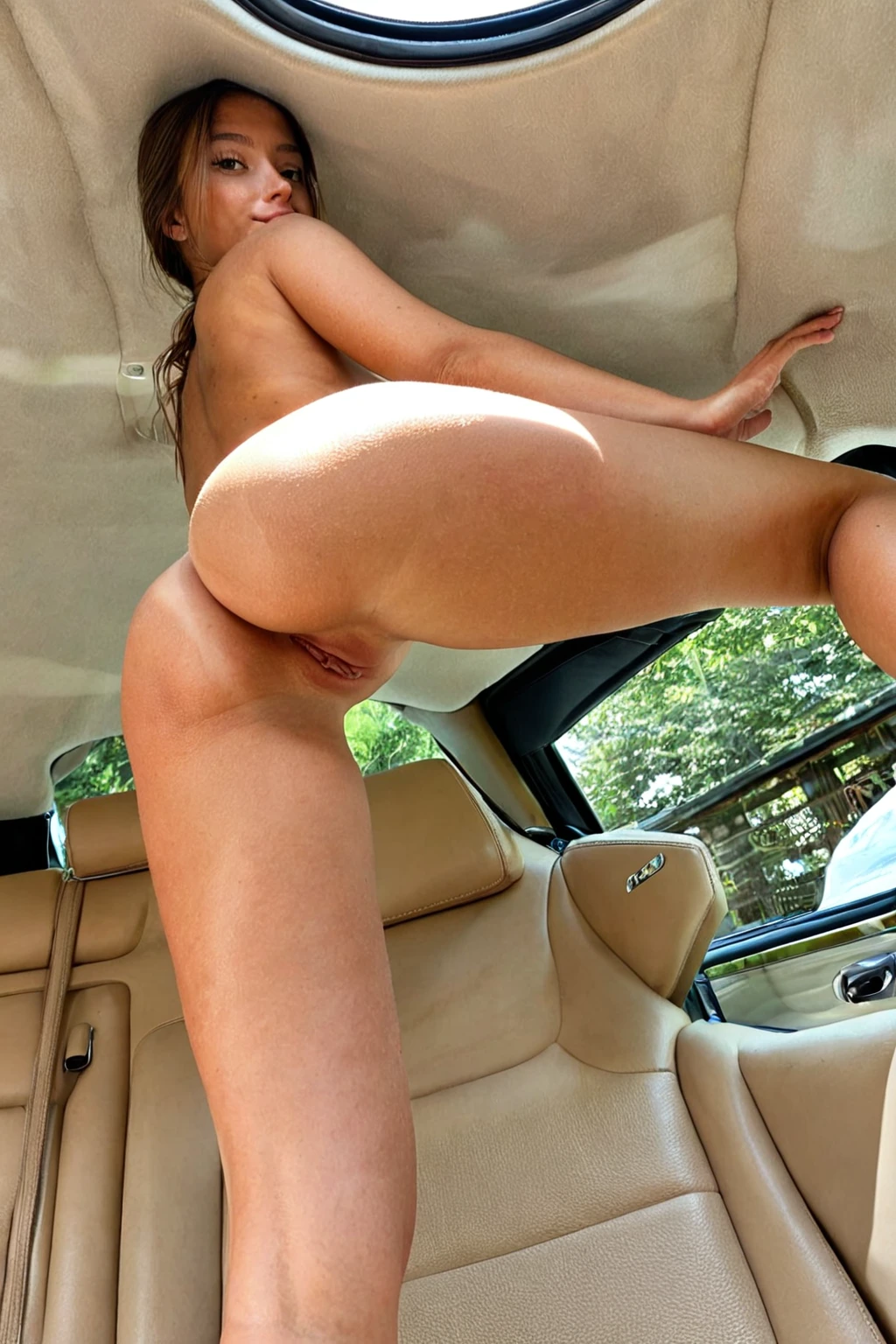
Tanlines is a skin-detail pick, not a wardrobe pick — the bikini is only the tool that makes the mark. What has to show up in the frame is the contrast band: skin that reads as genuinely sun-deepened everywhere the light reached, lighter skin everywhere a triangle top, halter strap or bikini bottom sat, and a boundary between the two you can spot at a glance. Chest, hips and the top of the thigh are where it reads hardest. Soft, even, all-over tanning that hides the transition is not this category; if the shape of the swimwear isn't legible in the skin itself, the image has missed.
Look at the frames and you'll see the same thing in each of them, arriving from different angles and different light.
tanlines example 1
tanlines example 2
tanlines example 3
tanlines example 4
tanlines example 5
tanlines example 6
tanlines example 7
tanlines example 8
tanlines example 9
tanlines example 10
tanlines example 11
tanlines example 12
tanlines example 13
tanlines example 14
tanlines example 15
tanlines example 16
That's 16 of the 29 frames in the tanlines gallery. The realistic tanlines style narrows the same category down to the photoreal ones.
What the Prompt Looks Like
You never type this. It's worth seeing anyway, because it tells you exactly what the category is contributing and what it isn't. Tanlines adds one clause to whatever scene you've chosen:
Modifier clause:
```text
with prominent bikini tan lines on her sun-kissed skin
```
Three jobs in one line. Bikini supplies the shape the marks have to trace. Tan lines names the boundary itself, so it renders as a break rather than a gradient. Sun-kissed skin sets the warmth on the exposed areas, which is what makes the pale zones read as pale by comparison. Take any of the three out and the effect softens.
That clause is a detail, not a scene, so it needs a scene to sit on — and that's what picking a second category does. Choose tanlines alongside pullout, and the scene it attaches to is this:
```text
POV full-body shot of a young woman alone with (thick white cum splattered on her stomach and pussy, cum dripping, cum on body:1.3), caught in a blissful intimate moment, full body visible, bright soft lighting, female alone in frame, no other people
```
Choose it alongside reverse-cowgirl instead, and you get a different body of work entirely — a rear angle, warm sunset light across the back:
```text
a young woman alone kneeling astride on a bed in a riding pose facing away from the camera, leaning slightly forward with her hands on her own thighs, back arched and ass raised, full body visible, shot from a low rear angle showing only her and the bed, nothing beneath her but the bed, warm bright sunset light bathing her back, female alone in frame, no other people
```
Same tan-line clause, two completely different images. Notice that the second one already carries warm directional light and an exposed back — both of which flatter that defining look. The first is tighter and busier, and the marks have to fight for room. That difference is worth thinking about before you pick.
Step by Step
1. Open the Generate page, pick tanlines — plus any scene or style categories you want it to sit on — and start the generation. Results land in your gallery.
2. Every image comes back as a WebP file at 1312x1968, ready to save or share without converting anything.
3. A single image costs 15 credits. A set of 5 is 68 and a set of 10 is 120, which is the better call here: line placement and contrast strength genuinely vary shot to shot, and picking your favourite out of five beats settling for the one you got.
If you're chasing a particular shape — string bikini rather than a sport top, say — generate a small batch and keep the frames that show it. The pattern drifts frame to frame, so choosing beats betting on one result.
Common Misses
The failure mode is always the same one, dressed differently: the line doesn't read.
- Tan without a line. The skin comes back warm and even, and there's no boundary anywhere. Check for it in every output before you move on — it's the entire point of the pick.
- A crop that cuts the evidence. Chest-and-hip framing and three-quarter angles let the strap boundary sit in frame. Tight crops chop it off before it's legible.
- Light that fights the effect. Flat or cool lighting flattens the contrast; warm, sun-like light across the tanned zones is what sells it.
- A busy frame. Props, cluttered backgrounds and heavy shadow across the torso all bury the contrast. This category wants room.
- An edge that looks sprayed on. Real sun gives you a soft gradient over a centimetre or two. A hard airbrushed border reads as fake immediately.
Close Calls
Two distinctions do most of the work here.
The first is tanned skin versus tan lines. Plenty of images come back with beautifully sun-warmed skin and nothing else — no break, no shape, no story. Deep colour is the setup; the boundary is the payoff.
The second is bikini versus everything else you could put on her. Wardrobe here stays with bikinis for a structural reason: it's the only garment shape that produces this particular pattern. A one-piece or a cover-up leaves a different mark, or none you'd want, and the logic the category is built on disappears with it.
Pairing Tanlines
Tanlines lives in the skin-tone family — categories that change how skin looks rather than what the subject is wearing or doing. That makes it easy to stack. Beach, poolside and sun-lounger settings are the obvious ones, and they do double duty: they explain the marks narratively as well as showing them.
The one pick that changes the shape of the image is the partner setting. Tanlines scenes run solo by default, one subject and one skin, so the contrast isn't competing with anything. A second person only shows up if you switch the male-partner toggle on yourself; he never arrives just because you picked this category. Do turn him on and the tan-line detail still renders on her; just give the composition room, because now the frame has to hold a full pattern read and another body at the same time.
Things Worth Knowing
Doesn't a bikini scene give me tan lines anyway?
No. A bikini in frame guarantees nothing about the skin underneath it — the marks depend on how the scene is composed and lit. This category exists to make that contrast turn up reliably instead of by luck.
Is tanlines a clothing category?
No, and the distinction matters when you're stacking picks. It changes the skin, not the outfit. The bikini is implied because it's what makes the pattern, but you're selecting a skin detail.
Can I keep the same tan-line shape across a whole batch?
Not reliably. The shape drifts between generations — sometimes usefully, if you're exploring, but not if you want a consistent set — so generate a batch and keep the frames that match.
How much is there to look at before I generate?
29 examples in the tanlines gallery, plus the realistic tanlines style if you only want photoreal frames.
Where to Go Next
Browse the full set in the tanlines gallery, or narrow it to the photoreal selection. When you want your own, start in the generator. Every category guide is indexed on the blog overview.