
How to Generate Voyeur AI Images — Complete Guide
A dark hallway. A bedroom door left open a hand's width, warm lamp light leaking out through the gap, and inside, a woman who has no idea anyone is standing on the other side of that doorframe. That's the whole charge of the voyeur category: not what she's doing, but where you're standing while she does it. On AINudeGirls you never type any of that out — pick the category and the platform assembles the doorway, the spill of light and the unaware subject for you. Voyeur is one tick away in the generator, and the full set of finished voyeur images is worth a scroll before you spend anything.
Defining Voyeur
The category is built on one idea: hidden-observer framing. The "camera" behaves like a person who shouldn't be in the room — catching the subject through a gap, around a doorframe, from an angle that implies concealment rather than a photo session. Nobody is posing. Nobody is looking back.
That is a genuinely different thing from a scene where somebody *inside* the frame is doing the watching. Here the illicit part is the vantage point itself, not a lurking character. Hold that distinction and you get a stolen glimpse; lose it and you get a candid portrait with nothing at stake.
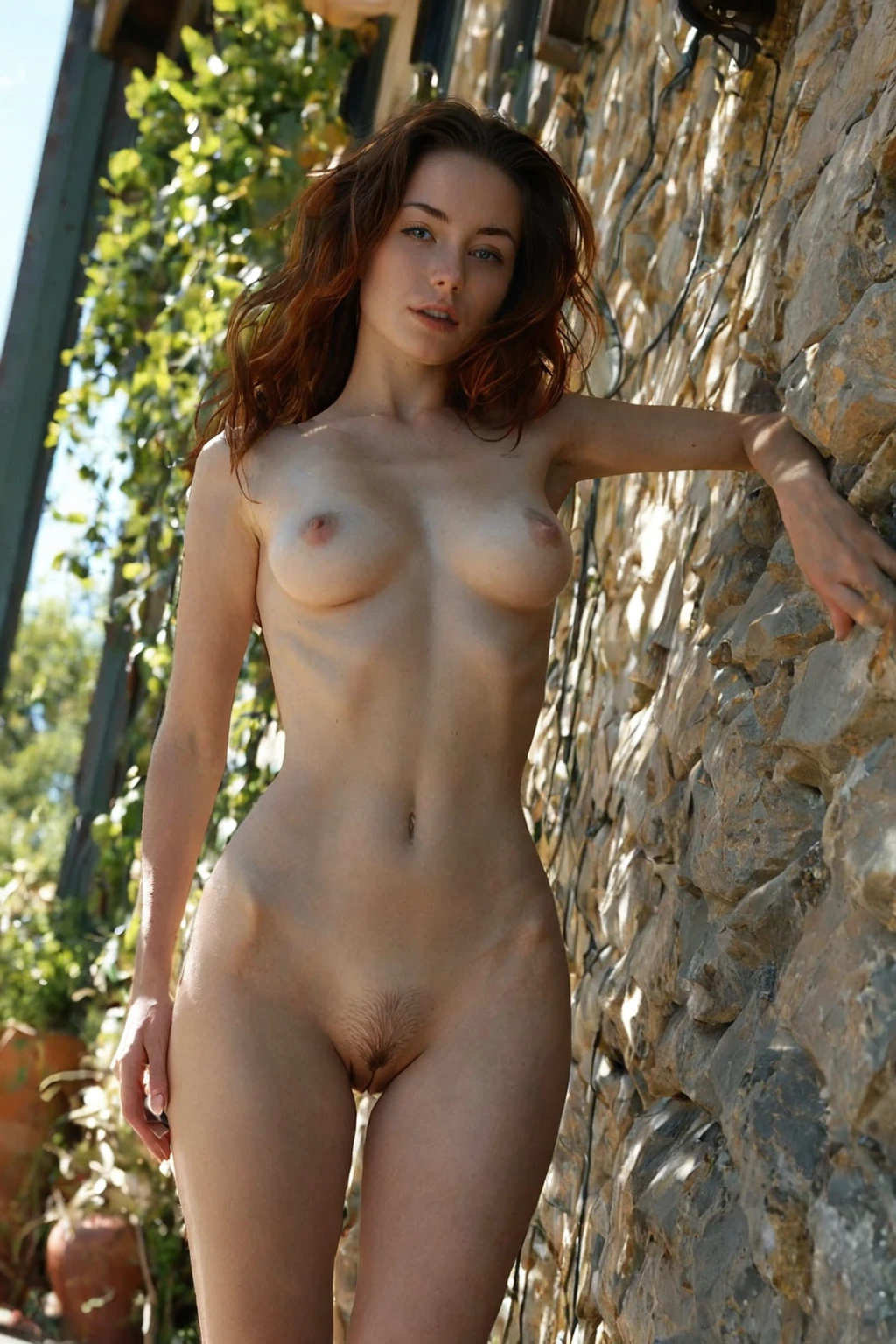
Sixteen finished results, straight from the platform:
voyeur example 1
voyeur example 2
voyeur example 3
voyeur example 4
voyeur example 5
voyeur example 6
voyeur example 7
voyeur example 8
voyeur example 9
voyeur example 10
voyeur example 11
voyeur example 12
voyeur example 13
voyeur example 14
voyeur example 15
voyeur example 16
Thirty of them live on the category page. There's also a photoreal-only cut if you want the documentary end of the range and nothing stylised.
Prompt and Setup Reference
You don't write any of this. It's worth reading anyway, because knowing what the category contributes tells you what it will and won't fight with when you stack other picks on top.
This is the core scene the category brings:
```text
a young woman caught in private intimate moment through a partially-open doorway, unaware of the watching camera, dramatic peeping perspective with soft natural light
```
Four things are doing the work there. A physical barrier that half-conceals the view — the partially-open doorway. A subject who is unaware, which is what keeps her from turning and breaking the spell. A peeping perspective, meaning the camera height and angle belong to a person, not a tripod. And soft natural light rather than anything studio-shaped.
The category doesn't fire the same line every time. It rotates through alternative scene variants so a run of images doesn't come back looking like one photo shot sixteen times. Here's a longer one:
```text
candid voyeur view through a partially open bedroom doorway of a young woman alone undressing with her back half-turned, dress sliding off her hips to reveal her bare ass and the side of her breast, unaware of the watching camera, the doorframe edging the shot in soft shadow, warm lamp light inside the room, natural peeping perspective, full body visible, female alone in frame, no other people
```
Same skeleton, more furniture. It pins a moment rather than a pose — a dress mid-slide, a back half-turned — and it names the light source instead of leaving it generic. The doorframe becomes a shadow edge, which is the framing device doing double duty as composition. Note the closing instruction that she's alone: the category defends its own solo framing.
On the settings side there is very little to fiddle with, and that's deliberate. Output is WebP at 1312x1968, delivered to your gallery. A single image costs 15 credits; a set of 5 is 68 and a set of 10 is 120, so batching is where the value sits if you plan to compare framings. You can also upload a reference image when you want the room layout, styling or framing pushed toward something particular.
Step by Step
1. Open the Generate page, pick your categories with voyeur among them, and start the generation.
2. Results land in your gallery as WebP files at 1312x1968, ready to view and download from there.
3. She's alone in frame by default. Nothing in this category adds a second body — that only happens if you deliberately switch the male-partner toggle on before you generate.
4. Order a set rather than singles when you're exploring. Comparing four doorway angles side by side beats guessing from one.
Where Voyeur Generations Go Wrong
The most common mix-up is treating this as a watched-from-hiding setup, with someone inside the scene doing the observing. It isn't. The secrecy belongs to the camera, and when you start thinking of a hidden character you tend to steer the framing toward a two-person composition that reads as neither.
The second one is over-hiding the subject. There's a real temptation to lean into concealment — turn her away, bury her in shadow, put half a curtain across the lens. The platform is strict here: if she ends up too obscured, blurry or blocked to read as the focal point, the generation won't pass and you'll be running it again. Obstruct the *access* to the scene, never the *subject* inside it. A doorframe biting into one edge of the shot is the effect you want; a smeared or dirty-lens look is just an unusable frame.
Third, competing themes. Lead with voyeur so that defining look anchors the image, rather than letting a louder scene pick shove the vantage point into the background.
Close Calls
Voyeur sits next to a few categories that get confused with it, or picked instead of it by accident. Here's what each one actually delivers:
Category What it actually is
--- ---
voyeur (this guide) shot as if secretly watched, hidden-observer framing
gloryhole a solid partition WALL fills part of the frame with a round cut hole at hip height; an anonymous cock sticks THROUGH that hole and she kneels on her side of the wall with her mouth or hands on it — the wall and the hole are unmistakably visible, the man's body is hidden behind the wall
flashing she pulls clothing aside to suddenly expose breasts or pussy, public reveal
lesbian two (or more) women being sexually intimate with each other, no man present
Mixing Voyeur Into a Scene
Voyeur is a scene, and only one scene actually lands per generation. Pick two and the second one quietly loses — you get the first one you chose, with the other's details dropped. That's a guardrail rather than a bug: two competing scene setups in one image produce a muddle where neither vantage point survives.
Everything that isn't a scene layers on top freely. That's where you get your variation: the same hidden-observer core, a different subject, a different room, a different mood. The category clause riding underneath it all stays this:
```text
a young woman caught in private intimate moment through a partially-open doorway, unaware of the watching camera, dramatic peeping perspective with soft natural light
```
The male-partner control is separate from all of this and doesn't touch the scene rule. Leaving it alone is usually the stronger call here — a second person in frame works directly against the caught-alone feeling that makes the category land in the first place.
Common Questions
Is somebody visible in the shot doing the watching?
No. The watcher is you, positioned where the camera is. The category produces the vantage point — a gap, a doorway, an angle that implies concealment — not a character hiding in the corner of the room.
Will she be looking at the camera?
Typically not, and that's the point. Eye contact collapses the illusion of secrecy instantly. The framing is built around a subject caught mid-moment and unaware of anyone watching.
How much does a voyeur image cost?
15 credits for one. Sets are cheaper per image: 68 credits for 5, or 120 for 10, which is the sensible way to compare doorway angles and light in a single pass.
Can I stack voyeur with another scene category?
You can select both, but only one will show up in the finished image — the first one you picked. If you want to see both looks, run them as separate generations.
Further Guides
Neighbouring categories worth reading before you generate:
- How to generate gloryhole AI images
- How to generate flashing AI images
- How to generate lesbian AI images
Every category guide is indexed on the blog.