
How to Generate Wide Hips AI Images — Complete Guide
High-waisted denim. A skirt waistband cinched at the narrowest point. A crop top that stops just above the hip line. The wardrobe that flatters this category is the same wardrobe that proves it worked — which is why wide hips is one of the picks on AINudeGirls where clothing, camera angle and light do as much of the talking as the body shape itself.
You select it on the wide hips category page or in the generator, and the platform folds it into the prompt it assembles on your behalf. Nothing to type, nothing to tune.
Defining Wide Hips
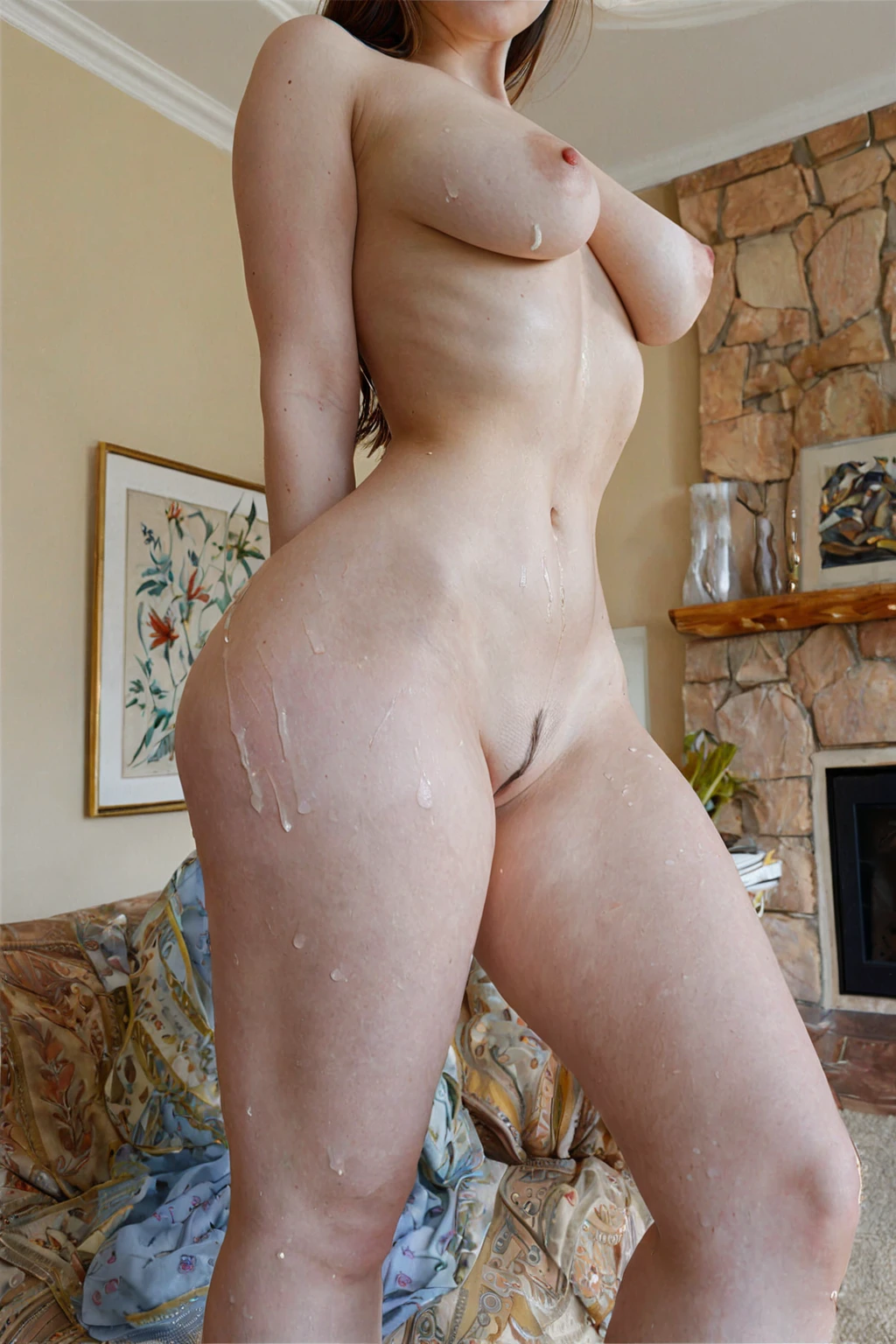
One visual rule carries the whole category: wide, curvy hips, thick thighs underneath them, and a waist that reads noticeably narrower than both. Proportion is the point, not size. If the hip line only looks rounded rather than dramatically flared against the waist, the image has missed what the category is for.
Wardrobe is where that contrast is won or lost. High-waisted briefs, skirts and jeans grip the waist at its narrowest and let the hips spill out above and below the band; fitted tops that end just above the hip do the same job from the other direction. Loose, boxy fabric erases the transition entirely — it drapes straight from ribcage to thigh and flattens exactly the line you selected the category to get.
Framing has more room to play. A three-quarter angle from behind or the side reads the hip width far better than a straight-on shot, and a slight tilt up or down exaggerates the flare further. Keep the hip line clear of clutter and awkward crops. Light does the finishing: a single strong source from the side lets shadow trace the curve from waist to hip, where flat even lighting just fills it in. Mood and setting are wide open — bedroom, outdoors, whatever the rest of your stack calls for — so long as that curve stays the anchor.
Sixteen frames from the category, unretouched from the platform:
wide hips example 1
wide hips example 2
wide hips example 3
wide hips example 4
wide hips example 5
wide hips example 6
wide hips example 7
wide hips example 8
wide hips example 9
wide hips example 10
wide hips example 11
wide hips example 12
wide hips example 13
wide hips example 14
wide hips example 15
wide hips example 16
All 30 sit in the wide hips gallery, and the photoreal cut narrows that set to the realistic renders.
Example Prompt Material
You never write any of this by hand. It is worth seeing anyway, because it explains why some stacks land harder than others.
What wide hips contributes to the prompt the platform builds is a single clause:
```text
wide curvy hips and thick thighs, exaggerated feminine proportions
```
Three parts, three jobs. *Wide curvy hips* is the trait the image has to show. *Thick thighs* keeps the lower body in proportion, so the flare doesn't taper into a mismatch below the hip. *Exaggerated feminine proportions* is the part that pushes the result past ordinary curviness into the silhouette the category promises.
On its own, that clause describes a body and nothing else — no pose, no room, no camera. The scene comes from whatever you pick alongside it. Choose spread eagle, and the clause is composed into a scene that already reads like this:
```text
a completely nude young woman lying on her back on rumpled white sheets in a softly-lit bedroom, her arms and legs stretched wide into a full spread-eagle pose, her entire body completely exposed and vulnerable, her shaved pussy and bare breasts fully visible to the camera, she looks up toward the lens with parted lips and a yielding seductive expression, soft warm window light pours across her smooth skin emphasizing every contour, intimate exposed atmosphere, female alone in frame, no other people
```
Choose deepthroat instead and the framing shifts to close and first-person:
```text
POV full-body shot of a young woman alone with her mouth open and lips glistening, watery teary eyes looking up at the camera with a submissive expression, hands resting on her thighs, full body visible, intense intimate bright soft lighting, female alone in frame, no other people
```
Read those two side by side and the practical lesson is obvious: the first keeps the whole body in frame from above, so the hip flare survives. The second crowds the frame with face and shoulders. Same body clause, very different odds of seeing what you picked.
How to Set It Up
1. Open the Generate page and select wide hips, then stack whatever else you want — pose, wardrobe, camera angle, scene. It sits comfortably with most of them.
2. The prompt is assembled from those picks for you. The default scene is a woman alone; nobody else is added on your behalf.
3. If you want a man in the scene, switch the male-partner control on before you generate — it can't be applied to an image after the fact.
4. Results land in your gallery as WebP files at 1312x1968, ready to view, download, or reuse as reference. A single image costs 15 credits; a set of five is 68 and a set of ten is 120, which is the cheaper way to compare variations of the same stack.
What Trips People Up
The failure you'll see most is a figure that is curvy but not *exaggerated* — hips that round out gently instead of flaring hard against the waist. Technically on-category, visually a miss.
Thin thighs are the same problem from below. When the hip line is right but the legs taper too early, the proportion collapses and the silhouette stops reading.
Then there's the wardrobe-and-crop trap. Baggy fabric, an extreme close-up, or a frame that cuts the waistline out entirely will hide the transition even when the body underneath is exactly right. The waist has to be visible for the hips to mean anything.
Last one is a stacking habit rather than a look: piling three more body-shape descriptors on top of this one. The category is already weighted properly, and the extras just compete for attention with the details you actually cared about.
Telling Wide Hips Apart
The categories most often stacked with this one — or confused for it — describe very different things:
Category What it actually is
--- ---
wide hips (this guide) wide curvy hips
spread eagle she lies on her back with both arms and both legs stretched wide open, fully exposed
deepthroat a penis taken all the way into her throat, lips at the base, throat bulging
Stacking Wide Hips With Other Picks
Wide hips is a body-shape pick, so it pulls against the other picks that decide who is in the frame and what shape she is.
Select it together with the female partner category and the female partner is what the image gets built around — the wide-hips shape won't show up as a second woman in the scene. Select it together with a general female body type and wide hips is the one that lands; the other is quietly dropped. Neither combination errors, it just doesn't do what you might expect, so choose one and move on.
Everything else is fair game, and some pairings actively help. Pose and camera-angle picks that favour side or three-quarter views show the waist-to-hip contrast better than head-on framing ever will. Wardrobe picks built around high-waisted or fitted silhouettes do the heavy lifting described earlier. Lighting-led scene picks with a single directional source give the curve somewhere to cast a shadow.
Quick Answers
Do I need to write anything to get the hip emphasis?
No. Selecting the category is the whole action — the clause above is added to the prompt for you, every time.
Can I combine wide hips with spread eagle or deepthroat?
Yes, and the platform composes them exactly as shown earlier. Pick both and the body clause is merged into that category's scene.
Is there a cap on how many wide hips images I can make?
No usage limit is published for this category. What you spend is credits: 15 for one image, 68 for five, 120 for ten.
My results look curvy but not dramatic — what should I change first?
Framing and wardrobe, in that order. Move to a side or three-quarter angle and add a high-waisted or fitted wardrobe pick, so the waist stays visible and the hips have something to flare against.
Continue Exploring
The two closest neighbouring categories have their own guides:
Every category guide is indexed on the blog.