
How to Generate Amateur AI Images — Complete Guide
There's a particular pull to a photo that was never meant to be a photo — the kind grabbed in a real room, on a real phone, before anyone thought to fix their hair. That's the territory the amateur category lives in, and you never have to script a word of it. Pick the category and the platform writes the prompt and renders the image; you don't tweak a thing. What comes back reads unforced, like a shot someone took of themselves and never ran past a stylist.
Try it on the amateur category page, or go straight to the generator.
What the Amateur Category Captures
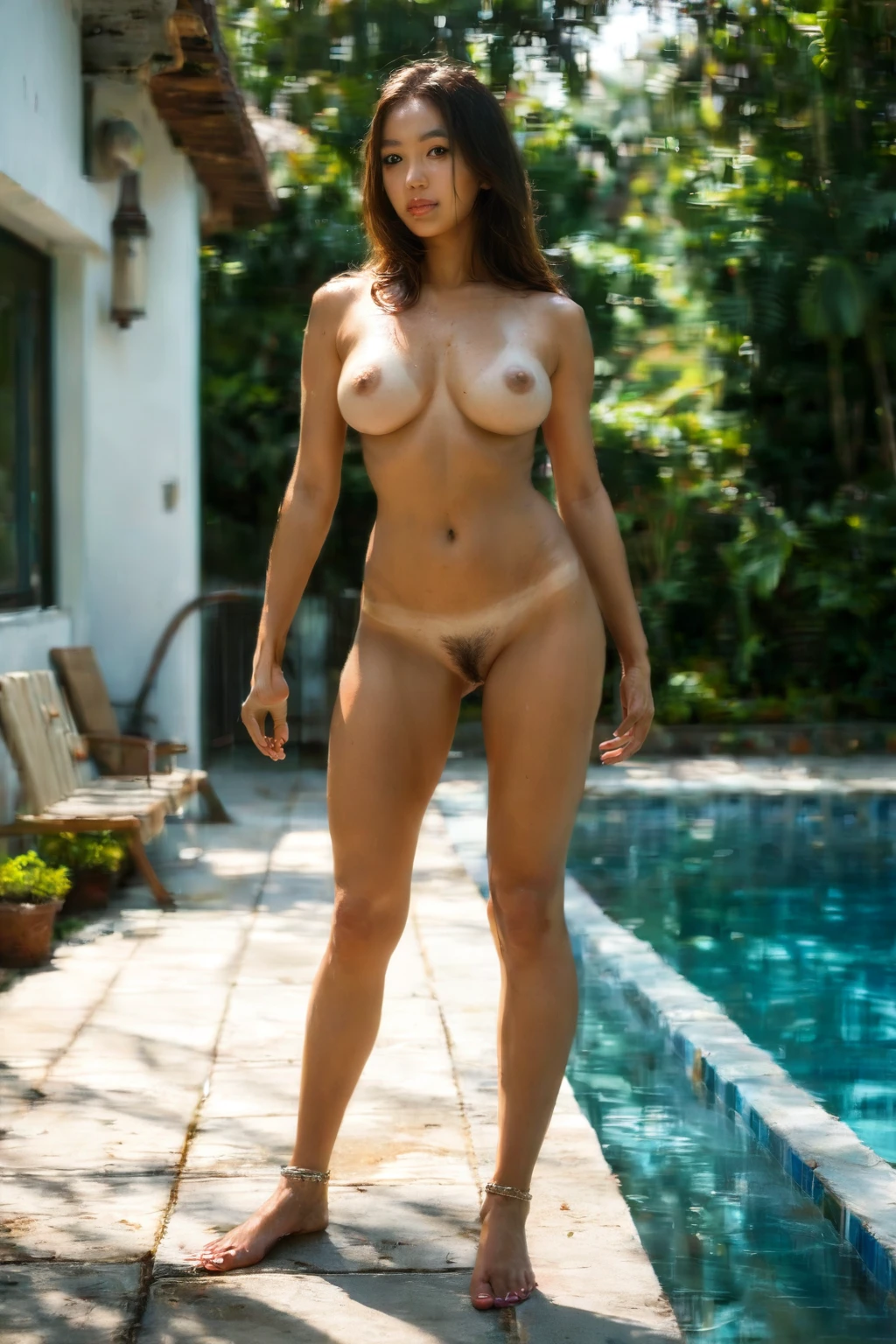
Homemade and candid, unpolished, raw and unfiltered — no studio gloss anywhere. The framing borrows from selfies and self shots: phone-camera angles, sometimes tilted, sometimes right up close. Wardrobe runs to everyday loungewear and casual clothes rather than anything coordinated. Lighting stays natural and loose, the soft-or-harsh shadows you actually get at home. The mood is intimate and spur-of-the-moment, where the moment counts for more than the composition. Put it all together and every frame feels shot in someone's own space, by someone who lives there.
Real Outputs First: Amateur Examples
amateur example 1
amateur example 2
amateur example 3
amateur example 4
amateur example 5
amateur example 6
amateur example 7
amateur example 8
amateur example 9
amateur example 10
amateur example 11
amateur example 12
amateur example 13
amateur example 14
amateur example 15
amateur example 16
Sixteen here, and forty-four in all if you want the full run — browse them in the amateur gallery. Prefer to stay strictly photographic? Switch to the realistic amateur style for a photoreal-only cut.
Generating an Amateur Image, Step by Step
1. Open the Generate page and choose the amateur category.
2. The platform writes the prompt from that one pick — nothing for you to touch.
3. Hit generate. Your image lands in your gallery as a WebP at 1312x1968.
The Prompt It Works From
You never type this yourself, but it's worth seeing what the category leans on — natural, homemade framing, candid and casual, full length with the whole body in view:
Modifier clause:
```text
natural amateur homemade aesthetic, candid casual full-length framing showing the whole body
```
Stacking Amateur with Other Picks
Amateur sits in the adult family, so it won't share a scene with the all-ages age ranges — pick one of those alongside it and your amateur choice is the one that sticks. By default there's no male partner in the frame. Want one there? Flip the male-partner toggle in the generator and you'll get a mixed-gender amateur scene. Partners are never blocked; they just wait on that single switch.
How Amateur Differs from Its Neighbors
A few nearby categories get tangled up with amateur, so here's the honest line between them:
Category What it actually is
--- ---
amateur (this guide) amateur homemade aesthetic, candid unpolished realism
cumshot the moment of ejaculation, semen shooting out onto her
masturbation she pleasures herself, hand on her own pussy or clit, solo
fitting room in a clothing store fitting room with full-length mirror, intimate amateur framing
Getting a Cleaner Amateur Result
- Pick an AI model in the face step to point the AI toward the face you're picturing.
- Generate in batches — more frames means more chances at the one that clicks.
- Then cull without mercy: keep the handful that feel genuinely candid and let the rest go.
Common Mistakes
The usual trap is expecting that defining candid look and getting back something that reads staged or studio-lit instead — the precise opposite. The good news is you don't have to fight it by hand. The negative prompts already push against polished lighting, too-perfect framing, and studio-grade rendering, and they filter out high-end fashion and pro-modeling cues that would flatten the raw feel. What survives stays naturally imperfect, which is the whole point.
Your Amateur Questions Answered
Q: Do I have to write the prompt myself?
No. You choose the amateur category and the platform writes the prompt and builds the image — there's nothing to compose or edit.
Q: Why do some results still come out looking staged or studio-lit?
That's the exact look the category is built to steer away from, and the negative prompts handle it for you — polished lighting, over-perfect framing, and pro-modeling cues get filtered out before they reach the image.
Q: Is there a version locked to photoreal?
Yes. The realistic amateur style keeps things strictly photographic.
Q: Can I steer the result toward one particular face?
It can — pick an AI model in the face step and the AI keeps her face.
Keep Reading
The closest neighboring categories each have their own walkthrough:
- How to generate cumshot AI images
- How to generate masturbation AI images
- How to generate fitting room AI images
Every category guide sits on the blog index.
Wrapping Up
Amateur is the category for images that feel found rather than staged — real people, real rooms, imperfection left intact. When you want that, the AI Amateur Generator is one pick away.