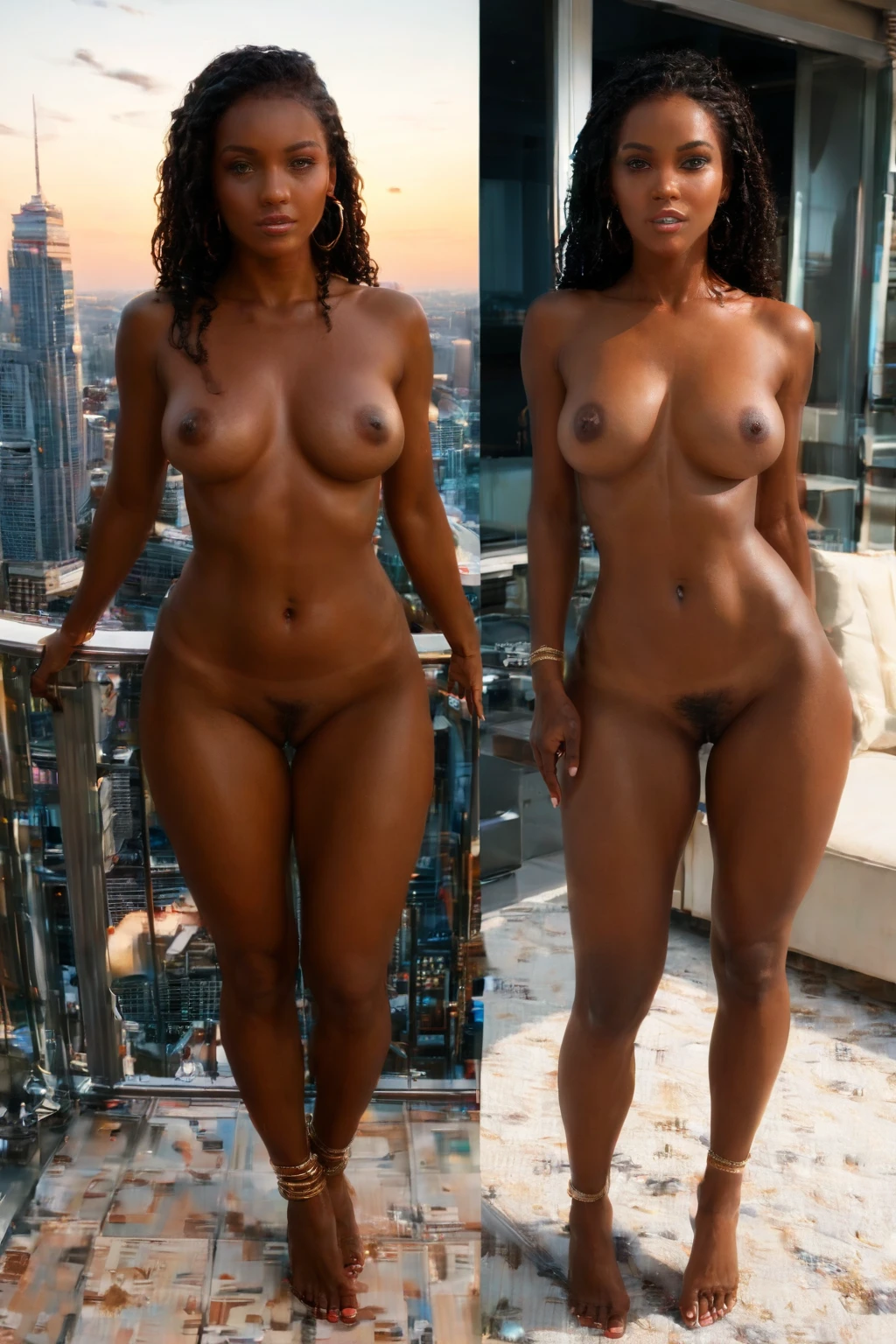

How to Generate Balcony AI Images — Complete Guide
The light does most of the work here. Late-day sun pours in low and warm, the air feels open and high above the street, and everything picks up that amber-into-blue glow that only arrives for a half hour before dusk. It's a scene built around atmosphere, and on AINudeGirls you reach it with a single choice: pick the category and the platform writes the prompt and renders the image for you.
The balcony category is live in the generator, and this guide walks through how to get the most out of it.
What Balcony Captures
Every image in this category is set on a private high-rise balcony at sunset, with a city skyline stretching out behind it. Three things have to be present for a render to count: the high-rise structure itself, the sunset light, and the urban skyline in the distance. Drop any one of them — no elevated setting, no golden light, or no skyline — and the picture no longer belongs to the category.
A Prompt You Can Try
The category runs on one modifier clause. You don't type it yourself, but here's the phrase the platform builds around, in case you're curious what's driving the scene:
Modifier clause:
```text
on a private high-rise balcony at sunset with city skyline views
```
Running Your Own Balcony Generations
1. Open the Generate page, choose the "balcony" category, and start generating. Finished images drop straight into your gallery.
2. There's no prompt box to wrestle with — the platform assembles the image prompt from your category pick, so you never write one by hand.
3. Each result comes back as a WebP file at 1312x1968, ready to view or save from your gallery.
4. Generate in batches, then keep the frames you like best.
Example Images from the Balcony Gallery
balcony example 1
balcony example 2
balcony example 3
balcony example 4
balcony example 5
balcony example 6
balcony example 7
balcony example 8
balcony example 9
balcony example 10
balcony example 11
balcony example 12
balcony example 13
balcony example 14
balcony example 15
balcony example 16
Want more? Browse all 45 frames in the balcony gallery, or jump to the realistic balcony style if you only want photoreal renders.
Where the Variety Comes From
The frame stays constant, but the mood shifts with the sun. Golden light spills across the terrace or patio floor and stretches shadows out long across the deck. Some renders pull back wide to take in the whole urban horizon; others sit tight on the railing and the figure. Wardrobe rides along with the hour — a casual sundress for a relaxed evening on the terrace, structured evening wear for a polished high-rise overlook. Because the light is anchored to dusk, the palette holds its ground across every variation: orange and pink up top, deep blue settling in behind the towers. It never wanders indoors or out to the countryside; the skyline keeps it firmly urban, and the sunset keeps it warm.
Tips Worth Knowing
- Lean on words like balcony, terrace, and patio when you're describing what you want — they hold the AI to the right setting.
- Pick the same AI model each time; it keeps the face consistent across results.
- Run a batch and cull down to your favorites rather than judging a single frame.
- Staying inside the setting family keeps a series of images feeling cohesive.
How Balcony Compares to Its Neighbors
People sometimes shortlist balcony alongside a few other settings, so here's what actually separates them:
Category What it actually is
--- ---
balcony (this guide) private high-rise balcony at sunset, city skyline
bedroom in a sensual softly-lit bedroom with rumpled sheets and warm window light
beach secluded white-sand tropical beach, golden hour
bathroom luxurious modern bathroom, steam-fogged glass
Combining It with Other Categories
Balcony lives in the setting family, right next to bathroom, beach, bedroom, camping, car-sex, and casting. Those are all settings too, so if you try to pair balcony with another one, only your first choice actually lands in the render — a scene can't be two places at once.
Where It Tends to Go Wrong
The one thing to watch for is simple: the setting itself has to be visible. If a render comes back without the elevated terrace, without the dusk light, or without the skyline behind it, it's drifted off the mark — that defining look above is the whole promise of the category, and all three pieces need to show up together.
Frequently Asked
Q: Can I get a daytime balcony instead of a sunset one?
No — the light in this category is fixed to sunset, which is why every result carries that warm, dusk-toned palette. Daytime isn't one of the options.
Q: How do I put a male partner in the scene?
The default balcony scene has no male partner. To add one, flip on the male-partner toggle in the generator before you generate.
Q: What happens if I select balcony and a second setting together?
Only your first pick takes effect. Since both belong to the same setting family, the render commits to one place, so balcony holds if you chose it first.
Q: Why did my image come out without the skyline?
That means the render is missing one of the pieces the category needs. Cull those frames and keep the ones where the terrace, the sunset, and the distant skyline all read clearly.
More Guides
Closest neighbors to explore next:
- How to generate bedroom AI images
- How to generate beach AI images
- How to generate bathroom AI images
You'll find the full set on the blog index. When you're ready, open the AI Balcony Generator and start a batch.