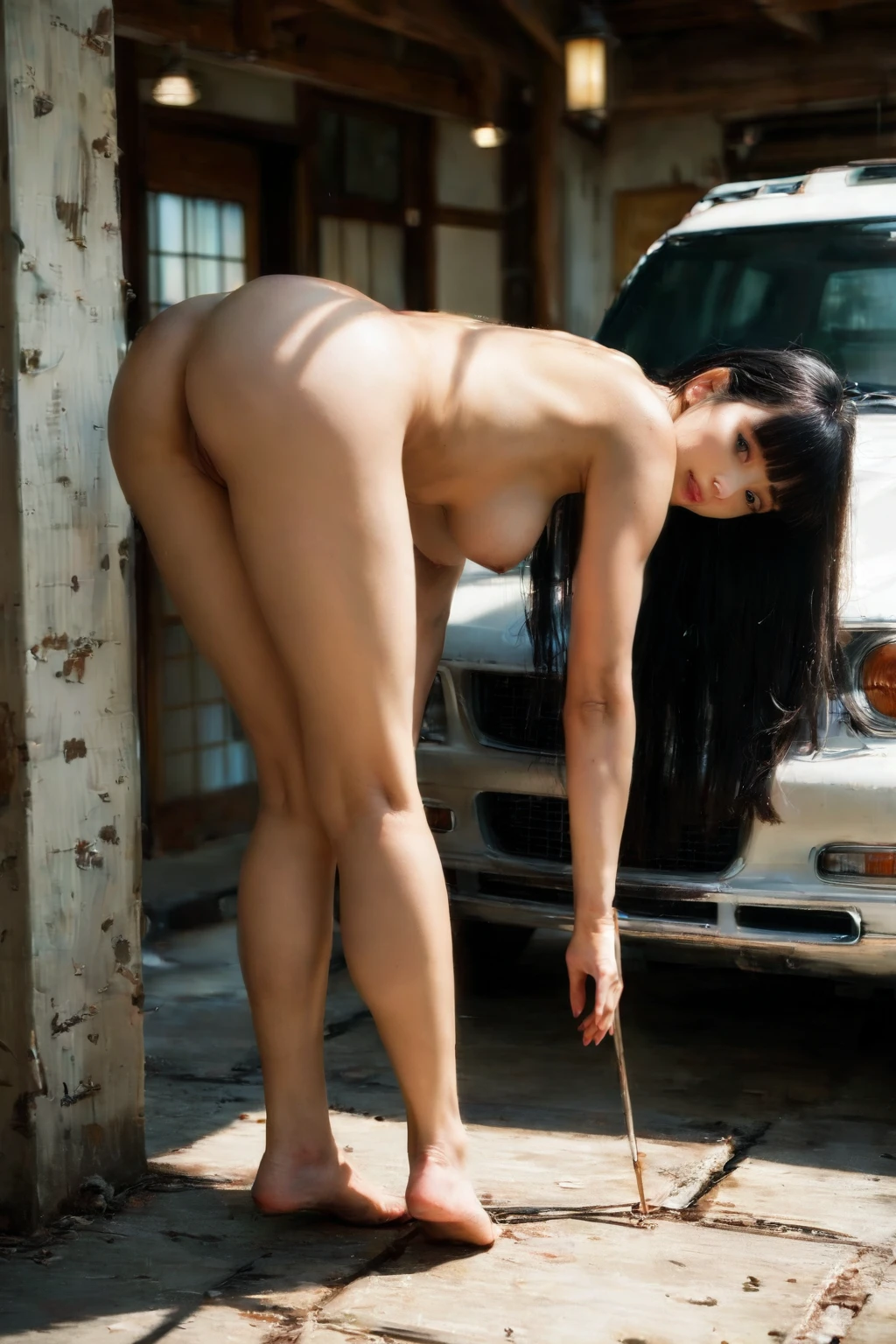

How to Generate Bent Over AI Images — Complete Guide
There's a reason this angle has its own name. The whole frame belongs to whoever's standing behind her — and she knows it, glancing back over her shoulder with a smile that says she planned this. On AINudeGirls you don't sketch any of that out in words. You pick the category and the platform assembles the prompt for you, so the pose lands the same way on every generation without you touching a single descriptor.
Want to see it in motion first? Every example below runs in our AI generator, or you can scroll the bent over category page to get a feel for the range.
What Is Bent Over AI Image Generation?
Here's the actual definition, stated once so you have a clean reference point. In the bent over category a woman is on her feet and folds forward at the hips, and her rear pushes out toward the viewer or her partner. Three things have to be true for the image to count: she's standing, she's bent at the waist, and the rear stays high and prominent. That standing part is what separates it from doggy — in doggy she drops to all fours, whereas here she never leaves her feet.
Getting Started on AINudeGirls
1. Open the Generate page, choose the bent over category, and hit generate. That's the whole setup.
2. The platform builds the prompt behind the scenes and returns a WebP image at 1312x1968. Nothing to type.
3. Your finished image lands in your gallery. Once it's rendered, the current settings don't let you go back and nudge a single frame — you generate fresh instead.
Example Bent Over Prompts to Try
Curious what the platform actually feeds the model? Below is one of the prompts it composes for this category: a fully nude young woman folded sharply forward in a sunlit modern bedroom, hands braced on a wooden dresser, rear thrust back high toward the camera, peering back between her legs and over her shoulder with a teasing smile. It's shot from a low-angle rear three-quarter view, with soft warm daylight spilling in from a side window.
Prose form:
```text
a fully nude young woman bent sharply forward at the waist in a sunlit modern bedroom, her hands braced flat on the edge of a wooden dresser, her bare ass thrust back high toward the camera and her back arched, she peers back between her legs and over her shoulder with a teasing smile, her exposed pussy and rear fully visible, low-angle rear three-quarter view, soft warm daylight from a side window wrapping around her smooth oiled skin, intimate inviting mood, female alone in frame, no other people
```
To keep a batch from feeling repetitive, the generator rotates through alternate versions of the scene. Here are two it might reach for:
```text
intimate three-quarter rear view of a fully nude young woman alone bent sharply forward at the waist in a sunlit modern bedroom, her hands braced flat on the edge of a wooden dresser, bare ass thrust back high toward the camera and back arched, she peers back between her legs and over her shoulder with a teasing smile, exposed completely shaved smooth pink pussy and tight pink asshole fully visible from behind, soft warm daylight from a side window, intimate macro rear view, full body visible, female alone in frame, no other people
```
```text
intimate three-quarter rear view of a fully nude young woman alone bent forward at the waist over a marble kitchen counter, hands flat on the counter, bare ass thrust back high toward the camera and back arched, completely shaved smooth pink pussy fully visible between her thighs from behind, looking back over her shoulder with hungry parted lips, bright kitchen lighting, intimate macro rear view, full body visible, female alone in frame, no other people
```
Getting Better Results
You aren't writing prompts, but you do have a few real levers worth pulling:
- Leave the scene variant rotation on. It's what gives you fresh angles, rooms, and compositions across a batch instead of the same frame over and over.
- Trust the built-in negative prompts. They quietly guard against twisted spines, dislocated joints, broken limbs, and warped proportions so the figure holds together even at a steep bend.
- Pick the same AI model when you want the same face to carry across several generations.
- Run a batch and keep your favorites. Since the rotation shuffles the scene each time, generating several and cherry-picking beats chasing one perfect single.
Scenes, Rooms, and Framing
The pose itself is locked — every image in the category keeps that defining stance from the section above. What moves around it is everything else. The rotation might set you in a sunlit bedroom against a dresser or over a marble kitchen counter, and the wardrobe can shift from tight fabric that hugs the hips to looser cloth that drapes. Framing has range too: some shots pull in tight on the lower back and the arch, others sit back for a full-body view. Lighting comes in from different angles depending on the variant. None of it touches the core stance — it just changes the room she's in.
Common Mistakes and Failure Modes
The mistake people run into most is confusing this with all fours. Going down on hands and knees is a separate category entirely — that one's called doggy — and here the figure stays upright through the bend. Anatomy is the other thing worth flagging, since a steep fold at the waist is exactly where a model can get sloppy. The built-in negative prompts handle it, steering the render away from twisted spines, dislocated joints, broken limbs, and distorted proportions so the standing figure reads clean.
Bent Over vs Related Categories
A quick map of the neighbors — the poses that sit closest to this one or get mixed up with it:
Category What it actually is
--- ---
bent over (this guide) standing and bent forward at the hips, ass pushed out toward the viewer or partner
all fours on hands and knees, on all fours
dancing she dances sensually, sinuous movement
face down ass up her cheek and chest PRESSED INTO the mattress, face turned sideways-down against the sheets, back arched steeply so her ass is the highest point; camera from the side or rear-side
Real Bent Over Examples from Our Gallery
bent over example 1
bent over example 2
bent over example 3
bent over example 4
bent over example 5
bent over example 6
bent over example 7
bent over example 8
bent over example 9
bent over example 10
bent over example 11
bent over example 12
bent over example 13
bent over example 14
bent over example 15
bent over example 16
Sixteen here, thirty-six in the full bent over gallery. If you only want the photoreal renders, switch over to the realistic bent over style.
Combining Bent Over with Other Categories
Bent over lives in the scene family, alongside options like 69-position and all-fours. You only get one scene at a time, so if you tag two of them, the one you picked first is the one that shows up and the later tag is ignored. Extra characters stay off for this category as well — the frame keeps a single subject.
Frequently Asked Questions
How is bent over different from doggy?
It comes down to whether she's on her feet. Bent over keeps her standing through the fold at the waist; doggy drops her onto hands and knees. Same rear-facing energy, different base.
Can I add a male partner to a bent over scene?
The default scene is her alone — no partner. To bring a male figure in, flip on the male-partner toggle in the generator. That toggle is the only way to add him.
Will every image use the same room?
No. As long as scene variant rotation is on, the generator moves the setting around — a bedroom over a dresser, a bright kitchen over a counter, and so on — while holding the pose steady.
How much can I change the pose itself?
The pose is fixed by the category; that's the whole point of picking it. What you adjust is everything around it, through the scene rotation and toggles like the male-partner option.
Related Guides to Explore
Want the poses that sit right next door? Start here:
- How to generate all fours AI images
- How to generate dancing AI images
- How to generate face down ass up AI images
The full set is on the blog index. When you're ready, the generator is one click away.