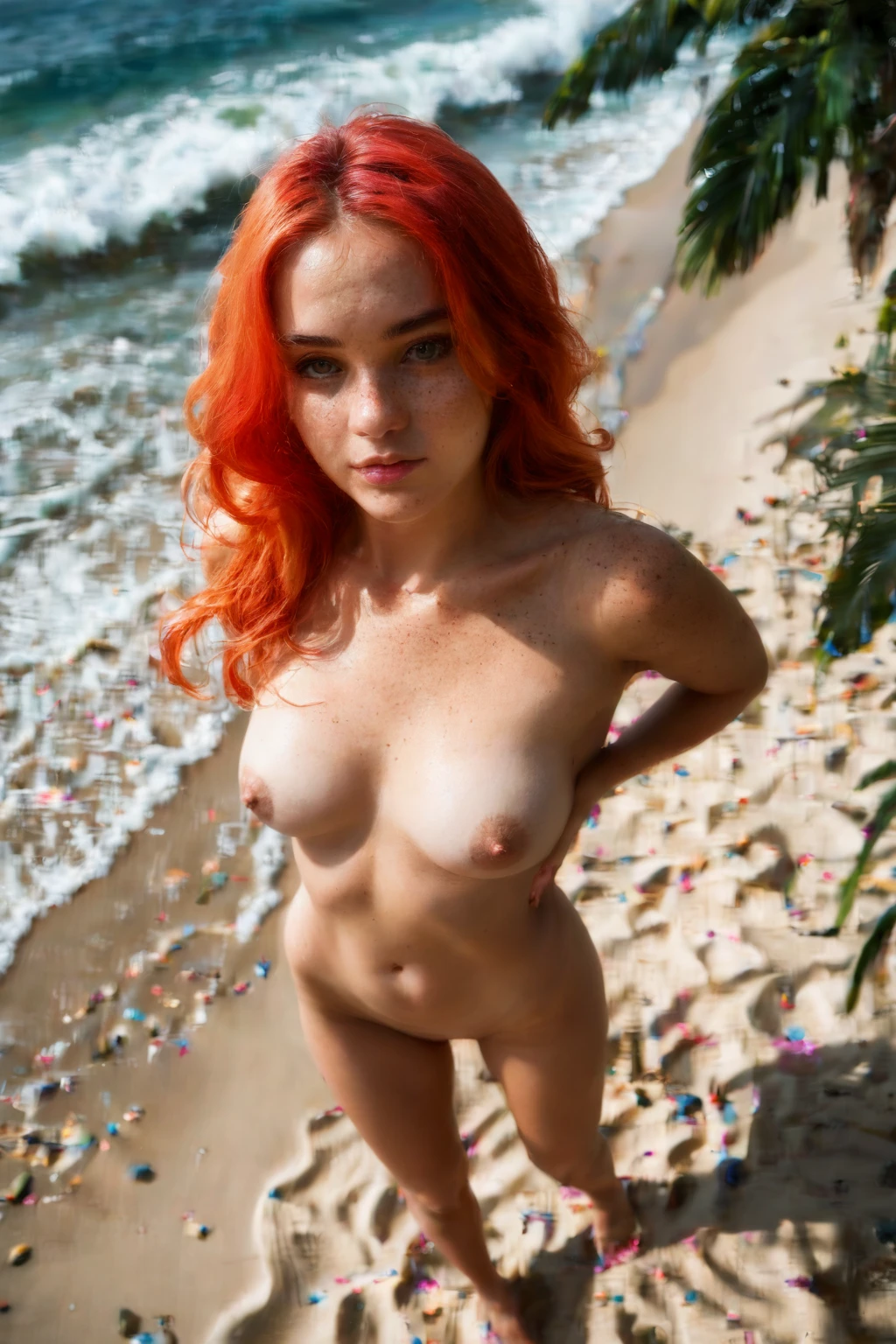

How to Generate Dancing AI Images — Complete Guide
Colored light sweeping across bare skin, hair mid-swing, a body caught between one motion and the next — that frozen instant of rhythm is what the dancing category is built to chase. You don't storyboard it or fuss over wording. You pick the category, and the scene comes together around that sense of movement.
Every prompt below is ready to run. Fire one off in the AI generator, or scroll the dancing category page to see where you're headed first.
What Is Dancing AI Image Generation?
At its core, this category renders a woman dancing sensually, her movements smooth and flowing. That's the whole brief, and the platform holds a firm line on it: the pose has to read as clearly sensual, with fluid motion carrying the frame. Plain dance without that charge doesn't clear the bar, and broader styles get filtered out. The generation stays pinned to sensual, flowing movement and nothing looser.
Getting Started
Open the Generate page and select dancing. Hit generate, and the platform assembles the full prompt for you from that single choice — no prompt-writing on your end. Each result lands in your gallery as a WebP file at 1312x1968.
Example Dancing Prompts to Try
These are the kinds of prompts the platform builds behind your one click. You never type them yourself, but seeing them helps you picture what the category is reaching for.
Prose form:
```text
a young woman in mid-sensual dance, body moving fluidly with arms raised overhead, hair flying, club lighting casting dramatic colored shadows on her exposed skin
```
The generator keeps a few variants in rotation so a batch never comes back looking copy-pasted. Two more it might reach for:
```text
intimate three-quarter view of a young woman alone in mid-sensual dance at a dim nightclub, completely nude, body moving fluidly with both arms raised overhead, hair flying, club lighting casting dramatic colored shadows on her bare skin and completely shaved smooth pink pussy, head tilted back with parted lips, motion blur on her hair and limbs, full body visible, female alone in frame, no other people
```
```text
intimate three-quarter view of a young woman alone in slow sensual dance in a softly-lit bedroom, completely nude, hips swaying, both her hands running through her own hair above her head, head tilted back with parted lips, motion blur on her hair, warm bedroom lighting, full body visible, female alone in frame, no other people
```
Tips for Sharper Results
- Lean on words the category recognizes — dancing, dancer, pole dance, pole dancing all point at the right intent.
- Switch on scene variant rotation when you want a batch to wander across different compositions instead of repeating itself.
- Doing a themed set? Lock to a single scene from the scene family so the run holds together.
- Pick an AI model to fix the face you're after.
- Generate in batches and keep the standouts. More rolls, better final cut.
Scene and Framing
The scene revolves around movement, often a dancer working around a pole, tracing the give-and-tension of her motion. Framing ranges across the results — sometimes the full dance held in view, sometimes a close read of a single curve or the line where she meets the pole. Wardrobe runs to fabrics that travel with her rather than pin her down. Lighting and shadow vary from render to render, falling across her contours. What stays fixed is the sensual dancing pose at the center; every variation orbits that.
Common Mistakes
The usual slip is conflating this category with ordinary dance movement, which muddies the pose direction and leaves the model guessing. Built-in filters do quiet work in the background, keeping figures anatomically sound through all that dynamic motion so the poses hold up.
Dancing vs Related Categories
Dancing sits next to a few floor-and-angle categories that are easy to confuse it with — here's where the lines fall:
Category What it actually is
--- ---
dancing (this guide) she dances sensually, sinuous movement
all fours on hands and knees, on all fours
bent over standing and bent forward at the hips, ass pushed out toward the viewer or partner
face down ass up her cheek and chest PRESSED INTO the mattress, face turned sideways-down against the sheets, back arched steeply so her ass is the highest point; camera from the side or rear-side
Real Dancing Examples from Our Gallery
dancing example 1
dancing example 2
dancing example 3
dancing example 4
dancing example 5
dancing example 6
dancing example 7
dancing example 8
dancing example 9
dancing example 10
dancing example 11
dancing example 12
dancing example 13
dancing example 14
dancing example 15
dancing example 16
Hungry for more? All 30 sit in the dancing gallery, or jump to the realistic dancing style if you want photoreal every time.
Combining Dancing with Other Categories
Dancing is a scene tag, and only one scene tag rides along per image. So if you tag two scenes, only the first one you picked actually shows up — the later one is quietly dropped rather than clashing.
Frequently Asked Questions
Do I have to write my own dance prompts?
No. Choosing the category is the whole job — the platform composes the prompt for you, so there's nothing to type or edit.
Can I get a pole-dancing shot specifically?
Often, yes. The category itself is already tuned toward pole-dance scenes, so a dancer moving around a pole is part of what it draws on — nothing you need to type to get there.
Can I add a male partner to the scene?
Not by default — she's alone in frame unless you flip the male-partner toggle in the generator, which drops a partner into the scene.
How do I keep a whole batch looking consistent?
Stick to a single scene from the scene family and to one AI model; both pull a run toward a steadier, more predictable look.
Related Guides to Explore
Closest neighbors to this one:
- How to generate all fours AI images
- How to generate bent over AI images
- How to generate face down ass up AI images
Browse the full set on the blog index, then open the AI Dancing Generator and start rolling frames.