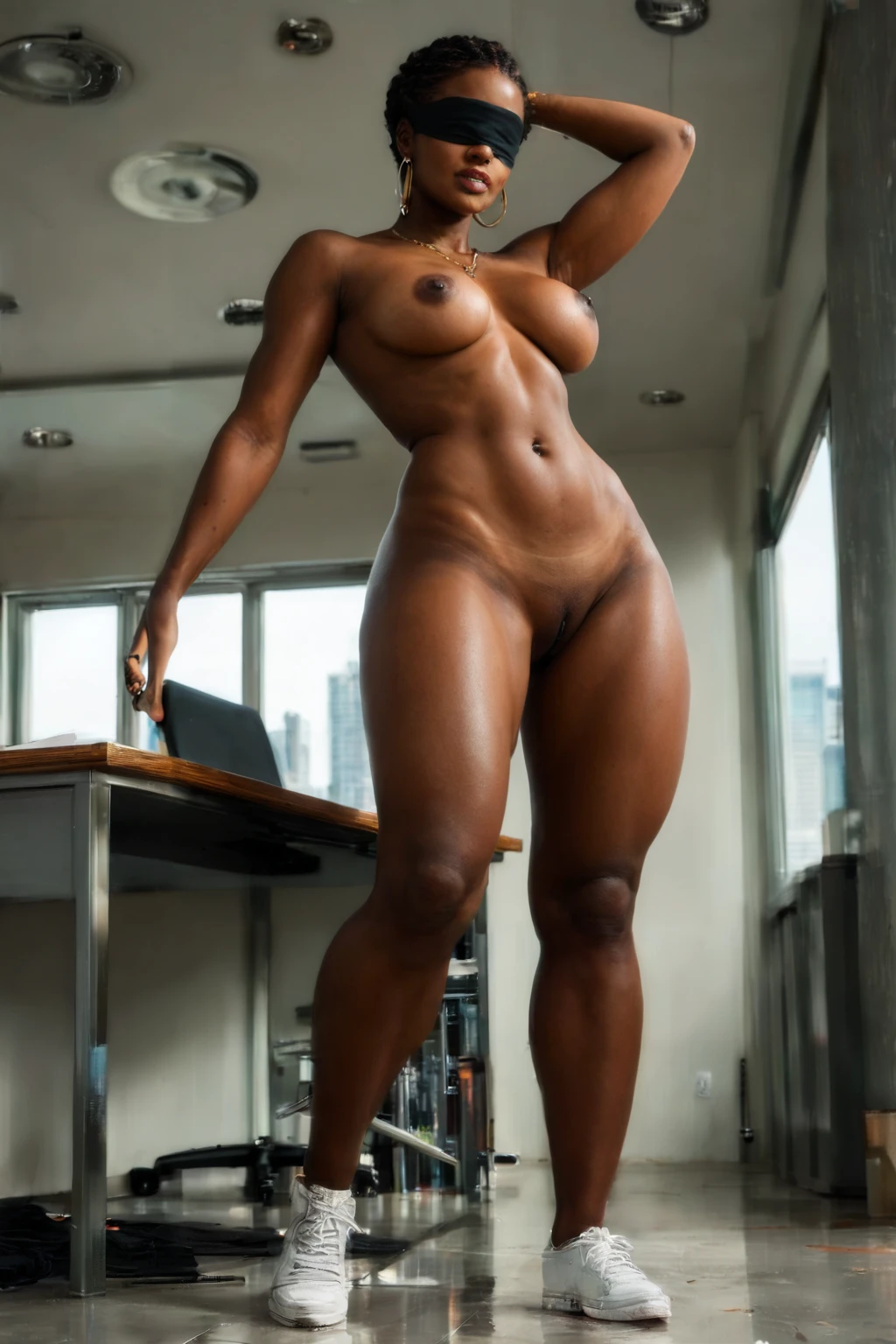

How to Generate Blindfold AI Images — Complete Guide
Silk catches light one way, satin another, and a plain cotton band reads as something else entirely. A dark strip of fabric drawn taut across the face gives the frame a strong horizontal line, a pocket of shadow, a bit of tension. It is a small piece of wardrobe that changes the whole mood of a scene, which is exactly why it works so well as its own category here.
You never write a word of the prompt. Pick the category and the platform builds the description for you, then hands back finished WebP images at 1312x1968. Everything below is reproducible on the blindfold category page and in the generator.
What the Blindfold Category Captures
Here is the one rule that defines the set: the woman wears a fabric band over her eyes, and any partner in the frame keeps his eyes uncovered. She is the one blindfolded, always — never the man. An image only belongs here if that band sits clearly over her eyes. Swap it onto the male partner and the shot no longer fits the category at all.
Real Outputs First: Blindfold Examples
blindfold example 1
blindfold example 2
blindfold example 3
blindfold example 4
blindfold example 5
blindfold example 6
blindfold example 7
blindfold example 8
blindfold example 9
blindfold example 10
blindfold example 11
blindfold example 12
blindfold example 13
blindfold example 14
blindfold example 15
blindfold example 16
There are 29 examples in all — browse the rest in the blindfold gallery. If you want photoreal frames only, switch over to the realistic blindfold style.
Generating a Blindfold Image, Step by Step
1. Open the Generate page on AINudeGirls, choose the blindfold category, and start generating.
2. The platform turns that single pick into a full prompt. Finished images land in your gallery as WebP files at 1312x1968, and they come back quickly.
3. That is the whole flow — no dials to turn and nothing to rewrite. Run it again whenever you want a fresh take on the same look, and keep the frames that land best.
An Example Prompt to Try
You never have to type prompts yourself, but it helps to see the kind of phrasing the platform assembles. This one pairs the category with a short modifier clause naming the fabric and the expression.
Modifier clause:
```text
wearing a black silk blindfold over her eyes, vulnerable expression
```
Combining Blindfold with Other Picks
Blindfold sits inside the Face category family, so it and a plain Face pick pull in the same direction. If you select both, the Face choice is the one that wins — the band still covers her eyes while the rest of her features stay visible. It is worth knowing before you stack picks, so a combination behaves the way you expect rather than quietly canceling itself out.
How Blindfold Differs from Its Neighbors
A few nearby categories get tangled up with this one. Here is how they actually differ.
Category What it actually is
--- ---
blindfold (this guide) a blindfold over HER eyes — the woman is the one blindfolded, her eyes covered by a fabric band; any partner keeps his eyes uncovered
ahegao exaggerated orgasm face: eyes rolled up, tongue out, blissed-out expression
cum on face semen covering her face
cum covered her body drenched all over in semen, multiple loads
Getting the Most Out of It
- Reach for the terms that name this look plainly — blindfold, blindfolded, eyes covered — since they all point at the same thing.
- Blend subject, style, and quality cues together when you want a more finished frame.
- Pick the same AI model if you want a consistent face across a run.
- Generate in batches and keep the frames that land best.
- Cycle through the different variants in the set to see the range.
- Lean on negative prompts to clear out anything you did not ask for.
The One Mistake to Watch For
Almost every miss in this category is the same one: the band ends up on the man instead of the woman, flipping the defining look backward. The platform's negative prompts are aimed squarely at that failure, filtering out the gender-swapped frames so the blindfold stays where it belongs.
Your Blindfold Questions Answered
Q: The band keeps landing on the man instead of the woman — is that fixable?
That flip is the classic miss, and the platform already fights it. Negative prompts target exactly that case, so the blindfold is kept on the woman as the category intends.
Q: Can I put a male partner in the scene?
Yes. The default frame is solo, with no male partner. Flip on the male-partner toggle in the generator to add one.
Q: If I also pick Face, which one takes over?
The Face pick leads. The band still sits over her eyes, and her other features stay in view.
Q: What's the difference between this and the realistic style?
Same category, narrower filter: the realistic blindfold style serves photoreal frames only, while the main set spans the full range you see in the gallery.
Keep Reading
The closest neighboring categories each have their own walkthrough:
- How to generate ahegao AI images
- How to generate cum on face AI images
- How to generate cum covered AI images
For the full set, browse the blog index.
Wrapping Up
One band of fabric, a lot of mood. Open the blindfold category page and make your own.