
How to Generate Braids AI Images — Complete Guide
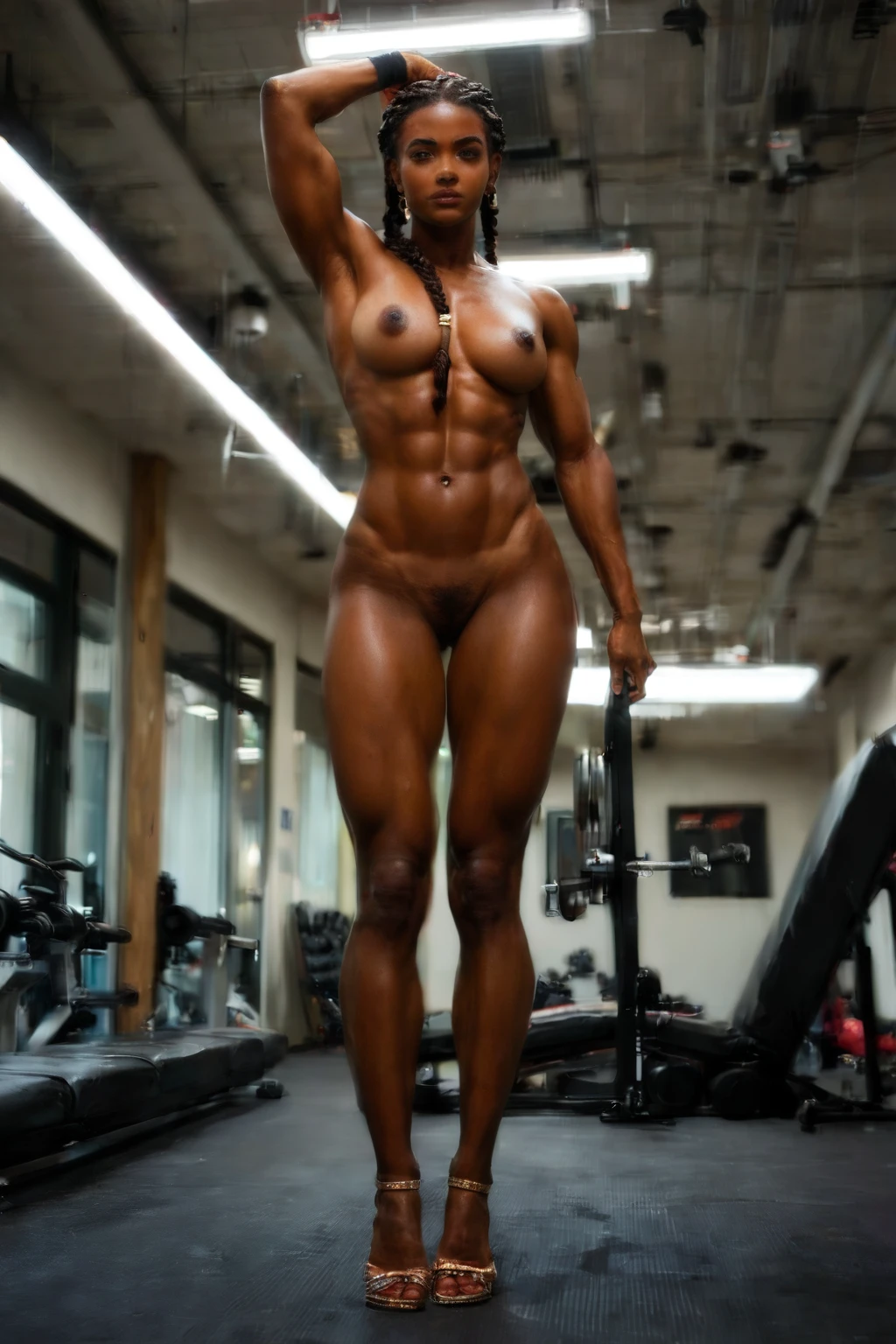
Woven strands trace a clean line down the back of the neck, catching light along every ridge. It's a look that reads as deliberate the moment you see it — structured, unhurried, a little architectural. On AINudeGirls you reach for it by picking the braids category, and the platform assembles the prompt on your behalf. You never type a word of it yourself, which keeps the whole thing fast.
For background on the subject itself, see Braid on Wikipedia.
Everything here applies to the braids category page and to the same option inside the generator.
What the Braids Category Captures
Braids means elegant braided hair, and that woven structure has to be visibly the subject of the frame. Loose or unbraided styles fall outside the category — if the plait isn't the thing your eye lands on, the image won't pass. That single rule is what everything else in this guide points back to.
See It First: Braids Examples
braids example 1
braids example 2
braids example 3
braids example 4
braids example 5
braids example 6
braids example 7
braids example 8
braids example 9
braids example 10
braids example 11
braids example 12
braids example 13
braids example 14
braids example 15
braids example 16
Sixteen of thirty are shown here; the rest wait in the braids gallery. If you want the plainly photographic take, there's also a realistic braids style.
Generating a Braids Image, Step by Step
1. Open the Generate page, choose the braids category, and start the run. Finished images land in your gallery as WebP files at 1312x1968.
2. The prompt is written for you the moment you select the category, so there's nothing to type — the platform handles the wording end to end.
That's the whole loop. The next sections are about getting more out of it.
A Prompt You Can Try
Every braids run carries the same short modifier clause that steers the hairstyle:
Modifier clause:
```text
elegant braided hair
```
How Wide the Look Can Range
There's real room to move inside the category without ever losing the plait. Framing is one axis: shoot tight to sit right on the weave of the strands, or pull back to follow the braid down its full length. You can lean the wardrobe toward polished, refined fabrics, and dress the scene anywhere from soft and intimate to bright and open. Lighting is yours to set as well. The only thing that stays fixed across all of it is the trait from the section above — that has to survive every variation, no exceptions.
Combining Braids With Other Choices
Braids sits in the hair_style group alongside curly-hair, long-hair, pigtails, ponytail, and short-hair. These are meant to be picked one at a time, so if you select braids and a second hairstyle from that group, only your first pick makes it into the image — the other is quietly dropped.
How Braids Differs From Its Neighbors
The hairstyles people tend to line braids up against are worth telling apart at a glance:
Category What it actually is
--- ---
braids (this guide) elegant braided hair
pigtails playful twin pigtails
ponytail high tight ponytail
curly hair voluminous curly hair
Tips Worth Keeping
- Lean on the words braid and braided hair — they point the model squarely at the style you're after.
- Staying inside the hair_style family gives you the variant rotation built for consistent runs.
- Stick to one AI model when you want the same face to carry across a set.
- When you do describe a scene, order your terms by what matters most: subject, then style, then quality.
- Keep to the category's own vocabulary rather than vague filler.
Where Runs Go Wrong
Most rejected runs trace back to one thing: the defining trait from the opening section slipped out of the frame. Keeping "elegant braided hair" in play is what holds a run to the category — let it go and the result drifts toward something the platform won't take. When an image comes back turned away, that missing structure is nearly always the reason.
Braids Questions, Answered
Q: Can I put more than one hairstyle in a single image?
Not from the hair_style group. Pick two and only the first registers, so choose the one braid look you actually want and build around it.
Q: Does a male partner show up in the scene?
Not unless you ask for one. Scenes render solo by default; flip the male-partner toggle in the generator and he appears alongside the braided hairstyle without touching the style itself.
Q: What decides whether an image is accepted?
Whether the braided hair reads clearly as the subject. That woven structure has to be the thing the frame is built around — refined styling that's unmistakably the focus.
Keep Reading
The nearest relatives to this category, if you want to compare:
- How to generate pigtails AI images
- How to generate ponytail AI images
- How to generate curly hair AI images
The full set of category guides sits on the blog index. Ready to make one? The braids generator is where it starts.