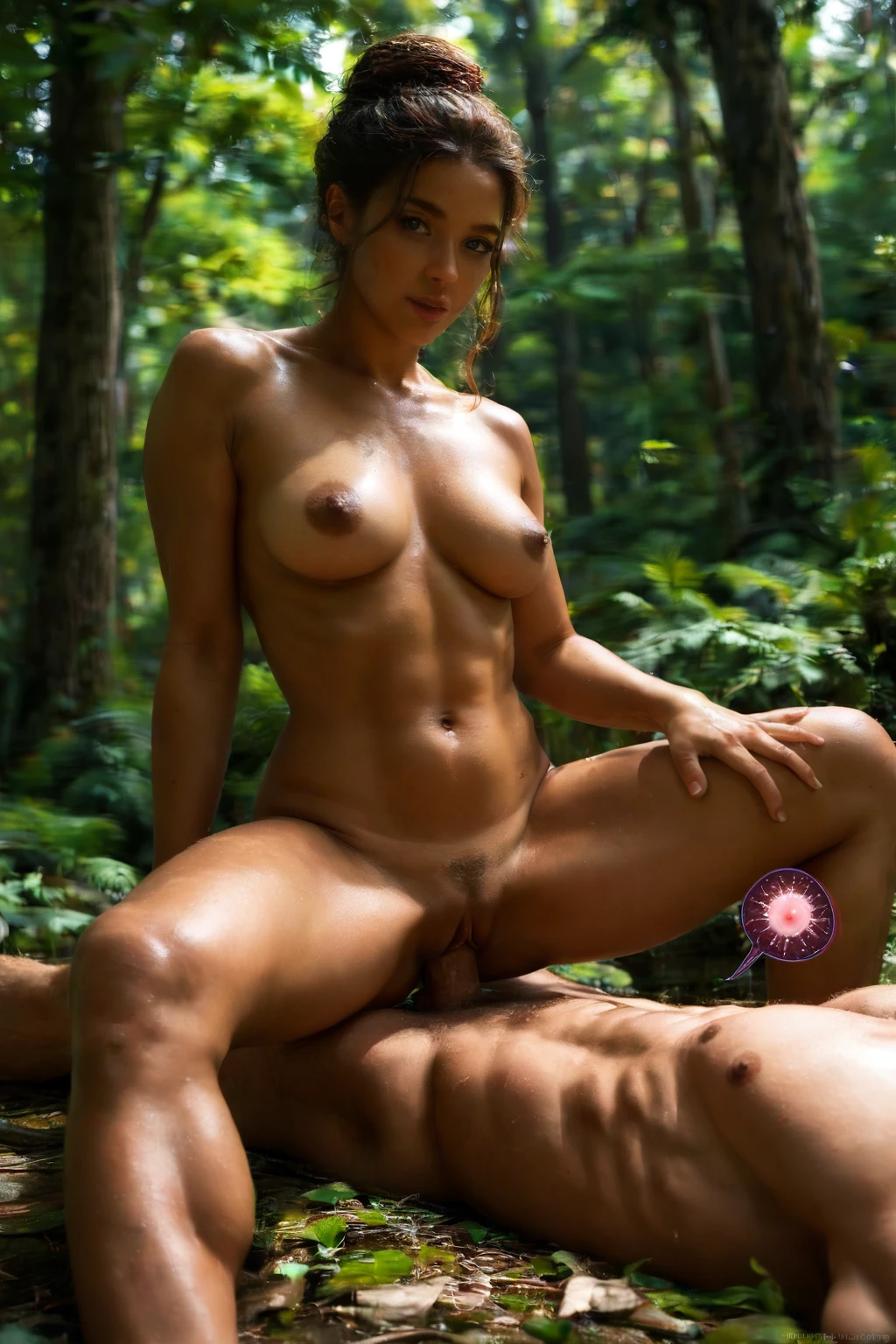

How to Generate Breeding AI Images — Complete Guide
The camera hangs overhead, she's folded open beneath it, and the whole frame is building toward a single held moment. That's the territory this category lives in: raw, close, unfiltered, and pointed squarely at one climax. On AINudeGirls you don't have to describe any of it. You pick the breeding category and the platform assembles the prompt for you — nothing to write, nothing to tweak.
Want to see it work before you read another line? Jump straight into the AI generator, or scroll the breeding category page first to get a feel for the look.
What Breeding Captures
Breeding is an impregnation-themed act. Two things have to be present for a result to actually belong here: deep penetration, and internal ejaculation — or unmistakable intent to breed. That second beat is what separates it from a plain creampie with breeding dressing. The rules are strict on purpose, so if the scene doesn't carry the impregnation theme through to the finish, it isn't reading as breeding.
Everything below points back to this. When the rest of the guide talks about "the core moment" or "that defining beat," this is what it means — no need to spell it out twice.
Getting Started on AINudeGirls
1. On the Generate page, select the breeding category.
2. Layer in other categories if you want to steer the setting, pose, or mood.
3. Hit generate. The tool writes a prompt from your selections and runs it.
4. Your finished images land in the gallery as WebP files at 1312x1968.
That's the entire loop. You're choosing the scene; the prompt-building happens for you.
Two Prompt Styles, Same Scene
Every breeding generation can be expressed two ways, and the platform handles both. One is flowing prose — a described, almost cinematic paragraph aimed at prose-driven models. The other is a comma-tag string in booru style (the Pony format), which trades sentences for short keyword parameters: pose, camera angle, setting, and so on. Same act, two dialects.
Here's the prose version — an overhead POV, subject alone in frame:
```text
POV from above a young woman alone lying on her back with her legs spread wide, her hands above her head, mouth open in intense pleasure, looking up at the camera, full body visible, bright soft lighting, female alone in frame, no other people
```
And the tag-based equivalent:
```text
(lying on back, legs pressed to chest, presenting pussy:1.3), knees to shoulders, mating position, looking at viewer, on bed, bedroom, realistic skin texture, completely nude
```
You're never locked into a single composition, either. The system cycles through alternate takes on the same scene so a batch doesn't come back looking cloned. One of those variants might read like this:
```text
POV from above a young woman alone lying on her back with her legs spread wide, her hands above her head, mouth open in intense pleasure, looking up at the camera, full body visible, bright soft lighting, female alone in frame, no other people
```
```text
POV first-person view from above of a young woman alone lying on her back on white sheets with her legs folded back toward her shoulders and hips tilted high upward, both her own hands gripping the backs of her thighs to hold the deep fold, her completely shaved smooth pink pussy fully exposed at the bottom of the frame, mouth open begging with hungry eyes locked on the camera, intimate overhead view, warm bedroom lighting, full body visible, female alone in frame, no other people
```
Getting Sharper Results
- Keep the breeding vocabulary in play — words like breeding, breed, and impregnation keep the generation anchored to the theme.
- Turn on scene rotation to pull different visuals out of the same breeding setup.
- Lock one scene as your family unit when you want a consistent through-line across a set.
- Pick an AI model if you have a specific face in mind.
- Generate a stack at once and cherry-pick the strongest frames.
Composition and Framing
This is an act guide, so composition carries a lot of the weight. The framing job is simple to state: keep the connection central and legible, and let the shot build toward that defining beat. The overhead POV shown in the examples above is the anchor angle, and the alternate takes give you a sense of how much the details around it can shift while the core act stays framed the same way.
Wardrobe tends toward minimal or purposeful rather than elaborate, which keeps attention on the physical connection. The lighting that shows up most is warm and close, catching sweat and skin texture — part of what gives breeding its raw, un-glossy signature. And the arc runs from anticipation to release, with the camera timed to the finish.
Where It Goes Wrong
The most common tangle is bleed-over from neighboring categories — creampie or a looser impregnation scene — which can muddy the visual read. The other classic failures are anatomical: bodies that merge into each other, or the gray-sludge cum artifact. The platform's negative prompts are already aimed at exactly these, filtering to keep anatomy clean and the breeding look distinct from adjacent themes. You don't configure any of that; it runs on every generation.
Breeding vs. Neighboring Acts
If you're deciding between similar positions, here's how breeding sits next to the ones it's most often lined up against:
Category What it actually is
--- ---
breeding (this guide) deep penetration ending in internal ejaculation, breeding aesthetic
cowgirl she rides the man on her back, sitting on top of him
doggy style penetration from behind, she is on all fours or bent forward
missionary she on her back, legs around him, penetrated from on top face-to-face
From the Gallery
breeding example 1
breeding example 2
breeding example 3
breeding example 4
breeding example 5
breeding example 6
breeding example 7
breeding example 8
breeding example 9
breeding example 10
breeding example 11
breeding example 12
breeding example 13
breeding example 14
breeding example 15
breeding example 16
There are 30 in total — see the rest in the breeding gallery, or switch over to the realistic breeding style if you want the photoreal cut.
Pairing Breeding With Another Scene
Breeding belongs to a group of scenes where you commit to one at a time. You can pair it with a single other category from that group — think 69-position, against-wall, ahegao, all-fours, amazon-position, or anal — but only one. And if you happen to select two of them, only the first one you chose defines the core interaction; the second is ignored. So choose the partner scene deliberately.
Frequently Asked Questions
Q: Do I have to write or edit any of the prompt myself?
No. Selecting the breeding category is enough — the platform builds and runs the prompt for you. You steer it by adding other categories, not by writing text.
Q: Is there always a male partner in a breeding generation?
Yes. The act inherently involves a male partner, so every breeding generation includes him. There's no toggle to remove him — it's baked into what the category is.
Q: How is breeding different from a creampie category?
Breeding carries the impregnation theme all the way through the finish; that intent is the dividing line. A generic creampie or a loosely impregnation-framed scene doesn't necessarily read as breeding, which is why the negative prompts work to keep the two visually separate.
Q: Are there limits on what kind of breeding scene I can make?
None are listed beyond the category's own definition — generations stay within the breeding aesthetic and its impregnation themes, and there are no further restrictions called out.
Related Guides
The nearest neighbors, if you want to compare positions:
- How to generate cowgirl AI images
- How to generate doggy style AI images
- How to generate missionary AI images
You'll find every category guide on the blog index. When you're ready, the breeding generator is one click away.