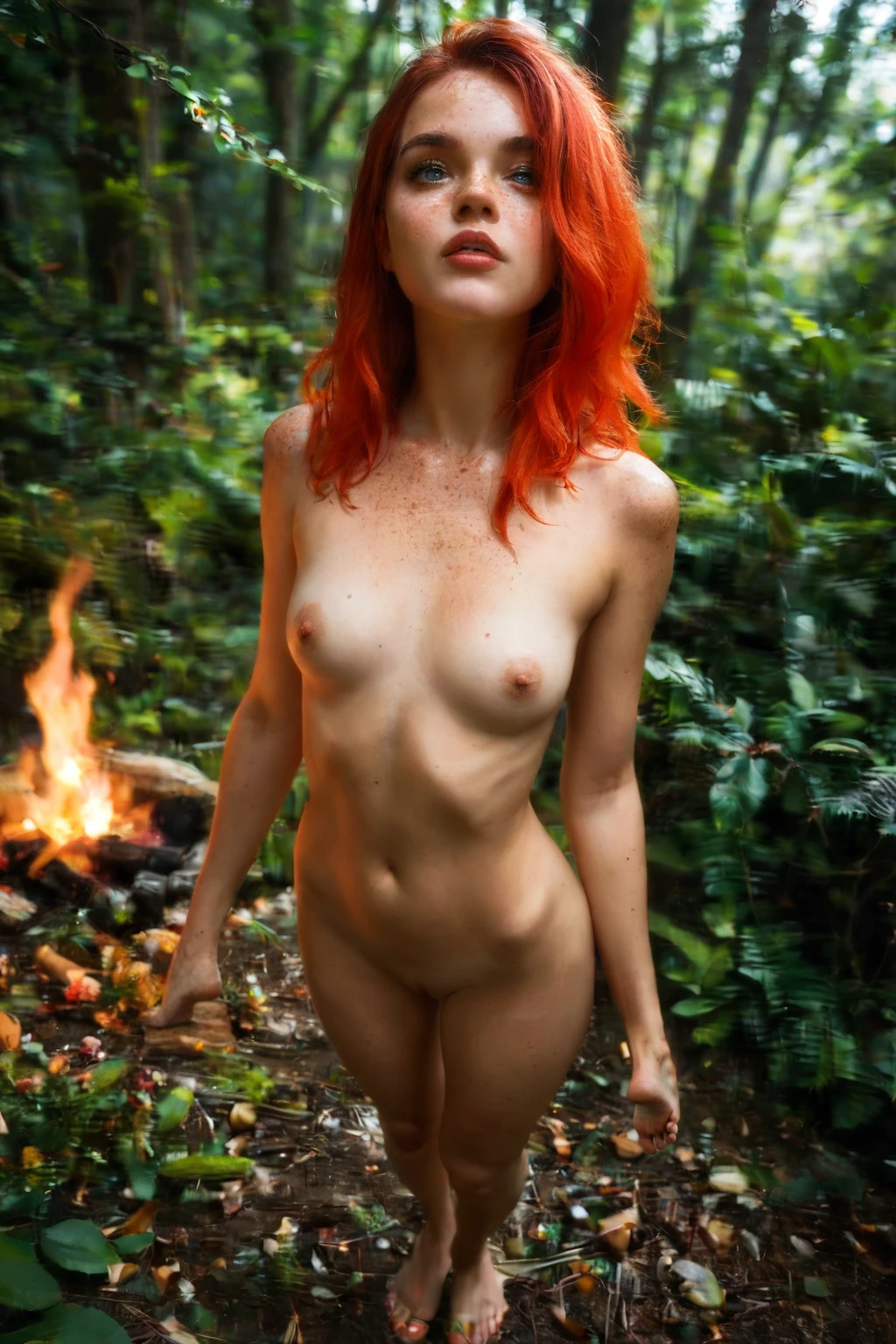

How to Generate Camping AI Images — Complete Guide
Firelight does something to a forest at night. It pulls a small circle of warmth out of all that dark, throws amber across canvas and bark, and lets the cold blue of the woods press in around the edges. That push and pull between warm and cool is the whole feeling of a camping scene, and it is exactly what this category is built to render — no prompt writing, no fiddling with settings. You pick camping, and the image comes back.
For background on the subject itself, see Camping on Wikipedia.
The camping category is already live inside the generator. Here is how to get the most out of it.
What Camping Captures
On this platform, camping means one specific picture: a forest campsite with a tent, lit by the glow of a campfire. Three things have to be present together — the forest, the tent, and that firelight. Drop any one of them and the result stops reading as camping. A tent with no fire, or a fire with no tent, or an open outdoor shot with neither, all fall outside what the category delivers. All three, in the same frame, are the whole definition.
A Prompt You Can Try
You never have to write prompts by hand, but if you are curious what the category leans on, this is the modifier clause behind it — a small tent in the woods, warm firelight over everything:
Modifier clause:
```text
in a forest campsite by a small tent with warm campfire glow
```
Running a Camping Generation
1. Open the Generate page on AINudeGirls, choose the camping category, and hit start.
2. The platform builds the image for you and returns a WebP at 1312x1968.
3. When it finishes, it lands in your gallery, where you can look it over and download it.
Example Images from the Camping Gallery
camping example 1
camping example 2
camping example 3
camping example 4
camping example 5
camping example 6
camping example 7
camping example 8
camping example 9
camping example 10
camping example 11
camping example 12
camping example 13
camping example 14
camping example 15
camping example 16
The full set of 29 lives in the camping gallery. If you want strictly photoreal results, switch over to the realistic camping style.
How the Scenes Vary
Within that defining look there is a surprising amount of room to move, and most of it comes down to light and surroundings.
The tent anchors every frame — it can nestle up against a dense thicket or sit alone in an open clearing, and that placement sets the bones of the shot. The campfire glow throws a warm amber wash that plays against the cool shadows of the trees, and out of that contrast comes the cozy, intimate mood the category is known for. You can frame wide, taking in the whole landscape, or come in close on the weave of the tent fabric and the flicker of the flames. Since the fire is the main light source, it casts long shadows and lifts whatever detail sits near it.
Change how thick the forest reads, or how bright the fire burns, and the mood shifts with it. No two generations settle in quite the same place, yet every one holds onto the same quiet story of solitude and warmth in a genuinely wild setting.
Getting Better Results
- Lean on words like camping, tent, campfire, and outdoor camp — they point the generator squarely at this scene.
- Because camping is a setting, you can let the outdoor environment carry the image rather than the character's demographics.
- Generate a small batch and keep the frames whose style and composition you like best.
- Run a batch and cherry-pick the strongest frames for your final set.
Camping Next to Its Neighbors
Here is how camping lines up against a few settings people tend to confuse it with:
Category What it actually is
--- ---
camping (this guide) forest campsite by a tent with campfire glow
bedroom in a sensual softly-lit bedroom with rumpled sheets and warm window light
beach secluded white-sand tropical beach, golden hour
bathroom luxurious modern bathroom, steam-fogged glass
Combining Camping With Other Categories
Camping sits in the setting family alongside balcony, bathroom, beach, bedroom, car-sex, and casting. These are all locations, so if you happen to select two of them, the generator keeps camping and quietly sets the other aside — you get one place, not a muddle of two.
By default a camping scene has no male partner in it. Flip on the male-partner toggle if you want to add one.
Where It Goes Wrong
Nearly every miss traces back to the same thing: one of the three required pieces goes missing. Leave out the campsite, the tent, or the firelight, and the image drifts off the theme and won't clear the category's bar. Keep that defining look intact and you stay on target.
Frequently Asked
Why does my campsite come out more like a bare clearing than a lit camp? The scene only reads as camping when the tent and the campfire glow are both present with the forest around them. If either the tent or the firelight is faint, the frame slips toward a generic outdoor shot — regenerate and it should settle back into a proper glowing camp.
Can I get a photoreal version instead of a stylized one? Yes — use the realistic camping style for photoreal output.
Does a man show up in the scene? Not unless you ask for one. The default camping scene has none; the male-partner control adds him.
How much variety can I actually get? Plenty. Between tent placement, framing from wide to close, forest density, and how bright the fire burns, repeated runs keep landing on different images.
More Guides
A few nearby settings, if you want to keep reading:
- How to generate bedroom AI images
- How to generate beach AI images
- How to generate bathroom AI images
The blog index has the rest of the category guides.
Final Notes
Camping on AINudeGirls turns out explicit adult imagery set among tents and forests, and the whole thing runs off a single category pick. When a quiet fire-lit campsite is the mood you're after, the AI Camping Generator is one click away.