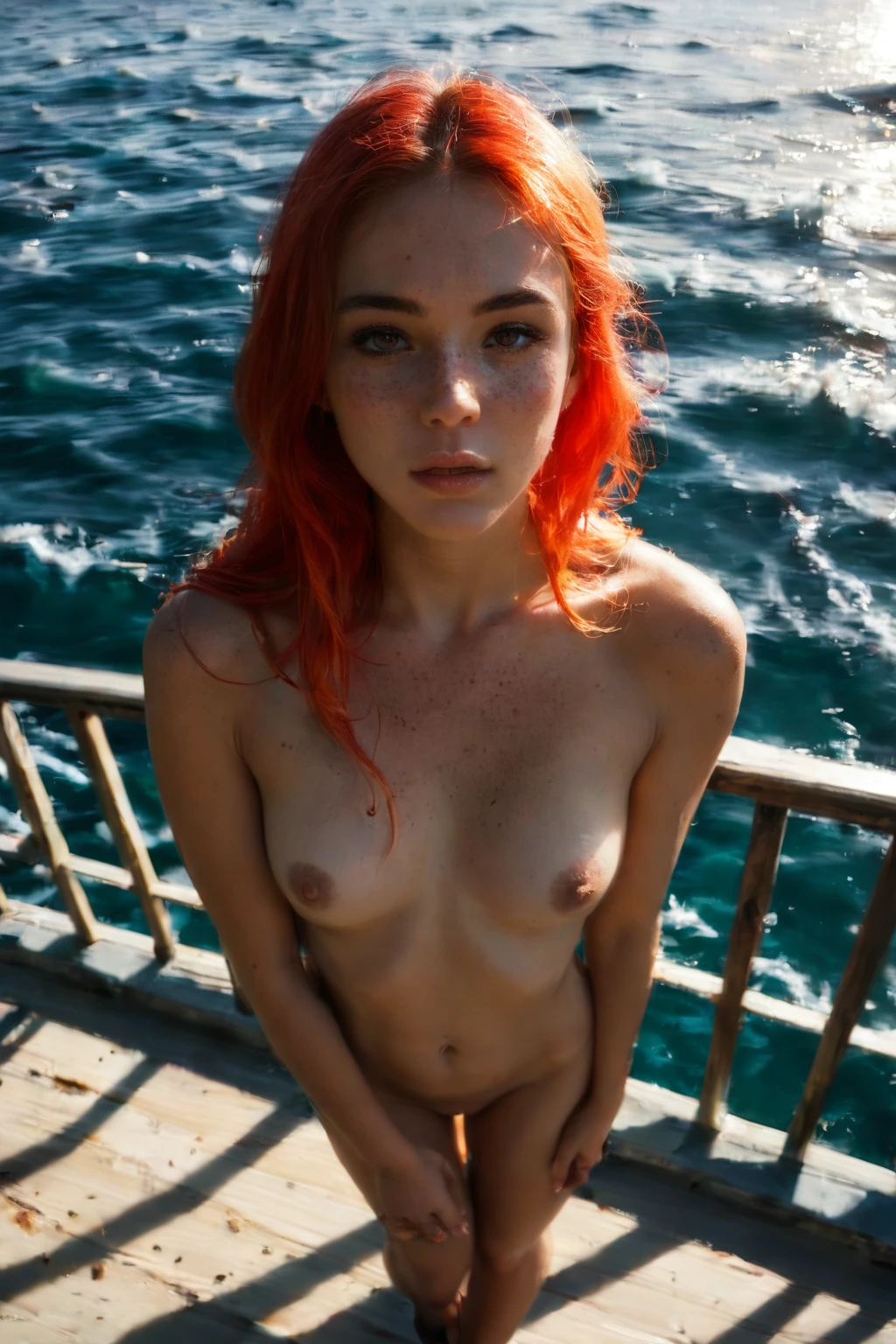

How to Generate Cinematic AI Images — Complete Guide
You know the frame the second you see it: a still that could have been pulled from a projector rather than a phone. It carries weight. It holds the eye a beat longer than a snapshot ever does. That is the register the cinematic category reaches for, and the appeal is that you get there without touching a single word of prompt writing. Pick the style, and the platform assembles the rest for you.
The experience is identical whether you start from the cinematic category page or open it directly inside the generator. Same look, same controls, either door.
What the Cinematic Style Captures
At its core, this is a cinematic film-still composition lit with dramatic mood lighting. That single sentence is the whole brief: an image framed and lit the way a scene is staged for film, rather than caught in passing. Everything else in this guide points back to that look without re-explaining it.
Real Outputs First: Cinematic Examples
cinematic example 1
cinematic example 2
cinematic example 3
cinematic example 4
cinematic example 5
cinematic example 6
cinematic example 7
cinematic example 8
cinematic example 9
cinematic example 10
cinematic example 11
cinematic example 12
cinematic example 13
cinematic example 14
cinematic example 15
cinematic example 16
The full set of 30 sits in the cinematic gallery. If you want the look pinned to photoreal renders only, switch over to the realistic cinematic style.
Generating a Cinematic Image, Step by Step
1. Open the Generate page on AINudeGirls and select the cinematic category.
2. The platform writes the prompt on your behalf and returns a WebP file at 1312x1968 — no prompt drafting required on your end.
3. Generate. If the first frame does not land the mood you were after, run it again; each pass gives you another take to choose from.
The Modifier Behind the Look
You never type this yourself — the generator inserts it for you — but here is the descriptor doing the work, if you are curious what the style resolves to:
```text
cinematic film-still composition with dramatic mood lighting
```
Pairing Cinematic With Other Categories
The cinematic style belongs to the Cinematic family, and it plays well with other picks. Layer it onto another category and the cinematic treatment stays in charge: if a second style would pull the frame somewhere that clashes with the film-still mood, the cinematic look is the one that carries through.
How Cinematic Differs From Its Neighbors
A couple of adjacent styles are easy to conflate with this one. Here is how they actually diverge:
Category What it actually is
--- ---
cinematic (this guide) cinematic film-still composition, dramatic mood lighting
professional in professional business attire, office-worker styling
film grain analog film-grain texture, grainy filmic look
Professional leans into wardrobe and workplace styling; film grain is about analog texture rather than staging. Cinematic is the one chasing the staged, lit-for-camera frame.
Getting More Out of It
- Generate in batches. Since each run varies, a handful of frames gives you a spread to pick your favorite from rather than betting everything on one.
- Regenerate a few times if you have a direction in mind — the look shifts between runs, and picking the closest frame beats describing it.
- When you are building a set that should hang together, keep the same category selected across runs so the frames share a consistent register.
Where Results Fall Short
Not every frame lands the mark. Some come back looking closer to an ordinary photo than a movie still, missing that defining treatment — it happens, and it is exactly the case where generating another pass or two pays off.
Cinematic Questions, Answered
Q: Do I have to write prompts to get the cinematic look?
No. You choose the category and the platform composes the prompt for you — the descriptor is handled end to end.
Q: Why do some results come back looking like a plain photo instead of a film still?
A frame will occasionally miss the intended treatment. It is a known outcome; generate again and pick the take that captures the mood.
Q: Can I put a male partner in a cinematic scene?
By default no male appears. To include one, switch on the male-partner toggle in the generator before you run it.
Q: What is the difference between cinematic and the realistic cinematic style?
The realistic variant restricts output to photoreal renders only. Same staged look, narrower rendering range — pick it from the realistic cinematic style page.
Keep Reading
The closest neighboring styles have their own walkthroughs:
Browse the rest from the blog index.
Ready when you are — open the cinematic generator and start framing your first shot.