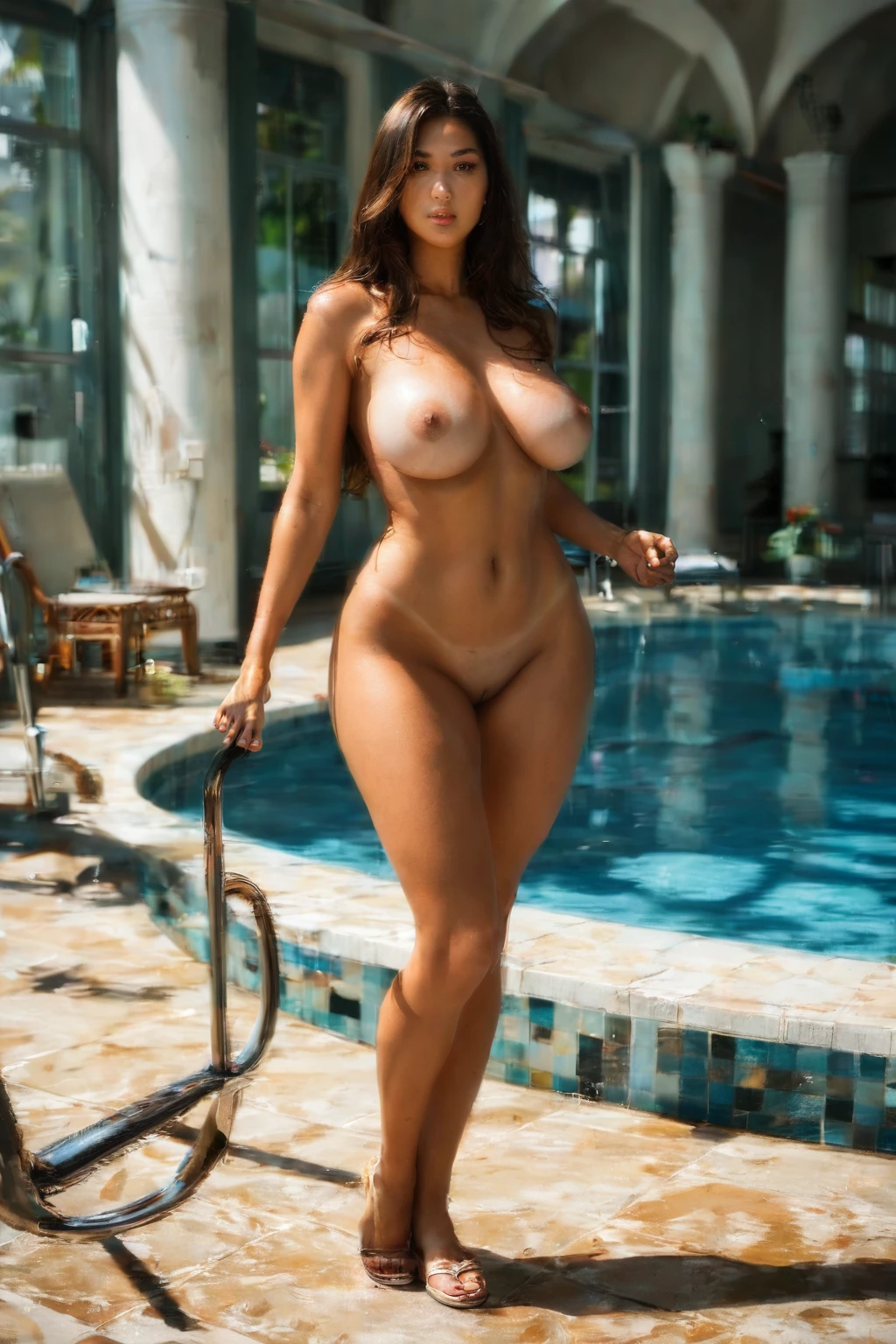

How to Generate Curvy AI Images — Complete Guide
Some figures read as generous at a glance — a nipped waist swelling out above and below, weight carried low and confidently, a silhouette that curves rather than tapers. That is the register the curvy category works in. You do not write a single word of prompt to get there. Pick the category and the platform composes the rest for you.
Everything on this page is reproducible. Start from the curvy category page or drop straight into the generator.
What the Curvy Category Captures
Here is the one definition that matters: curvy on this platform means a clear hourglass figure carried by thick thighs and wide hips. All three traits have to be present for an image to land in the category. Miss the hourglass, or let the thighs and hips read as ordinary, and the result no longer counts as curvy — it drifts toward a neighboring body type instead.
Real Outputs First: Curvy Examples
curvy example 1
curvy example 2
curvy example 3
curvy example 4
curvy example 5
curvy example 6
curvy example 7
curvy example 8
curvy example 9
curvy example 10
curvy example 11
curvy example 12
curvy example 13
curvy example 14
curvy example 15
curvy example 16
That is sixteen of thirty. The rest are in the curvy gallery, and if you want the look rendered photoreal only, switch to the realistic curvy style.
Generating a Curvy Image, Step by Step
1. Open the Generate page and select the "curvy" category. Layer in any other categories you like alongside it.
2. Your picks are all the platform needs — it assembles the prompt and returns WebP images at 1312x1968 straight to your gallery.
3. The standard scene is solo. If you want a male partner in the frame, flip on the explicit male-partner toggle before you generate.
The Clause Behind the Category
Selecting curvy adds a single modifier to the prompt the platform builds. This is the exact text it inserts:
```text
curvy hourglass figure with thick thighs and wide hips
```
Visual Range Within the Category
The defining shape is fixed, but almost everything around it can move. Frame it however you like — close on the waist-to-hip line, or pulled back for the whole figure. Wardrobe is fair game: a fitted dress or a structured top follows those proportions and marks the narrow waist, while other looks read looser. Lighting runs from soft and diffused to hard and high-contrast. And the mood is yours to set, anywhere from elegant and sensual to playful and self-assured. Change the setting, change the styling — the figure stays the anchor of the shot.
Combining Curvy with Other Picks
Curvy belongs to the body-size group, and that group only takes one selection. Pick a second body size on top of it and the extra choice simply drops out — the first body size you selected is the one that renders. So there is no need to hedge your bets by stacking two; commit to curvy and spend your other picks on style, setting, and mood instead.
How Curvy Differs from Its Neighbors
These are the body types people most often confuse with curvy, laid side by side so the lines between them are clear:
Category What it actually is
--- ---
curvy (this guide) curvy hourglass figure, thick thighs and wide hips
athletic athletic toned fit body with defined muscles
bbw BBW plus-size figure with full curves, voluptuous heavy body
chubby chubby plump body with soft curves and full belly
Where Results Go Wrong
Nearly every miss traces back to the proportions themselves. When the thigh and hip volume does not read as distinct, the hourglass never resolves and the image slides out of the category — even though the platform is feeding those traits into the prompt for you. The fix is not more prompt tinkering (you are not writing prompts anyway); it is recognizing when a result has lost the defining shape and generating again. Run a small batch, keep the frames where that silhouette is unmistakable, and let the weaker ones go.
Curvy Questions, Answered
Do I have to write any prompt text to get the curvy look?
No. Selecting the category is the whole job — the platform writes and inserts the wording itself.
My results keep coming out heavier or softer than I wanted — what happened?
That is the line between curvy and its neighbors. Curvy is built around the hourglass with thick thighs and wide hips; bbw and chubby are separate categories with their own definitions in the table above. If a second body size crept into your picks, drop it, since only one body size renders at a time.
Can I get this as a clean photoreal image?
Yes — use the realistic curvy style for photoreal-only output.
Keep Reading
The closest neighboring body types each have their own walkthrough:
You will find the full set on the blog index. When you are ready, the AI Curvy Generator is one click away.