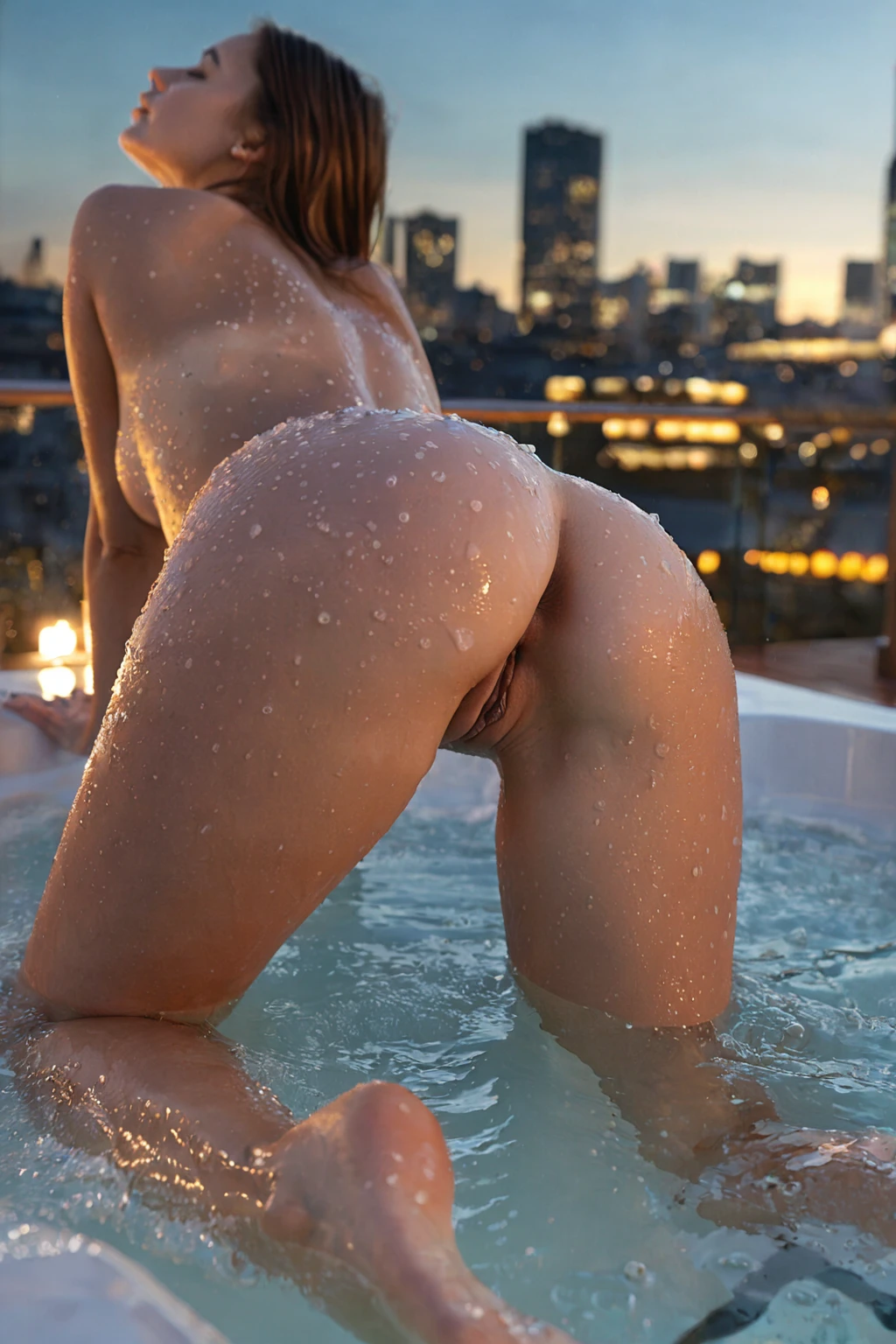

How to Generate Jacuzzi AI Images — Complete Guide
Wet skin against a cedar deck rail. A swimsuit strap gone dark where the water line sits. Steam climbing off a surface that will not hold still, into air you can tell is colder than the water. A hot tub frame is mostly a materials problem — how the surface churns, what the light does to it, and how little of an outfit survives contact with that much heat.
Ready to try it? Open the AI jacuzzi generator. For background on the subject itself, see Hot tub on Wikipedia.
The jacuzzi category on AINudeGirls is built around that specific set of textures. Pick it in the generator and the scene gets assembled for you, outdoors, jets running, no description required on your end.
What You Get With Jacuzzi
The definition here is narrow on purpose. A valid image shows an outdoor hot tub with visibly bubbling jets and rising steam — all three legible in the same frame. Water sitting dead flat reads as a pool. Steam with no churn under it reads as a cold morning, nothing more.
What falls outside the category: indoor pools, even heated ones with tile surrounds and pool lighting; standalone bathtubs, however full of bubbles, because a tub isn't jet-driven; and spa rooms or wellness interiors, which run calm and clinical where this look runs warm and secluded.
That defining look stays fixed from image to image. Everything around it moves, and that's where the variety comes from. Temperature contrast does most of the visual work: the water is warm and enclosed, the world past the tub's edge is cool and open — a rail, a dark garden, a night sky. Time of day swings the palette hard. Sunset puts soft gold into the rising steam; moonlight pushes the whole frame blue and turns the surface into a mirror for whatever light is nearby. Wardrobe follows the heat rather than fighting it, so expect swimwear or loose breathable fabric instead of anything structured or tailored. And the water is a texture source in its own right — churn, spreading ripples, bubbles breaking against steam — which is what keeps these frames from going static.
Sixteen from the jacuzzi category, covering the range:
jacuzzi example 1
jacuzzi example 2
jacuzzi example 3
jacuzzi example 4
jacuzzi example 5
jacuzzi example 6
jacuzzi example 7
jacuzzi example 8
jacuzzi example 9
jacuzzi example 10
jacuzzi example 11
jacuzzi example 12
jacuzzi example 13
jacuzzi example 14
jacuzzi example 15
jacuzzi example 16
There are 29 in the full set, and a photoreal-only cut if you want the stylised frames filtered out.
Prompt and Setup Reference
You never type any of this. It's here because knowing what the category contributes tells you what it can and can't fix.
Jacuzzi's entire contribution to a scene is one clause:
```text
in a steaming outdoor jacuzzi with bubbling jets and warm evening lighting
```
Four ingredients, doing four different jobs. *Outdoor jacuzzi* is the setting and the reason this isn't a bathroom. *Bubbling jets* is motion, and it's the ingredient that keeps water from rendering as glass. *Steaming* is atmosphere, which is what sells the temperature difference between the tub and the air around it. *Warm evening lighting* fixes the time of day low and golden, which is why a bright midday jacuzzi is rare here.
That clause doesn't describe a person, a pose, or a camera. It attaches to whatever else you select, which is the whole design: you pick jacuzzi alongside a second category, and the platform composes the two.
Pick it alongside interracial, for instance, and the scene it attaches to is:
```text
intimate full-body shot of a young woman alone with rich dark skin, her hands resting on her own hips, sensual expression looking toward the camera, full body visible, bright soft lighting, female alone in frame, no other people
```
Or alongside jerk-off-instruction, where the scene supplies the camera relationship instead:
```text
a young woman looking directly at the camera with a seductive smile, instructing the viewer in POV, intimate one-on-one connection with warm bedroom lighting
```
Read those two and the division of labour is obvious. The partner category owns the subject, the pose and the eyeline. Jacuzzi owns where it happens and what the air is doing.
Your First Run
1. Open the Generate page and select jacuzzi. Add a second category if you want a specific subject or camera relationship; jacuzzi alone will still produce a complete scene.
2. Start the generation and check your gallery when the results land.
3. Skip the prompt box entirely. The category carries the scene description.
4. Pick an AI model if likeness matters to you — it tightens the gap between the face you pictured and what comes back.
What you get back is a WebP at 1312x1968: a tall frame, which suits a hot tub well, since steam and the scenery behind it both want vertical room.
Budget for more than one. A single image is 15 credits, and sets cut the per-image cost — five for 68, ten for 120. Category-driven scenes vary run to run, so a second or third pass is usually a better move than trying to talk your way into a fix.
Failure Modes
Almost every disappointing result here is one of the three core ingredients gone missing.
Flat water is the most common. No visible churn and the scene reads as a still pool rather than a working hot tub. No steam is the second: lose it and you lose the temperature contrast, and what's left looks like a daytime swim.
Lighting is the third, and it's the subtle one. Bright midday sun undercuts the secluded mood the category is aiming at — warm evening or moonlight does far more for it. When something feels off, check in that order: is the water moving, is the steam visible, does the light sit low and warm.
Indoor backdrops are the last trap. Tiled walls, pool-deck flooring, anything that reads as an interior breaks the requirement even when the water and steam are perfect. The setting has to feel genuinely open-air.
Not to Be Mistaken For
The categories jacuzzi sits closest to, and what each of them actually delivers:
Category What it actually is
--- ---
jacuzzi (this guide) steaming outdoor jacuzzi with bubbling jets
bedroom in a sensual softly-lit bedroom with rumpled sheets and warm window light
beach secluded white-sand tropical beach, golden hour
bathroom luxurious modern bathroom, steam-fogged glass
Bathroom is the one to watch. Both categories run on steam and water, but bathroom stays indoors behind tile and fogged glass, while jacuzzi is defined by open air and active jets. If the indoor steam-and-glass mood is what you're after, that's bathroom, not this.
What to Select Alongside
Jacuzzi belongs to the setting family, along with balcony, bathroom, beach, bedroom, camping and car-sex. A scene happens in one place, so picking two settings won't merge them — you'll get whichever one you selected first, and the other simply doesn't show up. Nothing errors out; you just get one backdrop.
Anything that isn't a setting stacks cleanly on top. Subject and camera categories, like the two in the reference section above, are the natural pairings.
One thing to know about who's in frame: the default jacuzzi scene has no male partner, because the male-partner toggle is off across the platform until you switch it on yourself.
Asked and Answered
Can I get an indoor hot tub out of this category?
No. Outdoor is part of the definition, alongside the bubbling jets and rising steam. An indoor frame counts as a miss, not a variation.
How do I choose between jacuzzi and bathroom for a steam scene?
By whether you want walls. Bathroom gives you tile and steam-fogged glass indoors; jacuzzi gives you open air, night or evening light, and water that's actually moving.
Do I have to write the scene description myself?
No. Selecting the category is the whole job — the clause it contributes is applied for you, and there's nothing to type.
What file do I actually get?
A WebP at 1312x1968, ready to view, download, or keep in your gallery.
Where to Go Next
The three categories most often confused with this one, each with its own guide:
- How to generate bedroom AI images
- How to generate beach AI images
- How to generate bathroom AI images
Every category guide is indexed on the blog.