
How to Generate Office AI Images — Complete Guide
Brushed glass, a wide lacquered desk with nothing personal left on it, and a city standing in the window behind all of it. That is the material palette the office category works with. You are not describing a building here — you are picking a room that already exists on the platform, and letting the framing, the wardrobe and the light do the rest of the talking.
Ready to try it? Open the AI office generator.
This guide covers what has to be in the frame for a shot to read as office, how a generation actually gets built, and the two or three places people lose the scene without noticing.
What Makes It Office
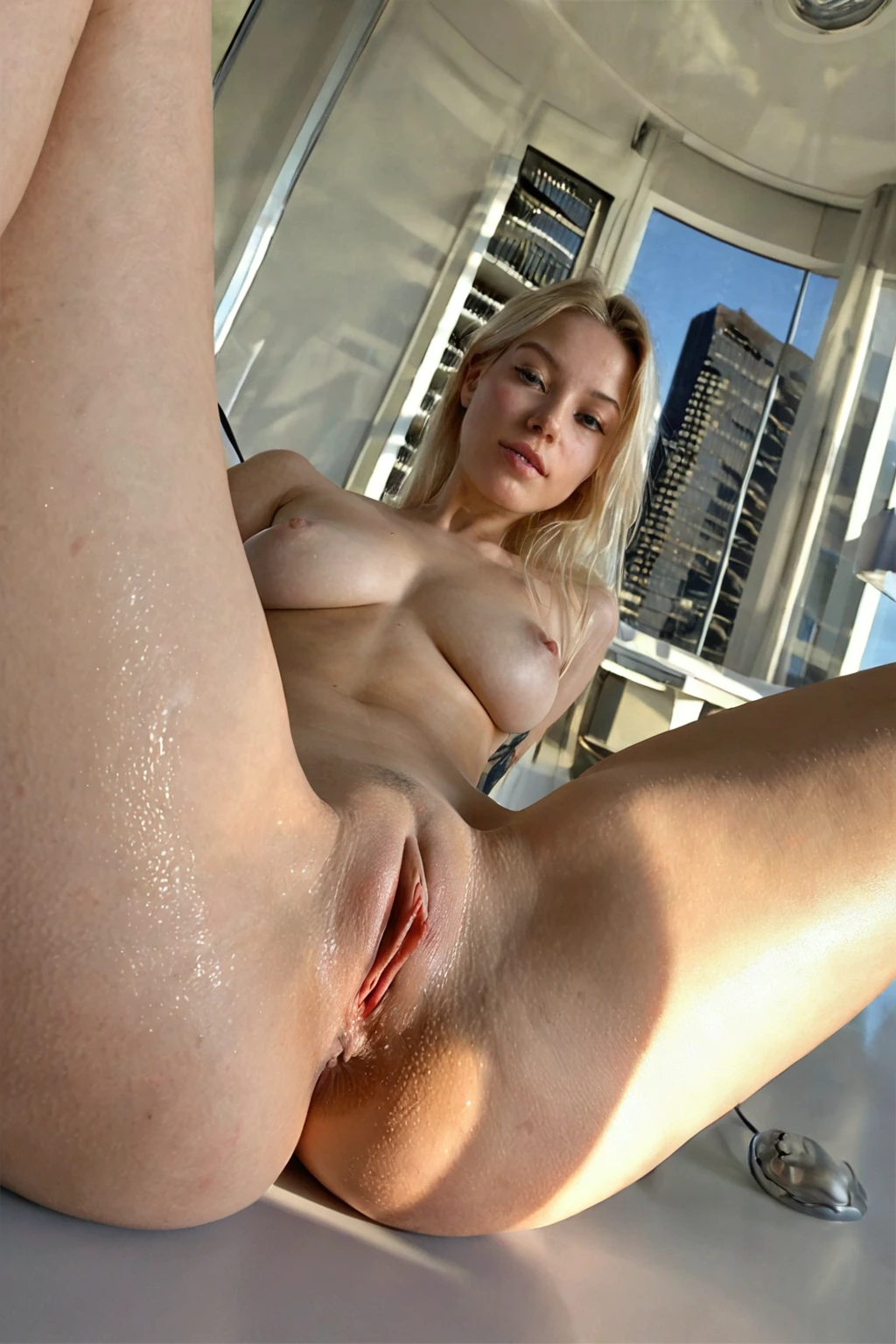
The category is a setting first and a wardrobe second. What it renders is a modern corporate office, framed around the executive desk, with city skyline windows behind. Those three things are the whole identity. The desk anchors the composition, the glass gives it height, and the skyline is what lifts the shot out of "a room with a computer" and into something that reads as a corner office on a high floor.
A desk shoved into a bedroom corner does not qualify. Neither does a laptop on a kitchen table, however many folders you stack next to it.
That is also what keeps office distinct from the settings sitting closest to it. A studio backdrop reads neutral and staged. An outdoor scene reads as sunlight and open air. A home scene reads lived-in, soft, cluttered in a friendly way. Office is deliberately none of those: polished, vertical, expensive-looking, a little cold.
Running a Office Generation
1. Open the Generate page and select office. You can run it alone, or stack it with other categories — the platform composes several picks into one scene.
2. Start the generation. Nothing else is required from you; the setting comes attached to the category.
3. Results land in your gallery as WebP files at 1312x1968, the same output every category produces.
On credits: a single image is 15. A five-image set is 68 and a ten-image set is 120, which matters more here than in most categories — office scenes swing hard on framing and light, so a set gives you something to actually choose between rather than one shot to accept or discard.
Two smaller levers worth knowing. Pick the same AI model if you want the same face across a batch; the character holds while the room and the pose keep moving. And use regenerate rather than fiddling — it cycles fresh framing and lighting through the same setting. Negative prompts are not supported in this category, so there is nothing to strip out that way.
Getting It Wrong
The most common failure is treating office as a mood instead of a room. Right wardrobe, right expression, right cool blue light — and still not an office shot, because the desk never made it into frame. Styling does not stand in for the setting.
Close behind: losing the windows. A windowless room with a desk in it reads as any office anywhere, which is precisely the generic result the category exists to avoid. The skyline is doing more work than it looks like it is doing.
The third one is quieter. Stack office with another location category and you can end up with a background you did not ask for — pick two settings and only the first one you picked shows up. If the room in your results keeps drifting somewhere warmer or softer, check whether a second setting is still selected.
What Gets Fed In
You never type any of this. Selecting the category is the whole interaction — but it is worth seeing what the selection actually contributes, because it explains why some combinations hold and others wander.
Modifier clause:
```text
in a modern corporate office on the executive desk with city skyline windows behind
```
Three parts, three jobs. "Modern corporate office" fixes the room type and its material vocabulary. "On the executive desk" fixes where the action sits and therefore how the shot is framed. "City skyline windows behind" fixes the background layer, which is the part that carries the altitude.
Categories are composed, not written. Office supplies the room; a pose or act category supplies what is happening inside it. Pick office alongside anal, for instance, and the two halves arrive stitched together:
```text
POV rear full-body shot of a young woman alone with her back arched and ass raised, looking back at the camera over her shoulder with parted lips, hands on her own hips, full body visible, intimate rear framing with bright soft rim lighting, female alone in frame, no other people, in a modern corporate office on the executive desk with city skyline windows behind
```
The pose category owns the body, the camera position and the light quality. Office owns the desk and the glass. Pair it with ass-slapping instead and the same trade holds — that category brings the bent-over framing and the playful look back over the shoulder, and office puts it on the desk.
Mixing Office Into a Scene
The setting is fixed once you select it, but the range on top of it is wider than people assume. Three levers do most of the work.
Framing first. Crop tight on the desk, papers and a laptop falling out of focus, and the shot reads immediate, close, almost intrusive. Pull back and the chair, the depth of the room and the full run of window come into play — an establishing shot rather than a moment. Same category, different distance from the subject, completely different story about where the viewer is standing.
Wardrobe changes tone without touching a thing in the room. Sharp business tailoring — a fitted blazer, a pencil skirt, a blouse buttoned to the collar — keeps the frame formal, like a corporate portrait interrupted mid-shoot. Let the structure go, an unbuttoned shirt, a jacket over the back of the chair instead of on the shoulders, and the same desk turns into an after-hours scene. Fabric does that on its own.
Light is the third. Flat daylight through the windows says two o'clock on a Tuesday. Warmer, lower light with the city glowing rather than glaring says something much later and much more deliberate. Nothing in the room moved.
Mix them on purpose. A tight, warm crop and a wide, bright room are both unmistakably office, and they will not feel remotely alike side by side.
office example 1
office example 2
office example 3
office example 4
office example 5
office example 6
office example 7
office example 8
office example 9
office example 10
office example 11
office example 12
office example 13
office example 14
office example 15
office example 16
Thirty examples sit on the category page; the photoreal-only cut is a separate view if that is the register you want.
Where Office Ends and Others Begin
The nearest neighbours are all settings too, which is exactly why they get confused with this one. Their definitions, side by side:
Category What it actually is
--- ---
office (this guide) modern corporate office on the executive desk
bedroom in a sensual softly-lit bedroom with rumpled sheets and warm window light
beach secluded white-sand tropical beach, golden hour
bathroom luxurious modern bathroom, steam-fogged glass
Common Questions
Q: What has to be visible for a shot to actually count as office?
The executive desk in frame and the corporate room around it, with the skyline windows behind. Generic desks, windowless rooms and non-office spaces fall outside the category.
Q: Can I put a second figure in the scene?
Not by default — nobody else is in the room unless you switch on the male-partner toggle yourself. The setting itself is unchanged either way; you are only adding a figure, not a different office.
Q: Do I have to describe the room myself?
No. The category carries its own setting description, so selecting it is enough to get the defining look. Everything you add on top is steering, not scaffolding.
Q: What do the finished files look like?
WebP, 1312x1968, delivered to your gallery like every other category on AINudeGirls.
Nearby Guides
The three settings most often confused with this one, each with its own write-up:
- How to generate bedroom AI images
- How to generate beach AI images
- How to generate bathroom AI images
Every category guide is indexed on the blog. When you are ready to build a set, the generator opens with office already selected.