
How to Generate Petite AI Images — Complete Guide
An oversized shirt slipping off one shoulder says more about a body than any adjective can. That contrast — fabric cut for someone larger, hanging on someone who isn't — is the oldest trick in fashion photography, and it's the one the petite category on AINudeGirls leans on hardest. You never type any of it. You select petite, add whatever else belongs in the shot, and the platform composes the scene around it.
Everything below is reproducible on the petite category page and in the generator.
Defining Petite
Petite on this platform means one thing: a small, slender, small-framed body — short stature, a delicate build, small breasts. That's the frame the category locks onto, and it holds across the whole figure rather than showing up only in the face or a single detail.
It doesn't drift toward curvy, athletic or bbw, and it isn't meant to. Compact proportions, a slight build, a smaller silhouette relative to whatever scene or partner sits around it — that's the throughline in every image the category produces. Everything else in this guide is about how wardrobe, light and framing either sell that look or quietly work against it.
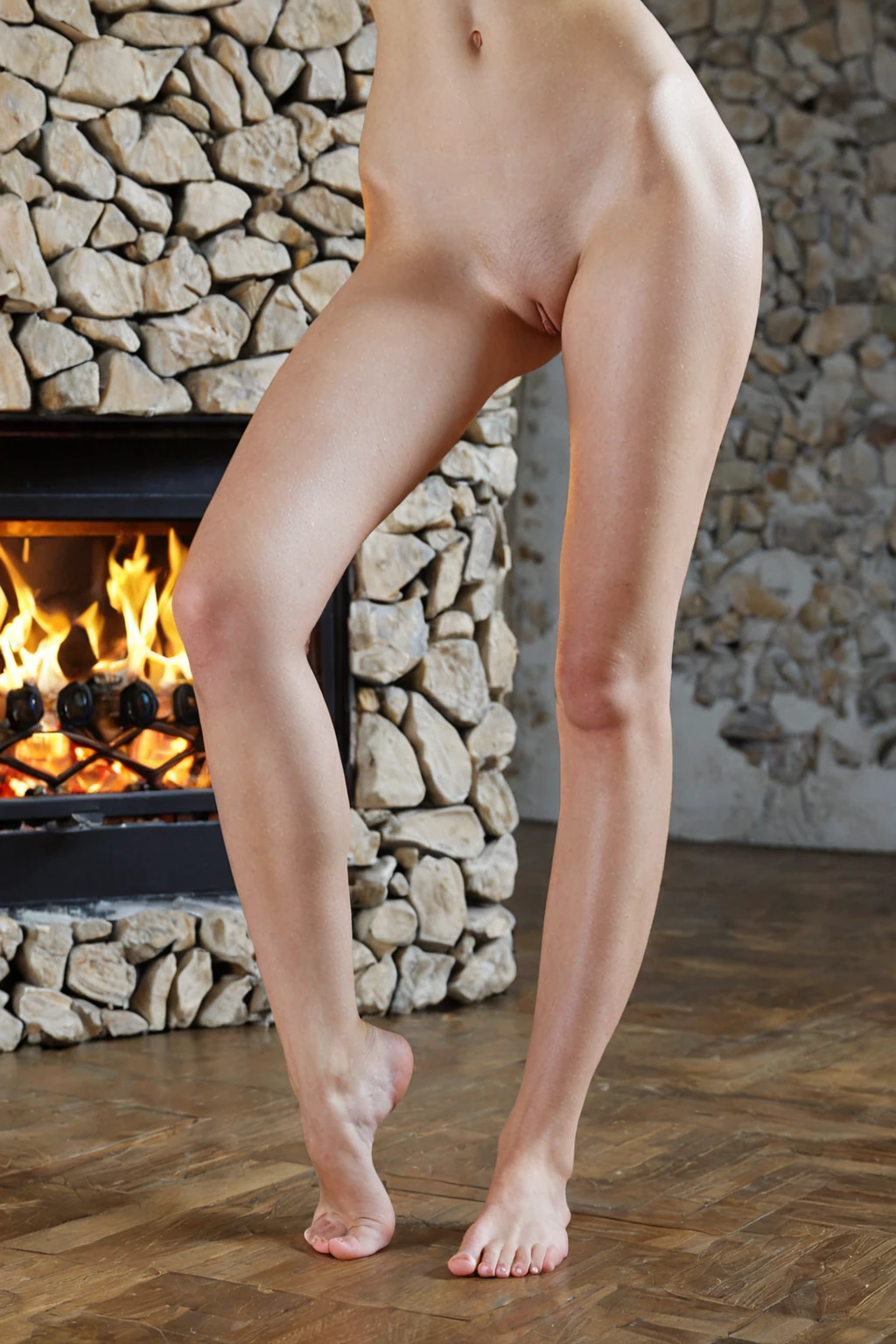
petite example 1
petite example 2
petite example 3
petite example 4
petite example 5
petite example 6
petite example 7
petite example 8
petite example 9
petite example 10
petite example 11
petite example 12
petite example 13
petite example 14
petite example 15
petite example 16
Sixteen frames, one build, a wide spread of settings and poses. There are 29 in total in the petite gallery, and the realistic petite style narrows the same category down to the photoreal end.
Prompts and Settings That Work
Selecting petite adds a single clause to the scene the platform builds. This is it, word for word:
```text
(petite:1.3), petite slim slender small-framed body, small delicate frame, short small stature, small slight build, small breasts
```
Read left to right and you can see the job each part does. The opening tag is weighted up, so the build stays a dominant instruction rather than a passing detail. Everything after it says the same thing four different ways — frame, stature, build, chest — which is what keeps that defining look consistent from shoulders to ankles instead of fading out below the waist.
That clause is the category's entire contribution. The scene itself comes from whatever else you select, and the two get stitched together for you. Pick petite alongside anal, for instance, and the scene half of the generation reads like this:
```text
POV rear full-body shot of a young woman alone with her back arched and ass raised, looking back at the camera over her shoulder with parted lips, hands on her own hips, full body visible, intimate rear framing with bright soft rim lighting, female alone in frame, no other people
```
Or pair it with ass-slapping, and you get a different staging entirely:
```text
a young woman alone bent over with her ass raised, one of her own hands resting on her cheek, a faint pink handprint visible, looking back over her shoulder with a playful expression, full body visible, bright soft lighting, female alone in frame, no other people
```
Note the lighting in both: bright and soft. Hard, high-contrast light adds visual weight and can make a slight build read bulkier than it is, so the soft treatment isn't decorative — it's doing structural work. Note the framing too. Both keep the full body in shot, which matters here more than in most categories, because scale only registers when there's something in the frame to measure against.
Getting a Petite Image Out
1. Open the Generate page and select petite, plus any other categories you want in the shot.
2. Start the generation. The result arrives in your gallery as a WebP at 1312x1968, ready to view, download or share.
3. Scenes stay solo by default — a second person only shows up when the male-partner control is switched on.
One image costs 15 credits. If you'd rather compare than re-roll, a set of five runs 68 credits and a set of ten runs 120, and since pose, framing and expression shift from one run to the next, choosing a favourite from a set is usually the better use of the credits.
Where Petite Generations Go Wrong
Mixed signals are the classic failure. Add descriptors elsewhere in your scene that imply a heavier or more muscular body — curvy, voluptuous, thick, muscular — and they pull directly against that defining look. The image comes back somewhere in the middle, belonging to neither. Pick a direction and stay in it.
The second failure is framing, and it catches people out because nothing looks obviously wrong. A wide shot with a lot of background gives the eye no reference point, so a small frame simply reads as average. Tighter framing fixes it. So does furniture or a prop that's visibly outsized next to the subject — a big armchair does more for the impression of "small" than three more adjectives ever will.
Oversized wardrobe is the strongest tool here and the easiest to overdo. One piece that's clearly too big is a gift. Three at once swallow the figure completely and destroy the contrast you were buying. Same logic applies to pose: elongated lines — stretched limbs, an arched back, angled shoulders — lengthen the body, while a wide, planted, heavy stance flattens the effect.
And if the output doesn't look petite at all, check your selections. Only one body type applies per generation, so if you picked curvy or bbw before petite, the earlier pick is the one that landed.
Easily Confused With
Three neighbours account for nearly every mix-up. Here's what each one actually asks for:
Category What it actually is
--- ---
petite (this guide) petite slim slender small-framed body
athletic athletic toned fit body with defined muscles
bbw BBW plus-size figure with full curves, voluptuous heavy body
chubby chubby plump body with soft curves and full belly
What to Select Alongside
Petite sits in the same group as athletic, bbw, bimbo, chubby, curvy and hourglass, and these are mutually exclusive descriptions of one body. Select two and only the first one you picked shows up in the image; the other is ignored. So lead with petite whenever it's the build you actually want.
Everything outside that group stacks freely. Acts, settings, poses, wardrobe and style all combine with petite without competing for the same slot, which is where the category gets interesting: it's a body description looking for a scene to sit in. Want photoreal rather than stylised output? The realistic petite style is a separate page with the same category behind it.
If you do add your own scene wording anywhere, keep it consistent with a slight build, and mention the build early rather than after wardrobe and setting detail.
Reader Questions
Q: Does petite affect the whole body or mainly the face?
The whole body. It's a frame description, not a facial one — the proportions hold throughout the image rather than in one detail.
Q: Can I combine petite with curvy or hourglass for something in between?
No. Those are alternative descriptions of the same body, so they don't blend. Whichever you selected first is the one that applies, and the other is dropped.
Q: How do I get photoreal petite images instead of stylised ones?
Use the realistic petite style. Leave it alone and the render stays freer and more stylised.
Q: How many petite examples can I look at before spending credits?
There are 29 in the petite gallery — worth a scroll first, since it shows the range of settings and framing the category tends to produce.
Other Guides Worth a Look
The closest neighbouring categories, each with its own guide:
Every category guide is indexed on the blog index. When you're ready to make one of your own, petite is waiting in the generator.