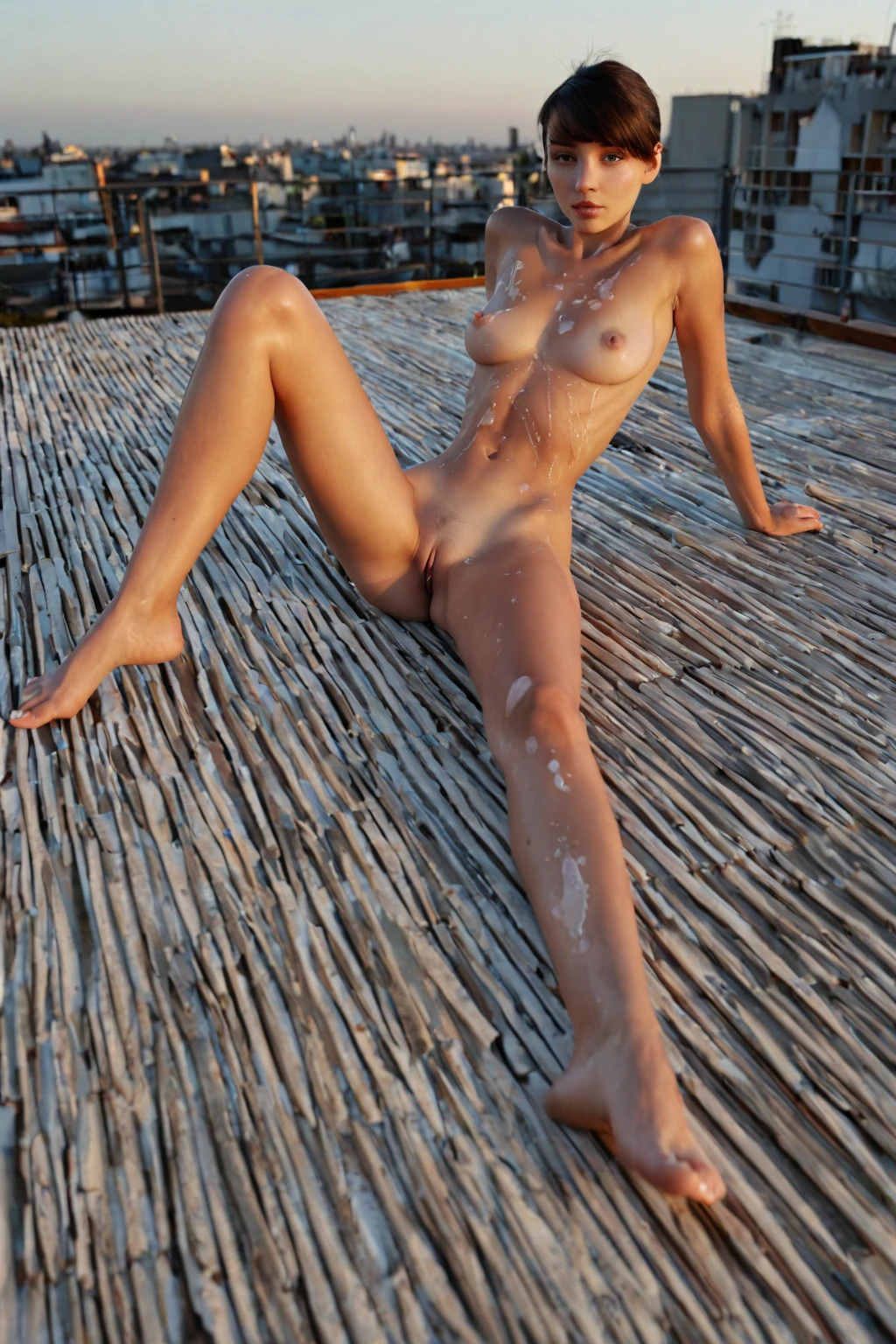

How to Generate Short Hair AI Images — Complete Guide
A cropped cut changes what the picture is made of. There is no curtain of strands to soften the jaw or fill the space beside the neck, so the frame falls back on skin, bone and light — the blunt edge of a bob sitting against the jawline, the fine hair at the nape picking up a rim light, the shadow a temple throws when the key sits high. Expression and posture carry the scene instead of hair. The Short Hair category on AINudeGirls is built for precisely that, and picking it returns a genuine pixie or bob rather than long hair pinned up to imitate one.
Two places to work from: the short hair category page, or straight into the generator.
Reading a Short Hair Image
"Short hair" here is a checkable claim rather than a mood. The category covers pixie cuts and bob cuts: the hair ends at or above the jawline and reads as unmistakably short in the frame, with no drift into the ambiguous middle lengths that could pass for short or long depending on the angle. Braids, wigs, ponytails and anything falling past the shoulders belong to other categories.
Inside that boundary there is real range. A bob is structured and deliberate — a clean, even edge that frames the jaw, polished under office lighting, softer once wind or motion loosens it, and strongest from side and three-quarter angles where the silhouette against the jaw is visible. A pixie is shorter and more expressive; with the hair cropped close, cheekbones, eyes and expression do the work length would otherwise do, and directional or dramatic lighting has less to soften it on the way across the face.
Both carry into modern urban backdrops, minimalist interiors and close, intimate framing without losing their identity. Wardrobe is flexible in the same way: tailored business wear suits the bob's precision, looser streetwear plays against a pixie's edge. Lighting that picks out texture — that rim along the nape, a soft key across the crown — sells either one.
short hair example 1
short hair example 2
short hair example 3
short hair example 4
short hair example 5
short hair example 6
short hair example 7
short hair example 8
short hair example 9
short hair example 10
short hair example 11
short hair example 12
short hair example 13
short hair example 14
short hair example 15
short hair example 16
There are 30 in the full short hair gallery, and a photoreal-only cut of the same category if you want the styled looks filtered out.
From Pick to Picture
Open the Generate page, select Short Hair along with whatever else you want in the scene, and start the generation. Results land in your gallery.
You never type a hairstyle description. The platform assembles the prompt from the categories you selected, which is why picking Short Hair alone is enough to guarantee that defining look in the output. Everything comes back as WebP at 1312x1968 — a tall frame, so the crop and the rest of the pose both stay readable without cropping.
Costs are per generation: 15 credits for a single image, 68 for a set of five, 120 for a set of ten. Sets are the better instinct here for a reason covered further down. And if you want a man in the shot, that's the male-partner toggle, which sits off unless you switch it on — solo is the default result.
When the Output Disappoints
Four things account for most of the misses.
You wanted a lob. A long bob grazing the collarbone sits in the gray zone this category deliberately excludes. Go shorter and take the true pixie or bob, or work from one of the neighbouring hair categories instead.
You wanted curls. Wave and volume are a different axis from length. This category is built around the pixie/bob silhouette, so if texture is what you're actually after, start from curly hair.
The framing cut the head out. The hairstyle is the entire point of the pick. A composition that keeps hair and face out of frame defeats it, however well the rest of the scene lands.
You judged the category on one image. Small shifts in angle make a bob read as more or less structured from one result to the next. Generate a set, then pick.
The Prompt Behind the Picture
Nobody writes prompts by hand on this platform — you pick categories and the prompt gets built for you. What's useful to know is what each pick actually contributes, and Short Hair contributes a single clause:
```text
short stylish pixie cut
```
Three words doing three jobs. *Short* is the length claim that keeps the result above the jawline. *Pixie cut* names the silhouette rather than leaving "short" open to interpretation. *Stylish* is what stops it landing as a rough crop instead of a deliberate one.
On its own that clause is not a picture. It becomes one when you select Short Hair alongside a category that supplies the scene — here is what that same clause is attached to when you pair it with bent over:
```text
a fully nude young woman bent sharply forward at the waist in a sunlit modern bedroom, her hands braced flat on the edge of a wooden dresser, her bare ass thrust back high toward the camera and her back arched, she peers back between her legs and over her shoulder with a teasing smile, her exposed pussy and rear fully visible, low-angle rear three-quarter view, soft warm daylight from a side window wrapping around her smooth oiled skin, intimate inviting mood, female alone in frame, no other people
```
Note how much of that is camera and light rather than anatomy: the low rear three-quarter view, the side window, the arch of the back. A rear three-quarter angle is exactly where a bob's edge against the jaw is most legible, which is why this pairing tends to flatter the cut.
Pair it with blowjob instead and the whole geometry inverts:
```text
POV full-body shot of a young woman alone on her knees looking up at the camera, her mouth slightly open with glistening parted lips, hands resting on her own thighs, eyes locked on the camera with a seductive submissive expression, full body visible, bright soft low-angle lighting, female alone in frame, no other people
```
Upturned face, eyes on the lens, bright low-angle light. That is a pixie's frame more than a bob's — nothing falls forward to break the line of the face, and the light has no length to fight through.
What to Select Alongside
Short Hair belongs to the same group of picks as ponytail, pigtails and curly hair, and that group behaves as one slot: pick two hairstyles and only the first one shows up. Nothing gets blended into a confused half-and-half result, but nothing gets stacked either — decide on the length first and choose once.
Everything outside that group layers normally. Outfit, setting, pose, mood and scene categories all combine with Short Hair the way they would with any other pick, which is where the range described earlier comes from: the same crop under office lighting, in a minimalist interior, or in close intimate framing reads as three genuinely different pictures.
Not to Be Mistaken For
The categories short hair gets confused with, and what each one really delivers:
Category What it actually is
--- ---
short hair (this guide) short stylish pixie/bob cut
pigtails playful twin pigtails
ponytail high tight ponytail
curly hair voluminous curly hair
The trap is length versus styling. Pigtails and ponytail describe how hair is *gathered*, and gathering needs length this category by definition does not have — they aren't alternatives to short hair, they're incompatible with it. Curly hair is a texture claim rather than a length one. Short curly hair exists in the world, but this category is anchored to the pixie/bob silhouette, so when volume matters more to you than crop, curly hair is the better starting point.
Asked and Answered
Will this give me a collarbone-length bob?
No. The category holds the line at or above the jawline, and a lob is exactly the ambiguous length it's built to exclude.
Can I get short curly hair out of it?
Not reliably — the pick is defined by the cut, not the texture. Curly hair is the category to start from if wave and volume are the point.
Which cuts does the category actually cover?
Pixie cuts and bob cuts. Every result stays inside that range; there is no third silhouette hiding in there.
What do I get back as a file?
WebP, 1312x1968.
Further Guides
The nearest neighbours to this category, each with its own guide:
- How to generate pigtails AI images
- How to generate ponytail AI images
- How to generate curly hair AI images
Every category guide is listed on the blog index.