
How to Generate Thick AI Images — Complete Guide
Denim is the honest test. Stretch a pair of jeans across full thighs and wide hips and the fabric reports back — where the seam rides, where the weave pulls tight, where light catches a curve instead of falling flat across it. That shape is what the thick category on AINudeGirls exists to produce, and you get it by selecting the category rather than by describing it. Everything below applies on the thick category page and in the generator.
Defining Thick
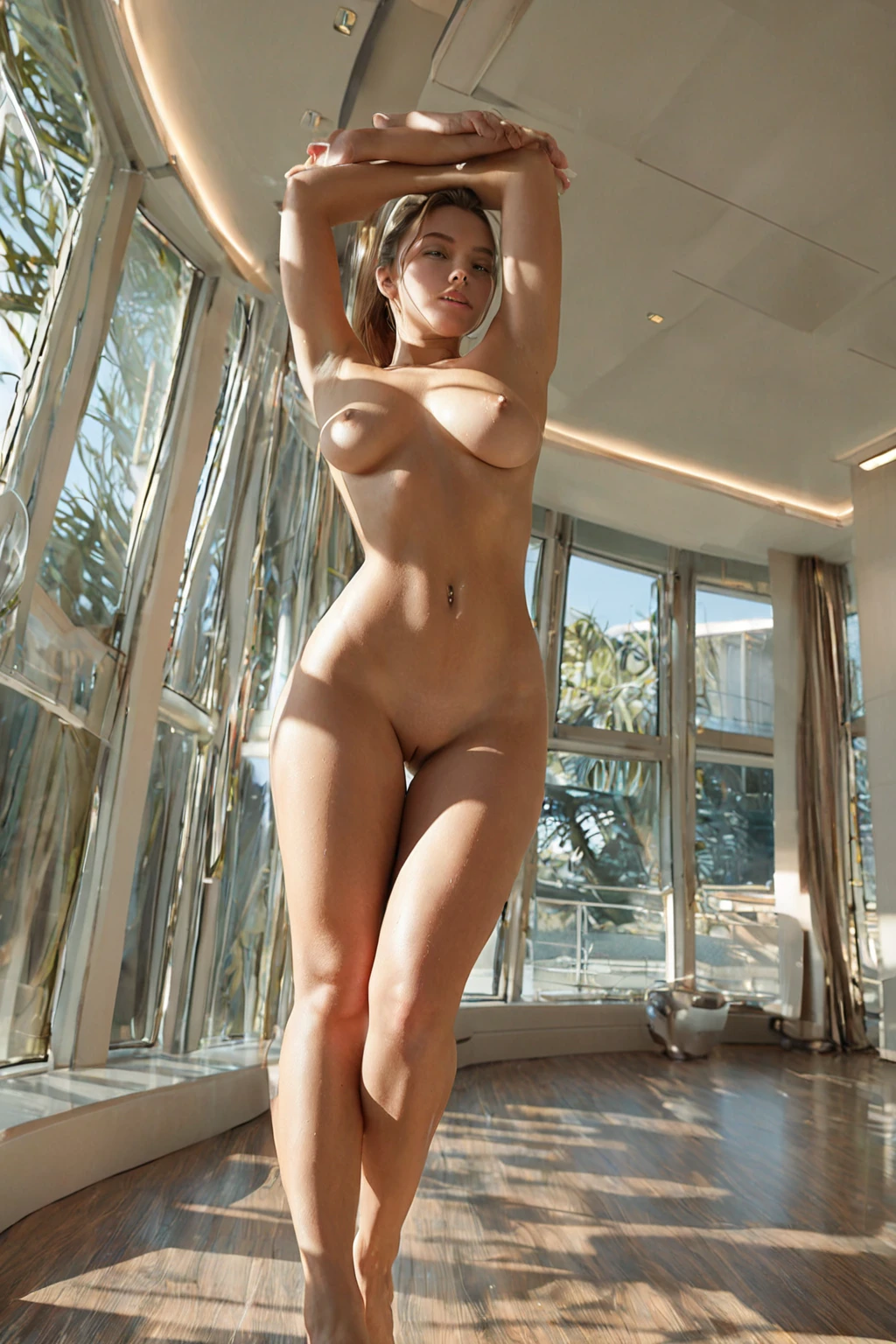
One trait carries this category: a thick body with full thighs and wide hips. Read that as a silhouette, not a size. The fullness has to sit in the thighs and hips together and carry down through the lower body — not gather at the waist, not stop at the chest. A soft midsection on its own doesn't get you there. Neither does a tall, narrow frame with a round face. An image counts as thick when the full figure is unmistakable at a glance, and that figure stays the anchor for everything else in this guide.
thick example 1
thick example 2
thick example 3
thick example 4
thick example 5
thick example 6
thick example 7
thick example 8
thick example 9
thick example 10
thick example 11
thick example 12
thick example 13
thick example 14
thick example 15
thick example 16
Those are 16 of the 29 shots sitting in the thick gallery. The realistic thick style narrows the same set down to the photoreal ones.
The Prompt Behind the Picture
You never type any of this. The platform assembles the wording from the categories you select, and thick's whole contribution to that assembly is a single clause:
```text
thick thicc body with full thighs and wide hips
```
Short on purpose. The first half fixes the overall build; the second half names the two places the weight has to read, which is what keeps the result from sliding toward a vaguely curvy figure. Notice what the clause leaves alone: wardrobe, setting, light, pose, camera. Those slots stay open, because other categories fill them.
That division is the whole idea behind composing instead of writing. Pick thick alongside a scene category and the scene brings framing and light while the clause holds the body. Select it together with facefuck, for example, and this is the scene it joins:
```text
POV full-body shot of a young woman alone looking up at the camera with watery eyes, her mouth open and lips glistening, hands behind her head, full body visible, female alone in frame, no other people, bright soft lighting
```
Every instruction there is about camera and staging — the viewpoint, the eyeline, where the hands go, how bright the light is, and crucially that the whole body stays in frame. None of it touches build. Pair thick with facial instead and the split holds exactly the same way:
```text
POV shot of a young woman with (glossy translucent cum strands on her cheeks and lips, a thin cum string hanging from her chin, realistic glistening semen texture:1.3), looking up at the camera with a satisfied submissive expression and parted lips, bright soft lighting, female alone in frame, no other people
```
Here the scene is carrying surface detail and expression while the body clause carries the figure. Swap the scene, keep thick selected, and the silhouette stays put — that is what you are buying by choosing categories rather than typing sentences.
Making One
1. Open the Generate page on AINudeGirls and select thick, plus any scene, wardrobe or mood categories you want layered on top.
2. If you want the same face to hold across a run of images, pick the same AI model before you start.
3. Start the generation. A single image costs 15 credits; a set of five is 68 and a set of ten is 120, so batches work out cheaper per shot.
4. Finished images arrive in your gallery as WebP at 1312x1968 — a tall frame, which is the right shape here, since it leaves the lower body room instead of cropping in on it.
Generate a small set rather than one image when you can. Figure and pose read differently from shot to shot, and having five to choose between beats re-rolling a single frame.
Frequent Problems
Crop is the number one killer. A portrait or a waist-up shot physically cannot show what this category is about, so it will never read as thick no matter how good the face is. Keep the frame wide enough to hold the whole figure.
Drape is the second. Form-fitting pieces — a bodycon dress, fitted denim, leggings — trace the lower body directly and are the safest choice. Looser silhouettes still work, but an oversized sweater or a flowing dress has to leave that defining look visible; fabric that swallows the hips and thighs entirely defeats the point of selecting the category at all.
Then lighting. Soft, warm side-light finds volume and gives the curve somewhere to fall off into shadow. Hard, flat or heavily backlit setups do the opposite — they flatten exactly the shapes you selected this category to get. Use the harsh stuff sparingly.
Two more worth naming. A thin or average build won't produce a thick result, because the fullness simply isn't there to render. And it's easy to load a selection up with hair, outfit and location choices until the body type is the last thing the image is about — if that defining look isn't the visual anchor, the image doesn't represent the category.
Thick Compared
Three neighbours get confused with this one often enough to be worth pinning down side by side:
Category What it actually is
--- ---
thick (this guide) thick body with full thighs and wide hips
athletic athletic toned fit body with defined muscles
bbw BBW plus-size figure with full curves, voluptuous heavy body
chubby chubby plump body with soft curves and full belly
Athletic is firm and defined rather than soft, so the two silhouettes barely overlap. BBW goes further in overall size and reshapes the whole body's proportions rather than concentrating on the lower half. Chubby puts its weight in a soft belly and a general plumpness. Choose thick when the lower body specifically is the feature you want the shot to be about.
What to Select Alongside
Thick shares a body-type group with athletic, bbw, bimbo, chubby, curvy and hourglass, and these are alternatives rather than ingredients. Pick two of them and only the first one you chose shows up in the image — there's no blending into a hybrid build, so the second pick is simply wasted.
Group scenes aren't on the menu here either; this category is written around one figure alone. By default nobody else is in frame. If you do want a man in the shot, the male-partner toggle is the switch that puts him there, and you set it before starting the generation.
Everything else is genuinely open. Setting swings from a dim lounge with warm, low light to a bright outdoor scene, and both hold up — the location moves the mood without touching the requirement. Wardrobe changes how the figure reads without changing what it is. Mood can run slow and sensual or loose and upbeat; a candlelit bedroom and a sunlit beach are both legitimate thick images, as long as the figure stays the thing your eye lands on first.
Thick Questions
Q: What does selecting thick actually change in the image?
It sets the body type — a thick, full-figured lower body — and nothing else. Camera, wardrobe, setting and lighting all come from the other categories you pick.
Q: Why did my second body-type pick get ignored?
Because those categories are alternatives to each other. Whichever body type you selected first is the one that shows up, and the rest are dropped rather than mixed in.
Q: Will the outfit I choose change the figure?
No. Wardrobe only changes how the figure reads — tight fabric traces it, loose fabric softens it — but the build underneath stays what the category set.
Q: What does a thick generation cost?
15 credits for a single image, 68 for a set of five, 120 for a set of ten.
Further Guides
The closest neighbouring body types each have their own guide:
Every category guide is listed on the blog index.