AI Glasses Generator
Nerdy glasses AI content



Glasses AI generator: how it works
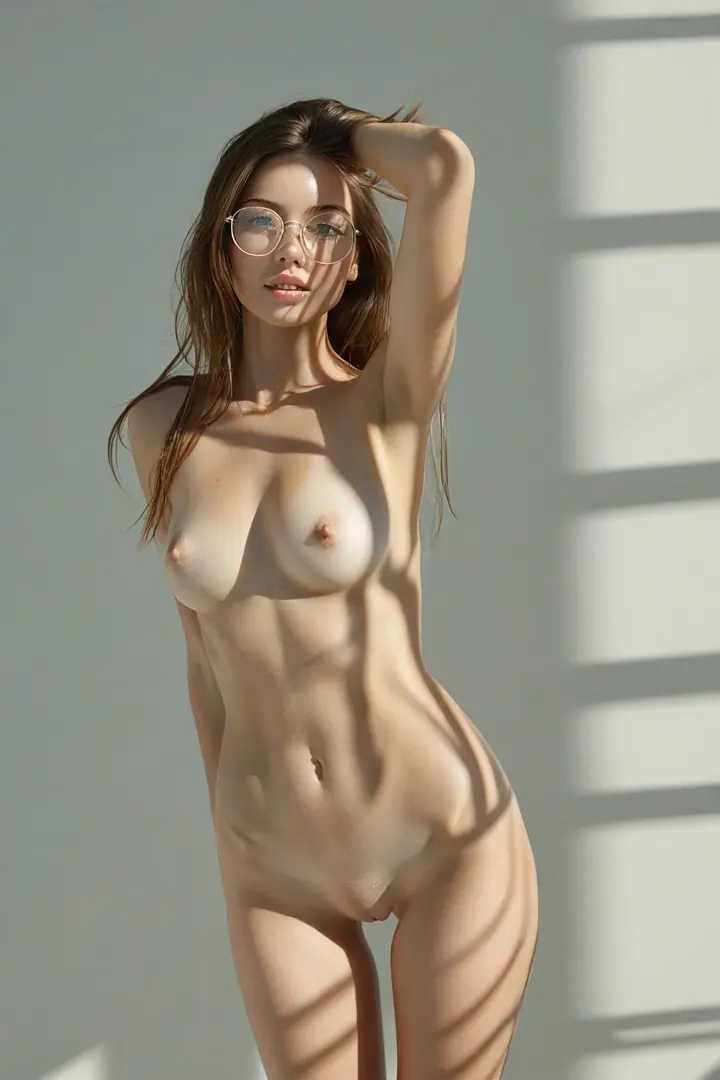
Frames are a small piece of wardrobe that carry an unreasonable amount of a portrait. Acetate or thin metal, sitting on the one part of the body a viewer looks at first — eyewear changes how a face reads before anything else in the shot registers. That is the entire job of the glasses category on AINudeGirls. You pick it, and the platform writes the wording that goes with it. Nothing to type, nothing to tune. The category's definition is four words long: stylish glasses, librarian aesthetic. Glasses have to be visible and unmistakable in the frame — that is the one thing the category requires. Note what it does not require. No books. No stacks, no reading lamp, no set dressing at all. "Librarian" here is a register, not a location: it points at something composed, studious, slightly buttoned-up, and it lands entirely on the face.
Are my Glasses AI generations private and secure?
Temporary processing files become eligible for hourly cleanup after 24 hours. Saved results stay private until you publish them and are kept until you delete them or enable optional auto-delete. Published posts, saved model profiles and backups follow separate retention schedules. See the privacy policy for details.
What styles and variations are available in the Glasses category?
The Glasses category supports multiple style variations including amateur, cinematic, and artistic approaches. You can adjust lighting, angles, and intensity. Combining with Secretary unlocks additional variation options.
How fast does the Glasses AI generator work?
Standard Glasses images generate in 3-8 seconds depending on resolution. HD and 4K Glasses renders take 15-30 seconds. Our servers run 24/7 so you can generate glasses content anytime. Also fast for related Secretary content.
What makes AI Glasses content unique on this platform?
Our AI Glasses generator uses advanced neural networks trained specifically on this style. You get photorealistic results with precise control over details. Try combining it with Secretary or Cute for stunning combinations.
How do I generate the best Glasses images?
Start by selecting the Glasses category, then customize body type, style, and setting. Adding related categories like Secretary or Cute improves specificity. Use descriptive prompts for optimal results.