
How to Generate Asian AI Images — Complete Guide
There's a particular kind of composed elegance this category trades in — soft light, an editorial stillness, the feeling of a shoot that already knows what it's after. On AINudeGirls you don't build that look descriptor by descriptor. You pick the asian category and the platform writes the prompt for you; there's nothing to type or tweak. Every render lands on the same intended result, the one the category name stands for.
Before you generate anything, it's worth browsing the asian gallery to see what the pipeline actually turns out. Then open the generator and make your own.
What the Asian Category Captures
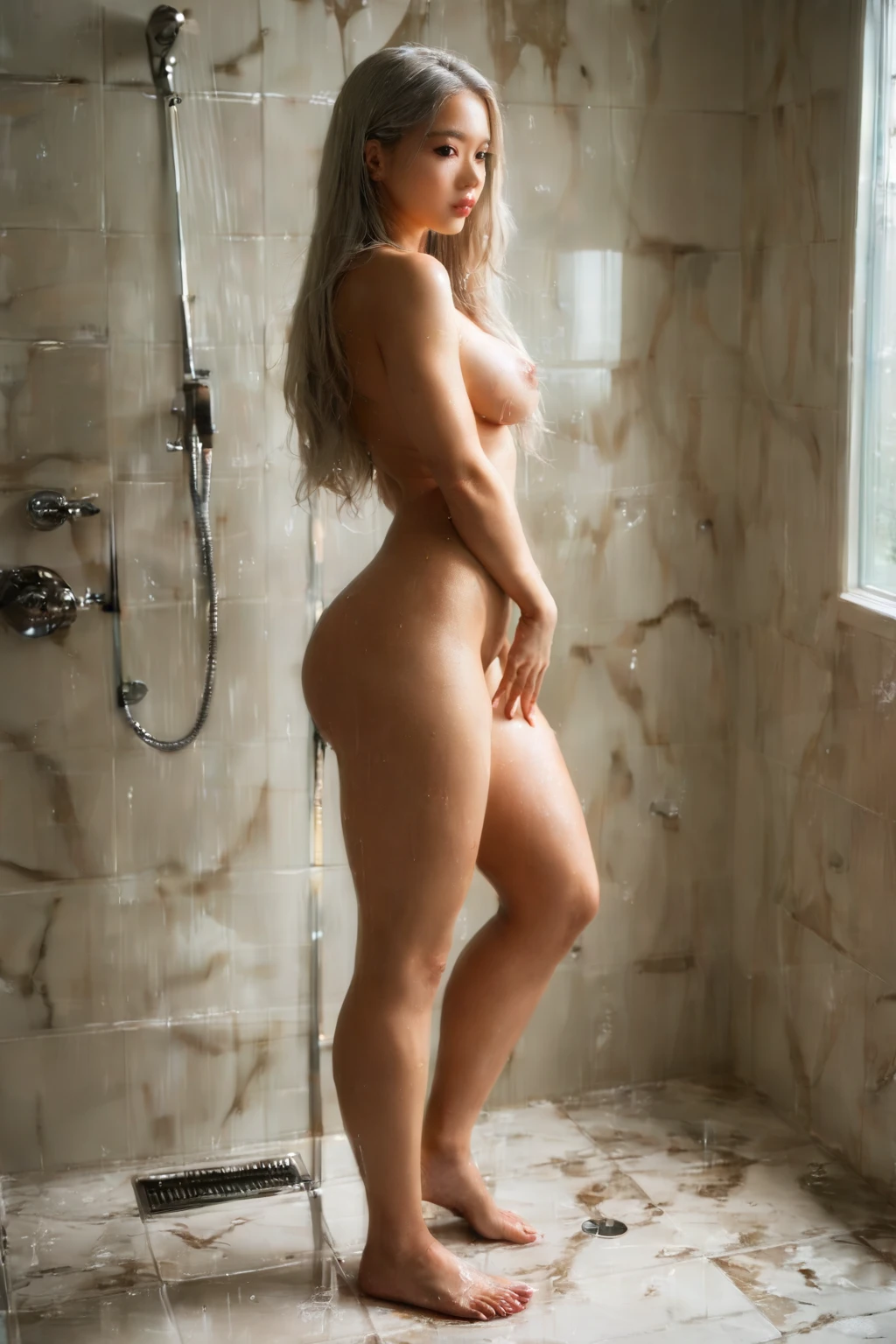
Here the tag means one specific subject: a beautiful Asian woman with porcelain skin and dark almond eyes. Both traits have to be present and visible for an image to count — a woman of Asian descent, with that pale complexion and those dark, almond-shaped eyes. It doesn't stretch to men, to non-Asian women, or to any subject missing those two features. Everything published under this tag matches that description.
From Category Pick to Finished Image
1. Open the Generate page, select the asian category, and start generating.
2. The platform composes the prompt from that single pick — no wording on your end.
3. Your finished shots arrive in the gallery as WebP files at 1312x1968.
The Look in Practice
asian example 1
asian example 2
asian example 3
asian example 4
asian example 5
asian example 6
asian example 7
asian example 8
asian example 9
asian example 10
asian example 11
asian example 12
asian example 13
asian example 14
asian example 15
asian example 16
There are 48 shots in the full asian gallery if you want more range. And if you want strictly photographic output, switch over to the realistic asian style.
How Asian Compares to Its Neighbors
The ethnicity categories are easy to blur together, so here's how asian lines up against the ones people most often confuse it with:
Category What it actually is
--- ---
asian (this guide) beautiful Asian woman with porcelain skin and dark almond eyes
middle eastern Middle Eastern woman, olive skin, dark eyes
arab Arab woman, olive skin, dark features
persian Persian woman, olive skin, dramatic dark eyes
Styling and Scenes
The plain keyword points the model at a broad regional look, and the platform recognizes more specific ones that carry their own cultural styling on top of it. Japanese and Korean each bring distinct wardrobe cues — a traditional kimono or hanbok, or the modern street fashion of the region. Chinese does the same, leaning toward hanfu and settings built around Chinese architecture and landscape. Underneath all of it the core subject holds steady.
Framing is open. You can go tight on a close-up portrait or pull back for a full-body shot with varied poses and body types. Lighting tracks the mood of the scene: traditional settings often sit in soft, diffused natural light, while modern editorial scenes lean into dramatic, high-contrast studio work. Whatever the wardrobe or mood, each result keeps the look above and shows the smaller regional differences the more specific keywords call for.
The Combining Rules
Asian lives in the ethnicity family, and that family lets you keep just one choice at a time. Pick asian and that's the ethnicity you get; if you somehow end up with a second, conflicting one selected, only your first choice actually renders. Scenes in this category are solo too — one person in the frame by default.
The Example Prompt
If you're curious what the platform actually hands the model for this category, the modifier clause reads:
```text
beautiful Asian woman with porcelain skin and dark almond eyes
```
Getting Sharper Results
- Stick to specific ethnicity keywords — asian, japanese, korean, chinese, asian woman — to keep the model anchored to the right look.
- Stick to one AI model when you want more consistency across a set.
- Batch a handful at once and keep the strongest.
- Lead your terms with the ones that matter most, then subject, style, and quality behind them.
- Remember the ethnicity family is one-at-a-time; choose a single variant per generation.
Where It Usually Goes Wrong
The common miss isn't exotic. It's an image of an Asian woman that simply doesn't show the defining look above — no visible pale complexion, no dark almond eyes. The platform judges the render itself, not just the words behind it, so even a correctly worded prompt fails if those signature traits aren't clearly there. That absence is the single most frequent reason an image gets rejected here.
FAQ
Q: Why do some of my results look more Japanese, Korean, or Chinese than others?
Those regional keywords each layer their own cultural styling on top of the shared subject — wardrobe like a kimono, hanbok, or hanfu, plus region-specific settings. The person stays consistent; the dressing and backdrop shift.
Q: Can I add a male partner to the scene?
By default the scene is solo. Turn on the male-partner toggle in the generator and it adds one on top of the standard single-subject composition.
Q: My image clearly looks Asian but still got rejected — what happened?
The render has to actually show the defining traits, not just carry the right words in the prompt. If that look isn't visible in the image itself, it falls short of the category standard.
Q: Can I select two ethnicities at once?
No. Ethnicity is a one-choice family, so only your first pick takes effect — a second one just gets ignored.
Further Reading
The closest neighboring categories each have their own walkthrough:
- How to generate middle eastern AI images
- How to generate arab AI images
- How to generate persian AI images
You'll find every category guide on the blog index. When you're ready, pick the asian category in the generator and let the platform handle the rest.