
How to Generate Middle Eastern AI Images — Complete Guide
An abaya and a plain white t-shirt do completely different things to the same photograph. One drapes, swallows light and hands the whole frame over to the face; the other gets out of the way. On AINudeGirls, the middle eastern category settles the harder question for you — who the woman is — and leaves every one of those material decisions wide open.
That is the trade worth understanding before you generate anything. The middle eastern gallery holds sixty images in which the subject never moves while the cloth, the light and the framing shift constantly underneath her. The generator is where you add to that pile.
Middle Eastern, Precisely
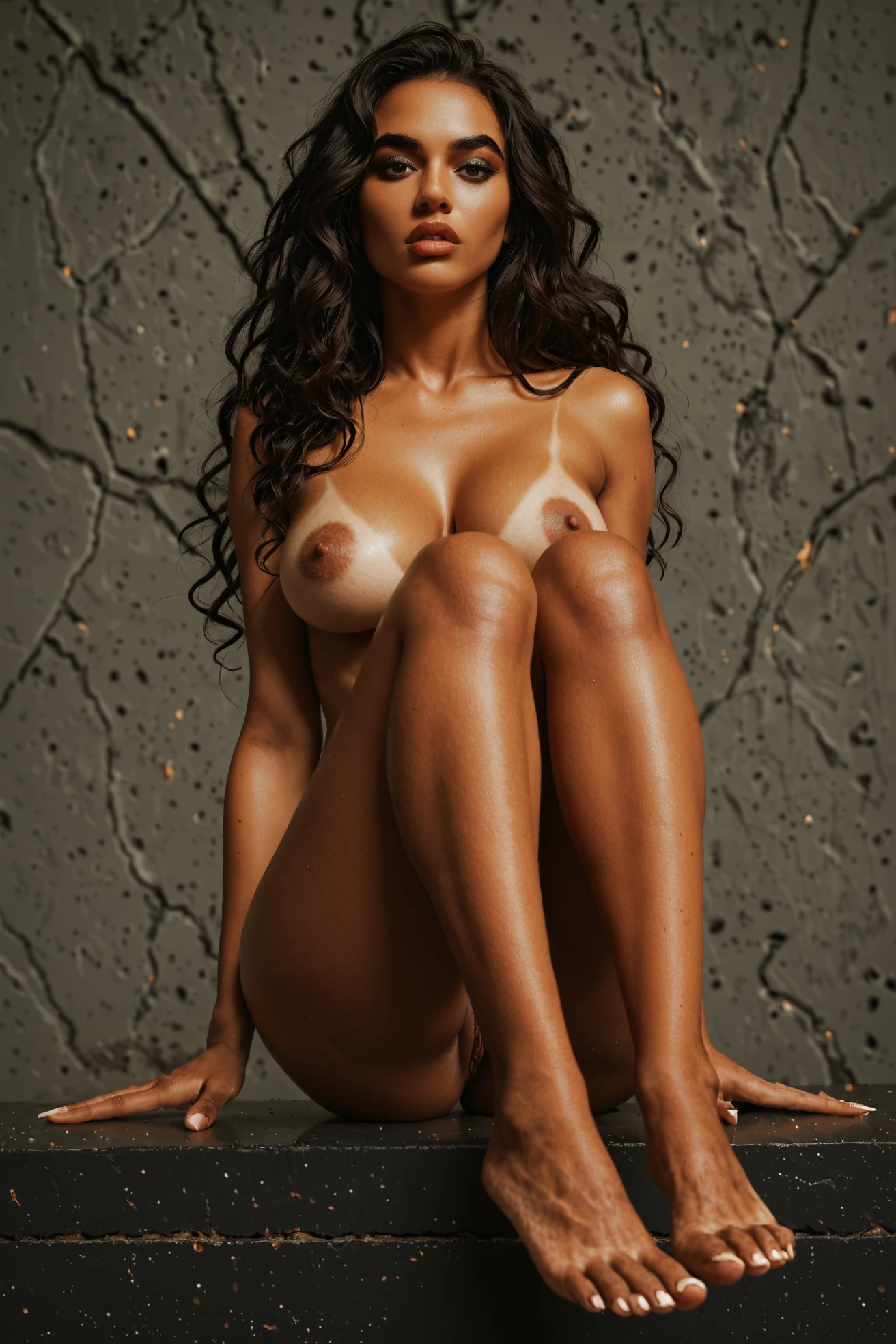
The category is a Middle Eastern woman with olive skin and dark eyes. Spelled out at full length, the look it carries is a beautiful Middle Eastern woman with olive skin and intense dark eyes, thick dark eyebrows, full lips and long dark wavy hair.
Read that as a contract rather than a suggestion. The one thing every valid result has to show is the Middle Eastern woman herself; the olive skin and the dark eyes are the two traits the category is measured against. Skin that comes back lighter or ruddier, eyes outside the dark range — an image that goes there has walked out of the category, whatever else is good about it.
Prompts and Settings That Work
You do not write prompts here. You pick categories, and the platform assembles the wording for you — which means the useful thing to know is what your pick actually contributes.
For middle eastern, it contributes exactly this clause:
```text
beautiful Middle Eastern woman with olive skin and intense dark eyes, thick dark eyebrows, full lips, long dark wavy hair
```
Three jobs in one line. "Beautiful Middle Eastern woman" is the subject the result is checked against. "Olive skin and intense dark eyes" carries the two defining traits. The tail — thick dark eyebrows, full lips, long dark wavy hair — is the secondary detail that keeps a face from sliding into generic-attractive territory once wardrobe and lighting start pulling at it.
That clause never travels alone. It rides along with whatever scene category you pick beside it. Choose middle eastern together with group, and the scene it lands in reads like this:
```text
a group of several completely nude young women together in an intimate group scene, touching and embracing each other, ecstatic expressions, multiple women in frame, warm soft lighting, full bodies visible, women only, no men
```
Choose it alongside handjob instead, and the framing changes completely while the subject description does not:
```text
POV full-body shot of a young woman alone with her wet glistening hand raised toward the camera, looking up with a sly smile and parted lips, full body visible, bright soft lighting, female alone in frame, no other people
```
Notice which half moved. The scene pick owns the camera, the lighting and the number of people; your ethnicity pick owns the woman. That split is the whole logic of composing categories, and it is why the settings worth thinking about are the ones around her.
Framing first: a tight portrait pushes the eyes and the facial detail to the front, while a full-body shot gives the olive skin room to read across the frame and gives wardrobe something to do. Wardrobe is where this category genuinely stretches. Traditional pieces — abayas, modest dresses, headscarves — sit naturally against warm, sunlit settings and photograph with real weight. Modern western clothing works just as well and drags the mood toward the casual and contemporary, without touching the subject at all. Alternate the two across a batch and the gallery stops looking like one shoot.
Lighting carries the mood. Warm desert-sunset tones read intimate and golden; cool studio light reads sharp and editorial. Backdrops are just as open — a crowded market street, an empty desert, a room with soft daylight coming in sideways. None of these touch the defining look. Move framing, wardrobe, lighting and backdrop independently and you get variety without drift.
Your First Run
1. Open the Generate page and pick middle eastern — alone for a straight portrait study, or alongside a scene category if you want the composition described above.
2. Start the generation. Results land in your gallery as WebP files at 1312x1968, ready to view or download.
3. Decide your batch size before you commit credits. A single image costs 15 credits; a five-image set is 68 and a ten-image set is 120, which is the cheaper way to shop for a keeper.
There is no configuration screen behind any of this, no setup step you missed. Pick, generate, look.
middle eastern example 1
middle eastern example 2
middle eastern example 3
middle eastern example 4
middle eastern example 5
middle eastern example 6
middle eastern example 7
middle eastern example 8
middle eastern example 9
middle eastern example 10
middle eastern example 11
middle eastern example 12
middle eastern example 13
middle eastern example 14
middle eastern example 15
middle eastern example 16
Sixteen of sixty. The rest are in the middle eastern gallery, and if you want the photoreal cut on its own, there is a realistic middle eastern style page for that.
Getting It Wrong
The failure you will actually see is subject drift: a result where the woman is no longer recognisably the one this category describes. The olive skin tone goes first, or the dark eyes do. Sometimes it is subtler — the eyebrows thin out, the lips lose their fullness, the long dark waves turn into something shorter and blander. Any of those is the same signal.
A result missing the required subject is not a valid result for this category, so treat it as a discard rather than something to talk yourself into.
The instinct that makes it worse is piling on. Extra picks that have nothing to do with the look you want add noise, not precision, and generic beauty language contributes nothing the category is not already carrying. Being specific beats being vague every time: middle eastern, arab and persian are all real, distinct picks, and choosing the right one does more for your result than any amount of decoration around it.
Middle Eastern Compared
"Middle Eastern" is a regional label, which makes it broad by design and easy to confuse with the narrower categories sitting right next to it.
Category What it actually is
--- ---
middle eastern (this guide) Middle Eastern woman, olive skin, dark eyes
arab Arab woman, olive skin, dark features
persian Persian woman, olive skin, dramatic dark eyes
asian beautiful Asian woman with porcelain skin and dark almond eyes
Same olive-skinned family for the first three; the difference is how tightly the face is specified. Persian sharpens toward dramatic dark eyes, arab toward dark features generally. If you have a particular identity in mind rather than the regional one, those are the more accurate picks. Asian sits somewhere else entirely — porcelain skin, almond eyes — and is here only because people reach for it by mistake.
Combination Notes
Middle eastern and arab live in the same ethnicity group, and that group only lets one selection through. Pick both and the first one you chose is the one that shows up in the image; the second is simply ignored. Nothing warns you, so if the result looks more arab than you expected, check the order you clicked in.
Beyond that, the category composes freely. Scene, action, wardrobe and setting picks all sit on top of it without competing, which is what makes it a comfortable base to build a varied set on.
Asked and Answered
Q: Does every middle eastern image come with a headscarf?
No. The category fixes the woman, not her clothes. Abayas, modest dresses and headscarves all suit it, and so does ordinary modern western clothing — the subject stays identical either way.
Q: Can I put a man in the scene?
By default the frame holds one woman and no one else. If you want a second figure, switch on the male-partner toggle before you generate.
Q: How is this different from just picking arab or persian?
Middle eastern is the regional look; arab and persian narrow the face toward a specific identity within the same olive-skinned range. If you know which one you want, pick it directly rather than hoping the broader category lands there.
Q: What do I actually get back, and what does it cost?
WebP images at 1312x1968, delivered to your gallery. One image is 15 credits, five are 68, ten are 120.
Further Guides
The neighbours worth reading next:
Every category guide is listed on the blog index.