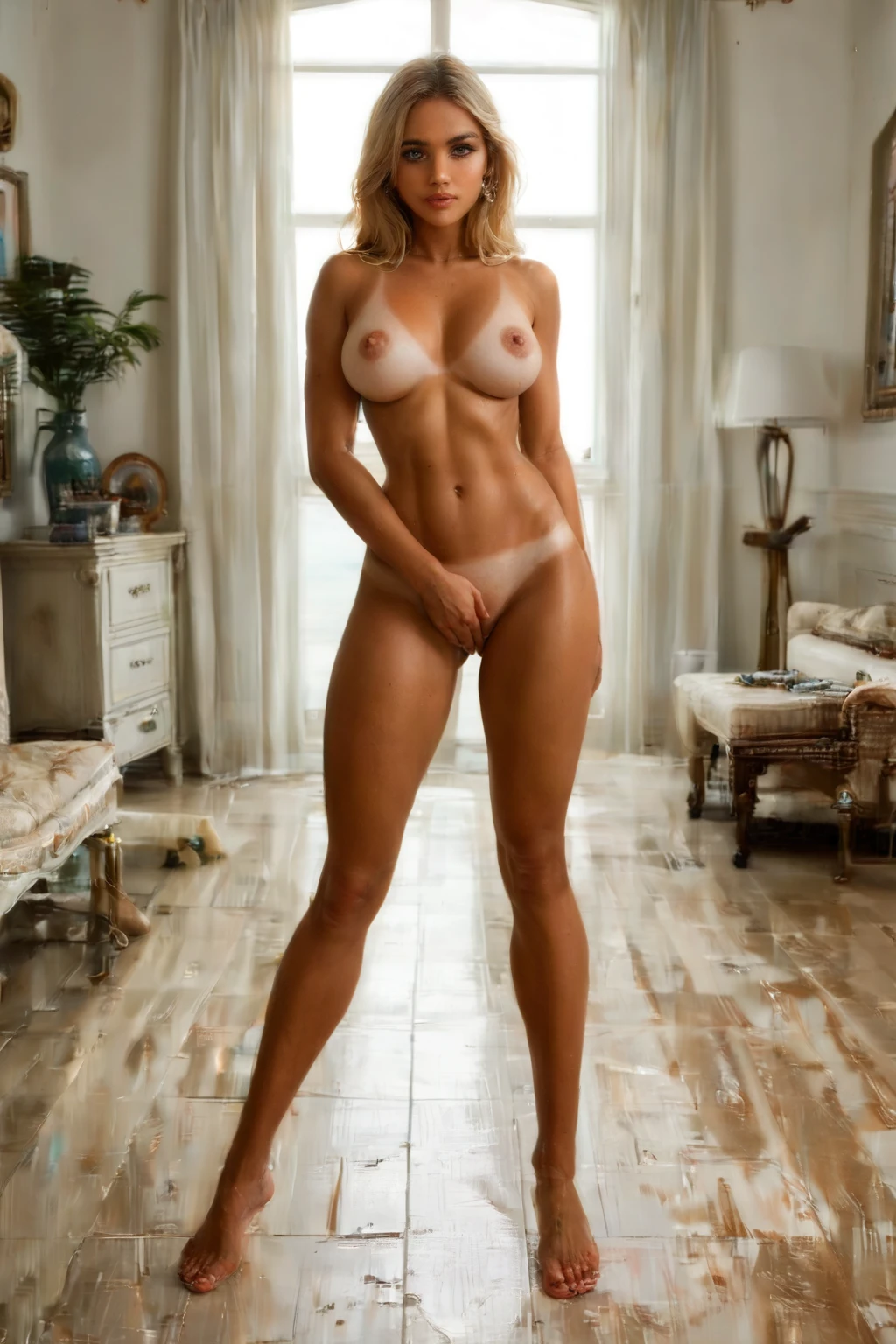

How to Generate Australian AI Images — Complete Guide
Salt air, low afternoon sun, the kind of warm coastal light that clings to skin all summer — that's the register the Australian category on AINudeGirls plays in. You don't write a word to get there. Select the category and the system builds the prompt for you, so every render lands on the same beachside archetype without any tweaking on your end.
Want to see the range first? Browse the Australian gallery to get a feel for what the pipeline turns out, then open the generator when you're ready to make your own.
What the Australian Category Captures
One archetype anchors this tag: an Australian surfer-girl with a golden tan and beach-blonde hair. All three traits have to be present for an image to count — the surfer-girl framing, the deep sun-worn tan, and the sun-bleached blonde. The subject is always an Australian woman; anything that drops one of those signature traits, or shows someone who doesn't fit, falls outside the category.
From Category Pick to Finished Image
1. Open the Generate page on AINudeGirls and choose the Australian category.
2. Stack on any other categories you'd like to blend in, then hit generate. Finished images drop straight into your gallery.
Gallery Proof: Australian in Practice
australian example 1
australian example 2
australian example 3
australian example 4
australian example 5
australian example 6
australian example 7
australian example 8
australian example 9
australian example 10
australian example 11
australian example 12
australian example 13
australian example 14
australian example 15
australian example 16
There are 45 examples in all — see the rest in the Australian gallery, or jump to the realistic Australian style if you only want photoreal output.
How Australian Compares to Nearby Categories
People sometimes reach for a neighboring ethnicity tag when they mean this one. Here's how the lines are drawn:
Category What it actually is
--- ---
australian (this guide) Australian surfer-girl, golden tan, beach-blonde
middle eastern Middle Eastern woman, olive skin, dark eyes
arab Arab woman, olive skin, dark features
persian Persian woman, olive skin, dramatic dark eyes
Styling and Scene Ideas
Every variation should stay rooted in that defining look. From there you have plenty of room to move. Frame it tight for close-ups of sun-kissed skin, or pull back for a wide take on open sand and surf. Keep the wardrobe practical and coastal — board shorts, bikinis, rash guards, the gear a surfer actually reaches for. Lean into a warm, high-contrast light that reads like a bright day on the water, and set the mood loose and energetic, the way a good surf spot feels. Urban rooms and indoor backdrops pull against the whole idea, so leave those out. The sun-bleached blonde should stay natural, and the subject stays an Australian woman throughout. Whatever you finish with arrives as a WebP at 1312x1968.
Combining Categories
Ethnicity is a one-at-a-time choice. Pick Australian and it's the ethnicity that lands — if you also select another ethnicity tag, they won't stack, and your Australian pick is the one that shows up. Other kinds of categories layer on top freely, so blend in the scenes and styles you want around that core.
An Example Prompt
Curious what the system feeds the model on your behalf? The Australian category leans on a modifier clause that steers toward the archetype:
```text
beautiful Australian surfer-girl with deep golden tan, sun-bleached beach-blonde hair and a sporty toned body
```
Getting Sharper Australian Results
- Precise category terms like "australian" or "aussie" keep results locked on-target.
- Blend subject, style, and quality descriptors together for layered, consistent output.
- Stick to one AI model to keep a face steady across a set.
- Generate in batches and keep your favorites.
Common Pitfalls
The usual miss is a subject that doesn't clearly read as an Australian woman with the traits above. Strip away the surfer context, wash out the blonde, or lose the athletic build and the image no longer belongs to the category — even a prompt full of the right words won't save a render that doesn't actually show that defining look on screen.
FAQ
Q: Why do my Australian results all lean toward the same surfer-girl look?
Because that's the whole point of the tag — one archetype defines it, and the system holds every image to it rather than spreading across different types.
Q: Can I add a male partner to the scene?
Yes. Scenes render solo by default, and flipping on the male-partner toggle in the generator brings one in.
Q: I picked Australian and another ethnicity — why did only one apply?
Ethnicity is single-select, so the two don't combine. Your Australian choice is the one that carries through.
Q: Can I switch to a purely photorealistic version?
Yes — the realistic Australian style narrows the output to photoreal results.
Further Reading
The closest neighboring categories each have their own walkthrough:
- How to generate middle eastern AI images
- How to generate arab AI images
- How to generate persian AI images
Every category guide is collected on the blog index.
In Short
Pick the Australian category and you're set for coastal, sun-worn surfer-girls with no prompt-writing required — head to the generator and start a batch.