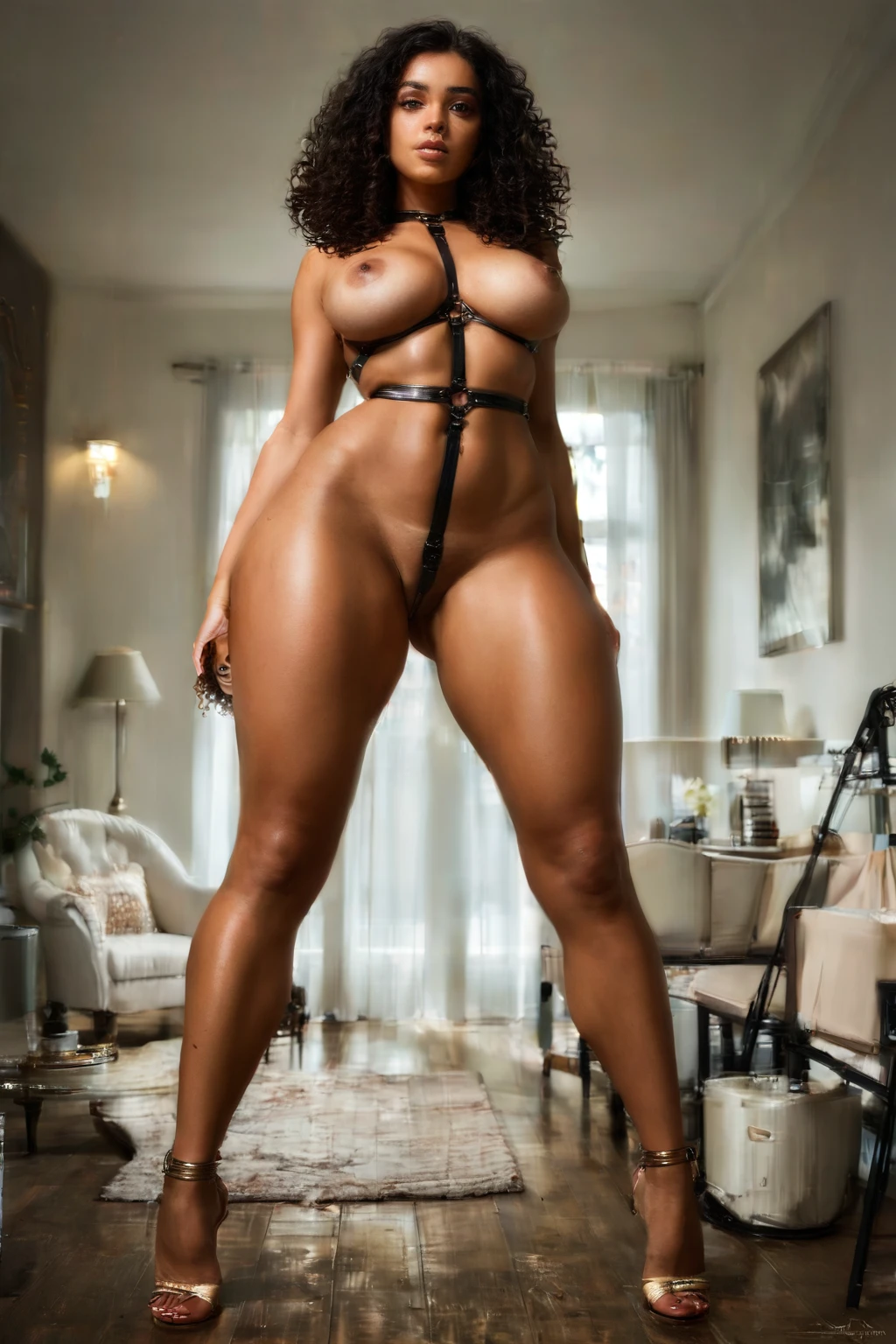

How to Generate Bdsm AI Images — Complete Guide
Leather that catches the light, latex with a taut sheen, straps and buckles that hold their shape — these are the materials AI rendering loves to chew on, and they sit at the heart of this category. If you have ever wanted to build a scene around that charged, controlled atmosphere without touching a camera or writing a single prompt line yourself, this is the section of the platform for you. AINudeGirls handles the rendering; you choose the category and press go.
For background on the subject itself, see BDSM on Wikipedia.
Everything below is reproducible. Start from the bdsm category page or jump straight into the generator.
What the BDSM Category Captures
An image in this category has to do two things at once. It has to show bondage or restraint gear, and it has to make the dominance-submission dynamic unmistakable. Wardrobe carries a lot of that weight: dominant figures tend to appear in leather or latex, while submissives are dressed in softer or more restrictive fabrics. Framing plays up the contrast between the two roles, and the lighting tends to pick out the discipline or the gear. Take either the restraints or the power exchange out of frame and the picture no longer belongs here.
This is deliberately a narrow label, not a catch-all. If what you actually want is rope artistry or a straightforward tied-up look, the shibari and bondage categories are built for exactly that.
Real Outputs First: BDSM Examples
bdsm example 1
bdsm example 2
bdsm example 3
bdsm example 4
bdsm example 5
bdsm example 6
bdsm example 7
bdsm example 8
bdsm example 9
bdsm example 10
bdsm example 11
bdsm example 12
bdsm example 13
bdsm example 14
bdsm example 15
bdsm example 16
The full set of 49 sits in the bdsm gallery. If you only want the photoreal end of the range, switch over to the realistic bdsm style.
Generating a BDSM Image, Step by Step
1. Open the Generate page, select the "bdsm" category, and start the render.
2. Head to your gallery when it finishes. Each result arrives as a WebP file at 1312x1968.
That is the whole loop. Batch a handful in one go and keep the frames that land best — the wardrobe and gear read differently from one variation to the next, so it pays to have options.
Example Prompts to Try
You never have to write these yourself, but here is the modifier the category leans on. It dresses the subject in bondage gear with leather restraints and metal hardware:
Modifier clause:
```text
in BDSM bondage gear with leather restraints and metal accessories
```
The Range You Can Expect
Within the boundaries above, the outputs move around a fair amount. The mood can sit tight on the restraints themselves, or open up to the exchange of power between the two roles. What never drifts is the essentials — every variation keeps the gear plainly visible and central, with that defining role interaction front and center. The system doesn't pad the scene with details it wasn't asked for; the restraints stay the anchor of the composition every time.
Stacking BDSM with Other Picks
This category lives in the fetish family, where most overlaps with other selections resolve on their own. When two picks pull against each other, the generator simply keeps the one you chose first and quietly drops the conflicting one — nothing breaks, you just get the choice you led with.
How BDSM Differs from Its Neighbors
A few nearby categories are easy to mix up. Here is where the lines fall:
Category What it actually is
--- ---
bdsm (this guide) BDSM scene: restraints, discipline, dominance-submission gear
amazon position she squats or stands over him crouched on his back, dominant riding from above
shibari intricate Japanese rope bondage, decorative knotwork across her body
bondage she is bound with rope, cuffs or restraints, tied up
Practical BDSM Tips
- Reach for precise terms — bdsm, bondage, dominant, submissive — when you want the result to land squarely in this category rather than drift toward a neighbor.
- Pick the same AI model to keep the subject's face consistent across a run.
- Work in batches. A set gives you range to pick from instead of betting everything on one render.
- Rotate through the keyword variants now and then to surface different takes on the same theme.
Pitfalls to Avoid
The classic misstep is treating BDSM as a blanket term for anything with rope or cuffs. Do that and you invite generic bondage or shibari imagery that has none of the power exchange this category is about. The negative prompts are tuned against exactly that slippage — they push back on plain restraint scenes that miss the discipline and role dynamic, so what you get stays tied to real dominance-and-submission motifs instead of a vague mashup.
Your BDSM Questions Answered
Q: My renders keep coming out looking like plain rope bondage or shibari. Why?
Those are separate categories with their own looks, and it is the most common overlap here. The negative prompts already work to keep generic restraint imagery out, but if you want that rope-focused aesthetic on purpose, the shibari and bondage sections are the right home for it.
Q: Can I put a male figure in the scene?
Yes. There is no male partner in the default render, but flipping the male-partner toggle in the generator adds one.
Q: What does the realistic style change?
It narrows the pool to the photoreal outputs, so you skip the more stylized frames and get only the true-to-life end of the set.
Keep Reading
The closest neighboring categories each have their own walkthrough:
- How to generate amazon position AI images
- How to generate shibari AI images
- How to generate bondage AI images
You'll find every category walkthrough on the blog index.
Wrapping Up
This is the corner of AINudeGirls built for scenes that turn on control and power exchange. When you're ready to make your own, the AI Bdsm Generator is one click away.