
How to Generate Bondage AI Images — Complete Guide
Rope has a texture the camera loves: the twist of the fibre, the way it presses a line into soft skin, the faint sheen where a cuff catches the light. That interplay of hard restraint and bare surface is exactly what this category leans into. On AINudeGirls you don't build any of it by hand — pick the bondage category, and the platform writes the full prompt for you. Nothing to type. The output lands on the category every time.
For background on the subject itself, see Bondage) on Wikipedia.
Everything below is reproducible. Start from the bondage category page or jump straight into the generator.
What the Bondage Category Captures
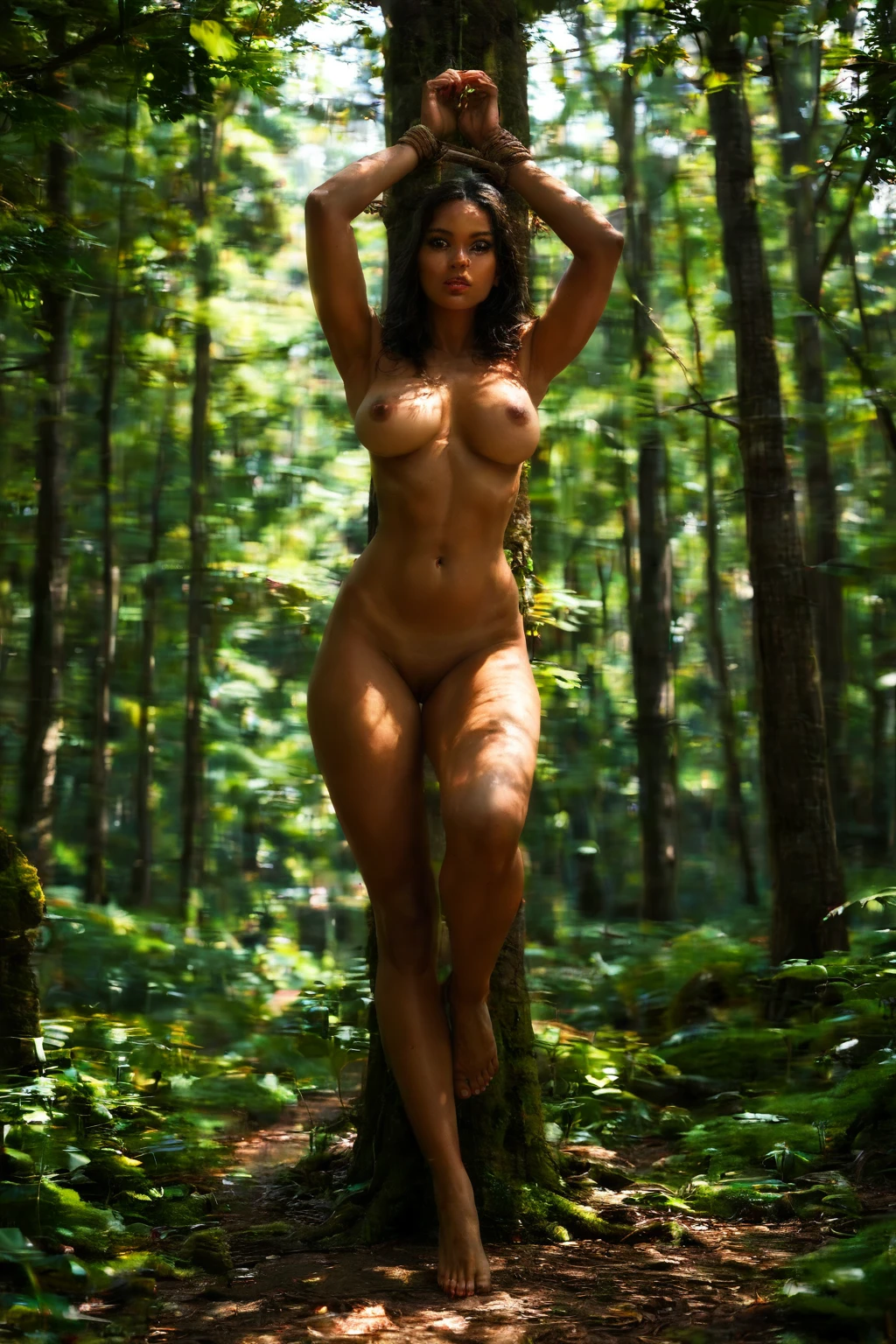
Here is the one place this guide spells it out. A bondage image shows a person bound with rope, cuffs, or restraints — clearly tied up, with the rope or cuffs visible at the wrists or across the body. That visible binding is the whole point. If the subject isn't plainly tied up, the image has drifted off-category, most likely toward physically restrained, which is a separate thing entirely.
Real Outputs First: Bondage Examples
bondage example 1
bondage example 2
bondage example 3
bondage example 4
bondage example 5
bondage example 6
bondage example 7
bondage example 8
bondage example 9
bondage example 10
bondage example 11
bondage example 12
bondage example 13
bondage example 14
bondage example 15
bondage example 16
Sixteen here, twenty-nine in total — the rest are in the bondage gallery. If you want photoreal frames only, switch over to the realistic bondage style.
Generating a Bondage Image, Step by Step
1. Open the Generate page, choose the "bondage" category, and hit generate. Finished frames drop into your gallery as WebP files at 1312x1968.
2. That's genuinely it. The platform assembles the full prompt from your category pick, so there's no wording for you to write or tune.
An Example Prompt to Try
You never have to type a prompt, but if you're curious what the system builds on, here's the modifier clause it works from for this category — "with hands bound with rope, vulnerable restrained pose":
Modifier clause:
```text
with hands bound with rope, vulnerable restrained pose
```
The Visual Range
Within that defining look, there's real room to move. Shibari is its own world — rope wound around the limbs in deliberate patterns, standing proud against the skin. Framing varies too — some frames sit tight on the wrists and knots, others pull back for the whole bound figure. Wardrobe shifts the mood as much as anything. Loose clothing can fall away to reveal the ropes underneath, while tighter garments sit against the restraints so both read at once. However you vary it, the binding stays front and centre — that's the constant that keeps every frame recognisably in category.
Stacking Bondage with Other Picks
Bondage sits in the fetish family. Combine it with another pick from that same family and the generator resolves any overlap by the order you made your choices — the pick you selected first is the one that holds. In plain terms, if two selections pull against each other, your earlier choice wins out and the later one steps aside.
How Bondage Differs from Its Neighbors
A few nearby categories get tangled up with this one. Here's how they actually differ:
Category What it actually is
--- ---
bondage (this guide) she is bound with rope, cuffs or restraints, tied up
blowjob her lips around a cock actively sucking
bdsm BDSM scene: restraints, discipline, dominance-submission gear
facefuck the man actively thrusts his cock into her mouth and throat, gripping her head, she is the passive receiver
Getting the Most Out of It
- Sticking to one AI model helps. Pick it once and the face stays more consistent from generation to generation.
- Batch a handful of frames in one go and keep the strongest.
- Generating a few gives you a range to choose from rather than banking on a single take.
Pitfalls to Avoid
The classic slip is landing on physically restrained instead — the figure looks held down rather than bound with visible rope or cuffs, and that defining look above quietly disappears. The platform's negative prompts push against exactly that, filtering the terms that would steer a frame toward the neighboring category, so your output keeps to what bondage is meant to be.
Your Bondage Questions Answered
Do I need to write or add any keywords myself?
No. Selecting the category is the entire input — the platform builds the full prompt from there, and there's nothing for you to word.
Can I include a male partner in my bondage scene?
The scene has none by default. To add one, flip on the male-partner toggle in the generator before you generate.
My result looks held down rather than tied up — what happened?
That's the drift toward physically restrained. The binding needs to be visibly rope or cuffs on the wrists or body; if it reads as force without the restraints on show, it's slipped into the neighboring category the negative prompts are built to hold back.
What does the realistic bondage style change?
It narrows the output to photoreal frames only. Same category, same defining look — just the photographic treatment rather than the fuller stylistic range.
Keep Reading
The closest neighboring categories have their own walkthroughs:
You'll find the full set on the blog index. Ready to tie one together? Open the AI Bondage Generator and pick the category.