
How to Generate Blonde AI Images — Complete Guide
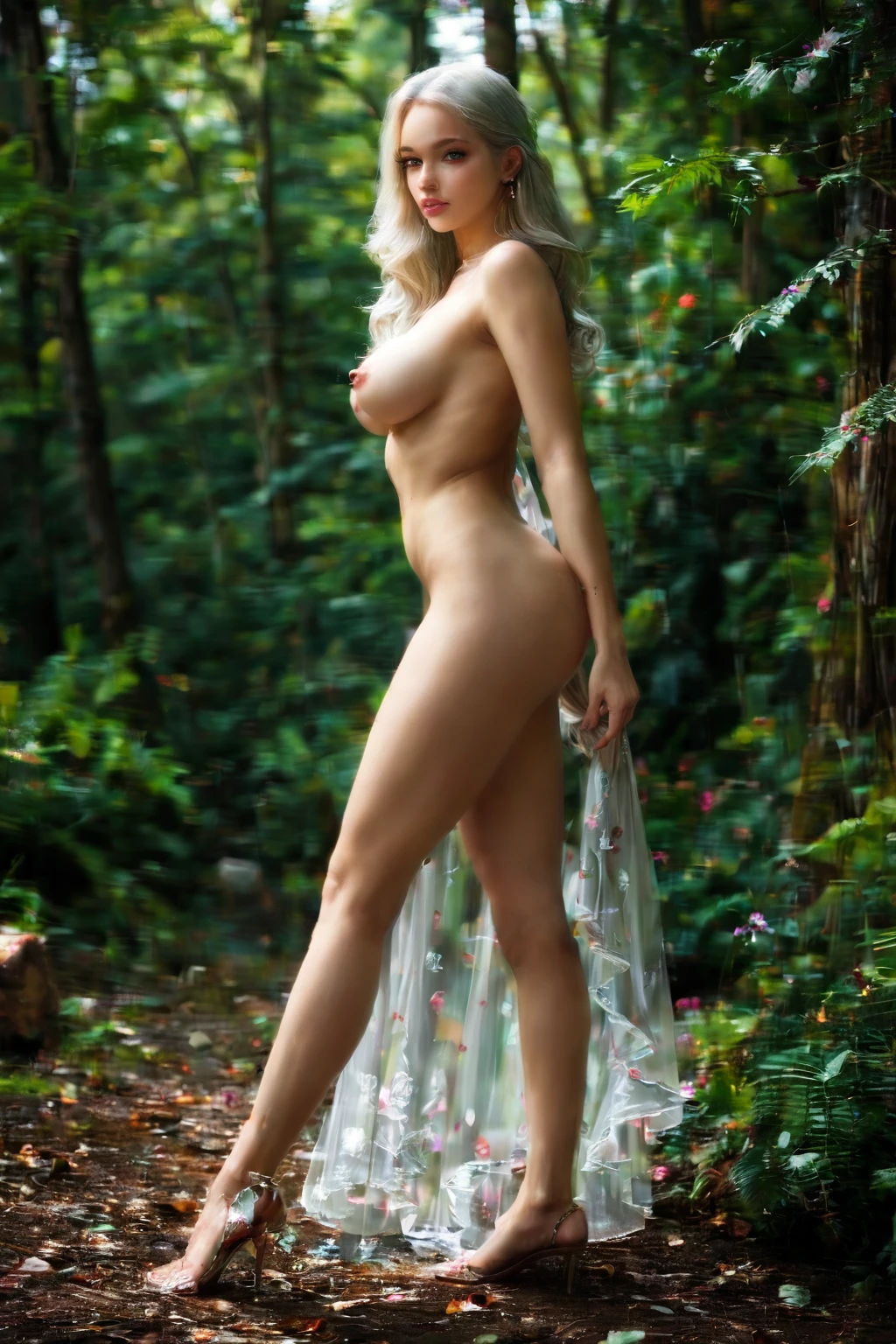
Pale hair catching the light, a bright silhouette that reads from across the room before you register anything else about the figure — that is the pull of this category. It leans luminous. Whether the mood turns romantic and soft-focus or drops into low, moody shadow, the crown of the frame stays radiant, and the eye goes there first.
For background on the subject itself, see Blond on Wikipedia.
You don't build any of that by hand. On AINudeGirls you choose the category and the platform assembles the prompt for you. Browse the blonde gallery to see the range the pipeline produces, then open the generator to make your own.
What the Platform Means by Blonde
Here the label carries one strict requirement: long platinum blonde hair. That single trait is the whole test. Every accepted image has to show it clearly on screen; a shade that drifts toward brown, red, or dark simply won't pass as blonde. Nothing else about the scene is fixed — pose, wardrobe, and setting are all open. The one thing the category will not bend on is that hair.
From Category Pick to Finished Image
1. Open the Generate page, select blonde, and start the run. Your results land in your gallery.
2. The platform reads your selected categories and writes the prompt around them — you never touch the wording yourself.
3. When the images arrive, review them in the gallery. Each comes back as a WebP at 1312x1968.
Gallery Proof: Blonde in Practice
blonde example 1
blonde example 2
blonde example 3
blonde example 4
blonde example 5
blonde example 6
blonde example 7
blonde example 8
blonde example 9
blonde example 10
blonde example 11
blonde example 12
blonde example 13
blonde example 14
blonde example 15
blonde example 16
Sixteen here, forty in the full blonde gallery. If you want the photoreal cut only, jump to the realistic blonde style.
Blonde Next to Its Sister Categories
The categories below sit close to blonde on the hair-color spectrum, so it helps to see where each one draws its line:
Category What it actually is
--- ---
blonde (this guide) long platinum blonde hair
silver hair long DYED silver hair as a fashion color on a young adult woman (not natural grey, not elderly)
black hair glossy black hair, long black hair, jet black hair
brunette long dark brunette hair
Styling and Scene Ideas
Think about how the figure sits in the frame. You can shoot tight, letting the hair fill the composition in loose waves or a sleek straight fall, or pull back for a fuller pose. Wardrobe pairs naturally with pale tones — white dresses, beige blouses, pastel gowns — while a darker outfit sets the golden hue against high contrast. Lighting runs the gamut too, from a warm sunlit glow to the cooler, metallic sheen of soft studio light. One tonal note worth knowing: the platinum end pushes toward a very pale, almost-white blonde, which is what separates this look from a warmer golden shade.
How Combining Works
Blonde lives in the hair-color group, and an image carries just one hair color at a time. If you happen to select blonde alongside another shade, only the first choice registers and the rest are ignored — so there's never a muddled two-tone result. The scene also defaults to a solo figure.
Example Prompt Details
This is the clause the platform slots in for you when you pick the category — no editing required on your end:
Modifier clause:
```text
long platinum blonde hair
```
Getting Better Blonde Results
- Run a batch and keep only the frames that land — the fastest way to a set you like.
- Want a strictly photographic look? Switch to the realistic blonde style.
- Because the hair-color group rotates its variants, repeated runs give you range to choose from within that defining look.
What to Watch Out For
The one way to miss is to end up with hair that doesn't read as blonde on screen — that's the single acceptance test, and an image without it gets rejected. As long as the frame shows the trait above clearly, you're inside the category.
FAQ
Why do some results come out warmer gold instead of stark platinum?
Blonde spans a tonal range, and the platinum end is the palest, nearly-white version. If a frame reads warmer than you wanted, keep a batch and pick the coolest ones.
Can a male partner appear in a blonde scene?
Not by default — the scene comes back solo. You add one only by enabling the male-partner toggle in the generator.
Will darker clothing throw off the blonde read?
No. Wardrobe is free, and a darker outfit just sets the hair against more contrast; the category only checks the hair itself, not what she's wearing.
Do I get the same character every time?
No. Each run builds a fresh character around that defining look, so faces and bodies vary between generations.
Further Reading
The nearest neighbors on the hair-color spectrum each have their own walkthrough:
- How to generate silver hair AI images
- How to generate black hair AI images
- How to generate brunette AI images
The full set is on the blog index.
In Short
Pick the blonde category and the platform handles the rest. Open the AI Blonde Generator when you're ready to make your own.