
How to Generate Body Oil AI Images — Complete Guide
Wet, reflective surfaces are where a render either sings or falls apart — every highlight has to sit right, every catch of light has to follow the curve of the body underneath. That is exactly the terrain the body oil category is built for. And the best part: you never touch a prompt. Pick the category, and the platform writes the wording for you. What you choose is what you get.
Everything here is reproducible on the body oil category page and in the generator.
What Body Oil Captures
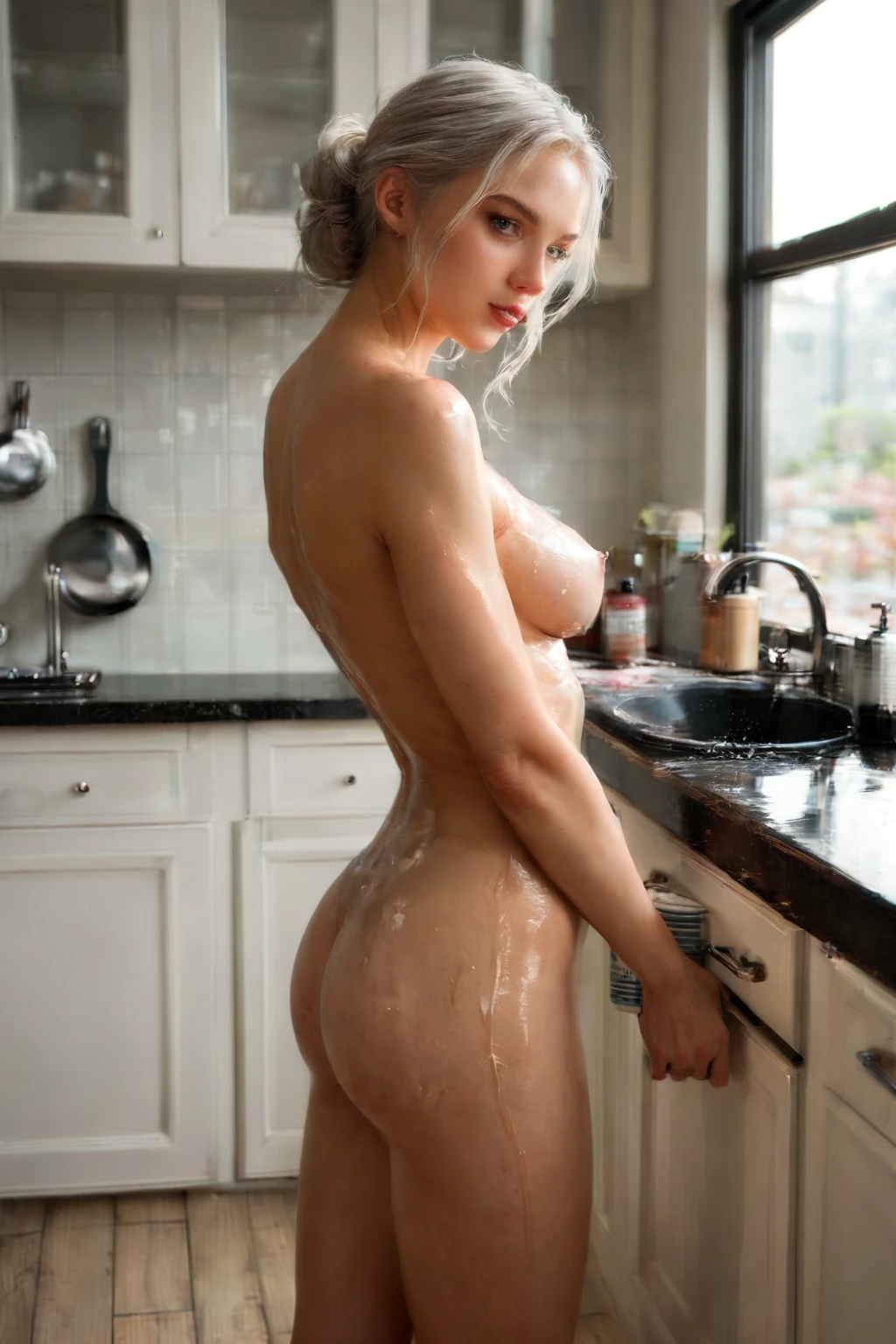
One thing defines this category: skin slick with body oil, carrying a clear glistening sheen. That is the whole brief. If the surface doesn't glisten, the image isn't body oil — it's something else. And it's worth being precise, because there's a separate "oiled" category next door that reads similarly; the two are not interchangeable. When you check a result, look for both halves of the trait: the slickness and the shine.
Real Outputs First: Body Oil Examples
body oil example 1
body oil example 2
body oil example 3
body oil example 4
body oil example 5
body oil example 6
body oil example 7
body oil example 8
body oil example 9
body oil example 10
body oil example 11
body oil example 12
body oil example 13
body oil example 14
body oil example 15
body oil example 16
There are 24 in the full body oil gallery, and if you want photoreal results only, the realistic body oil style narrows it down for you.
Generating It, Step by Step
1. Open the Generate page, select the body oil category — alone or alongside any others you like — and start the run.
2. The wording is assembled from your picks; you don't write anything yourself.
3. Finished images land in your gallery as WebP files at 1312x1968, ready to use.
A Prompt You Can Try
If you'd rather feed the look in directly, here's the modifier clause the category leans on:
```text
body glistening with sensual massage oil
```
Framing and Range
The keywords here are all about texture and light rather than clothing, which is why the outputs range fairly widely in how they frame that reflective surface. Some come back tight, with the slick skin filling most of the frame; others land inside a fuller scene — an oil-massage setup, for instance, sits naturally in the category and gives the slickness an obvious reason to be there. Across that whole range, the skin stays the subject and keeps that defining look front and center.
Stacking Body Oil with Other Picks
Body oil is a skin-finish look, so it plays alongside most other choices you add. Two things to know. If you also select the "oiled" finish, the two overlap and only the oiled one shows up in the result — so pick the one you actually want. The wam-messy finish, by contrast, layers in fine. And the scene stays solo: this category renders one person, with no extra people added in.
How Body Oil Differs from Its Neighbors
A few nearby categories look similar at a glance — here's how they actually differ:
Category What it actually is
--- ---
body oil (this guide) skin slick with body oil, glistening sheen
oiled skin glistening with shiny oil
wam messy wet-and-messy, body covered in messy substances (food, slime, oil)
blowjob her lips around a cock actively sucking
The One Mix-Up Worth Watching
The trap is confusing body oil with the "oiled" category. They read close, but body oil is a specific applied product, not a generic oiled state — and the two produce different results. You don't have to police this yourself: the negative prompts already exclude the "oiled" category, so the subject shows only the substance you meant. That's the whole distinction, and it's handled for you.
Your Body Oil Questions Answered
Q: My result doesn't look shiny enough — is that still body oil?
If the surface reads dry, it's missing half of what defines the category. A true body oil image needs both the slickness and the visible sheen described above; regenerate and keep the ones where the light actually catches.
Q: Do I need to describe the oil myself in a prompt?
No. Selecting the category is enough — the platform assembles the wording, and the oiled, glistening finish comes from that.
Q: Can I include a male partner in the scene?
Not by default — the standard scene has no male partner. If you want one, flip on the male-partner toggle in the generator before you run.
Keep Reading
The closest neighbors each have their own walkthrough:
- How to generate oiled AI images
- How to generate wam messy AI images
- How to generate blowjob AI images
You'll find the rest on the blog index. When you're ready, the AI Body Oil Generator is one pick away.