
How to Generate Boudoir AI Images — Complete Guide
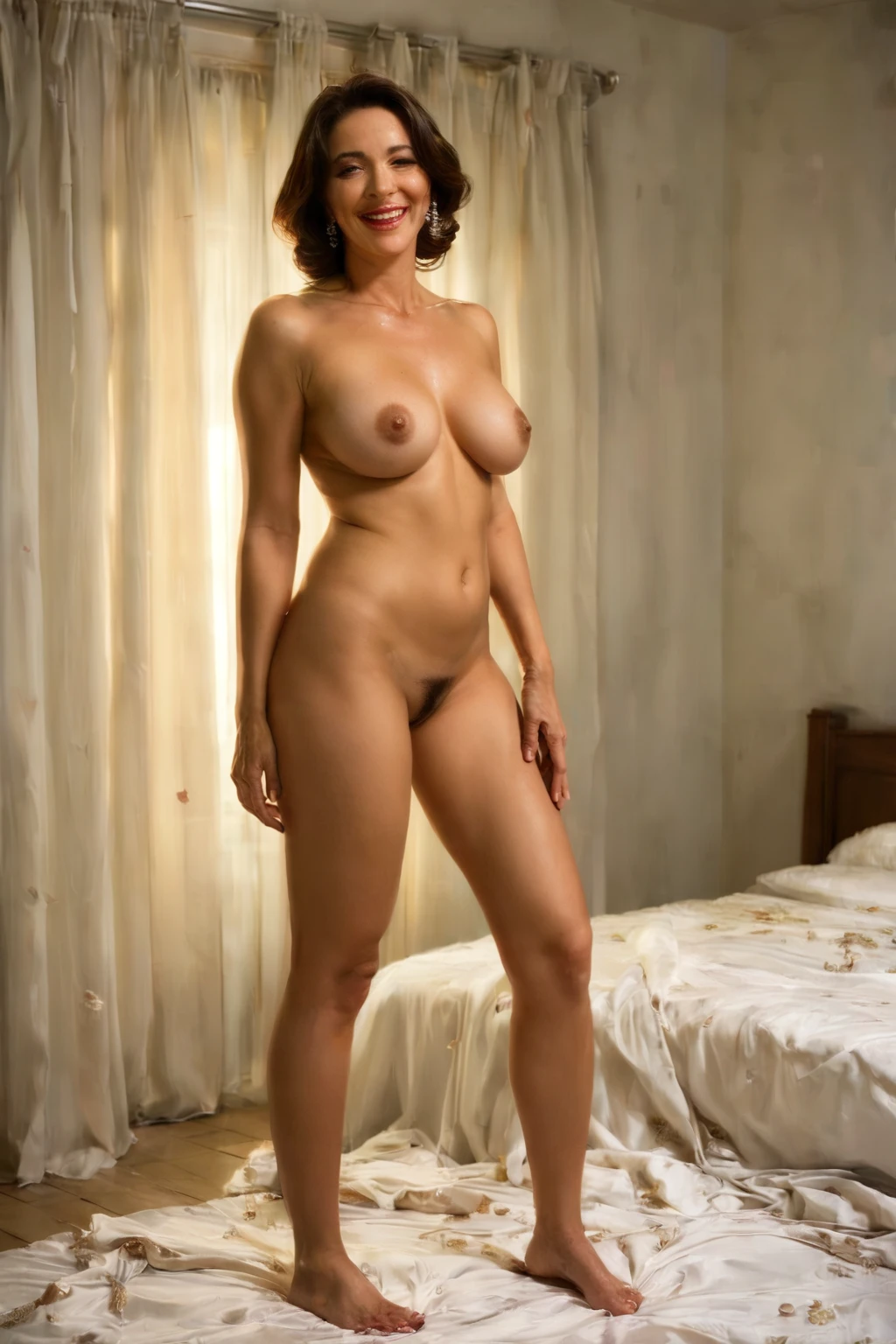
Low, honeyed light. A quiet room that feels like it belongs to one person and no one else. Boudoir is the mood you notice before you notice anything else in the frame, and it's the kind of scene AI rendering handles beautifully — warm tones falling across skin and fabric, shadows kept gentle, the whole space reading as private. AINudeGirls builds these images for you from a single pick. You don't write a prompt, and you don't tune one either.
For background on the subject itself, see Boudoir photography on Wikipedia.
Everything here is reproducible. Open the boudoir category page or jump straight to the generator.
What the Boudoir Category Captures
At its core the category is one thing: an intimate boudoir setting lit with soft, warm light. That's the whole definition. For an image to count as boudoir, the setting has to read clearly and the light has to carry that warm, low glow. Nothing else is baked in — the mood is the mandate.
See It First: Boudoir Examples
boudoir example 1
boudoir example 2
boudoir example 3
boudoir example 4
boudoir example 5
boudoir example 6
boudoir example 7
boudoir example 8
boudoir example 9
boudoir example 10
boudoir example 11
boudoir example 12
boudoir example 13
boudoir example 14
boudoir example 15
boudoir example 16
There are 30 in all — browse the full set in the boudoir gallery. If you'd rather see only photoreal frames, switch over to the realistic boudoir style.
Generating a Boudoir Image, Step by Step
1. On the Generate page, pick the boudoir category.
2. The platform writes the prompt behind the scene. There's nothing for you to type.
3. Your result lands in your gallery as a WebP at 1312x1968.
4. Look it over, run a few more if you want, and keep the frames that land best.
An Example Prompt
You never have to write one of these yourself, but if you're curious what the platform assembles for boudoir, here's the kind of modifier clause it builds — soft, warm lighting and an elegant pose:
Modifier clause:
```text
intimate boudoir photography with soft warm lighting and elegant pose
```
The Look, Up Close
This is where framing and material do the talking. Wardrobe in these scenes runs minimal or absent, so the eye settles on form, on the play of warm light against skin, and on whatever texture the room offers — the fold of a sheet, the sheen off a surface, the grain of soft furnishing. That defining warmth isn't just a color grade; it keeps shadows soft and the space feeling closed-off and personal. Across the set you'll see the same glow read differently from frame to frame as it meets different materials, and the register stays steady throughout: elegant, exposed, composed. It's a look that manages to feel bare and refined at the same time.
Pairing Boudoir with Other Categories
Boudoir sits in the intimate-settings family alongside bedroom, spa, and massage. Those neighbors share the same private, close-in feeling, so they sit comfortably next to boudoir rather than fighting it — they just start from different defaults. One of those defaults is company: the family as a whole allows a male partner, but boudoir leaves him out unless you say otherwise. Flip on the explicit male-partner toggle in the generator and the scene adds a male figure; leave it off and it stays solo.
How Boudoir Differs from Its Neighbors
A few categories live close enough to boudoir that people mix them up. Here's how they actually differ:
Category What it actually is
--- ---
boudoir (this guide) intimate boudoir setting, soft warm light
artistic nude tasteful artistic fine-art nude
spooning BOTH bodies lying on their SIDES on the bed, her back pressed against his chest, his hips against her ass, penetrated from behind while side-lying — neither is kneeling or on all fours
romantic romantic tender atmosphere, soft warm light
Getting Cleaner Results
Sticking to one AI model is worth it when you want the same face across a run. Beyond that, the honest advice is volume: generate a batch and cull down to the ones you love. If a result comes back without a clear boudoir setting, the platform won't serve it, since that setting is the single condition the category is checking for.
Boudoir Questions, Answered
Do I need to write my own prompt for boudoir?
No. Picking the category is the whole job — the platform composes the prompt for you and you never touch it.
Can I add a male partner to a boudoir scene?
By default the scene is solo. Turn on the male-partner control in the generator if you want a male figure in the frame.
Why does everything come out so warm-toned?
That warm, low light is part of what makes the category what it is — it's built into the look rather than something that slipped in, so expect that glow in every boudoir result.
Can I get a strictly photoreal boudoir image?
Yes — switch to the realistic boudoir style for photoreal-only frames.
Keep Reading
The nearest neighbors each have their own guide:
- How to generate artistic nude AI images
- How to generate spooning AI images
- How to generate romantic AI images
The full set is on the blog index — pick the boudoir category there or in the generator and start making your own.