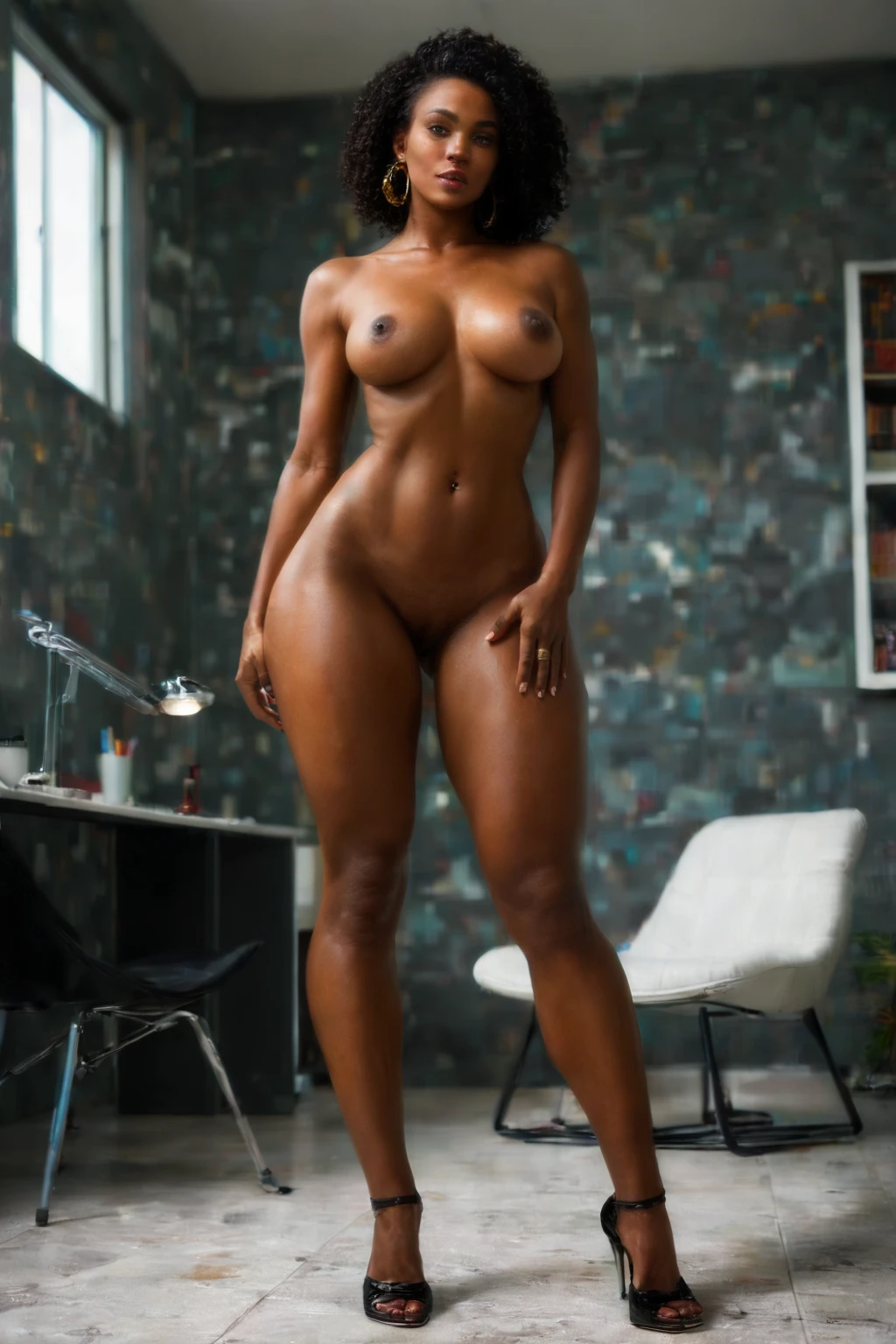

How to Generate Artistic Nude AI Images — Complete Guide
Light falling across skin, a pose held like a sculpture, a frame that treats the body as composition rather than exposure — that is the register this category works in. On AINudeGirls the whole pipeline is tuned toward that restrained, gallery-wall sensibility, so you get there by choosing the category and letting the platform do the rest.
Everything shown here is reproducible. Start from the artistic nude category page or jump straight into the generator.
What the Artistic Nude Category Captures
This category produces one specific thing: tasteful, artistic, fine-art nude imagery, where aesthetics and composition lead rather than explicit behavior. It is deliberately not the same as fine art that stages an explicit act — that lives under a separate category. If an image reads as a considered, elegant nude rather than a sexual scene, it belongs here.
Real Outputs First
artistic nude example 1
artistic nude example 2
artistic nude example 3
artistic nude example 4
artistic nude example 5
artistic nude example 6
artistic nude example 7
artistic nude example 8
artistic nude example 9
artistic nude example 10
artistic nude example 11
artistic nude example 12
artistic nude example 13
artistic nude example 14
artistic nude example 15
artistic nude example 16
There are 45 examples in all — browse the full set in the artistic nude gallery, or narrow to photoreal renders in the realistic style.
Generating One, Step by Step
1. Open the Generate page, choose the "artistic nude" category, and start.
2. The platform writes the prompt for you from that pick; finished WebP images land in your gallery at 1312x1968.
3. Scenes default to a single subject with no male partner. If you want one in the frame, flip the male-partner toggle in the generator before you generate.
A Prompt You Can Reuse
You never have to write prompts by hand, but if you are curious what the platform composes behind that category pick, this clause is the heart of it — it describes the look every image under the tag shares:
Modifier clause:
```text
fine-art artistic nude photography with tasteful elegant composition
```
The Visual Range
Within that defining look there is real room to move. The lighting spans soft, dramatic, and studio-grade — meant to flatter the form rather than harden it. Mood shifts from one generation to the next, so a batch on the same category still reads as a set of distinct art-photography takes rather than copies. What stays constant is the elegant, refined composition that keeps every result on the fine-art side of the line.
Combining It With Other Picks
Artistic nude sits in the Nude family, and that family takes the lead when you stack categories. Pair it with something like "sexy" or "cute" and the artistic nude character is what actually surfaces in the render. These are single-subject scenes — multi-person compositions are not offered in this category.
How It Differs From Its Neighbors
A few nearby categories get mixed up with this one; here is the quick distinction:
Category What it actually is
--- ---
artistic nude (this guide) tasteful artistic fine-art nude
tattoos visible tattoos on her body
studio professional photography studio, seamless white backdrop, softbox
boudoir intimate boudoir setting, soft warm light
A Few Practical Tips
- Lean on the category's own vocabulary — art photography, fine art, tasteful nude — when you sort and label, so your best keepers stay easy to find.
- Stick to one AI model to hold a face steady across a batch.
- Generate in volume and keep only the frames that clear your own bar.
- Front-load the terms that matter most when you tag results for later.
The One Mistake to Avoid
The usual misstep is treating this category as a shortcut to explicit content. People aiming for that defining fine-art look sometimes push toward sexual acts in frame and end up fighting the category. The negative prompts already exclude explicit acts, which is what keeps outputs on the art-photography side and stops the aesthetic from sliding into pornography. Work with that grain rather than against it.
Common Questions
Q: Why do my results stay so restrained instead of getting explicit?
That is the category doing its job. The negative prompts filter out explicit acts on purpose, so the output holds to the tasteful, fine-art register described above.
Q: Is this meant for polished, gallery-style work rather than hardcore content?
Exactly — it is built for tasteful, artistic, fine-art nudes and high-quality aesthetic results, not explicit material.
Q: Can I get several looks without changing the category?
Yes. Mood and lighting vary from one generation to the next, so repeated runs on the same pick give you a spread of distinct takes.
Keep Reading
The closest neighboring categories each have their own walkthrough:
- How to generate tattoos AI images
- How to generate studio AI images
- How to generate boudoir AI images
For the whole set, see the blog index. When you are ready, open the AI Artistic Nude Generator and start a batch.