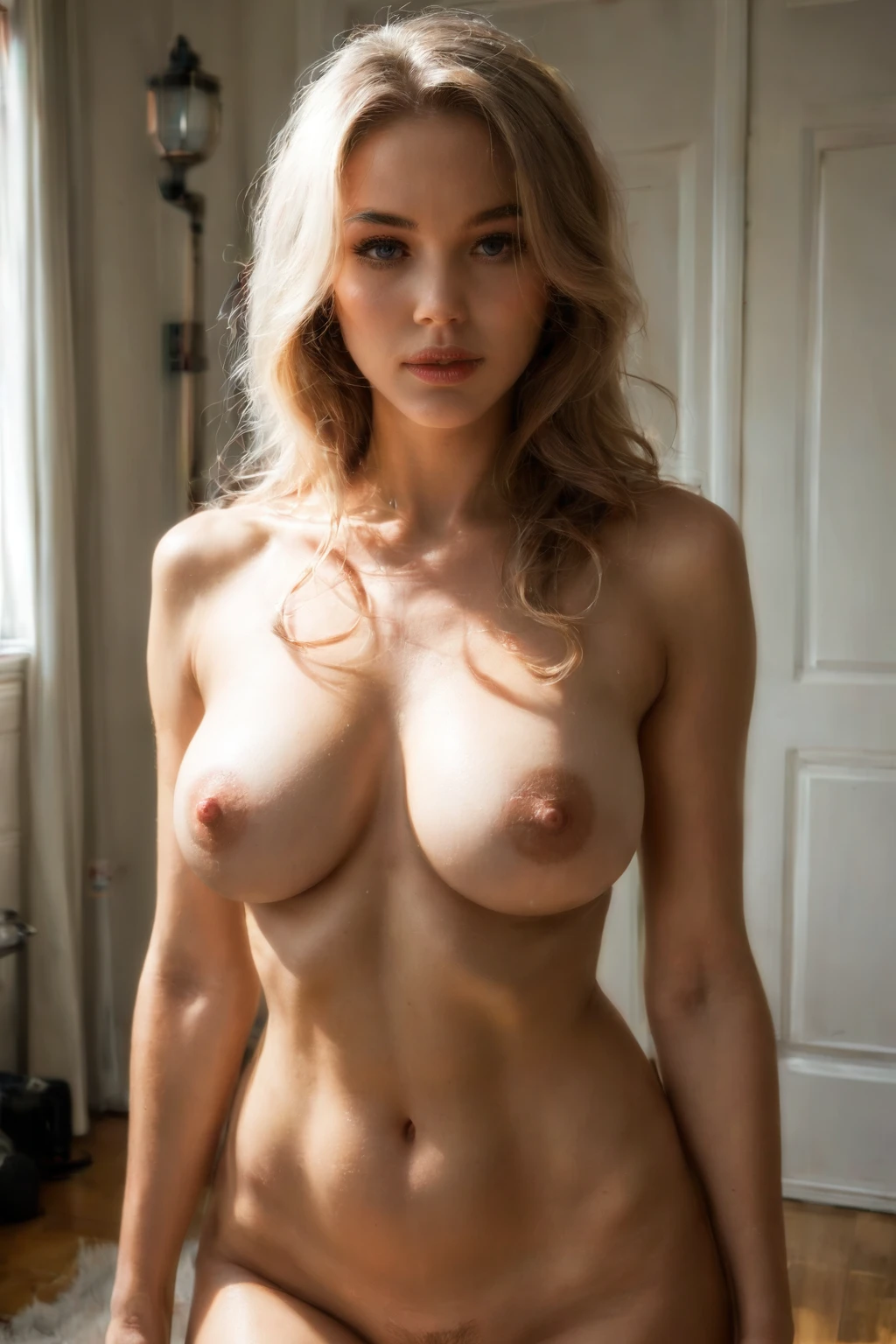

How to Generate Casting AI Images — Complete Guide
The clipboard on the table, the wait for your turn, one bright light and a single shot to impress whoever is sitting behind the camera. Casting scenes run on nerves, and that jittery first-timer energy is the whole appeal. You don't script any of it yourself. You choose the category, and the platform stages the audition for you.
There is nothing to type. The generator already holds ready-made scene setups tied to each category, and it turns your choices into a finished prompt on its own. Want to watch it work? Open the AI generator, or scroll the casting category page first to get a feel for the range.
What Is Casting AI Image Generation?
Casting generation produces amateur casting-couch scenes: an audition set up on a couch. Two things have to be present for an image to count. There has to be a casting couch, and there has to be audition framing around it. That is the entire definition, and it is deliberately narrow. This is not a generic living-room shot that happens to have a sofa in it; the render commits to the audition and leaves the rest out.
Getting Started on AINudeGirls
1. Open the Generate page, pick one or more categories from the list, and start the run. Finished images land in your gallery.
2. The prompt is assembled from whatever categories you selected, so you never touch the wording. By default the scene has a single subject and no male partner. If you want a man in frame, switch the male-partner toggle on.
3. Each finished image comes back as a WebP file at 1312x1968.
Example Casting Prompts to Try
The category ships in two prompt flavors, and the generator picks between them for you. One is natural prose — a flowing paragraph the system writes out in full. The other is tag form, the booru-style variant that breaks the same idea into comma-separated tags. Here is what the prose flavor looks like:
Prose form:
```text
a young woman on a worn leather casting couch in a sparse white studio room, a camera tripod with a ring light and a boom microphone visible in the corner of the frame, a clipboard with headshots on the table, nervously starting to undress for the off-camera interviewer, dramatic single overhead light, amateur audition atmosphere, vulnerable raw energy
```
And the same scene expressed as tags:
Tag form (Pony/booru):
```text
(sitting on casting couch, nervous smile, looking at viewer:1.2), audition, amateur, camera equipment, plain office backdrop, realistic skin texture, completely nude
```
To keep a batch from feeling repetitive, the system also rotates through alternate takes on the same scene. Here are two of them:
```text
a young woman on a casting couch in a sparse studio room, nervously starting to undress for the off-camera interviewer, dramatic single overhead light, vulnerable raw atmosphere
```
```text
a young woman alone sitting nervously at the edge of a worn leather casting couch in a sparse white studio room, her blouse already unbuttoned and slipping off her shoulders to expose her bare breasts, looking up toward the camera with shy parted lips, a single bright softbox glaring from above, raw amateur audition atmosphere, intimate front view, full body visible, female alone in frame, no other people
```
Tips for Better Casting Results
- Lean on the vocabulary of the room — casting couch, casting, audition — so the theme reads clearly.
- Leave scene-variant rotation on. You get different takes within the same family while the subject and style hold steady.
- Keep the scene family structure in place; it holds character and setting details consistent across a batch.
- Add negative prompts to head off anatomy glitches such as twisted spine, dislocated joints, broken limbs, and distorted proportions.
- Pick an AI model when you have a specific face in mind.
- Generate several per batch and keep the strongest. It's the simplest way to lift the quality of a final set.
Scene and Framing Variations for Casting
Once the setup from the definition above is in place, the camera work is where a casting shot earns its atmosphere. Audition framing tends to sit close, holding the face and upper torso rather than pulling back for the whole room. Lighting is arranged around the expression and the small shifts in it, which keeps the audition itself as the focal point.
The mood has some give. It can tilt toward raw, exposed energy, or settle into the looser tension of a couch scene between takes. Wardrobe stays in keeping with a real audition — simple, clean, nothing that competes with the face. Together these pieces read as one coherent event rather than a set of unrelated choices.
Common Mistakes and Failure Modes
The usual slip is treating this like an ordinary couch scene and losing the defining look above — once the audition cues drop away, the theme stops landing. The other failure mode is anatomy. Our negative prompts are already aimed at the common offenders — twisted spine, dislocated joints, broken limbs, distorted proportions — which is what keeps limbs and posture believable in a category built around a seated pose.
Casting vs Related Categories
A few neighboring categories get blurred with this one; here is how they actually differ:
Category What it actually is
--- ---
casting (this guide) amateur casting-couch scenario, audition setup on a couch
all fours on hands and knees, on all fours
bent over standing and bent forward at the hips, ass pushed out toward the viewer or partner
dancing she dances sensually, sinuous movement
Real Casting Examples from Our Gallery
casting example 1
casting example 2
casting example 3
casting example 4
casting example 5
casting example 6
casting example 7
casting example 8
casting example 9
casting example 10
casting example 11
casting example 12
casting example 13
casting example 14
casting example 15
casting example 16
There are 29 shots in the full casting gallery, and if you only want photoreal output you can jump straight to the realistic casting style.
Combining Casting with Other Categories
Casting sits in the scene family, so it layers with categories like 69-position, against-wall, ahegao, all-fours, amazon-position, and anal.
Some picks can't coexist — two different room settings, for instance. When that happens the generator keeps the first one you chose and quietly drops the later one; anything that doesn't clash all stays in play. The category also allows more than one subject, even though the default is a single person, so you can add company when you want a fuller scene.
Frequently Asked Questions
Why does my result keep looking like a regular living room instead of an audition?
That is the category drifting toward a plain couch scene and losing what makes it casting. Keep the audition vocabulary — casting couch, audition, amateur — in play so the theme reads the way it should.
My whole batch comes out nearly identical. How do I get variety?
Leave scene-variant rotation on so the system cycles through alternate takes, and generate several images per batch instead of one. Between the two you'll get a spread to choose from.
Can I set the exact outfit or room details myself?
The category is built around the audition-on-a-couch setup, and it doesn't specify whether individual outfits or settings can be dialed in — that falls outside the standard generation options.
Related Guides to Explore
If you're comparing poses, these walk through the neighboring categories:
- How to generate all fours AI images
- How to generate bent over AI images
- How to generate dancing AI images
You'll find the rest on the blog index.
Conclusion
Casting is about catching that trying-out moment — the nerves, the light, the couch. Set your category on the AI Casting Generator and run your first audition.