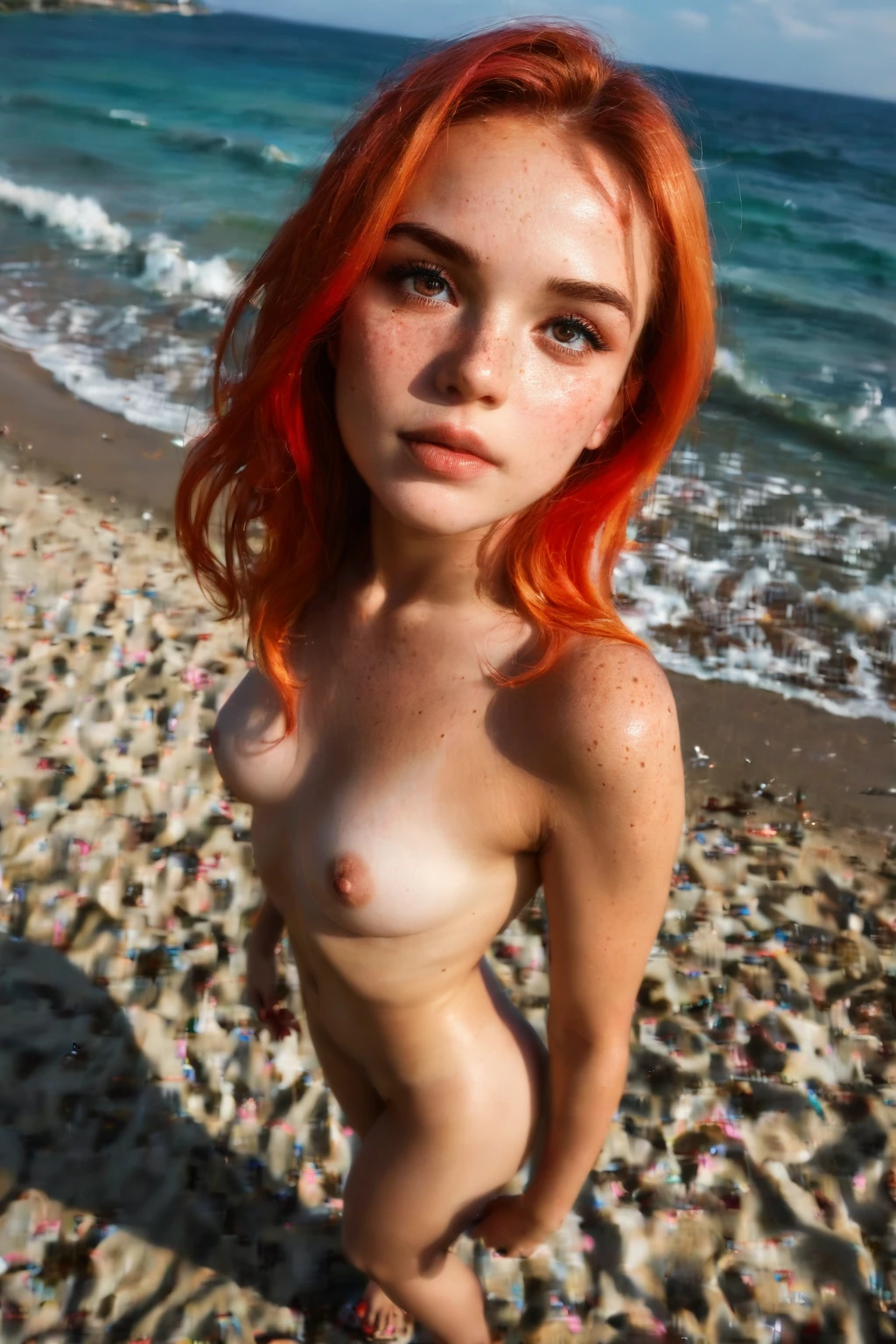

How to Generate Czech AI Images — Complete Guide
There's a particular Central European coolness to this look — the kind of face that photographs beautifully in flat winter light, all quiet contrast and restraint. That's the territory the czech category on AINudeGirls works in. You don't build any of it by hand: you pick the category, and the platform assembles the character, the styling, and the finished frame for you. Nothing to write, nothing to fine-tune.
Want to see the range before you start? Browse the czech gallery for a feel of what comes out, then open the generator when you're ready to make your own.
What the Czech Category Renders
At its core, this category renders a beautiful Czech woman with fair skin, sharp high cheekbones, and light ash-brown hair. Those three traits are the whole definition — the skin tone, the bone structure, and the cool ash coloring in the hair. Every accepted frame carries them; a result that drifts to dark hair or a softer, rounder face isn't reading as Czech anymore, and the platform's acceptance check treats it that way.
Everything else in this guide — the styling ideas, the framing choices, the combining rules — sits on top of that look without changing it.
From Pick to Finished Frame
1. On the Generate page, select the czech category.
2. The platform composes the prompt from whatever categories you've chosen and renders the result straight into your gallery. Files come back as WebP at 1312x1968.
That's the entire loop. You're choosing, not describing.
The Look, in Practice
czech example 1
czech example 2
czech example 3
czech example 4
czech example 5
czech example 6
czech example 7
czech example 8
czech example 9
czech example 10
czech example 11
czech example 12
czech example 13
czech example 14
czech example 15
czech example 16
There are 30 in the full czech gallery, and if you only want photoreal frames, the realistic czech style narrows it down.
Where Czech Sits Among Its Neighbors
It's easy to conflate Czech with the darker-featured categories nearby, so here's the quick contrast:
Category What it actually is
--- ---
czech (this guide) Beautiful Czech woman with fair skin, sharp high cheekbones and light ash-brown hair
middle eastern Middle Eastern woman, olive skin, dark eyes
arab Arab woman, olive skin, dark features
persian Persian woman, olive skin, dramatic dark eyes
Styling and Scene Ideas
The word "Czech" pulls in more than a face — it carries a place and a wardrobe. Traditional folk attire is one direction; a modern Prague street scene is another. There's also "Czechoslovak," which reaches back to the former nation and opens up more period-flavored imagery, from preserved historic buildings to the quieter mood of that era.
Lighting is where a stylist earns their keep. Soft natural light suits this look — it lifts the fair skin, catches those high cheekbones, and lets the texture of the ash-brown hair come through. On framing, you've got room to move: a close-up portrait leans into the facial features, while a medium shot brings in the outfit and posture inside a Czech-inspired setting. You can swing the mood between the bustle of a modern Czech city and the stillness of a preserved building from the Czechoslovak years.
Whatever the scene, the defining look above stays fixed — the styling dresses it up, it doesn't replace it.
Combining With Other Categories
Czech lives in the ethnicity family, and that family is one-at-a-time. If you happen to select two ethnicities, only your first choice takes effect and the other is dropped — no scene ends up with more than one person from this. So think of your ethnicity pick as a single, committed choice rather than something you stack.
The Modifier It Adds
When you choose this category, here's the descriptive clause the platform folds into the prompt on your behalf:
```text
beautiful Czech woman with fair skin, sharp high cheekbones and light ash-brown hair
```
Getting Cleaner Results
- Pick the same AI model if you want the same face to hold across a set — it helps keep results consistent.
- Generate a batch and keep the frames you like best; the strongest one out of several beats a single lucky pull.
Where Results Go Wrong
The usual failure is drift: hair that lands too dark, or features that soften away from the sharp, cool look the category is built on. When that happens, the frame reads as a different kind of woman and can fail the acceptance check. If a set starts sliding that way, regenerate rather than settle — the platform is holding to that defining look, and so should you.
FAQ
Why do some of my results come out with dark hair instead of ash-brown?
That's the render drifting off the intended look. The category is anchored to light ash-brown hair, so darker frames read as off-category and may not pass the acceptance check — regenerate and keep the ones that hold the cool ash tone.
Can I add a male partner to the scene?
Yes. No male partner shows up by default, but you can switch on the male-partner toggle in the generator to include one.
What does the "Czechoslovak" angle bring in?
It leans the imagery toward the historic former nation — think period settings, folk attire, and preserved buildings rather than a modern-day Prague street.
Can I put two Czech women in one image?
No. The ethnicity family renders a single subject, so a scene won't come back with more than one person from it.
Further Reading
For the darker-featured categories people often weigh against Czech:
- How to generate middle eastern AI images
- How to generate arab AI images
- How to generate persian AI images
You'll find the rest on the blog index.
In Short
The czech category is a one-click way to render that cool, fair-skinned Central European look without touching a prompt. Pick it on the generator and let the platform handle the rest.