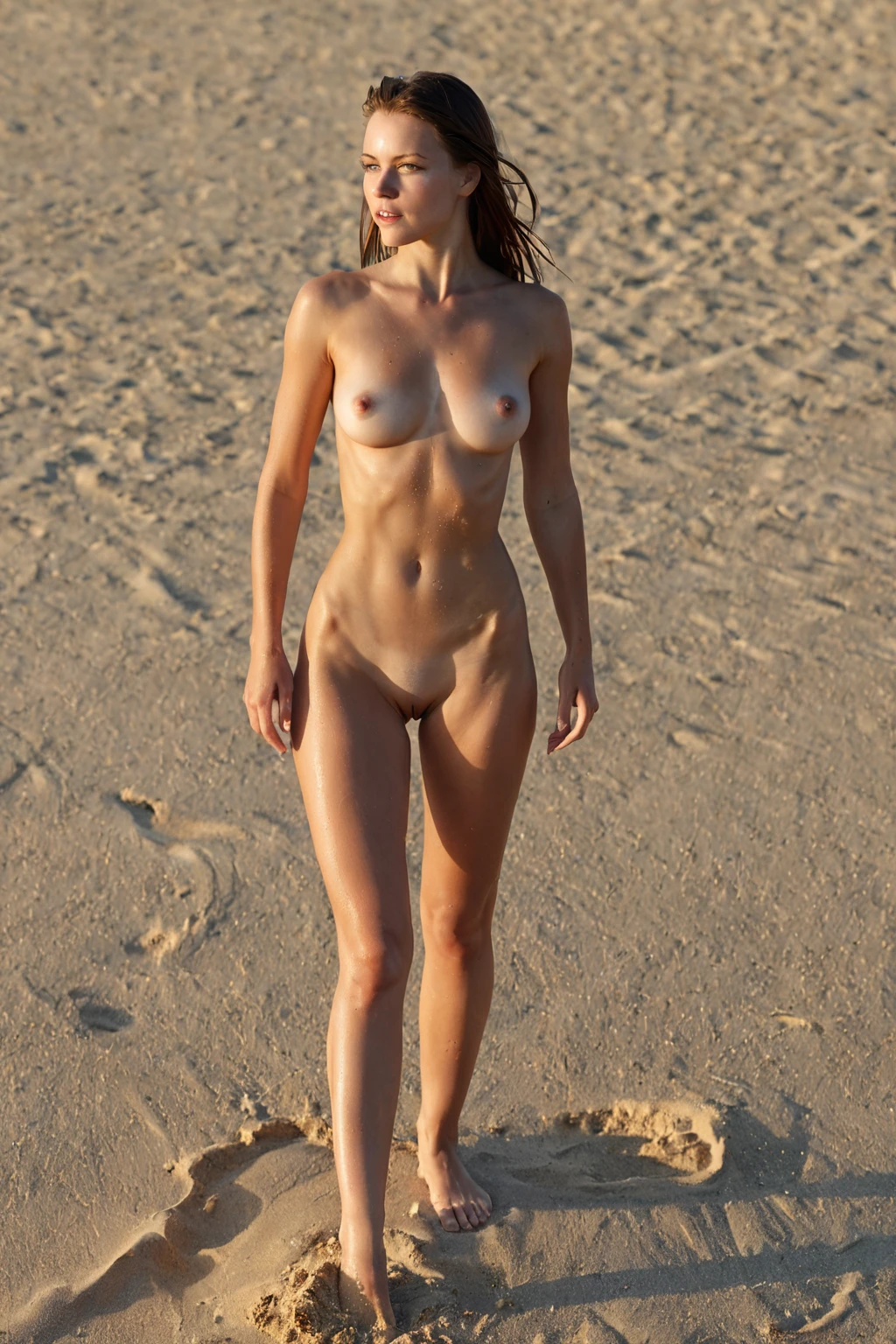

How to Generate European AI Images — Complete Guide
There is a particular quality of light that suits this look: the soft afternoon haze of a Mediterranean terrace, or the cool blue clarity of a Nordic morning. It flatters a face built on symmetry and restraint, and the results carry an unhurried, composed elegance rather than anything loud. That mood is what this category is tuned for, and this guide walks through how to get it out of the generator.
Want to see the range before you start? The european gallery shows exactly what the pipeline turns out, and the generator is where you make your own.
What the European Category Captures
Pick this category and the platform builds a beautiful European woman with fair, porcelain skin, softly defined cheekbones, light hair, and refined classical features spanning the Mediterranean-to-Nordic range. Those are the traits every image in the category is held to. Skin tones outside that fair register, darker or heavier facial structures, or a missing light-hair cue all fall outside the definition, so the category stays deliberately narrow rather than covering any woman who happens to be European.
You don't assemble that description yourself. Selecting the category is the whole instruction — the pipeline keeps every result on-brand without you touching a prompt.
From Category Pick to Finished Image
1. Open the Generate page and choose the European category to kick things off.
2. The image builds automatically. If you want a second figure in the frame, flip on the male-partner toggle before you generate — it adds a single male partner and is entirely optional.
3. When it finishes, the result lands in your gallery as a WebP file at 1312x1968.
Gallery Proof: European in Practice
european example 1
european example 2
european example 3
european example 4
european example 5
european example 6
european example 7
european example 8
european example 9
european example 10
european example 11
european example 12
european example 13
european example 14
european example 15
european example 16
There are 30 examples in the european gallery in total — or jump to the realistic european style if you only want the photoreal cut.
European Next to Its Sister Categories
The look sits close to a few others, so here is where the lines fall:
Category What it actually is
--- ---
european (this guide) a beautiful European woman with fair porcelain skin
european (this guide) softly defined cheekbones, light hair
european (this guide) refined classical Mediterranean-to-Nordic features
middle eastern Middle Eastern woman, olive skin, dark eyes
arab Arab woman, olive skin, dark features
persian Persian woman, olive skin, dramatic dark eyes
Styling and Scene Ideas
The defining look reads well across a wide spread of settings, and the lighting is where you can shift the whole feel. A soft, diffused Mediterranean glow gives one register; the crisp, cool tones of a Nordic winter give another. Both suit the category.
Wardrobe has room to roam. Refined classical dress and modest elegance both fit, and so does sun-bleached casual linen or the sharper edge of structured European tailoring. For scenery you can go anywhere from serene landscapes to a busy street framed by old-continent architecture.
Framing is just as open. Shoot tight for an intimate head-and-shoulders portrait, or pull back for a wider environmental shot with the backdrop in play. Backgrounds tend to sit neutral or gently blurred, and the overall mood stays polished and composed rather than chaotic.
Combining With Other Options
European lives in the ethnicity family, and you choose one ethnicity per character — that sets her background. If you happen to select more than one ethnicity, only the first one you pick is applied and the rest are ignored, so there is never a muddled mix. The scene stays a single subject unless you add the optional male partner described in the steps above; full multi-person scenes aren't available here.
Example Prompt
If you like to see the underlying phrasing, this is the modifier clause the category applies for you:
```text
a beautiful European woman with fair porcelain skin, softly defined cheekbones, light hair and refined classical Mediterranean-to-Nordic features
```
Getting Sharper Results
- Stick to one AI model when you want your set to stay consistent and predictable from one generation to the next.
- Generate a batch in one go, then keep the strongest frames — it's the quickest way to build a collection you're happy with.
What Trips People Up
The category is strict by design. Anything that drifts off that defining look — a skin tone outside the fair range, a face that loses the soft cheekbones, hair that reads too dark — falls short of what the category requires and gets flagged rather than delivered. If a result surprises you, it's almost always because one of those core cues slipped, not because you did anything wrong on your end.
FAQ
Q: Do I need to describe the skin, hair, or features myself?
No. Choosing the European category is the only step — the platform supplies the full description and keeps the result on-brand for you.
Q: Why do some results lean Mediterranean and others lean Nordic?
Both are inside the category. The definition covers the whole classical Mediterranean-to-Nordic range, so variation across that span is expected rather than a mistake.
Q: Can I generate nude images in this category?
Yes. Nude images of European women are allowed here.
Q: Do I have to pick between the two styles?
Not at all — the main category gives you the full spread, and the realistic european style narrows it to the photoreal cut whenever you want that instead.
Further Reading
The neighbouring looks each have their own walkthrough:
- How to generate middle eastern AI images
- How to generate arab AI images
- How to generate persian AI images
Every category guide is indexed on the blog index. When you're ready, the European generator is one click away.