
How to Generate Facial AI Images — Complete Guide
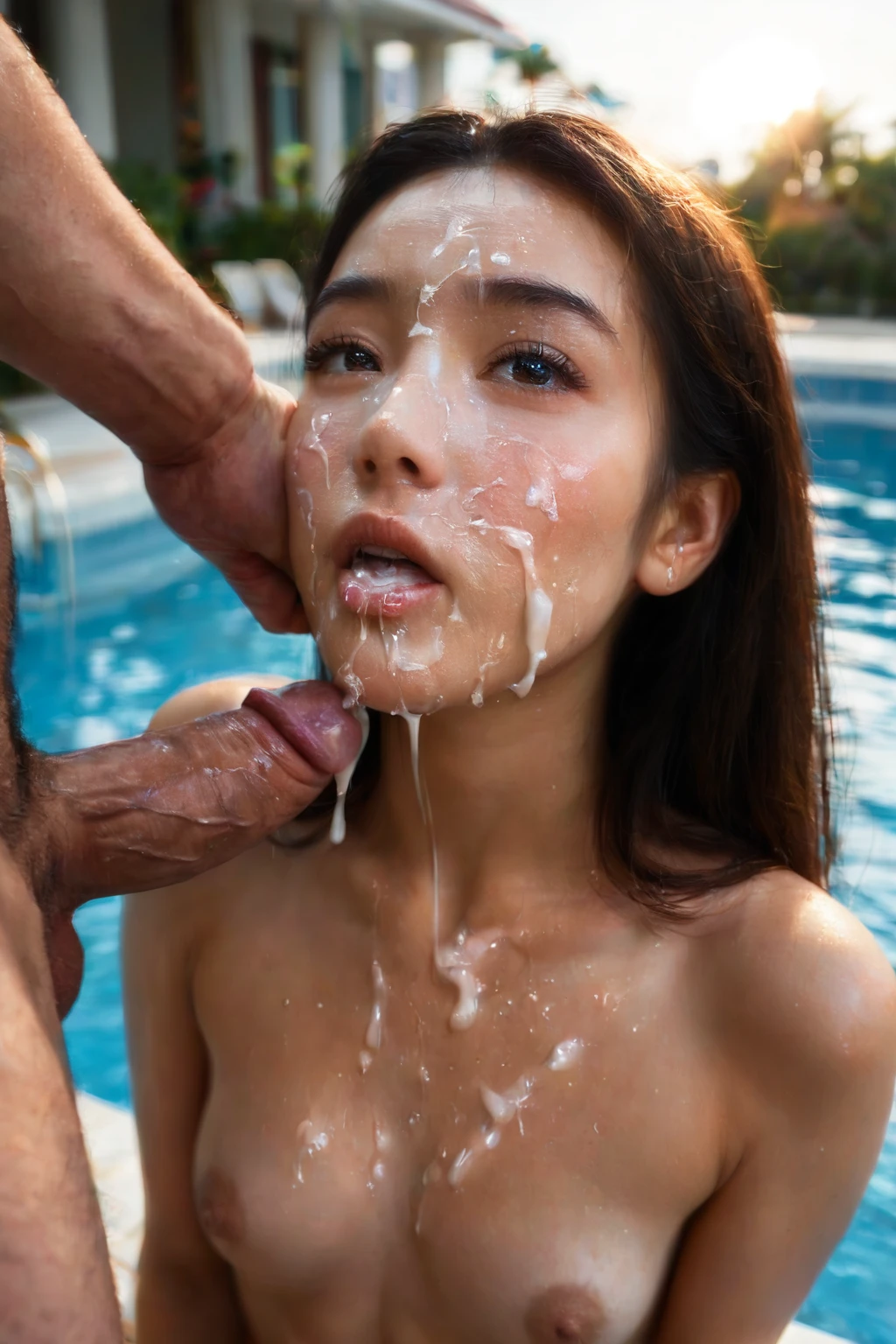
The camera sits low, right where a partner would be standing. She's looking straight up the lens with a satisfied, submissive expression, lips parted, caught in the half-second right after climax. That first-person angle is what makes this act land — you're not watching the scene, you're in it. On AINudeGirls you don't have to describe any of that. Choose the category and the platform assembles the prompt for you, so every frame lands on the same beat.
Want to see it work? Fire up the AI generator, or browse the facial category page first to get a feel for the look.
What Is Facial AI Image Generation?
The facial category has exactly one thing it's built to depict: semen on her face after ejaculation onto it. Not on the body, not dripping away or leaking off frame — on the face, and clearly visible. That single detail is the whole category. Everything else in this guide serves it.
Getting Started
Three steps, and you never touch a text box:
1. Open the Generate page and select the facial category.
2. Hit Generate. The platform writes the prompt from your selections — no typing, no editing.
3. Your result lands in the gallery as a WebP file at 1312x1968, the standard output for this category.
Example Prompts the Platform Uses
You won't write these yourself, but it helps to see what the generator sends. Two formats cover the range of image models: a flowing natural-prose version and a comma-tagged booru version. Both aim at the same shot.
Prose form:
```text
POV shot of a young woman with (glossy translucent cum strands on her cheeks and lips, a thin cum string hanging from her chin, realistic glistening semen texture:1.3), looking up at the camera with a satisfied submissive expression and parted lips, bright soft lighting, female alone in frame, no other people
```
Tag form (Pony/booru):
```text
(facial, cum on face, cum dripping down cheeks, cum on chin:1.3), parted lips, submissive satisfied expression, looking up at viewer, completely nude
```
The generator also rotates through alternative scene variants so a batch doesn't come back looking identical. A couple of examples it draws from:
```text
POV first-person view of a young woman alone kneeling on a soft bedroom carpet looking up at the camera with thick white cum visibly streaked across her face, eyes half-closed and parted lips with cum on her cheeks and chin, tongue extending to lick the cum from her upper lip, her bare breasts also splashed with cum at the bottom of the frame, intimate close-up of her wet face, warm bedroom lighting, female alone in frame, no other people
```
```text
POV first-person view of a young woman alone kneeling on grass in a sunlit garden looking up at the camera with thick white cum visibly across her face, eyes half-closed with parted lips, cum dripping from her chin onto her bare breasts, warm golden sunlight glistening on the wet streaks, intimate close-up low-angle view, female alone in frame, no other people
```
Tips for Better Results
- Leave scene variant rotation on. It's the easiest way to pull different takes on the same concept out of a single session.
- Pick an AI model if you have a specific face in mind — it points the generator toward what you're after.
- Run a batch rather than one-offs, then keep the frames that landed. The variant rotation means the batch won't be repetitive.
- The category already blocks its usual failure textures for you (more on those below), so you rarely need to fight the output.
Framing and Composition
The keyword itself points at a close-up, and the sample prompts lean into that low, first-person angle looking up at her face. You can lean tight and intimate or pull back a little to catch her upper body — the sunlit-garden variant above does exactly that, letting cum drip onto her breasts at the bottom of the frame. Wardrobe stays minimal or absent; there's rarely a reason to dress the shot up. Lighting in these scenes tends to be soft and warm, catching the sheen of the wet streaks rather than fighting them.
Whatever angle you choose, it should keep that defining look front and center. If a background element or a piece of clothing starts competing for attention, tighten the frame back onto her face.
Common Mistakes and Failure Modes
Two things trip people up. The first is confusing this act with body-focused shots or with cum-on-face results where the framing drifts down the torso — the trait above lives on the face, and the composition should say so. The second is the set of texture glitches image models are prone to here: cum that covers the eyes entirely, gray sludge over the features, a melted-looking face, a poured-milk consistency, or an opaque white mask.
You don't have to manage any of that manually. The category ships with negative prompts aimed squarely at those failure modes, so the render stays clean and the face stays readable.
Facial vs Related Categories
A few neighboring acts get mixed up with this one. Here's the quick contrast:
Category What it actually is
--- ---
facial (this guide) semen on her face after ejaculation onto it
blowjob her lips around a cock actively sucking
ahegao exaggerated orgasm face: eyes rolled up, tongue out, blissed-out expression
cum on face semen covering her face
Real Examples from Our Gallery
facial example 1
facial example 2
facial example 3
facial example 4
facial example 5
facial example 6
facial example 7
facial example 8
facial example 9
facial example 10
facial example 11
facial example 12
facial example 13
facial example 14
facial example 15
facial example 16
The full set of 30 lives in the facial gallery. For a photoreal render instead, switch to the realistic facial style.
Combining Facial with Other Categories
Facial sits in the climax family, alongside tags like anal-creampie, bukkake, creampie, cum-covered, cum-in-mouth, and cum-on-ass. Only one of those can drive a single image, so if you pick facial and then add another from that group, the extra one is simply ignored — your first pick from the family is what you get. You're free to layer in categories from other families to build out the scene.
Frequently Asked Questions
Q: Do I have to write or edit the prompt myself?
No. Selecting the facial category is enough — the platform composes the full prompt from your choices, and there's no text for you to fill in.
Q: Is a male partner included in the shot?
Yes. This act always involves a male partner, and every generation includes him regardless of your other settings.
Q: Why do the results sometimes come out as a gray or masky mess instead of a clean facial?
That's a known way image models fail here — sludgy textures, opaque white masks, cum over the eyes. The category runs negative prompts against those exact glitches, so a fresh batch usually clears them up.
Q: Can I get a photorealistic version?
Yes — switch to the realistic facial style linked in the gallery section for a photoreal render of the same act.
Related Guides to Explore
The closest neighboring acts, if you want to compare:
- How to generate blowjob AI images
- How to generate ahegao AI images
- How to generate cum on face AI images
Every category guide is indexed over on the blog.
Start Creating
Pick the facial category on the generator, turn on variant rotation, and run a batch — the platform handles the rest.