
How to Generate German AI Images — Complete Guide
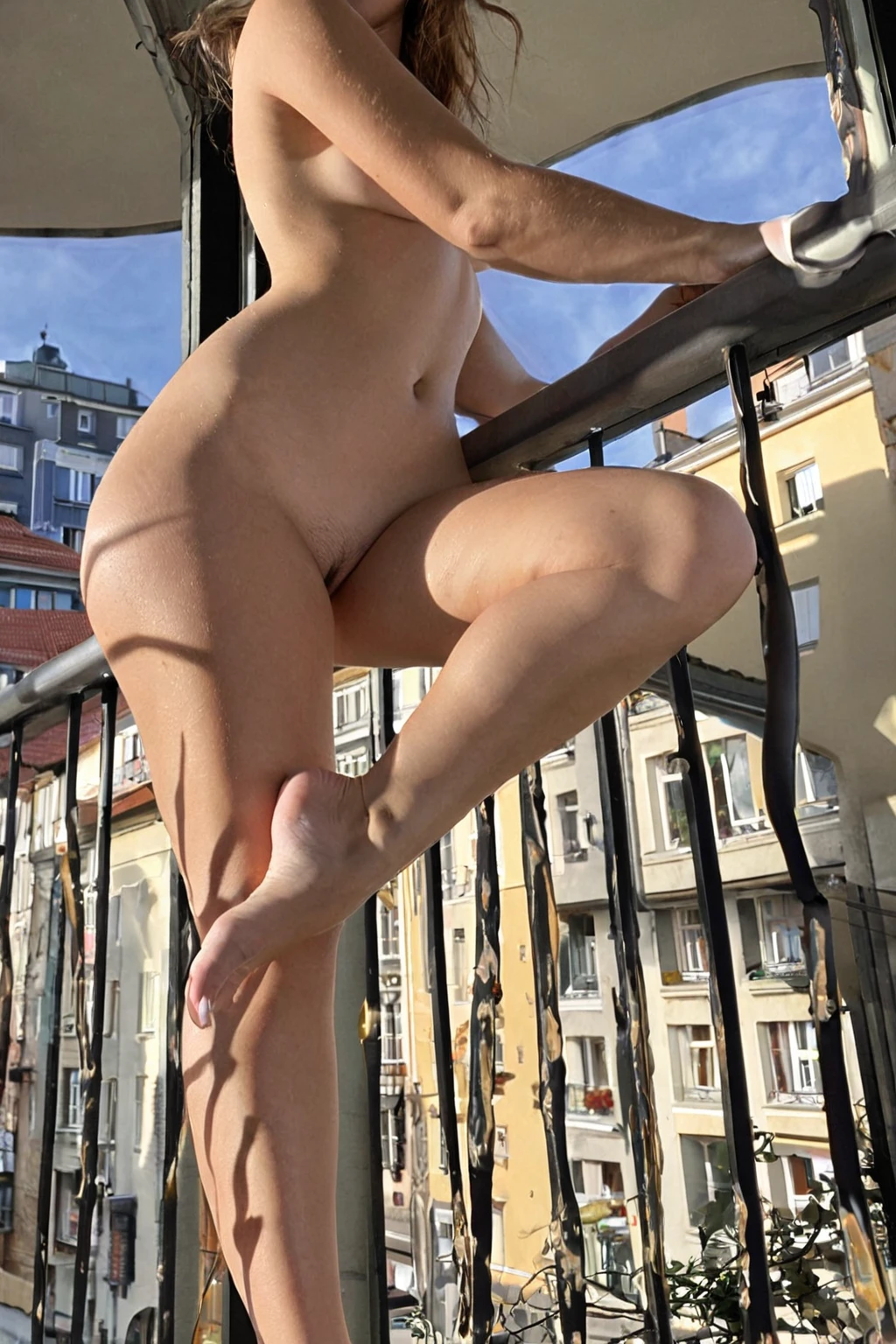
Dark blonde photographs nothing like bright blonde. It holds its weight under a hard light instead of blowing out, it keeps a cool cast against fair skin, and it lets a defined jawline stay the sharpest line in the frame. That is the combination the german category is built around, and you get it by selecting the category — not by writing a prompt.
The german gallery has 29 finished frames if you want to see the look before you spend anything. The generator is where you make your own.
Defining German
One sentence carries this category: a beautiful German woman with fair skin, a strong defined jawline and dark blonde hair. Three traits, all required, no substitutions. Skin tone is fair. The jaw is defined rather than soft. The hair is dark blonde, not platinum and not brown.
Everything else in an image — the room, the wardrobe, the pose, the light — comes from the other categories you stack alongside it. german governs the face and the hair, and stops there.
german example 1
german example 2
german example 3
german example 4
german example 5
german example 6
german example 7
german example 8
german example 9
german example 10
german example 11
german example 12
german example 13
german example 14
german example 15
german example 16
Sixteen of the 29 sit above; the rest are on the category page. If you only want the photoreal cut, there is a separate realistic view.
Making One
1. Open the Generate page and select german. Add whatever else you want in the frame — a setting, a pose, a wardrobe choice.
2. The platform assembles the description from your picks and runs it. Your image lands in your gallery as WebP at 1312x1968.
3. A single image costs 15 credits. Sets are cheaper per frame: 68 credits for five, 120 for ten.
That last point matters more than it looks. Faces vary between runs even with the category locked, so a set of five gives you a real choice of jawline and hair tone rather than a coin flip.
When the Output Disappoints
Most disappointing German results come from one of three things.
The first is stacking ethnicities. Ethnicity is a one-at-a-time choice — pick german and persian together and only the first one shows up in the image. If the face came out wrong, check whether a second ethnicity category is still selected from a previous run.
The second is judging the face from a wide shot. A defined jawline is a small detail at full-body framing. Pair German with something that brings the camera closer if the face is the point.
The third is expecting the category to do more than it does. It will not put you in a bierkeller or dress her in a dirndl. Fair skin, jawline, dark blonde hair — that is the whole contract, and scene work belongs to the categories you pair it with.
The Prompt Behind the Picture
You never type a prompt on this platform, but it is worth seeing what your category pick actually contributes. For german it is a single clause:
```text
beautiful German woman with fair skin, strong defined jawline and dark blonde hair
```
Read it as three instructions bundled together. *Fair skin* sets the tone the lighting has to work against. *Strong defined jawline* is the structural note — it keeps the face from softening into a generic one. *Dark blonde hair* pins the colour to the cooler end, which is why these images hold up in candlelight and low sun where brighter blonde would flare.
That clause never travels alone. It gets composed with whatever scene category you choose. Pick german alongside bathing and the platform pairs it with:
```text
a young woman submerged in a luxurious bubble bath, only her bare breasts and shoulders visible above the suds, head tilted back in relaxation, soft candlelight and steam
```
Head tilted back, wet hair against the light, jaw as the highest line in the composition — that scene is unusually good at showing the category's structural traits. Pick german alongside bent-over instead and you get:
```text
a fully nude young woman bent sharply forward at the waist in a sunlit modern bedroom, her hands braced flat on the edge of a wooden dresser, her bare ass thrust back high toward the camera and her back arched, she peers back between her legs and over her shoulder with a teasing smile, her exposed pussy and rear fully visible, low-angle rear three-quarter view, soft warm daylight from a side window wrapping around her smooth oiled skin, intimate inviting mood, female alone in frame, no other people
```
Same face description, completely different image. That is the whole system: you choose the ingredients, the platform writes the sentence.
What Combines Cleanly
german belongs to the ethnicity family, so it is the one face decision in your stack — leave the other ethnicity options unselected and it has clear room to work.
Beyond that, it combines with almost anything. Scene, pose, wardrobe and lighting categories all sit in different families, so they layer on top without competing. The pairings that flatter the look tend to be the ones with directional light: a window, a candle, low sun. Fair skin and a defined jaw both need a shadow side to read properly, and flat even lighting is the fastest way to lose both.
Easily Confused With
The categories people reach for next to German — or mistake it for — are mostly darker-featured ones. Side by side:
Category What it actually is
--- ---
german (this guide) Beautiful German woman with fair skin, strong defined jawline and dark blonde hair
middle eastern Middle Eastern woman, olive skin, dark eyes
arab Arab woman, olive skin, dark features
persian Persian woman, olive skin, dramatic dark eyes
Note how much narrower German's definition is. The other three name a skin tone and an eye treatment; German names skin, bone structure and a specific hair shade.
Reader Questions
What exactly changes when I select german?
The face and hair. You get fair skin, a strong defined jawline and dark blonde hair. Setting, pose and wardrobe come from your other picks.
Can I select german and another ethnicity at once?
Only one of them will show up in the image. Ethnicity is a one-at-a-time choice, so pick the one you want and deselect the rest.
Is there a man in the frame?
Not unless you ask for one. The default scene is the woman alone; a male partner only appears if you switch on the male-partner toggle before generating.
What file do I actually get?
A WebP image at 1312x1968, delivered to your gallery.
Nearby Guides
If you are working through the ethnicity categories, these three sit closest to German in the catalogue:
- How to generate middle eastern AI images
- How to generate arab AI images
- How to generate persian AI images
Everything else is indexed on the blog index.