
How to Generate Japanese AI Images — Complete Guide
Silk that creases instead of shining, matte cotton, the flat even light that comes through a paper screen. That is the material register this category sits in, and it is why picking it beats describing it: the subject is settled for you before anything else happens, which leaves fabric, setting and framing as the parts you actually get to move. The japanese gallery holds thirty finished frames if you want proof first. The generator is where you make your own.
What You Get With Japanese
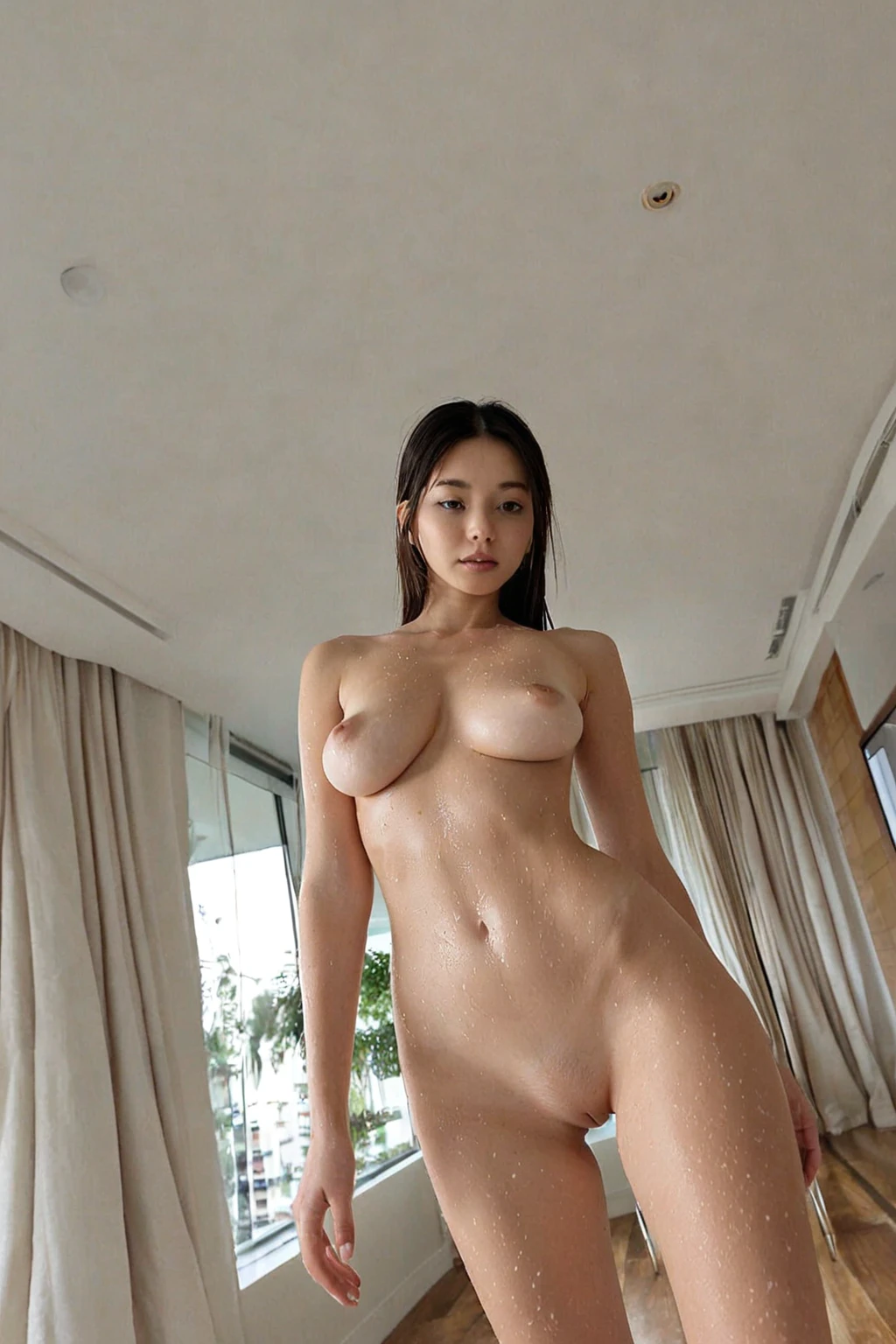
Every frame in this category renders a Japanese woman with porcelain skin and straight black hair. That is the definition in full, and it is not a suggestion the render can talk itself out of.
Both traits are doing visible work. Porcelain reads as an even, low-contrast skin surface — it takes soft light without blowing out, and it holds shadow gently at the collarbone and jaw. Straight black hair gives you weight and a hard silhouette: a clean fall, a defined edge, no curl and no dyed colour breaking it up. A wave set, a lighter tone, anything that softens that edge, sits outside what the card promises.
Everything past that is open. Wardrobe, surface, lens distance, mood — the category holds the subject steady so those choices stop competing with her.
japanese example 1
japanese example 2
japanese example 3
japanese example 4
japanese example 5
japanese example 6
japanese example 7
japanese example 8
japanese example 9
japanese example 10
japanese example 11
japanese example 12
japanese example 13
japanese example 14
japanese example 15
japanese example 16
Sixteen of the thirty are above. The rest are in the japanese gallery, and if you only want photoreal frames, the realistic japanese style narrows it to those.
Your First Run
1. Open the Generate page and select the japanese card. Add any other categories you want in the mix — a setting, an outfit, an act — then start the generation. The finished frames land in your gallery.
2. Costs are per run, not per experiment: 15 credits for a single image, 68 for a set of five, 120 for a set of ten. If you are still deciding what wardrobe or framing you want, the larger sets are the cheaper way to compare.
3. Everything comes back as WebP at 1312x1968. Tall, portrait-shaped, and equally happy holding a full-length figure or cropping in tight on the face and shoulders.
Failure Modes
The category carries one hard requirement: a Japanese woman has to be visible in the frame. That sounds obvious until a very tight crop or an aggressive angle buries her, at which point the render stops being a Japanese image in any meaningful sense — the thing the card guarantees isn't on screen to be judged.
The second failure is quieter. Pick two ethnicities and only the first one shows up, so a run that came back "wrong" was often a run where two cards were fighting and one lost silently.
The third is choosing against the look rather than around it. Asking for waves, curls, or a lighter tone pulls at exactly the two traits the category exists to hold, and the output ends up split between what you asked for and what the card promises. Neither wins cleanly.
And the last one is simple misidentification — reaching for a neighbouring card that produces a different woman entirely. The table further down sorts that out.
Working Prompt Examples
You never type any of this. What the category contributes is a single subject clause, which the platform composes with whatever else you picked:
```text
beautiful Japanese woman with porcelain skin, straight black hair with blunt bangs and delicate soft features
```
Read it left to right and you can see the division of labour. "Beautiful Japanese woman" fixes who is in frame. "Porcelain skin" governs how light behaves on her — even, soft, low contrast. "Straight black hair with blunt bangs" is the framing instruction: a hard horizontal line above the eyes, a clean vertical fall either side of the face, which is what makes portraits from this category read as composed rather than casual. "Delicate soft features" stops the face hardening once you push into dramatic lighting.
Nothing in that clause describes a room, an outfit or an act — deliberately. Those come from the other cards you pick. Choose japanese alongside flashing and the scene half of the composition looks like this:
```text
a young woman in a public setting lifting her dress to flash her bare breasts and shaved pussy at the camera, mischievous grin, sharp daylight, intimate exhibitionist moment
```
Note what the scene card is actually deciding: location, action, expression, and the quality of the light. Sharp daylight against porcelain is a real choice — it is a harder, higher-contrast reading of the skin than the category tends toward on its own.
Pair it with footjob instead and the composition shifts to framing and lens:
```text
POV full-body shot of a young woman alone lying back with her soft bare feet raised toward the camera, painted toenails prominent, looking down at her own feet with an amused smile, full body visible, bright soft lighting, female alone in frame, no other people
```
Same subject clause underneath, entirely different geometry on top. That is the pattern worth internalising: the ethnicity card answers who, the other cards answer where, how close, and in what light. The japanese card also answers to japan and jav if you are searching the category list for it.
Combination Notes
Japanese belongs to the ethnicity family, and that family takes one choice at a time. Its siblings include asian, arab, australian, brazilian, british and colombian. Select japanese and it is the ethnicity in play for the whole run — there is no blending two of them into a single face, and no need to go hunting for a conflict to resolve.
Everything outside that family stacks freely on top: settings, wardrobe, poses, acts. Frames stay solo unless you deliberately switch on the male-partner toggle. Multi-person scenes aren't offered in this category either, so the composition stays built around one figure.
Where Japanese Ends and Others Begin
Ethnicity cards get confused more than any other group, usually by someone scanning the grid quickly. These are the three that sit closest.
Category What it actually is
--- ---
japanese (this guide) Japanese woman, porcelain skin, straight black hair
middle eastern Middle Eastern woman, olive skin, dark eyes
arab Arab woman, olive skin, dark features
persian Persian woman, olive skin, dramatic dark eyes
The other three overlap heavily with each other — olive skin, dark eyes, dark features — and Japanese is the outlier of the four on both skin and hair. So if a run feels close but not right, the odds are good that the wrong card of these four is selected rather than anything being wrong with the prompt around it.
Japanese Questions
Does the realistic japanese style change the subject?
No. Same woman, same two traits — the realistic japanese style just narrows the selection to photoreal frames, where the main card covers the wider range you see in the gallery.
My results look closer to arab or persian. What went wrong?
Almost always the card, not the run. Those three share an olive-skinned, dark-eyed look with each other, and Japanese is defined against a different pair of traits entirely. Check which one is selected before changing anything else.
How much can I see before spending credits?
Thirty examples sit in the japanese gallery, free to browse. That is enough to judge whether the look is what you are after.
Can I get two women in the frame?
No — this category renders a single subject, so multi-person compositions aren't available here.
Further Guides
The nearest neighbours each have their own walkthrough:
- How to generate middle eastern AI images
- How to generate arab AI images
- How to generate persian AI images
Every category guide is indexed on the blog index.