
How to Generate Latina AI Images — Complete Guide
Curl texture is the tell. Warm olive skin survives a mediocre light setup, but a dark curl that renders as a flat, ironed blowout does not — and that is usually what people mean when they say a result "nearly" landed. The latina category on AINudeGirls takes that gamble off the table. It is a fixed, curated look rather than a hopeful keyword, so selecting it is the entire job: no prompt box, no tuning, no troubleshooting. Everything else in the frame is free to change, and the two markers that define the category do not.
Two things worth opening side by side: the latina gallery, which shows what the category actually produces across dozens of scenes and lighting setups, and the generator, where you make your own.
Defining Latina
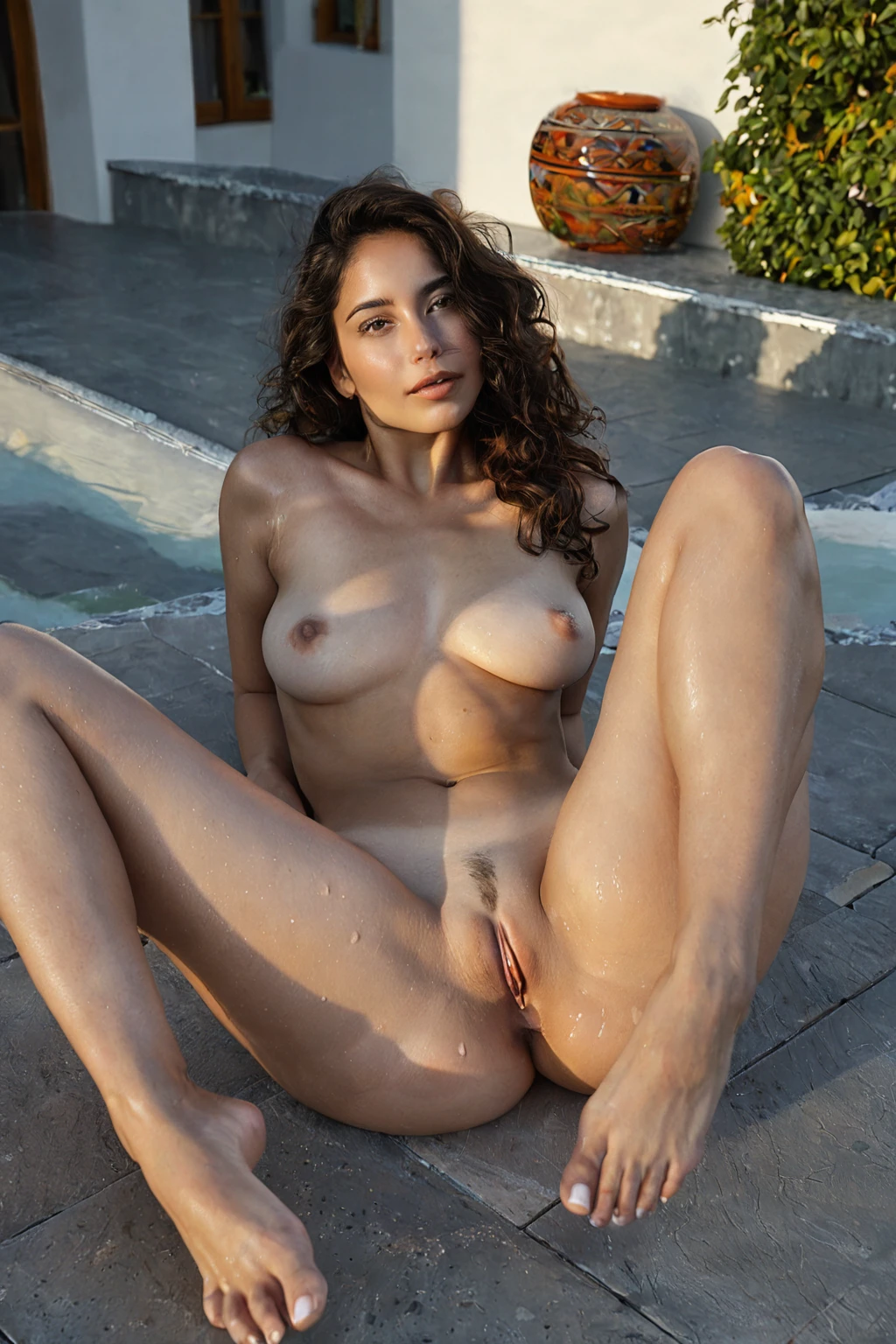
The definition is one line long: a Latina woman with warm olive skin and dark curls. That is all of it, and the narrowness is deliberate — no sub-region, no fixed hair length, no body type welded on top, no wardrobe rules. The one non-negotiable is that a Latina woman is clearly there in the frame. Miss that and the image is something else, however good it looks on its own terms.
Everything outside those two markers stays loose. Pose, setting, wardrobe, fabric, lighting, expression, framing — all of it varies run to run. That split is what makes the category worth using repeatedly: you are never gambling on whether the defining look shows up, only on the scene arranged around it.
latina example 1
latina example 2
latina example 3
latina example 4
latina example 5
latina example 6
latina example 7
latina example 8
latina example 9
latina example 10
latina example 11
latina example 12
latina example 13
latina example 14
latina example 15
latina example 16
Sixteen frames, pulled as a slice rather than a highlight reel. Read them left to right and the pattern is easy to see: light, cloth, pose and background all move, and the defining look sits still underneath. All 43 live on the latina gallery page, and the photoreal-only shelf is the narrower cut if you want no stylisation at all.
How to Set It Up
1. Open the Generate page on AINudeGirls, tick the "latina" category, and start the generation.
2. Results land in your gallery as WebP files at 1312x1968 — a tall portrait crop, which is why full-length wardrobe and standing poses sit comfortably in frame.
3. No male partner is in the default scene. If you want one, switch on the explicit male-partner toggle in the generator before you run it.
Nothing here is typed. Each step is a click, which also means there is very little to get wrong; if the first result gives you the right subject in the wrong framing, run it again and the scene reshuffles while the category holds.
On cost: a single image is 15 credits. Sets are cheaper per frame — 68 credits for five, 120 for ten — which matters more than it sounds, because the useful way to work in a tightly defined category is to take a handful and keep the two you like rather than chase one perfect roll.
Working Prompt Examples
You never write any of this by hand. It is still worth seeing, because knowing what the category contributes explains what it can and cannot fix. Latina's whole contribution is one clause:
```text
beautiful Latina woman with warm olive skin and dark curly hair
```
Look at how little is in there. A subject, a skin tone, a hair texture — no clothing, no room, no camera distance, no time of day. That is the point. The category is a description of a person, not of a picture, so it leaves the entire picture open for something else to fill in.
That something else is another category. The platform builds an image by taking the scene from one pick and folding this clause into it, so the practical move is to pick latina alongside the scene you actually want. Choose it with sunbathing, for instance, and the scene half brings this:
```text
a young woman lying nude on a beach towel under brilliant sunshine, skin glistening with tanning oil, tan lines visible on her exposed body, full body in golden hour light
```
Notice what that pairing does to the material side of the frame: oil-slick highlights, visible tan lines, low golden light raking across the body. Warm, low-angle light of exactly that kind is the friendliest treatment olive skin gets — it sits with the undertone instead of bleaching it. A pick like swallow goes the other way, a close POV framing under bright soft lighting with the subject alone in shot, and the same clause rides along unchanged into a completely different composition.
So the lever you actually pull is scene selection. Wardrobe, room, light and camera all arrive from the category you pair with; the defining look arrives from this one.
Telling Latina Apart
Four categories on this platform occupy a similar olive range, which is why they get swapped by accident. The differences are small on paper and obvious on screen:
Category What it actually is
--- ---
latina (this guide) Latina woman, warm olive skin, dark curls
middle eastern Middle Eastern woman, olive skin, dark eyes
arab Arab woman, olive skin, dark features
persian Persian woman, olive skin, dramatic dark eyes
The skin tone is the shared part; the anchor is not. Latina is the only one of the four that fixes hair texture — the others anchor on eyes or on features generally. Useful diagnostic: if you generated something in this range and the hair came back straight, you probably picked a neighbouring category rather than got an unlucky result.
Combination Notes
Latina belongs to the ethnicity group, together with arab, asian, australian, brazilian, british and colombian. Only one of them can shape a given image. Pick two and only the first one shows up — the second is simply ignored, since the platform never puts two people or two ethnic identities into a single scene. There is no blend setting hiding anywhere; if you want colombian instead, start a fresh generation with colombian selected, rather than trying to layer it onto a latina result you already have.
Pairings outside that group behave the way you would hope. Scene categories, activity categories, setting categories — those stack with latina without argument, which is exactly why the composition examples above work.
Getting It Wrong
There is really only one failure worth naming, and it is the one the definition warns you about: no clearly visible Latina woman in the frame. It usually arrives as a framing problem rather than a category problem — a crop tight enough, an angle oblique enough, or a composition busy enough that the subject stops reading. The category was selected correctly and the image still misses the bar. Regenerate, or push the framing so the subject is unambiguously the focus.
The second thing to watch is light quality rather than correctness. Hard directional light flattens the olive undertone and eats the warmth that makes this category distinctive; soft, diffused or golden setups keep it. If a result looks duller than the gallery examples, that is the first variable worth changing.
And resist inventing cultural set dressing the definition does not carry. The category signals a person, not a costume. Courtyards, festive backdrops and warmly lit interiors all suit it, but they suit it as scene choices you make, not as things the category promises.
Asked and Answered
Does the category lock hair length, body type or wardrobe?
No. It fixes the skin tone and the curls and stops there. Length, build, clothing and setting all vary from run to run, which is why the same pick can produce a beach frame and a studio portrait in the same batch.
Can I combine latina with brazilian or colombian?
No — those are all ethnicity picks, and only the first one you choose applies. For a different one, run a new generation with that category selected instead.
Why does my result look washed out compared with the gallery?
Almost always the lighting in the scene you paired it with. Warm and diffused treatments hold the olive undertone; harsh, flat, high-contrast light drains it. Try the same pick with a golden-hour or soft-interior scene.
What do I actually get back, and what does it cost?
WebP images at 1312x1968, delivered to your gallery. One image is 15 credits; five is 68 and ten is 120, so batches cost less per frame.
Nearby Guides
The three categories most often confused with this one, each with its own walkthrough:
- How to generate middle eastern AI images
- How to generate arab AI images
- How to generate persian AI images
Every category guide is indexed on the blog index.