
How to Generate Norwegian AI Images — Complete Guide
Ice-blue eyes, hair the colour of bleached linen, skin with no warmth in it at all. That is the palette the norwegian category hands you, and it hands you the same one every single time. You don't describe it. You pick it.
Finished examples sit in the norwegian gallery. The generator is where you make your own.
What Makes It Norwegian
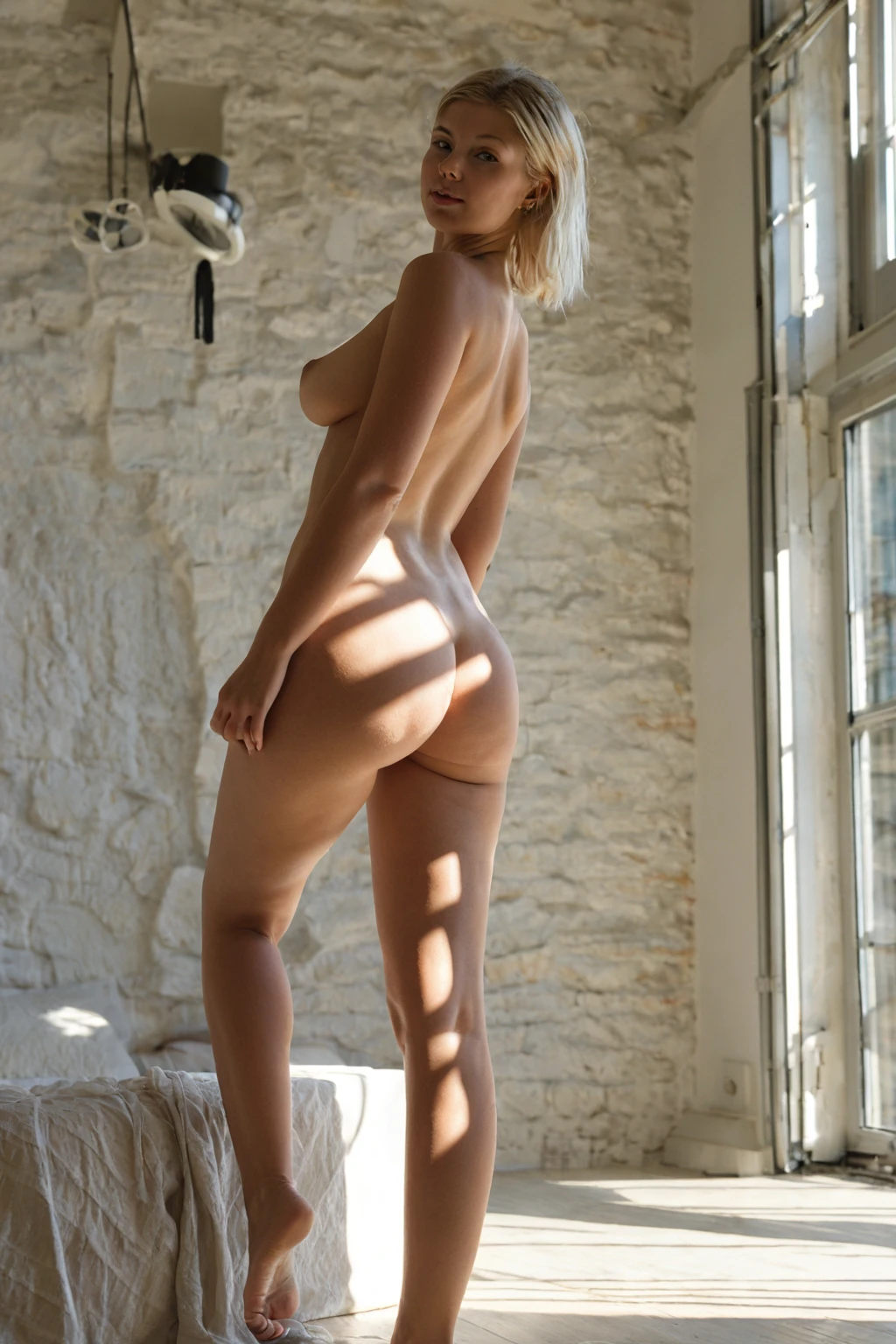
The category has one fixed identity: a Norwegian woman with pale skin and platinum-blonde hair. Both traits, every image, no exceptions. That is what separates it from the other pale-and-blonde looks scattered through the catalog — those drift, this one doesn't. If a result comes back without that skin tone and that hair colour, it isn't Norwegian by this platform's definition.
The tightness is the point. Categories here are repeatable identities rather than loose style hints, which is precisely why you'd reach for this one: you want the cool Nordic register held steady across a whole set, without re-typing it for each frame.
Working Prompt Examples
You will never type a prompt into this product. Categories are the input, and the platform assembles the wording itself — which means the useful thing to show you is not "a prompt to copy" but the actual text this category contributes when you select it.
Here it is, in full:
```text
beautiful Norwegian woman with cool pale skin, ice-blue eyes, long straight platinum-blonde hair and a fresh outdoorsy look
```
Read it as four jobs done in one breath. *Cool pale skin* sets the undertone — cool, not neutral, which is what keeps the render off golden. *Ice-blue eyes* is the one colour accent in an otherwise desaturated face. *Long straight platinum-blonde hair* fixes both the shade and the fall of it, so you get sheets rather than curls. *A fresh outdoorsy look* is the mood tag: scrubbed, unfussy, no heavy glamour styling.
That clause is only half a picture, though. It describes a woman, not a scene. The scene comes from whichever second category you pick alongside it — that's how composition works here. Choose norwegian together with bent-over, for instance, and the scene half reads:
```text
a fully nude young woman bent sharply forward at the waist in a sunlit modern bedroom, her hands braced flat on the edge of a wooden dresser, her bare ass thrust back high toward the camera and her back arched, she peers back between her legs and over her shoulder with a teasing smile, her exposed pussy and rear fully visible, low-angle rear three-quarter view, soft warm daylight from a side window wrapping around her smooth oiled skin, intimate inviting mood, female alone in frame, no other people
```
Or pair it with blowjob, and the framing changes completely while the woman stays the same:
```text
POV full-body shot of a young woman alone on her knees looking up at the camera, her mouth slightly open with glistening parted lips, hands resting on her own thighs, eyes locked on the camera with a seductive submissive expression, full body visible, bright soft low-angle lighting, female alone in frame, no other people
```
Notice what each half owns. The scene category brings the room, the pose, the camera angle and the light. Norwegian brings the woman — and it brings her identically into both. Pick your pairing on the basis of framing, because that is the variable you're actually choosing.
Sixteen Frames From the Set
norwegian example 1
norwegian example 2
norwegian example 3
norwegian example 4
norwegian example 5
norwegian example 6
norwegian example 7
norwegian example 8
norwegian example 9
norwegian example 10
norwegian example 11
norwegian example 12
norwegian example 13
norwegian example 14
norwegian example 15
norwegian example 16
There are 30 examples in the norwegian gallery in total. If you'd rather see only the photoreal end of the range, the realistic norwegian style narrows it down.
Your First Run
Open the Generate page. Pick norwegian, add a second category if you want a specific scene, and start the generation. Results land in your gallery on their own — nothing to confirm, nothing to download by hand.
Files come back as WebP at 1312x1968. That's a tall portrait frame, which is a genuinely good fit here: it holds a full standing figure without cropping the legs, and it still leaves room for a face-forward composition where the eyes carry the shot.
On cost: a single image is 15 credits. Sets are cheaper per frame — 5 images for 68 credits, 10 for 120 — and a set is usually the smarter buy for a look like this, since small variations between renders are exactly what you want to choose from. Video, if you go that route, runs 250 credits.
When the Output Disappoints
Almost every disappointing Norwegian render comes down to the same thing: something in the request pulled against that defining look instead of with it.
Warmth is the usual culprit. Golden-hour light, tanned or bronzed descriptions, a heavily saturated room — any of these fight the cool undertone and you end up with a result that reads generically blonde rather than Nordic. The same goes for eye colour: anything that contradicts the ice-blue in the category's own clause creates a conflict, and conflicts produce mush.
Hair is the second one. The category owns the shade. Ask for honey, ash, strawberry or anything short of platinum and you've undercut half the identity for no gain.
The third failure is subtler and worth naming. Overloading the frame — a busy interior, a crowd of props, a strongly coloured backdrop — doesn't break the category, it just buries it. Pale skin and platinum hair are low-contrast subjects. Give them a quiet room and they hold the eye; give them a loud one and they vanish into it.
Not to Be Mistaken For
Norwegian gets browsed alongside a cluster of categories it's genuinely easy to mix up in a grid of thumbnails. The difference, once you know it, is almost entirely in the coloring:
Category What it actually is
--- ---
norwegian (this guide) Norwegian woman, pale skin, platinum-blonde
middle eastern Middle Eastern woman, olive skin, dark eyes
arab Arab woman, olive skin, dark features
persian Persian woman, olive skin, dramatic dark eyes
Three of those four sit in warm olive with dark eyes. Norwegian sits alone at the cool, ice-toned end. If the Nordic register is what you're after, no amount of careful wording will get one of the others there — that's a category choice, not a description choice.
Stacking Norwegian With Other Picks
Norwegian is an ethnicity pick, and you only get one of those per image. Choose two and only the first one shows up in the result — which is a feature, since a blended ethnicity is the fastest way to a face that looks like nobody in particular.
Everything outside ethnicity is still open, and that's where the pairings in the prompts section come in: pose, setting, framing, camera angle. Solo framing is what this category ships by default — she's alone in the frame, and the male-partner control is the only thing that changes that. Scenes with more than one added partner aren't part of this category at all.
Reader Questions
Does the platinum-blonde hair ever come out a different shade?
It shouldn't. Pale skin and platinum-blonde hair are the two fixed traits of the category, and every image generated under it carries them. A render that doesn't isn't meeting the definition.
Can I get a Norwegian woman and, say, a Persian woman in the same image?
No. Both live in the ethnicity family, and one image gets one ethnicity — pick both and only the first one applies.
Which second category should I pair it with?
Whichever one gives you the framing you want. Norwegian supplies the woman and nothing else; the partner category supplies the room, the pose and the camera. Bent-over gives you a low rear three-quarter view in a sunlit bedroom, blowjob gives you a POV full-body shot from below.
What do the files actually look like when they arrive?
WebP, 1312x1968, straight into your gallery. Portrait orientation, small enough to load and share without the quality drop you'd expect at that file size.
Related Categories
The three neighbours from the comparison table each have their own guide:
- How to generate middle eastern AI images
- How to generate arab AI images
- How to generate persian AI images
Everything else is on the blog index.
One last thing worth repeating, because it's the whole pitch: you are not writing any of this. Pick norwegian, pick a scene to go with it, and the cool Nordic look arrives already assembled — every time, in the AI Norwegian Generator.