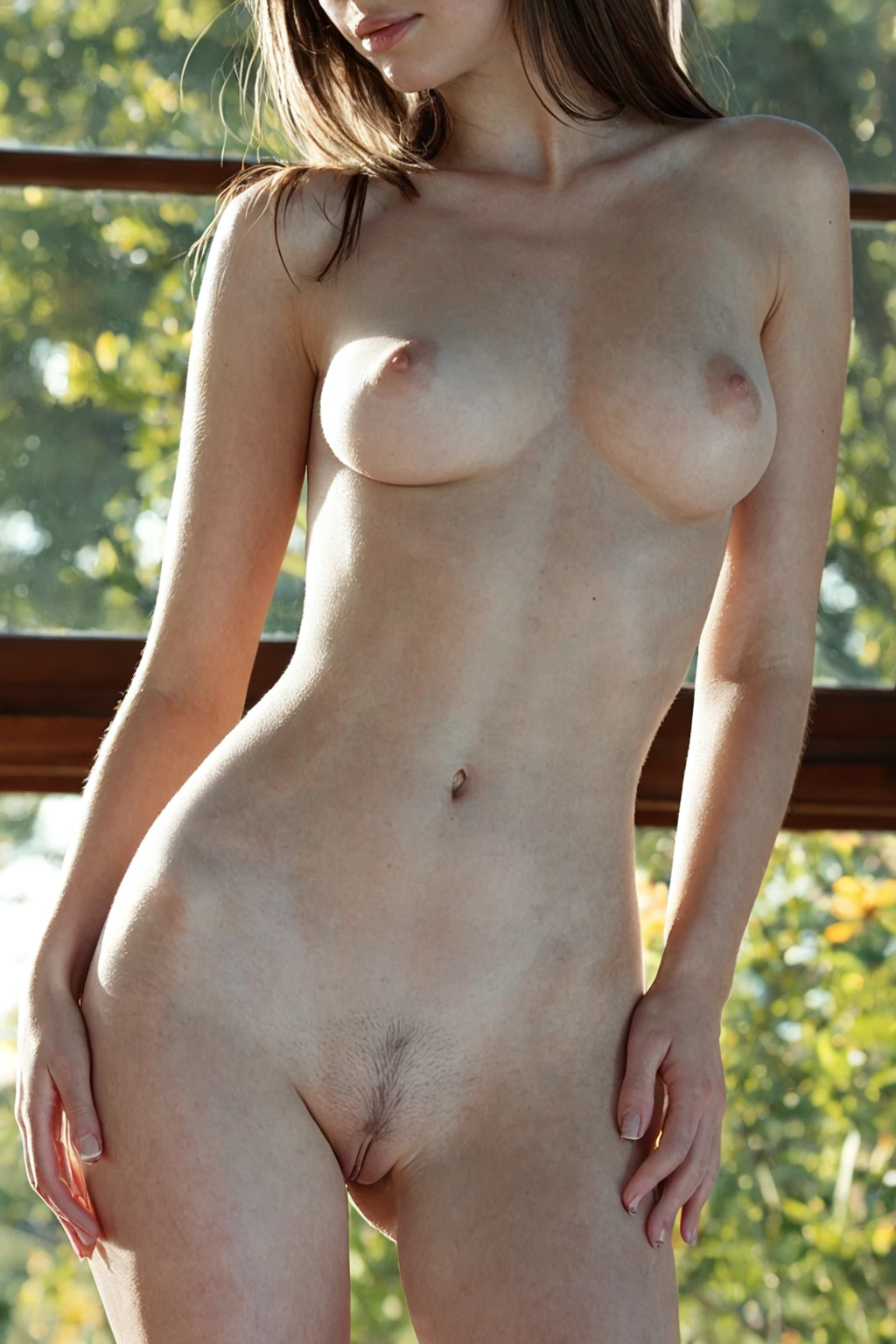

How to Generate Polish AI Images — Complete Guide
Embroidered wool. A red coral-bead necklace sitting against a bare collarbone. Or none of that — just a grey knit pushed up at the sleeves in a kitchen full of flat morning light. The polish category on AINudeGirls survives all of it, because the thing it pins down is the woman, not the wardrobe around her.
You pick the category and the subject is written for you. Everything else — fabric, room, light, how tight the frame sits — is the part you actually direct. Scroll the polish gallery to see how wide that range runs, then build your own in the generator.
What Makes It Polish
One subject, held constant: a Polish woman with fair skin, softly rounded features, and honey-blonde hair. Those traits are the category. Strip them out and you have a generic European portrait; keep them and every scene you build still reads as polish.
Fair skin here means a light, cool-to-neutral complexion — not a tan, not an olive base. Honey-blonde sits in the narrow lane between ash and strawberry: warmer than platinum, cooler than a full bottle-blonde. The features are rounded rather than sharply angular, which is what places the look Central European instead of Mediterranean or Nordic. That is the defining look, and it should stay recognisable no matter how far the styling travels.
Step by Step
1. Open the Generate page and pick polish from the ethnicity list.
2. Add whatever scene, outfit, or setting categories you want stacked on top. This is where the shot gets made — the ethnicity pick only settles who she is.
3. Start the generation. Results land in your gallery as WebP at 1312x1968, a tall portrait frame that suits phone screens and vertical layouts without cropping.
4. Budget for it: a single image costs 15 credits, a five-image set 68, a ten-image set 120. Sets are the better deal per image, and they suit this category — small run-to-run variation means the fourth frame is often the one you keep.
Left to itself, the category puts one woman in frame. The male-partner control belongs to categories built to support a second person, and this one isn't among them, so a polish pick on its own stays single-subject.
Sixteen results, one identity, sixteen different sets of clothes, rooms and light:
polish example 1
polish example 2
polish example 3
polish example 4
polish example 5
polish example 6
polish example 7
polish example 8
polish example 9
polish example 10
polish example 11
polish example 12
polish example 13
polish example 14
polish example 15
polish example 16
There are 30 in the polish gallery altogether. If you want the photoreal end of the range only, the realistic polish style filters to it.
What Gets Fed In
Nobody types a prompt here. You tick categories, and each one hands over a piece of text that gets assembled into the finished instruction. Polish contributes exactly one piece — the subject clause:
```text
beautiful Polish woman with fair skin, soft rounded features and honey-blonde hair
```
Read it as three jobs in one line. "Beautiful Polish woman" fixes who is in the frame. "Fair skin" and "honey-blonde hair" set the tonal relationship the whole image hangs on — light complexion against warm hair. "Soft rounded features" governs the face structure, and it is the quiet one: drop it and the results drift toward a sharper, more Nordic bone structure.
Notice what the clause does *not* say. No room, no clothing, no pose, no camera position, no light. That is deliberate — those come from whichever scene category you pick alongside it.
Pair polish with lotus-position, for instance, and the scene half of the instruction reads:
```text
POV face-to-face with a young woman alone, sitting upright in a cross-legged lotus position facing the camera, hands resting on her own knees, leaning slightly toward the lens with parted lips, full body visible, intimate angle with warm candlelight, female alone in frame, no other people
```
Every element the subject clause left open is now filled in: pose, head-on framing, how much of the body is visible, candlelight as the light source, and how many people are in the shot. Warm candlelight against honey-blonde is a specific choice, and a flattering one — it pushes the hair amber.
Pick lesbian alongside polish instead and the scene clause takes over the same slots differently:
```text
two completely nude young women together on a bed, one kissing the other's neck while their hands roam each other's bare bodies, intimate sapphic moment, two women in frame, soft warm bedroom lighting, full bodies visible, women only, no men
```
Same principle, different answers: soft bedroom light, a bed, two women, full bodies in frame. Polish still answers only one question in both cases — who she is. The scene category answers the rest.
Telling Polish Apart
Polish sits in a group of ethnicity categories that get browsed side by side, and mixed up just as often. The actual difference is tonal, not geographic:
Category What it actually is
--- ---
polish (this guide) Polish woman, fair skin, honey-blonde
middle eastern Middle Eastern woman, olive skin, dark eyes
arab Arab woman, olive skin, dark features
persian Persian woman, olive skin, dramatic dark eyes
Three of the four share an olive-skin, dark-feature palette. Polish is the odd one out — the light option. So if your results keep coming back warm-toned and dark-eyed when you wanted the opposite, check the category selection before you start blaming the scene.
Combination Notes
Ethnicity is a one-at-a-time choice. Select polish and a second ethnicity in the same run and only the one you picked first shows up — the platform will not average two ethnicities into a single face, and there is no blended result waiting to be unlocked.
Everything outside ethnicity stacks freely, and that is where the work is. Wardrobe splits into two clean directions that both hold up against the category's tonal balance: traditional folk styling — embroidered vests, floral headscarves, coral beads, full skirts — for heritage texture, or modern casual in knitwear, denim and minimalist streetwear for something present-day. Settings run just as wide. Birch forest, cobblestone old town, a lake in high summer, a snow-dusted winter street, or indoors in a sunlit kitchen or a bedroom at first light.
Light deserves the most thought. Overcast daylight or window light diffused through a curtain keeps the complexion cool and unblown. Lamp light and golden hour push the hair toward amber and warm the whole frame. Hard direct sun does the damage — it flattens the contrast between skin and hair that makes the look distinctive in the first place.
Common Misses
The failure that matters is identity drift. Skin that reads tan, or hair that lands platinum, strawberry or light brown, means the result has stepped outside the category — regenerate rather than talking yourself into it. It costs 15 credits to try again, or less per frame if you run a set.
The next most common miss is under-specifying. The subject clause covers the woman and nothing else, so a run with no scene, wardrobe or lighting choices layered on hands the generator an open field and takes whatever comes back. Name the room. Name the fabric. Name the light.
Third: vague descriptors pulling against the category. "European" and "blonde" are broad enough to land almost anywhere, and when they compete with the category's own wording the results wander. The category already carries the precise version — let it.
Finally, don't judge the category on one image. Run a set, lay the frames side by side, and pick. And if you want the same face across the set, stick to one AI model.
Reader Questions
Does picking polish lock the hair and skin tone, or is it a suggestion?
It is the fixed part of the category. Fair skin and honey-blonde hair travel with every polish generation regardless of what you stack on top — that is precisely what you are selecting when you pick it.
Can I stack polish with a scene or position category?
Yes, and you should. Ethnicity is the only one-at-a-time part. Scene, pose, wardrobe and setting categories combine with polish freely, and the scene clause is what fills in pose, framing, lighting and how many people are in the shot.
What file do I actually get back?
WebP at 1312x1968 — a vertical portrait crop, delivered to your gallery.
My result came back tanned and dark-haired. What went wrong?
Most often the wrong category is selected, or a competing ethnicity was picked alongside it and won the slot. Check the selection, clear any second ethnicity, and run it again.
Further Guides
The neighbouring ethnicity categories, each with the same treatment:
- How to generate middle eastern AI images
- How to generate arab AI images
- How to generate persian AI images
Every category guide is indexed on the blog index.