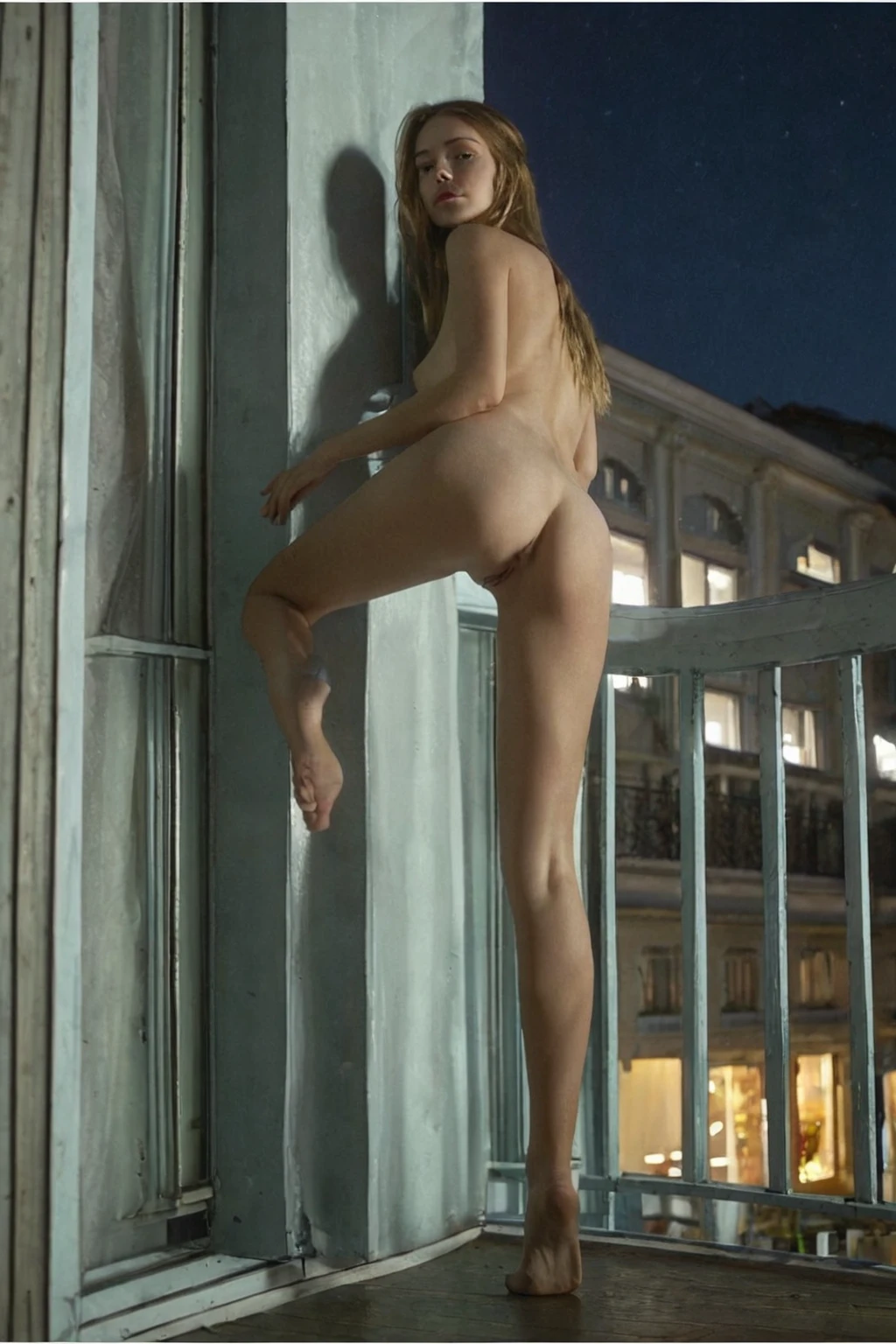

How to Generate Russian AI Images — Complete Guide
Heavy knitwear. A coat cut for an actual winter rather than a photoshoot. Flat grey light coming through a window, and a face that holds its structure in it. The Russian category lives in that material register, and most of what makes a result land has less to do with the setting you choose than with whether the light is doing the face any favours.
You don't describe any of that facial detail yourself. Pick the category on the Generate page and the wording is already written and applied for you — what's left in your hands is the room, the light, and the wardrobe.
Thirty examples sit on the category page if you want to see the spread first. The generator is where you build your own.
What Makes It Russian
One sentence does all the defining work: a Russian woman with fair Slavic features and high cheekbones, as the subject of the frame. Not a face in a crowd, not one option among several — her.
That's also the line the category can fail on. An image can be beautifully rendered and still sit outside the category if the bone structure doesn't read Slavic, or if the framing never lets the cheekbones show. Fair skin and a strong cheek line are the two traits carrying the weight. Everything else in this guide assumes they're visible.
russian example 1
russian example 2
russian example 3
russian example 4
russian example 5
russian example 6
russian example 7
russian example 8
russian example 9
russian example 10
russian example 11
russian example 12
russian example 13
russian example 14
russian example 15
russian example 16
Sixteen of the thirty are above; the rest are on the category page, and the realistic cut narrows the selection to photoreal work only.
How to Set It Up
1. Open the Generate page and pick russian. You can add other categories alongside it — scene, style, wardrobe — and start the generation from there.
2. Results land in your gallery as WebP files at 1312x1968, a vertical frame that takes a head-and-shoulders crop and a full-length shot equally well.
3. A single image costs 15 credits. A five-image set is 68 and a ten-image set 120, which is the sensible way to buy when you're shopping for one good face rather than betting on a single render.
On wardrobe: contemporary and plain beats costume. A practical winter coat, ribbed knitwear, unadorned lingerie — fabrics with weight and texture, nothing loud enough to pull attention off the face. Fur trim and high collars sit well here for the obvious reason, but a collar that swallows the jaw is working against you.
On light: soft and even is the safe choice, because it flatters fair skin without blowing out the highlights and leaves the shadow along the cheekbone intact. Hard side-light is the more interesting option and the riskier one. It works when it carves the cheek out. It fails when it drops half the face into black.
Where Russian Generations Go Wrong
Nearly every disappointing result comes back to one thing: the face isn't legible. That defining look has to be visible in the frame, not implied by the caption.
Two ways it disappears. The crop closes in on eyes and mouth and loses the cheek line entirely, so the structure never registers. Or the exposure runs hot on pale skin, the mid-tones flatten, and what's left could belong to almost anyone. Neither is a wording problem, and rewriting your scene text won't fix either.
The other common miss is a self-inflicted one. Swapping in loose descriptors like "European" or "blonde" alongside the category adds nothing and dilutes plenty — they don't carry the same specificity, and they pull results toward a generic face. Keep your own additions anchored to russian and russia, and spend them on setting, mood and wardrobe instead of trying to re-describe a face the category already describes.
If a whole batch reads generically European, regenerate rather than rewrite. The anchor description hasn't moved; framing and lighting vary from one image to the next, and any single one can bury it.
Prompt Anatomy
There is no prompt box in this workflow, so this section is about what gets applied on your behalf rather than something for you to type. Russian contributes exactly one clause:
Modifier clause:
```text
beautiful Russian woman with fair Slavic features and high cheekbones
```
Read it in parts. "beautiful Russian woman" fixes the subject and rules out her being a background element. "fair Slavic features" sets skin tone and facial structure together. "high cheekbones" is the one that most affects your framing decisions, because it's the detail a bad crop erases. That clause goes in the moment you pick the category, which is why results stay recognisably in-family across dozens of generations however different the settings look.
The rest of the description comes from whatever else you pick. Choose russian alongside titjob, for instance, and the scene half arrives fully written:
```text
POV full-body shot of a young woman alone pressing her large breasts together with both hands, cleavage prominent, looking up at the camera with a hungry smile, full body visible, bright soft lighting, female alone in frame, no other people
```
Pair it with threesome-mmf and you get a different staging on the same face:
```text
POV full-body shot of a young woman alone in an intense moment, her mouth open and hands raised, ecstatic overwhelmed expression, full body visible, bright soft lighting, female alone in frame, no other people
```
Note what each of those does and doesn't specify: pose, camera position, expression, lighting. Nothing about ethnicity or bone structure — that's the slot russian fills. The two halves compose, which is the whole reason categories are picked rather than written.
What Combines Cleanly
Russian sits in the ethnicity family with arab, asian, australian, brazilian, british and colombian, and only one member of that family lands in any given image. Pick two and only the first one shows up. It isn't a restriction worth engineering around — one woman has one ethnicity, and the platform just settles it for you.
Everything outside that family stacks freely: scene, pose, wardrobe, style, setting. That's where your choices actually shape the image.
Multi-person scenes aren't part of this category. It generates one woman per frame by design, and the male-partner control doesn't apply here.
Close Calls
Russian gets browsed next to a few categories it's occasionally mistaken for. The distinctions are sharper than the browsing patterns suggest:
Category What it actually is
--- ---
russian (this guide) Russian woman, fair Slavic features, high cheekbones
middle eastern Middle Eastern woman, olive skin, dark eyes
arab Arab woman, olive skin, dark features
persian Persian woman, olive skin, dramatic dark eyes
Fair skin and Slavic bone structure against olive skin and dark features is a boundary, not a gradient. Which is precisely why these are four categories instead of four settings on one.
Reader Questions
Can I combine Russian with another ethnicity?
You can select both, but only one will appear in the image — the first ethnicity you picked. A single subject gets a single ethnicity.
Do I need to write a prompt?
No. Selecting russian applies the full facial description for you; there's nothing to type and no wording to get right. Your other category picks supply the scene.
Is this better for portraits or full-body shots?
Both work. Output is 1312x1968, a vertical frame that suits a tight portrait and a full-length composition alike — just keep enough of the face in shot that the cheekbones read.
Why do my results keep looking like a generic European woman?
Almost always framing or lighting rather than anything you selected. A crop that cuts above the cheek, or exposure that flattens pale skin, hides the structure the category is built on. Generate a set instead of a single image and pick from it.
Other Guides Worth a Look
The categories most often browsed alongside russian, or confused with it:
- How to generate middle eastern AI images
- How to generate arab AI images
- How to generate persian AI images
The full set of category guides lives on the blog index.