
How to Generate Turkish AI Images — Complete Guide
Linen catching a low sun, a headscarf folded back off the temple, gold hoops against a warm skin tone, a fitted modern top with no jewellery at all. Turkish reads as a mood board long before it reads as a label — and that is exactly the trap. The category itself is far stricter and far simpler than the picture in your head, and everything the mood board is made of is yours to steer.
Two links worth keeping open: the turkish gallery for what this category actually turns out, and the generator for when you want your own.
What You Get With Turkish
The definition is a single line: a Turkish woman with olive skin and dark eyes. That is the whole specification. Nothing about fabric, nothing about location, nothing about hair length, body type, or how many people share the frame.
Everything the definition leaves out is where your choices land. Wardrobe has genuine range — a headscarf with modest layered fabrics reads as accurately as a secular urban look in fitted contemporary pieces, and neither is more correct than the other. Setting stretches from a Bosphorus waterfront to a Cappadocia stone terrace to a narrow bazaar lane. Framing changes the whole register: a tight head-and-shoulders crop lets the eyes carry the frame, while a wider shot buys you atmosphere and architecture. Lighting does the rest of the mood work. Warm golden tones flatter that defining look and sell a sunset-over-the-strait feel; cooler, shadowed light suits a night alley or a closed indoor scene.
Files come back as WebP at 1312x1968. Portrait orientation, which is why it holds up for both a close crop and a full-length composition, and WebP keeps the file light enough to load and save without a visible quality cost.
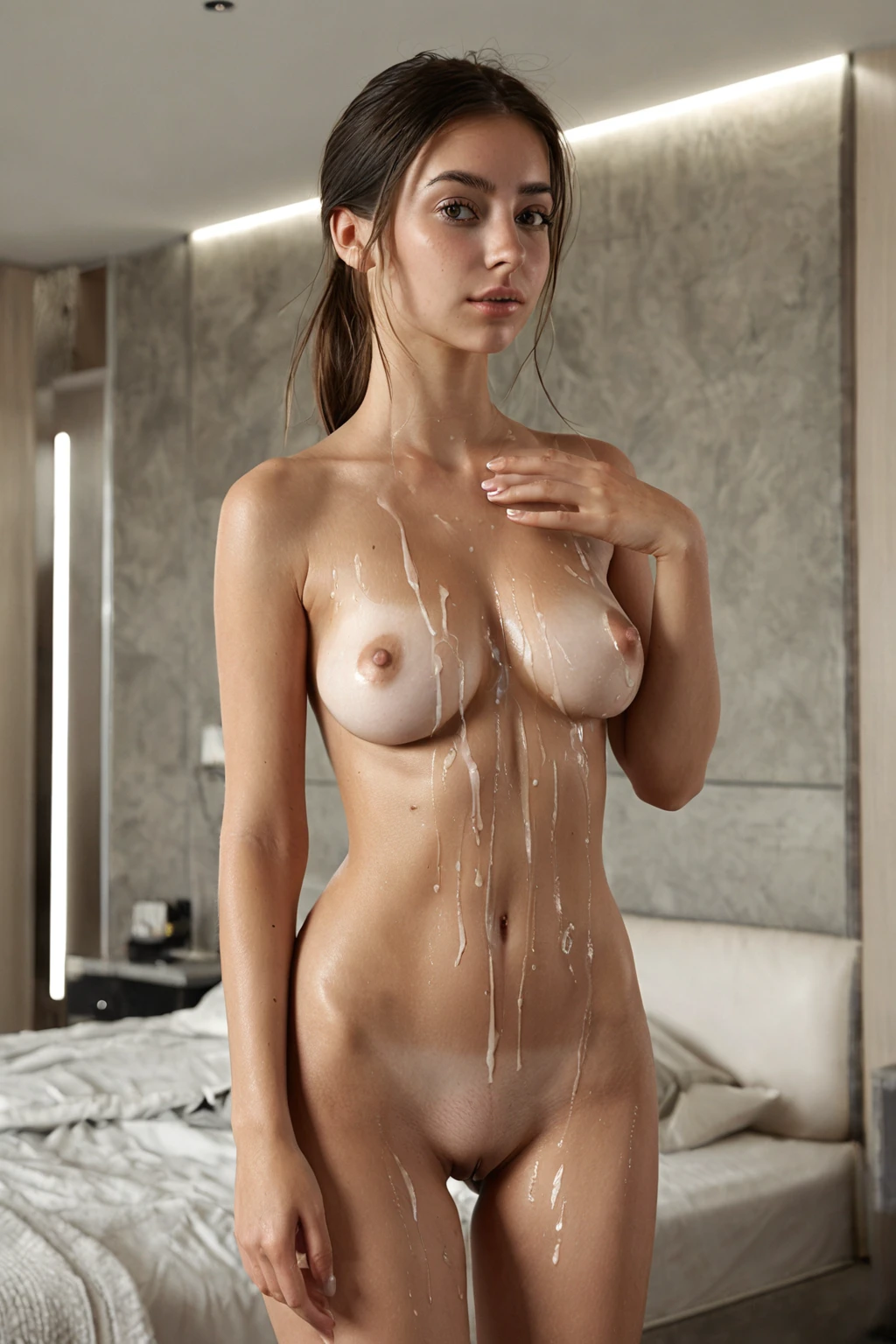
turkish example 1
turkish example 2
turkish example 3
turkish example 4
turkish example 5
turkish example 6
turkish example 7
turkish example 8
turkish example 9
turkish example 10
turkish example 11
turkish example 12
turkish example 13
turkish example 14
turkish example 15
turkish example 16
Thirty examples sit in the turkish gallery; the photoreal-only view narrows that down to the unstylised end of the range.
Working Prompt Examples
You never type any of this yourself. It is worth seeing anyway, because knowing what the category contributes tells you what it cannot fix.
Turkish carries exactly one clause:
```text
beautiful Turkish woman with olive skin and dark eyes
```
Read what is in there and, more usefully, what is not. It names the nationality and the two colouring cues that anchor the category, then stops. No pose, no wardrobe, no room, no camera angle. That restraint is deliberate — the clause has to survive being dropped into any scene without fighting it.
The scene comes from the other categories you pick alongside it. Choose turkish together with double-penetration and the composition half arrives like this:
```text
intimate full-body shot of a young woman with two large insertion toys simultaneously in her vagina and anus, body arched in shocked pleasure, female alone visible in frame, bright soft lighting
```
Choose double-anal instead and the framing shifts hard toward the rear and the low angle:
```text
intimate rear full-body shot of a young woman in extreme double anal play, two thick shafts simultaneously buried in her stretched gaping anus, the rim pulled taut and glistening, hips pushed back, back deeply arched, mouth open in an overwhelmed cry, sweat-sheened skin, dramatic close low-angle rear framing on the stretched hole
```
Same identity clause, entirely different image. That is the whole model: your ethnicity pick decides who, your scene pick decides what is happening and how it is shot.
Running a Turkish Generation
1. Open the Generate page, select turkish plus whatever scene categories you want, and start the generation. Finished images land in your gallery on their own.
2. A single image costs 15 credits. Sets are cheaper per shot — 68 credits for five, 120 for ten — which matters more than it sounds, because pose, expression and light vary noticeably between runs on identical settings. Picking a favourite from five beats accepting the first one.
3. Pick an AI model when you have a particular face in mind. It gives the generator a fixed face rather than something to guess at.
4. If you add scene notes of your own, keep words like turkish and turkey in them. It keeps the regional read anchored instead of sliding toward something generic.
Failure Modes
The one hard requirement is presence: a Turkish woman has to be visibly the subject. If she is cropped out, buried in a crowd or turned away past recognition, the image is not a category match no matter how good it looks.
The subtler failure is drift in the colouring. It is easy to end up with a genuinely lovely picture that has quietly become a different ethnicity, or lightened past that defining look. Nothing about it will look broken. It just is not turkish any more, and if you are building a consistent gallery you will notice at the twentieth image rather than the second.
Heavy stylisation is the third one. Extreme lighting, thick grain, an abstract or high-contrast treatment — all of it can smother precisely the features the category is anchored on. Worth a quick look at the face before you call a generation finished.
Neighbouring Categories
Four categories in this cluster share almost identical colouring, which is why they get mixed up. The distinction that matters is nationality, not detail:
Category What it actually is
--- ---
turkish (this guide) Turkish woman, olive skin, dark eyes
middle eastern Middle Eastern woman, olive skin, dark eyes
arab Arab woman, olive skin, dark features
persian Persian woman, olive skin, dramatic dark eyes
The overlap is honest rather than sloppy — these are neighbouring regions with genuinely similar colouring. So if the Turkish read is what you are after, stay on this category. Hopping to a neighbour for a slightly different word buys you nothing and quietly changes what your gallery is full of.
Pairing Turkish
Turkish belongs to the ethnicity family, and only one ethnicity survives per image. Pick turkish and persian together and you do not get a blend; you get turkish, and the second pick is simply ignored. Decide before you generate rather than after.
Scene categories are the opposite story — that is where turkish is designed to be combined, as the examples above show, and there is no limit on the mood you build around the subject.
By default the frame holds one woman and no one else. There is no second woman unless a category you picked puts her there, and a male partner is not in the base scene either; the male-partner control in the generator is what adds him.
Questions People Actually Ask
Does picking turkish push the wardrobe toward traditional dress?
No. The category says nothing about clothing at all. A headscarf and layered modest fabrics fit it, and so does a fitted contemporary outfit with minimal jewellery — both are accurate, and the choice is yours to make through your scene picks.
Can I combine turkish with another ethnicity for a mixed look?
No. Only one ethnicity applies per image, so a second ethnicity pick just does not show up in the result.
Will there be a second woman in the frame?
Not by default. The base scene for this category is a single subject; anything else in frame comes from the other categories you choose.
Is there a way to see only the photoreal results?
Yes — the realistic turkish style filters the gallery down to those, while the full gallery shows all thirty examples.
The categories closest to this one, each with its own guide:
- How to generate middle eastern AI images
- How to generate arab AI images
- How to generate persian AI images
Every category guide is indexed on the blog.