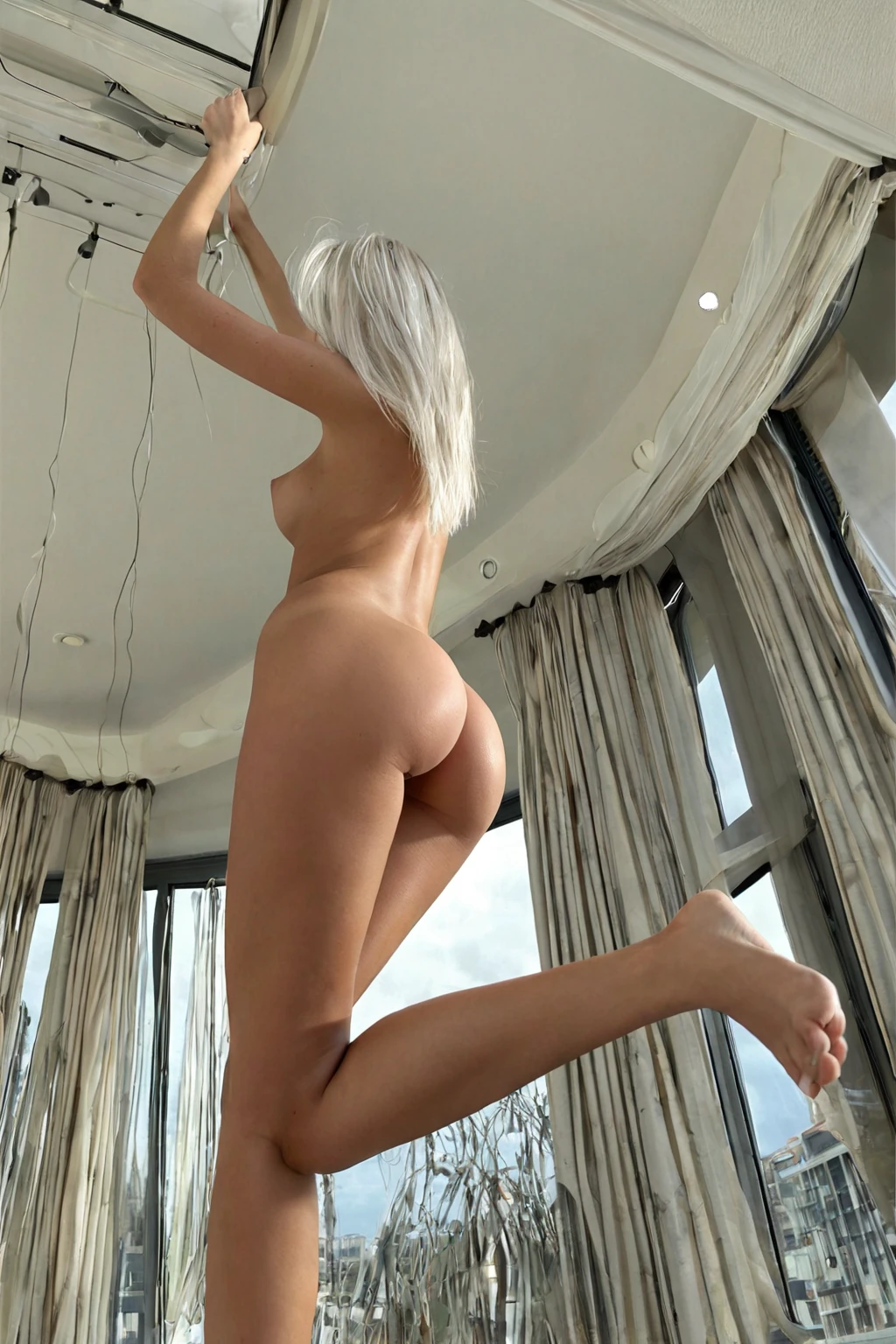

How to Generate White Hair AI Images — Complete Guide
White is the one hair colour that behaves like a material rather than a shade. It picks up whatever you put near it — a black collar, a lamp behind the shoulder, the wash of a pale room — and hands it straight back to the camera. Get the surroundings right and the strands read like spun glass. Get them wrong and the whole head flattens into a bright smear.
Ready to try it? Open the AI white hair generator.
So this guide is mostly about the things around the hair: fabric, contrast, light direction, how much of the length you actually leave in frame. The colour itself is fixed the moment you pick the category on the generator. Everything else is a decision you get to make.
White Hair at a Glance
On AINudeGirls, this category means one thing: long pure white hair. No grey undertone, no metallic silver cast, no platinum blonde that only photographs white under a cold key light. White, and long, together — length is part of the definition, not a preference layered on top.
That precision is deliberate. Hair colour on this platform is defined narrowly so a batch doesn't quietly drift a few degrees cooler or warmer partway through. What you pick is what comes back.
Generating Your First White Hair Image
Open the Generate page, pick white hair (alone or alongside other categories), and start the generation. Results land in your gallery. You never write or tune a prompt — the platform assembles one from the categories you selected.
Files come back as WebP at 1312x1968. That portrait shape matters more here than it does for most categories: a tall frame gives long hair somewhere to fall, and a crop that cuts the length off at the collarbone throws away half of what you selected the category for.
On cost, a single image is 15 credits. A five-image set is 68 and a ten-image set is 120, so batching is meaningfully cheaper per shot — and batching is what you want anyway, because strand detail and sheen vary from one output to the next.
white hair example 1
white hair example 2
white hair example 3
white hair example 4
white hair example 5
white hair example 6
white hair example 7
white hair example 8
white hair example 9
white hair example 10
white hair example 11
white hair example 12
white hair example 13
white hair example 14
white hair example 15
white hair example 16
There are 30 images on the full white hair collection, and a photoreal-only cut of the same category if you'd rather skip the stylised frames.
What Gets Fed In
You don't type prompts on this platform, but it's worth knowing what your category pick actually contributes. White hair adds one clause, and only one:
Modifier clause:
```text
long pure white hair
```
Short, and doing a lot of work. "White" rules out silver, grey and blonde. "Pure" rules out the warm or metallic tints that would push it into a neighbouring category. "Long" is the part people forget — it's a hard requirement, not a stylistic lean.
That clause is a modifier, which means it needs something to modify. On its own it describes hair; it doesn't describe a scene. The platform composes your picks together, so the way to use it is to select white hair alongside a scene category and let the two combine. Pick it with doggy style, for instance, and the scene half of the prompt looks like this:
> POV from behind a young woman alone on her hands and knees with her back deeply arched, she looks back at the camera over her shoulder with parted lips, her ass raised and exposed, full body visible, intimate rear angle, golden hour rim lighting, female alone in frame, no other people
Note what that scene brings: a rear angle, a look back over the shoulder, golden-hour rim light. All three flatter long white hair — the over-the-shoulder turn puts the length across the back where it's fully visible, and rim light is exactly the condition that separates individual strands instead of blowing them into one mass. Double anal is the other partner category paired with this one, and it works on the same principle: the scene supplies angle, framing and light, while your hair pick supplies the constant.
Easily Confused With
Hair-colour categories look interchangeable in a menu and are not. Here's where this one sits relative to the three it gets mistaken for:
Category What it actually is
--- ---
white hair (this guide) long pure white hair
blonde long platinum blonde hair
silver hair long DYED silver hair as a fashion color on a young adult woman (not natural grey, not elderly)
black hair glossy black hair, long black hair, jet black hair
White versus silver is the one that costs people generations. Silver is a dye job — a fashion colour, cool-toned and metallic, with shine variation you can see moving through the length. White has no metal in it at all. Think snow, bleached bone, chalk: flat, pigmentless, matte until light hits it directly. If the image in your head has a chrome-ish glint, you want silver. If it has none, you're in the right guide.
What Combines Cleanly
One hair colour per generation, and that's the whole rule. Picking white hair means blonde, silver and black are off the table for that image — there's no blending, no streaks, no two-tone result from selecting two of them. Pick a second hair colour and only the first one shows up.
Outside of colour, nothing conflicts. Body type, setting, wardrobe and scene categories all layer on top untouched, which leaves you the entire wardrobe-and-lighting side of the image to direct:
- Contrast through fabric. Black leather, deep velvet, anything saturated and dark — white hair goes luminous against it. Reverse the relationship with pale silk, cream knitwear or white-on-white styling and you get a soft, washed, single-tone silhouette where hair and cloth dissolve into each other. Both work. They just say completely different things.
- Light direction. Hard, raked side light finds the texture, separates strands and carves out shadow. Flat frontal light does the opposite and turns the whole head into a halo, which is what you want for the softer, ethereal end of this category's range.
- Framing. Tight crops make it a texture study. Wide, full-body frames let the length drape, swing or catch air — and that defining look needs room before it registers as long rather than merely pale.
- Setting. Mist, water, motion and fantasy staging lean into the otherworldly read. Plain editorial portraiture pulls the other way and treats the colour as a fact rather than a statement.
If you want a second person in the frame, the male-partner toggle handles that and is off by default, so solo is the baseline unless you say otherwise. Adding him changes nothing about your subject's hair.
Avoidable Mistakes
Cropping the length away. The most common failure isn't colour at all — it's a head-and-shoulders frame that leaves no evidence the hair is long. Short and cropped styles fall outside this category entirely, and a tight crop can make a valid generation look like one.
Reaching for the wrong pale. Grey, silver and platinum blonde are separate categories with their own definitions, and none of them satisfy this one. If what you actually want is dyed metallic, go to silver hair instead of fighting this category for it.
Burying the hair. Heavy headwear, dense accessories, an updo that hides the length, hair pushed out of frame — anything that covers a large share of the hair undercuts the one thing the category exists to deliver. Leave it visible and unobstructed enough that both length and colour are unmistakable.
Reader Questions
Can I get a short white hairstyle from this category?
No. The definition is long pure white hair, and length is part of it. A cropped or pixie style falls outside what this category delivers.
Is white hair just a lighter version of silver hair?
They're separate categories. Silver hair is defined as long dyed silver hair as a fashion colour on a young adult woman — metallic, cool-toned, deliberately a dye job. White hair carries no metallic cast at all.
Can I mix white with another hair colour for streaks or an ombre?
No. Only one hair colour is active per generation, so a second pick simply doesn't appear in the result.
Is it cheaper to run several images at once?
Yes. One image costs 15 credits, while a five-image set is 68 and a ten-image set is 120 — and since strand detail varies between outputs, a set gives you something to choose from.
Related Categories
The three categories readers most often compare against this one:
- How to generate blonde AI images
- How to generate silver hair AI images
- How to generate black hair AI images
Every category guide is listed on the blog index.