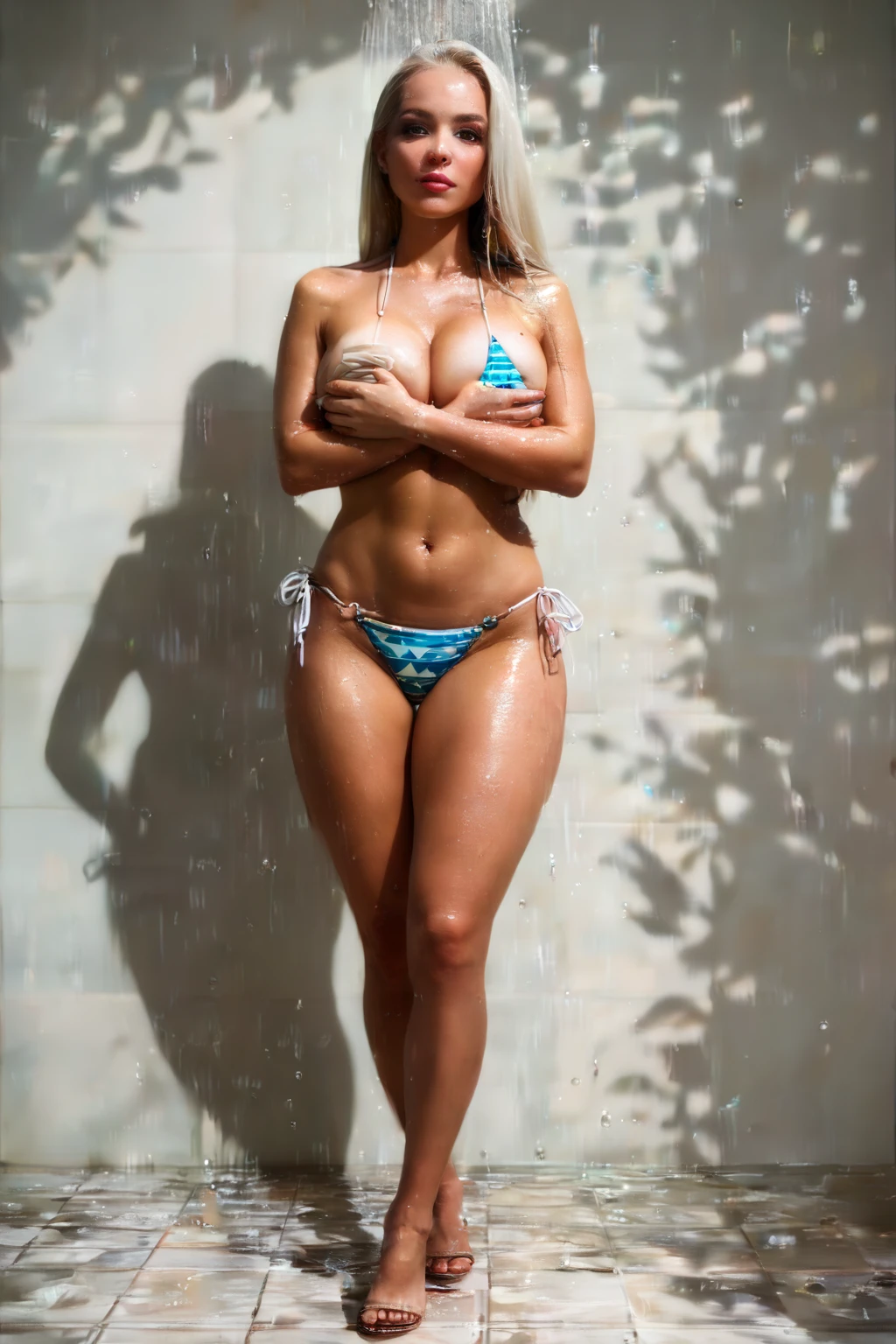

How to Generate Bikini AI Images — Complete Guide
Sun-warmed skin, a thin string tie at the hip, the faint sheen of fabric against a bright poolside backdrop. That is the register the bikini category lives in — breezy, unmistakably summer, built around one small piece of swimwear doing a lot of work. On AINudeGirls you don't script any of this by hand. Pick the category, and the platform assembles the scene and hands you finished images.
For background on the subject itself, see Bikini on Wikipedia.
The bikini category is live in the generator, and this guide walks through how to get clean, on-brief results out of it.
What Bikini Means Here
The tag has one non-negotiable requirement: the subject has to be wearing a bikini, and it has to be clearly visible in frame. A bikini is two-piece swimwear — a top and a separate bottom, the kind you'd wear to the beach or pool. Anything else in that lane falls outside the category. One-piece suits, board shorts, and cover-ups don't qualify; neither do partial nudity or full undress. The bikini is the whole point, worn as an outfit, so a prompt that plainly puts the subject in one is what keeps you inside the lines.
A Prompt to Start From
You never have to write the descriptor yourself, but it helps to see the shape of what the platform works with. The clause below is a typical one for this category:
Modifier clause:
```text
wearing a string bikini, triangle bikini top covering both breasts, matching bikini bottom
```
Running a Bikini Generation
1. Open the Generate page, choose the "bikini" category, and start the run.
2. The platform assembles the full prompt on its own — nothing to fill in.
3. Your finished images arrive in your gallery, saved as WebP files at 1312x1968.
From the Bikini Gallery
bikini example 1
bikini example 2
bikini example 3
bikini example 4
bikini example 5
bikini example 6
bikini example 7
bikini example 8
bikini example 9
bikini example 10
bikini example 11
bikini example 12
bikini example 13
bikini example 14
bikini example 15
bikini example 16
There are 29 examples in all over in the bikini gallery, and if you want photoreal results only, switch to the realistic bikini style.
Setting and Scene
Bikini scenes read best where swimwear actually belongs. Cues like swimsuit and beach wear steer the scene toward the poolside and shoreline settings a two-piece was made for, so keep the subject centered in that look and let the setting — sand, water, bright open light — do the rest. The garment stays the anchor; the beach is just where it makes sense.
Practical Tips
- Lean on precise words — bikini, swimsuit, beach wear — rather than vague ones.
- Fold subject, style, and quality cues together for a richer brief.
- Pick the same AI model if you want the same subject to carry across runs.
- Generate in batches and keep the strongest frames.
How Bikini Differs From Its Neighbors
A few categories sit close enough to be worth telling apart:
Category What it actually is
--- ---
bikini (this guide) wearing a bikini
lingerie delicate black lace lingerie with garters
cop in a sexy police uniform with cap and belt
nurse in a sexy nurse uniform, white outfit with a red cross
Combining With Other Outfits
Bikini sits in the Outfit family, which means it doesn't stack cleanly with certain other looks — angel, bodysuit, bride, bunny-girl, cat-girl, and cheerleader among them. If you select one of those alongside bikini, only your first pick actually shows up in the image, so choose the one outfit you actually want and leave it at that.
Where It Goes Wrong
Most rejected images come down to the same thing: the trait above isn't fully in frame. The string top has to cover both breasts and the matching bottom has to be present — when the top slips to one breast, or the bottom goes missing, the platform won't accept the result. The same holds for swimwear that isn't really a string bikini, like a one-piece or a bandeau that doesn't cover both breasts. Watch out for cover, too: a towel or extra garment draped over the swimwear can hide enough of it to fail the category.
Frequently Asked
Q: Why do my results sometimes come out in a one-piece or bandeau instead of a bikini?
Those aren't bikinis, so the category won't pass them. Stick to a two-piece with a top that covers both breasts and a matching bottom, both visible in frame.
Q: Can I add a male partner to the scene?
Not by default — no male partner appears unless you turn on the explicit male-partner toggle in the generator.
Q: A towel or wrap keeps showing up and the image gets rejected. Why?
Anything that covers the swimwear can hide too much of it to count. Keep the bikini itself clearly the visible outfit.
Q: How do I steer how the subject looks?
Pick the bikini category, then use the generator's controls to shape the scene the way you want.
More Guides
The closest neighboring categories:
You'll find every category guide on the blog index.
Start Generating
Open the AI Bikini Generator, pick the category, and let the platform build your first set.