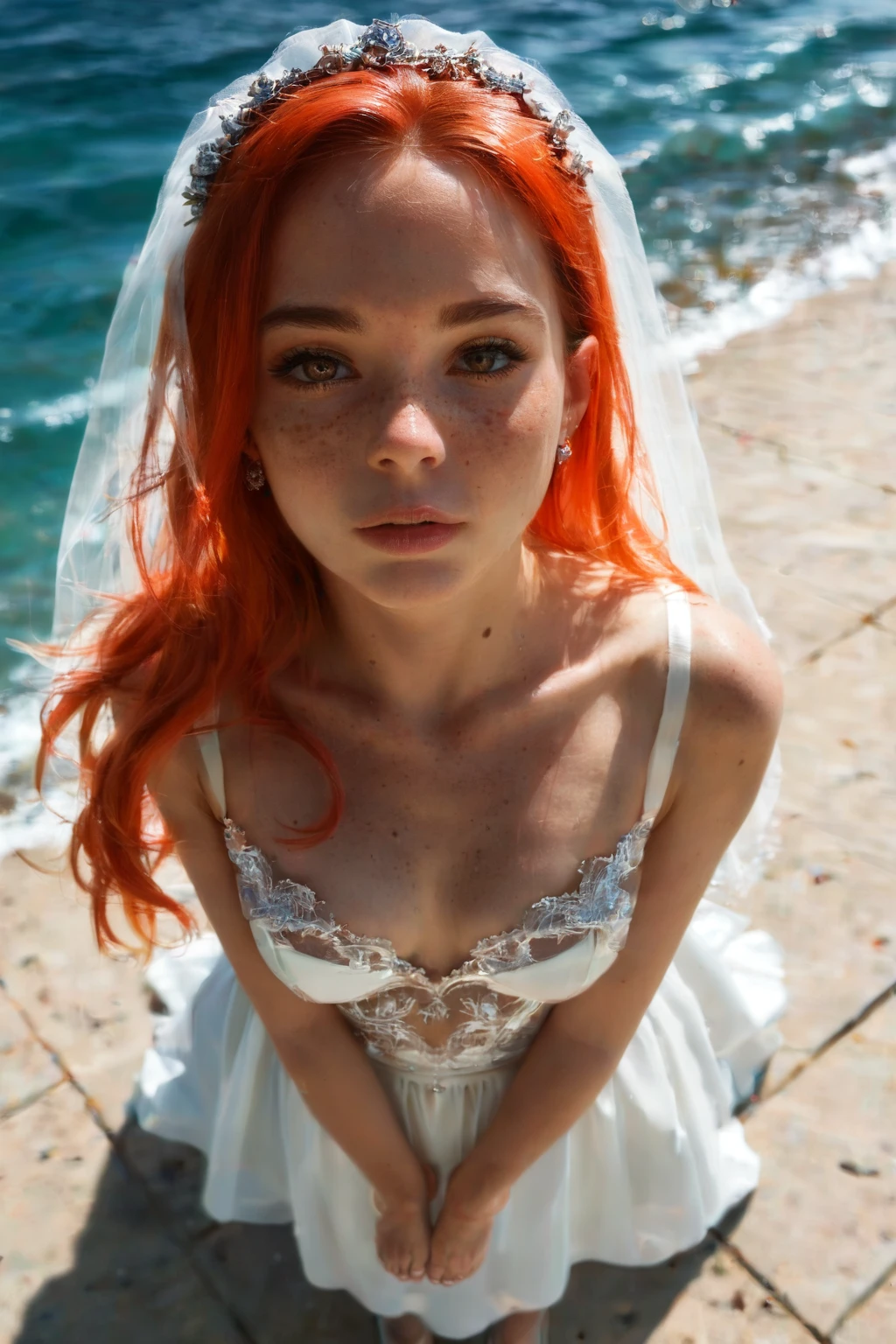

How to Generate Bride AI Images — Complete Guide
White satin, a fitted bodice, the whole formal-wear fantasy loosened into something private — the bride look leans on all the texture that makes wedding attire read as wedding attire. It is one of those wardrobe categories where the fabric does the storytelling.
For background on the subject itself, see Bride on Wikipedia.
You never write a prompt for it. Pick the bride category, and the platform assembles the wording and produces the finished image for you. The bride category is live inside the generator, and the rest of this guide is about getting the most out of it.
What Bride Means Here
There is one rule that defines the category: a white wedding dress, hiked up to expose the body underneath, carrying a virgin-bride aesthetic. The gown has to actually read as a wedding dress, and it has to be visibly lifted rather than simply worn.
Fully covered bridal wear does not qualify, and neither does a gown that stays down with nothing revealed. That lifted-and-exposed moment is exactly what separates this from every other wedding-themed look.
An Example Prompt
Here is the kind of phrasing the platform works from once you select the category — you do not type it in yourself, but it is useful to see:
Modifier clause:
```text
in a white wedding dress hiked up to reveal her bare body, virgin bride aesthetic
```
Running a Bride Generation
1. Select the bride category on the Generate page. That is the whole setup — the platform writes the prompt from there.
2. Hit generate. Your finished image arrives in your gallery as a WebP file at 1312x1968.
From the Bride Gallery
bride example 1
bride example 2
bride example 3
bride example 4
bride example 5
bride example 6
bride example 7
bride example 8
bride example 9
bride example 10
bride example 11
bride example 12
bride example 13
bride example 14
bride example 15
bride example 16
There are 30 examples in the full bride gallery, and a realistic bride style if you want photoreal results only.
Framing and Variety
Because the gown itself is the anchor, the room for variety sits mostly in the crop. You can frame tight or pull back to a wider composition, and shift the angle to feature the reveal differently from one image to the next. The recurring visual note is the same throughout: white bridal fabric set against bare skin, a marriage symbol reframed. However you crop it, keep the dress clearly present and clearly lifted — that defining look is what the category is checking for.
Bride Compared to Nearby Categories
If you tend to confuse bride with the looks below, this is the quick line on each:
Category What it actually is
--- ---
bride (this guide) white wedding dress hiked up to reveal her body
lingerie delicate black lace lingerie with garters
cop in a sexy police uniform with cap and belt
nurse in a sexy nurse uniform, white outfit with a red cross
Combining Bride With Other Picks
Bride is a wardrobe choice, so it competes with the other outfit-based looks — angel, bikini, bodysuit, bunny-girl, cat-girl, and cheerleader. Choose bride alongside any of those and only your first outfit pick makes it into the render; the rest are quietly dropped.
Where It Goes Wrong
Nearly every miss comes down to breaking the defining look. Leave out a gown that reads as bridal, use a color other than white, or skip the lifted-and-exposed pose, and the result drifts off-category and gets flagged. The reveal is not optional decoration here — it is the whole brief. When an image comes back rejected, it is almost always one of those pieces missing.
Frequently Asked
Q: Do I have to write the prompt myself?
No. Selecting the bride category is the only input required — the platform handles the wording and generates the image.
Q: Can I put a male partner in the scene?
Yes. Scenes have no male partner by default, but you can switch on the male-partner toggle in the generator to place one alongside the bride.
Q: Can I change how the bride looks?
The category runs on a single fixed visual style — the white wedding dress, lifted to reveal the body — and that stays the base of every image it produces.
More Guides
The closest neighboring looks each have their own walkthrough:
You will find every category guide on the blog index. When you are ready, open the bride page and generate your own.