
How to Generate Bunny Girl AI Images — Complete Guide
Satin that catches the light, ears standing crisp against a soft studio glow — the bunny look lives and dies on wardrobe detail, and that's exactly the kind of thing AI rendering loves to chew on. On AINudeGirls you don't build any of that by hand. You pick the category, and the platform writes the prompt for you. This guide walks through what that gets you and how to steer it.
The bunny girl category is already wired into the generator, ready to run.
What Bunny Girl Means Here
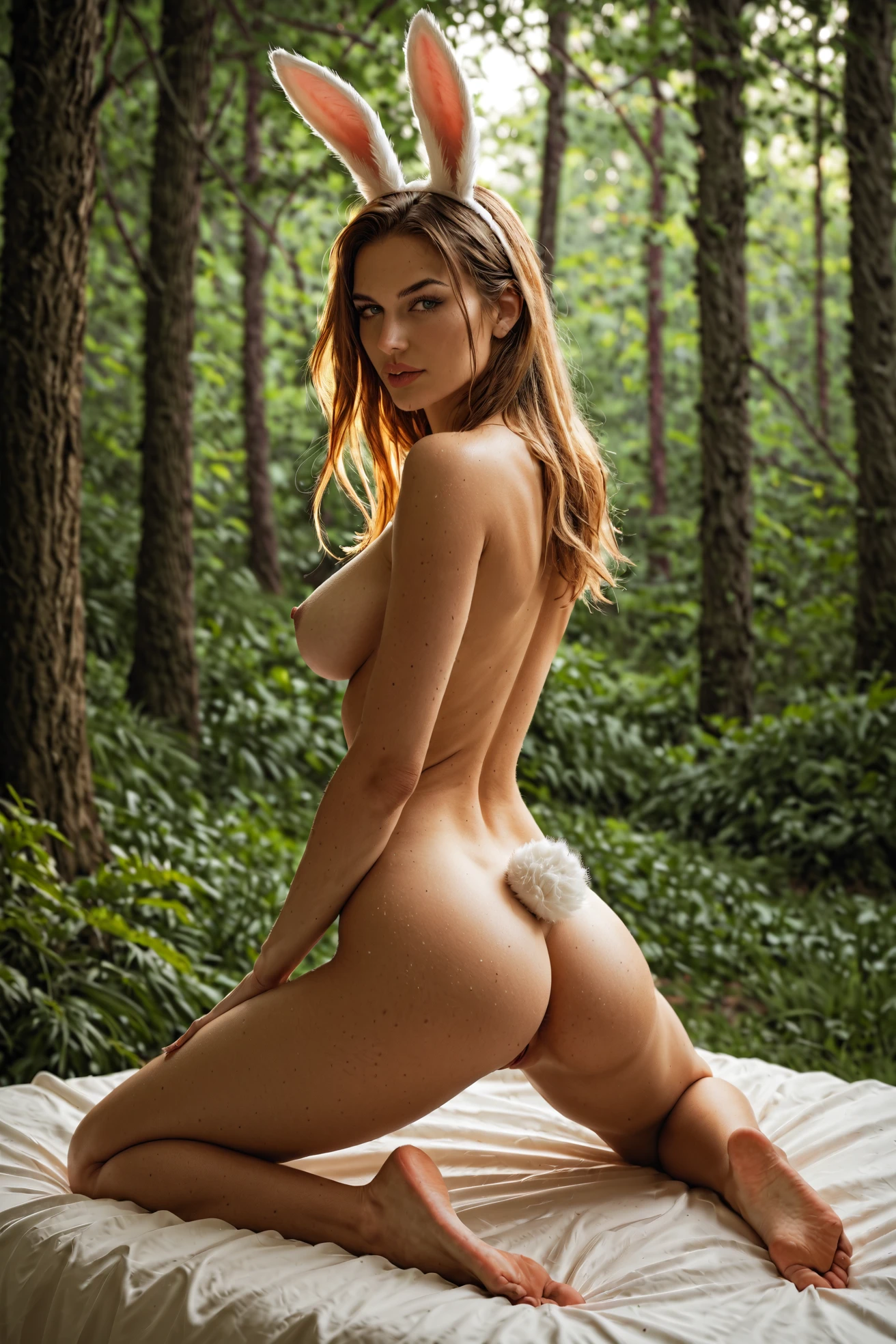
In this category, bunny girl means one specific thing: a Playboy bunny costume, complete with the ears and the tail. The generator treats all three as non-negotiable — the outfit, the ears standing up top, the fluffy tail. That's the whole definition, and the platform holds to it strictly. Everything else in this guide points back to this look rather than restating it.
A Prompt You Can Try
Here's a prompt built around that defining look. It sets up a nude woman with rabbit ears and a fluffy tail, kneeling on a bed in a plush bedroom — hourglass figure, that Playboy sensibility, glossy lips, a wink, soft pink light washing over the scene, her eyes on the viewer.
Tag form (Pony/booru):
```text
bunny girl, rabbit ears, fluffy bunny tail, hourglass body, large breasts, playboy aesthetic, plush bedroom, fantasy setting, kneeling on a bed, thighs spread, exposed pussy, flirtatious wink, glossy lips, soft pink lighting, looking at viewer, completely nude, bunny ears
```
Running It Yourself
1. Open the Generate page, select "bunny girl" alongside any other categories you want in the mix, and start the run. You'll get WebP images at 1312x1968 dropped into your gallery.
2. Scenes come with no male partner by default. If you want one in frame, flip the male-partner toggle in the generator before you generate.
From the Bunny Girl Gallery
bunny girl example 1
bunny girl example 2
bunny girl example 3
bunny girl example 4
bunny girl example 5
Browse all five in the bunny girl gallery, or jump to the realistic bunny girl style if you want photoreal results only.
Framing and Wardrobe Notes
You've got room to move on framing. Shoot close and the weave of the suit and the pointed ears fill the frame; pull back to a full-body shot and the whole costume reads, tail included. Lighting swings the same way — bright studio light lays the costume out evenly, while a moodier low key throws shadow around the ears and tail.
The mood is yours too: playful and bright, or mysterious and intimate. Backgrounds and atmosphere can shift scene to scene. What stays put is the costume itself, though little things like fabric sheen or where an accessory sits are fair game to vary. Keeping bunny suit, bunny ears, and bunny girl in the mix helps the character read the same way across those different scenes.
Getting Sharper Results
- Lean on precise wording — bunny girl, bunny suit, playboy bunny — so the generator lands on the right category.
- Let subject, style, and quality cues sit together in one prompt for fuller, more consistent output.
- Stick to one AI model when you want outputs to hold a face.
- Run a batch and cherry-pick the keepers instead of betting on a single generation.
How It Differs From Nearby Looks
Bunny girl sits close to a few other outfit categories, and it's easy to blur them together. Here's the line between them:
Category What it actually is
--- ---
bunny girl (this guide) Playboy bunny costume with ears and tail
lingerie delicate black lace lingerie with garters
cop in a sexy police uniform with cap and belt
nurse in a sexy nurse uniform, white outfit with a red cross
Combining With Other Categories
You can stack bunny girl with other outfit picks like angel, bikini, bodysuit, bride, cat-girl, or cheerleader — but only one outfit can actually dress the scene. When two collide, the platform settles it by a fixed priority order set across those options, not by which one you happened to select first. The rest simply drop out, and none of this touches the bunny girl definition itself.
Where It Goes Wrong
Most misses come down to one thing: the shot doesn't carry that defining look in full. All three pieces have to land together, and plenty of prompts get one or two right while skipping the third. That's the bar — nothing partial clears it.
FAQ
Do I have to write the prompt myself?
No. You choose the bunny girl category and the platform assembles the prompt for you.
Can I mix bunny girl with another outfit like a bikini?
You can select more than one, but if they clash only a single outfit ends up in the scene. The platform decides that by a set priority order among the options rather than by the order you picked them.
Can I get a photorealistic version?
Yes — switch to the realistic bunny girl style for photoreal-only output.
Why did my bunny girl image get rejected?
Almost always because the render came up short on that defining look — see the section above on where things go wrong.
More Guides
Guides for the categories that sit closest to this one:
You'll find every category guide on the blog index. When you're ready, open the AI Bunny Girl Generator and start a run.