
How to Generate Cheerleader AI Images — Complete Guide
Few looks give an image this much kinetic energy. Pom poms catch the light, the crop can sit anywhere from a full-length pose to a tight waist-up frame, and the whole scene reads as movement even when the figure is standing still. On AINudeGirls, the cheerleader category is built to lean into exactly that. You pick it and the platform does the rest — no prompt writing, no tweaking. Good results land on the first try.
For background on the subject itself, see Cheerleading on Wikipedia.
The cheerleader category is live, and you can jump straight to it in the generator.
What the Cheerleader Category Captures
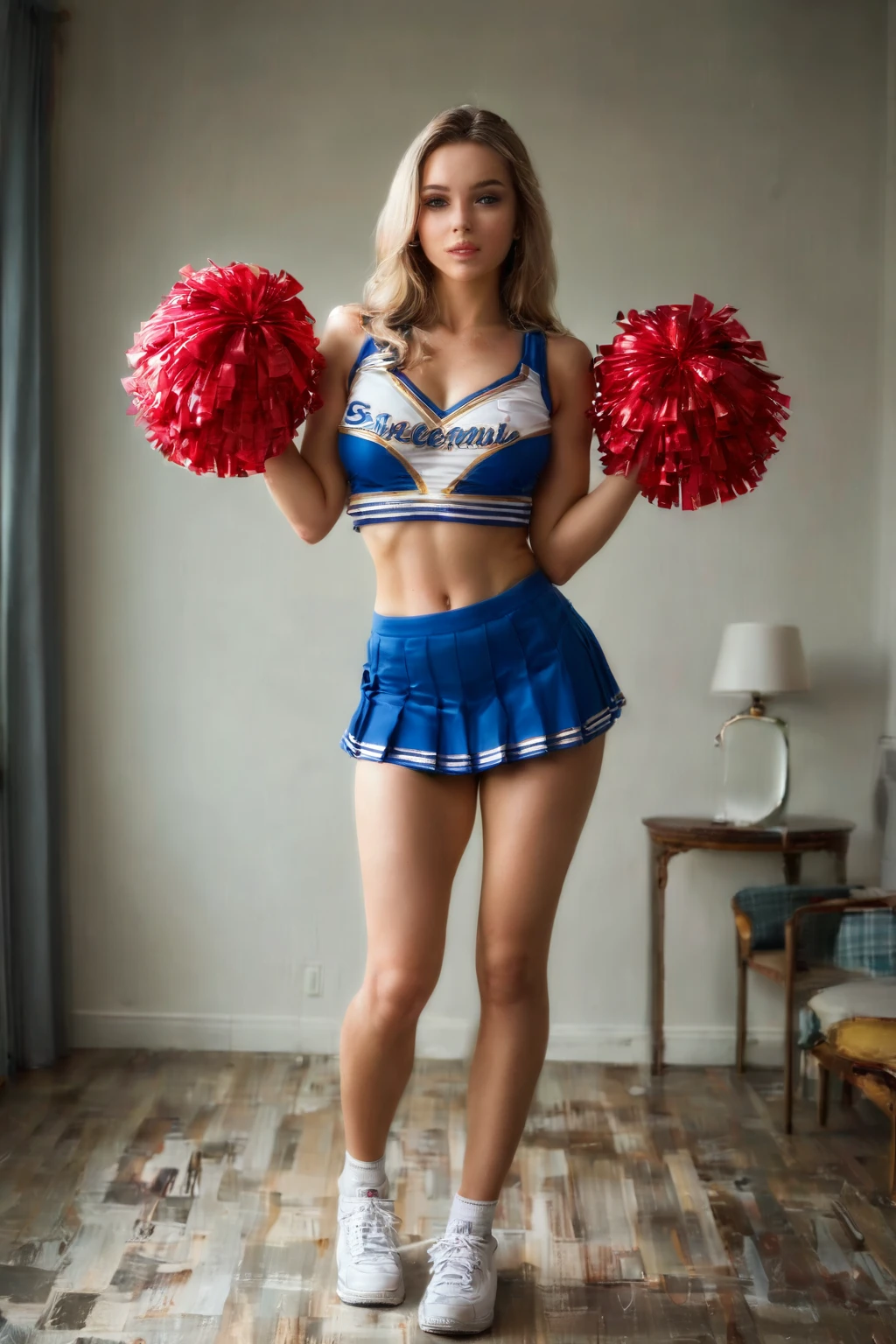
Every image here is anchored to one wardrobe piece: a tiny cheerleader uniform with a pleated skirt, usually with pom poms in the scene. That is the whole definition, and the category holds to it strictly — the outfit has to read clearly in the shot, not blur into some other style. If the uniform isn't there, it isn't a cheerleader image.
An Example Prompt
You never write prompts on this platform, but it helps to see the kind of description the generator works from. This is the modifier clause behind the look:
Modifier clause:
```text
in a tiny cheerleader uniform with short pleated skirt, pom poms nearby
```
Running a Generation
1. Open the Generate page, choose the cheerleader category, and start the generation.
2. When it finishes, open your gallery and compare the set. Running a batch and picking your favorites tends to beat chasing a single render.
Output comes back as WebP at 1312x1968.
Example Images from the Cheerleader Gallery
cheerleader example 1
cheerleader example 2
cheerleader example 3
cheerleader example 4
cheerleader example 5
cheerleader example 6
cheerleader example 7
cheerleader example 8
cheerleader example 9
cheerleader example 10
cheerleader example 11
cheerleader example 12
cheerleader example 13
cheerleader example 14
cheerleader example 15
cheerleader example 16
Browse all 30 in the full cheerleader gallery, or switch over to the realistic cheerleader style if you want photoreal picks only.
Where the Variety Comes From
The uniform stays fixed, so it sets the silhouette and color palette across every render. The pom poms are what move — they bring texture and a sense of motion, and framing is yours to play with. You can shoot wide for the whole pose or crop in close on the fabric and the pleats. Same outfit, different mood, shot after shot.
Getting a Cleaner Result
- Run a batch instead of one-offs, then keep the strongest frames from the set.
- Pick the same AI model if you want the same face to carry across several cheerleader variations.
- Skip the realistic sub-style unless you specifically want photoreal — the two paths give different looks.
Cheerleader Versus the Categories Nearby
If you're weighing cheerleader against the outfits people tend to line it up with, here's the quick contrast:
Category What it actually is
--- ---
cheerleader (this guide) tiny cheerleader uniform with pleated skirt
lingerie delicate black lace lingerie with garters
cop in a sexy police uniform with cap and belt
nurse in a sexy nurse uniform, white outfit with a red cross
Mixing With Other Outfits
The cheerleader category shares space with a handful of other outfit options — angel, bikini, bodysuit, bride, bunny-girl, and cat-girl. These don't stack, though: if you select two of them, only your first choice actually shows up in the scene, and that pick sets the outfit variation.
Common Mistakes
The one that trips people up is losing the outfit itself. That defining look is what the category is built around, and without it the render simply won't pass as a cheerleader image. Everything else — pose, framing, mood — is flexible.
Frequently Asked
Q: Can I add a male partner to the scene?
Yes. The default scene is solo, but there's a male-partner toggle in the generator — flip it on when you want a second figure, and leave it off for a solo shot.
Q: Can I switch to a fully photorealistic look?
There's a separate realistic cheerleader style that returns photoreal picks only. Use the main category for the standard gallery look, or that one when you specifically want realism.
Q: My cheerleader render didn't come out as a cheerleader — what happened?
Almost always it's the outfit dropping out. The uniform is the required element; if it isn't clearly in frame, the image reads as something else.
More Guides
Guides for the closest neighboring outfits:
You'll find the rest indexed on the blog — and when you're ready, the cheerleader category page is where you build your own.