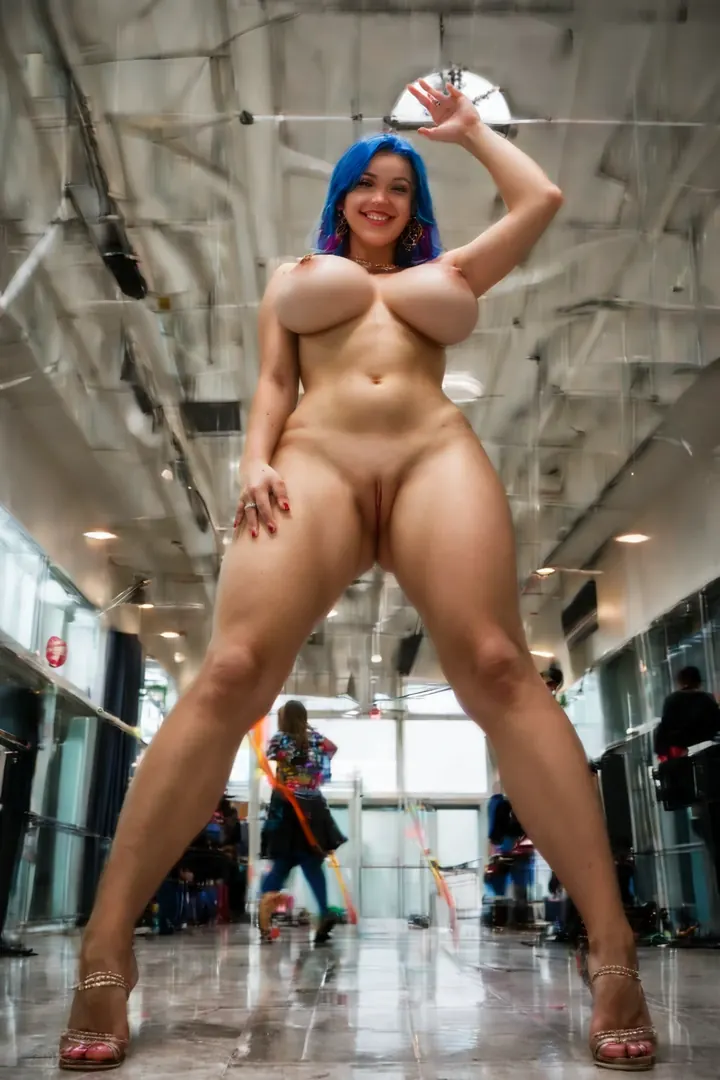

How to Generate Cosplay AI Images — Complete Guide
Cosplay is the category where costume detail does the heavy lifting. The boning of a bodice, the sheen across a latex panel, the way a pleated skirt keeps its shape in a full-body crop — these are exactly the textures AI rendering shows off best. This category is built to put that craftsmanship front and center.
For background on the subject itself, see Cosplay on Wikipedia.
You never write or edit a prompt yourself. Pick the category and the platform assembles the wording for you, so a sharp, on-brief image is only a couple of clicks away. The cosplay category is live now in the generator.
What the Cosplay Category Delivers
Every image here is anchored to a detailed character cosplay outfit. The costume is the load-bearing element: it defines the persona, sets the mood, and shapes how the scene is lit. Leave the costume out and the result drifts away from what the category is meant to deliver — so it stays the constant across everything you generate.
A Prompt You Can Try
The wording the platform builds for you is denser than most people expect, packing scene, body, and character cues into one line. Here's the tag form it uses for Pony and booru-style models, if you're curious what's going on behind a single click:
```text
cosplay girl, detailed costume accessories, curvy body, large breasts, convention backdrop, studio lighting, partially removed costume, costume pushed aside, legs spread, exposed pussy, breasts exposed, playful confident smile, looking at viewer, vivid colors, completely nude
```
Generating Cosplay Images
1. Open the Generate page and add "cosplay" to your category selection — on its own or alongside others.
2. Start the run. The platform writes the prompt from your picks and drops a WebP 1312x1968 image straight into your gallery.
3. Want the same character across your batch? Pick one AI model so the face carries across every image.
Beyond that, a couple of habits pay off: generate several at once and keep the strongest frame, and lean on the negative-prompt option to strip out anything you don't want in the shot.
Framing and Costume Detail
Because the costume is the visual focus, the framing follows it. Tight crops reward the small stuff — clasps, trim, layered accessories, the grain of a fabric. Full-body shots let the silhouette and construction of the whole outfit read at once. The character you're portraying nudges the rest: persona, palette, and often the lighting shift to suit the role.
What keeps two cosplay images from looking alike is the wardrobe itself. Texture, color, and the accessory mix carry each design, so a distinct costume gives you a distinct result.
From the Cosplay Gallery
cosplay example 1
cosplay example 2
cosplay example 3
cosplay example 4
cosplay example 5
See all five in the cosplay gallery. Prefer a straight photographic look? Switch to the realistic cosplay style.
How Cosplay Compares
A few outfit categories get mixed up with this one. Here's the quick contrast:
Category What it actually is
--- ---
cosplay (this guide) detailed character cosplay outfit
lingerie delicate black lace lingerie with garters
cop in a sexy police uniform with cap and belt
nurse in a sexy nurse uniform, white outfit with a red cross
Combining Cosplay With Other Picks
Cosplay lives in the outfit family, so it doesn't stack with other outfits — angel, bikini, bodysuit, bride, bunny-girl, and cat-girl among them. If you select two, only your first choice actually shows up in the scene, which keeps every image built around a single subject.
Frequently Asked
Why did my character come out generic instead of the one I wanted?
The category renders a cosplay outfit, but it doesn't know a specific source character on its own. Pick one AI model and the face carries across your batch.
Can I add a male partner to the scene?
Not by default — cosplay scenes render a single subject. Flip on the male-partner toggle in the generator if you want one included.
Can I combine cosplay with another outfit like bunny-girl or bikini?
You can select both, but only the first outfit you pick will appear. For a clean result, choose the one costume you actually want.
My result got rejected — what happened?
The cosplay costume is required. If the outfit doesn't come through clearly the image can drift off-brief, so keep the costume as the anchor of the scene.
Keep Exploring
Browse the neighbouring outfit guides:
The full set sits on the blog index — or jump straight to the AI Cosplay Generator and start building your own.