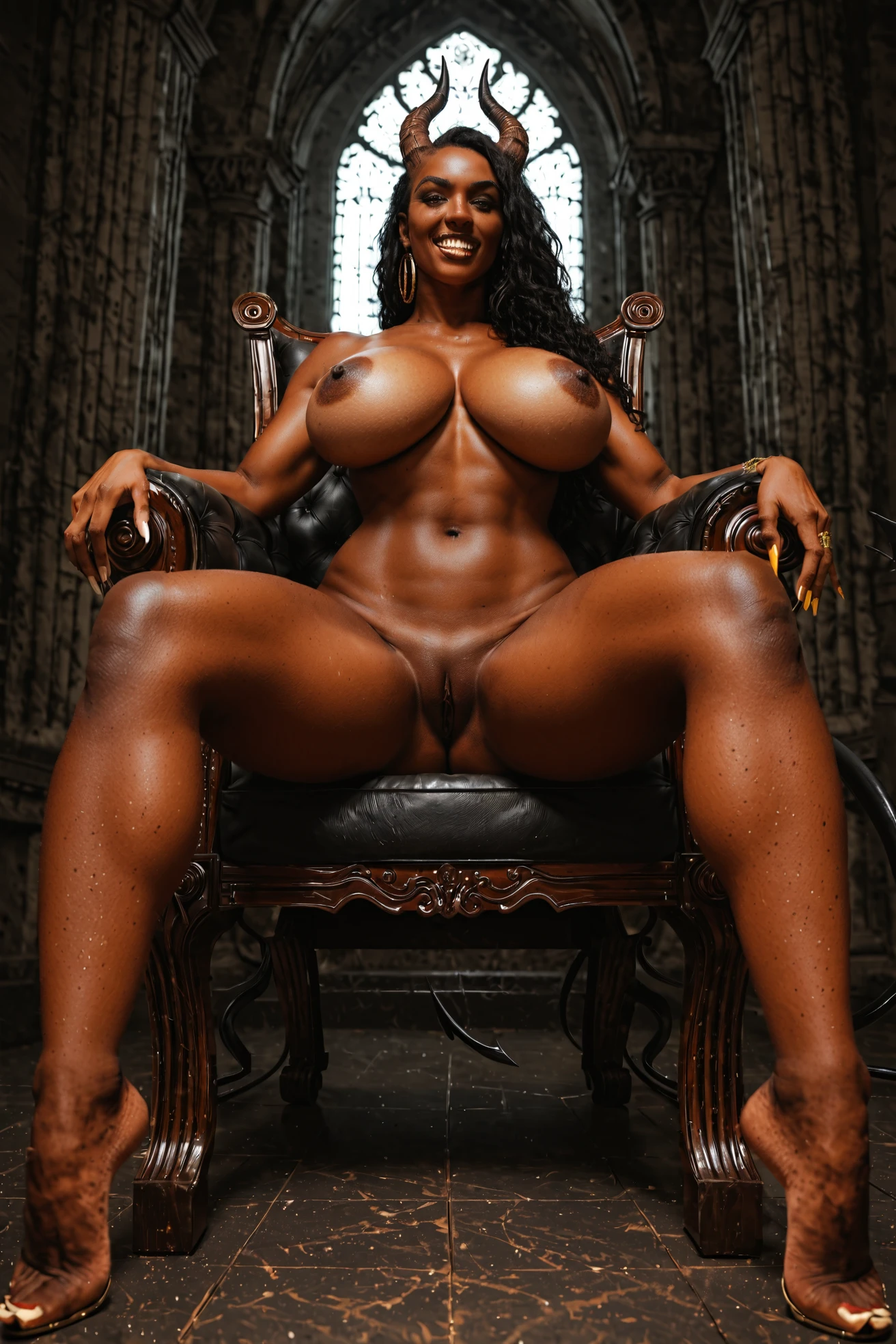

How to Generate Devil AI Images — Complete Guide
Crimson has attitude. It's the color of embers and warning labels, and the devil category on AINudeGirls leans all the way into it — a she-devil sprawled across a throne in some dark, glowing chamber, half wrapped in red, half not, wearing a grin that says she owns the room. You pick the category and the platform assembles the whole thing. Nothing to write, nothing to tune; the succubus styling comes pre-built.
For background on the subject itself, see Devil on Wikipedia.
The devil category is live in the generator, and this guide walks through getting the most out of it.
What the Devil Category Captures
Every image here is a she-devil, built on three things that never come off: horns, a tail, and a red aesthetic threaded through the frame. Miss any one of them and it stops being a devil image — no horns, no tail, or no red, and it doesn't belong in the category. That's the entire rule.
An Example Prompt to Try
Here's a tag-style prompt in the pony/booru format — the kind of composition the platform builds on your behalf. It drops a succubus onto a throne in a hellish chamber lit by glowing embers, then gets explicit from there.
Tag form (Pony/booru):
```text
succubus, demon girl, small curved horns, demon tail, bat wings, voluptuous body, huge breasts, dark hellish chamber, glowing embers, fantasy setting, reclining on a throne, legs spread wide, exposed pussy, wicked grin, fanged teeth, red ambient glow, bright natural light, looking at viewer, completely nude
```
Running a Generation Yourself
1. Open the Generate page on AINudeGirls, choose the devil category, and start the run.
2. Your results land in the gallery as WebP files at 1312x1968, ready to browse.
Example Images from the Devil Gallery
devil example 1
devil example 2
devil example 3
devil example 4
devil example 5
devil example 6
Browse all six in the devil gallery, or jump over to the realistic devil style if you want the photoreal set instead.
Scene Variations That Work
The red can ride on the wardrobe — think crimson robes — or on warm, skin-toned lighting washing over the figure. Framing is yours to play with: a close-up on the head brings the horns forward, while a full-body shot puts the tail in view. A succubus angle opens the door to seductive poses that sit comfortably in this palette, and expressions can range anywhere from playful to menacing. Warm glows and pooled shadow do good work on the horn texture and the curve of the tail.
Working Tips for Devil Scenes
- Reach for the category's own words — devil, demon girl, succubus, horns — to keep your character steady from one run to the next.
- Pair those subject terms with your style and quality words, ordered by what matters most.
- Stick to one AI model when you want results to hold consistent.
- Run a batch in one go so you've got a spread to choose the best from.
- Stay on the category keywords; generic terms tend to invite drift you didn't ask for.
Devil Compared to Nearby Categories
Here's how devil sits next to a few categories people tend to line it up beside:
Category What it actually is
--- ---
devil (this guide) as a she-devil with horns and a tail, red aesthetic
lingerie delicate black lace lingerie with garters
cop in a sexy police uniform with cap and belt
nurse in a sexy nurse uniform, white outfit with a red cross
Combining Devil With Other Categories
Devil belongs to the devil family and mixes happily with other categories. Outfits are the one spot to watch: pick two and only your first choice makes it into the frame. The options that clash this way include angel, bikini, bodysuit, bride, bunny-girl, and cat-girl.
Where It Goes Wrong
Nearly every miss traces back to losing that defining look. Drop the horns or the tail and the image quits reading as a devil at all. The succubus aesthetic is something the platform layers in for you, so the trouble usually starts when a scene wanders off from it — pull too far and the result no longer fits the category.
Frequently Asked
Q: My devil came out in a tight crop with no tail showing — what happened?
Framing decides what's on screen. A close-up on the head favors the horns; if you want the tail in the shot too, go wider with a full-body composition.
Q: Can I put a male partner in the scene?
The default devil scene is solo. Flip on the male-partner toggle in the generator to add one.
Q: The red barely registers in my results — how do I push it?
The red can come through the wardrobe, like crimson robes, or through warm, skin-toned lighting on the figure. Leaning into warm glows is the way to bring it up.
Q: Do I have to spell out the succubus details myself?
No. The succubus styling is baked into the category — you select devil and the platform composes the rest.
More Guides
Guides for the closest neighboring categories:
Every category guide is indexed over on the blog index.
Final Notes
Open the generator, pick devil, and start building she-devils that land the way you want them.